

HR forms are the backbone of workplace tasks, yet many teams still struggle without them. When proper HR forms aren’t in place, small issues quickly spiral out of control, records get lost, compliance slips through the cracks, and HR staff waste hours chasing down missing details.
This confuses employees, delays processes, and causes unnecessary stress for managers. That’s why having the right form is essential for keeping operations clear, consistent, and legally sound. These forms simplify everyday HR work and make your entire workplace run more smoothly.
In this guide, we’ll walk through 13 must-have HR forms and how to build them online using a form creator.
What are HR forms?
HR forms are standardized documents that human resources teams use to collect, organize, and manage employee information throughout the employee lifecycle. They help streamline everyday HR tasks, maintain accurate records, ensure compliance, and reduce paperwork.
These forms support a wide range of processes, including recruitment, onboarding, attendance tracking, leave management, performance reviews, incident reporting, and employee offboarding. They can be completed on paper, but many organizations now use digital forms to simplify data collection and automate workflows.
Using standardized HR forms, businesses can improve accuracy, save time, keep employee records organized, and ensure HR processes are consistent across the organization.
Digital vs. paper forms
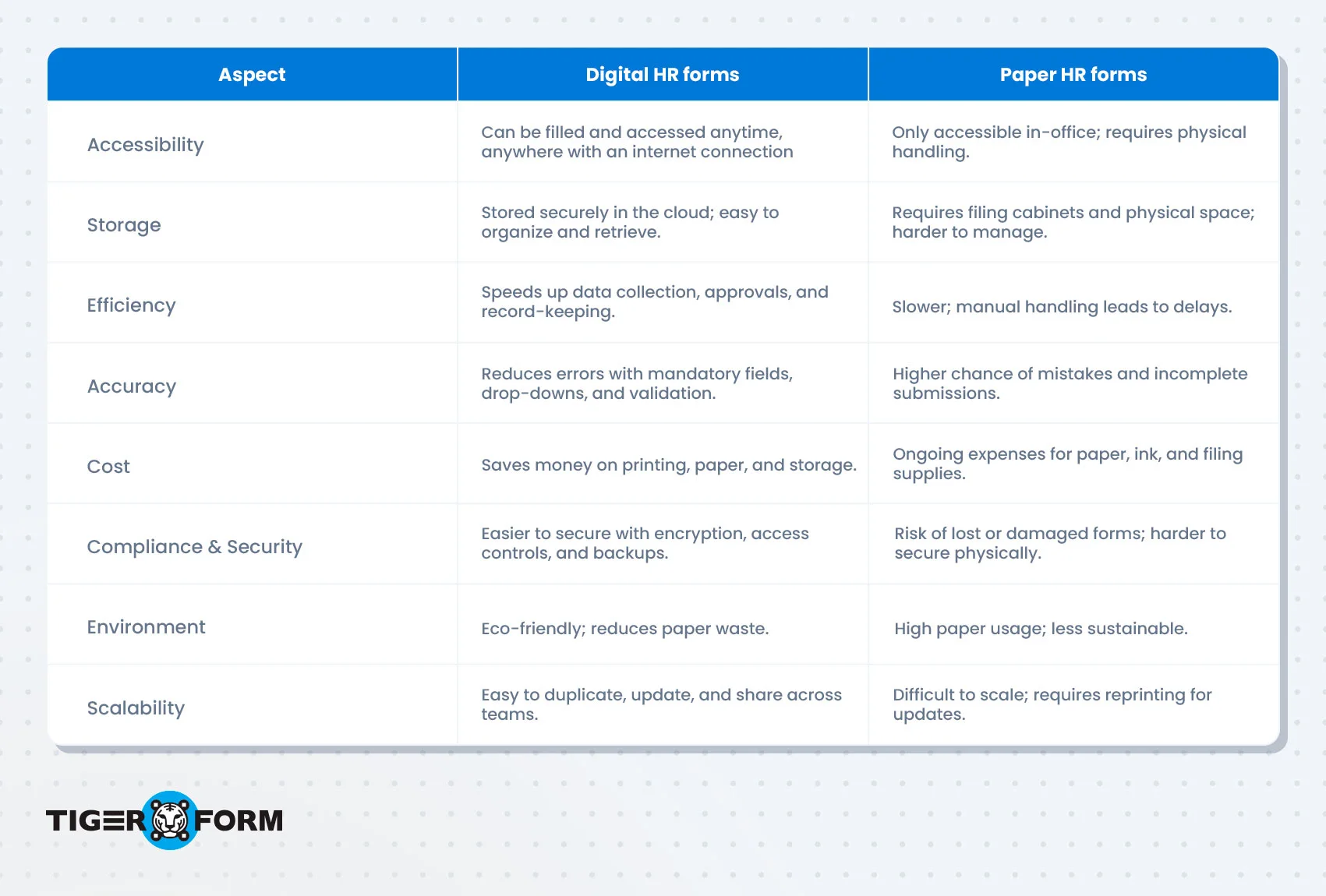
Key HR forms and free templates to use
The following forms for HR cover the most common administrative, compliance, and employee management tasks. Whether you’re building a new HR process or updating existing HR forms and documents, these templates help standardize every stage of the employee lifecycle. They also include some of the most commonly used HR forms for employees, covering everything from onboarding and leave requests to performance evaluations and exit interviews.
1. Job application form
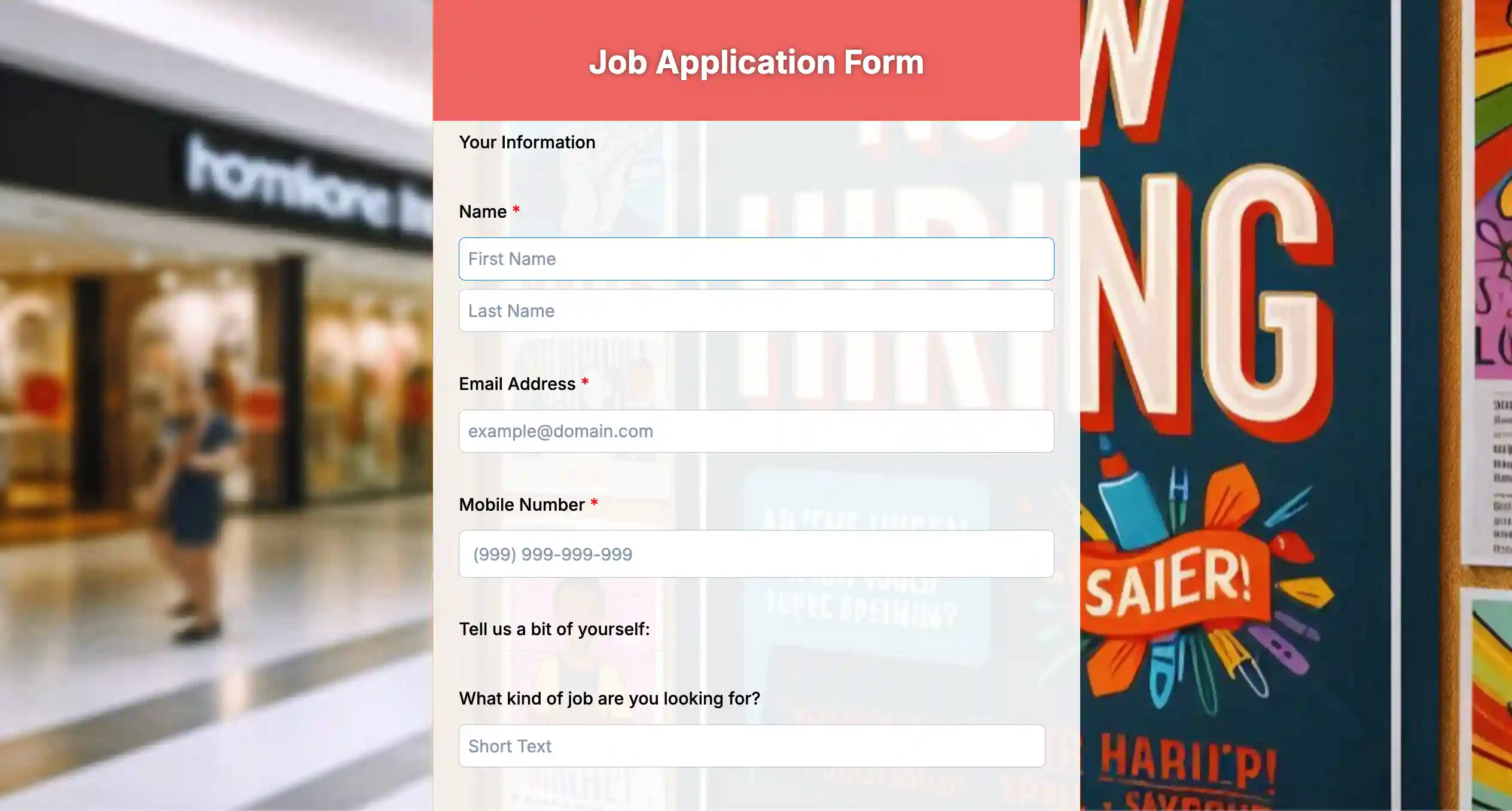
A job application form helps HR teams collect candidate information in a consistent and organized format during the hiring process. It typically includes sections for personal details, education, work experience, skills, certifications, and references. Using a standardized application form makes it easier to compare applicants, reduce manual paperwork, and maintain accurate hiring records. It also ensures every candidate provides the same information, making the recruitment process more fair and efficient.
Key fields
| • Full name • Email address • Phone number • Address • Position applied for • Education | • Work experience • Skills • Certifications • References • Resume upload |
Benefits
- Standardizes candidate information
- Speeds up applicant screening
- Reduces manual paperwork
- Simplifies recruitment recordkeeping
2. Employee information form
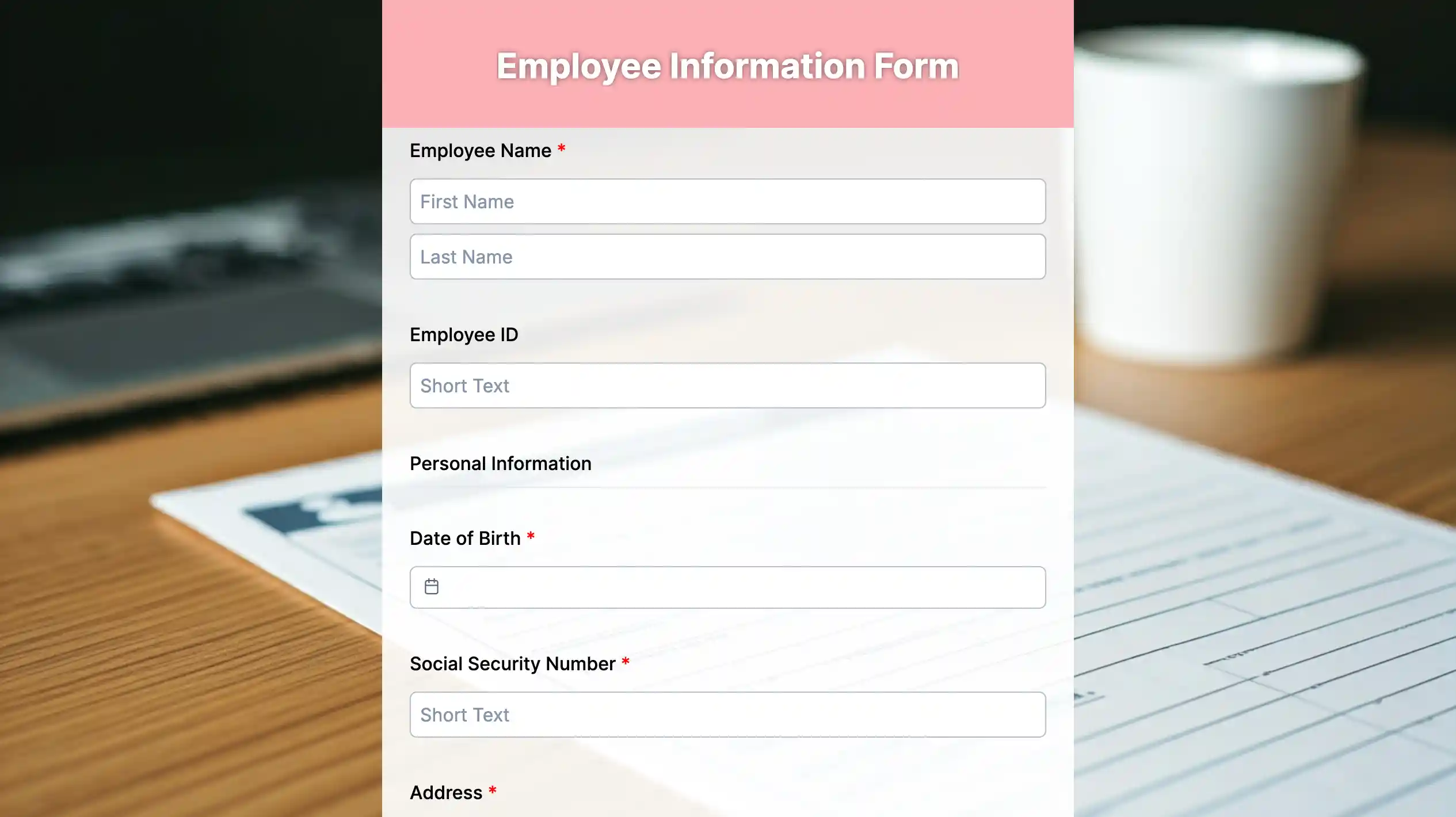
An employee information form is used to gather and maintain essential details about every employee after they join the organization. It usually includes contact information, emergency contacts, job title, department, tax details, and other employment records. Having all employee information in one place helps HR manage payroll, benefits, internal communication, and legal compliance. Keeping these records updated also makes administrative tasks faster and more accurate.
Key fields
| • Employee ID • Full name • Contact information • Emergency contact • Department | • Job title • Date of joining • Tax information • Bank account details |
Benefits
- Keeps employee records organized
- Supports payroll and benefits administration
- Improves data accuracy
- Makes employee information easy to update

3. Employee evaluation form
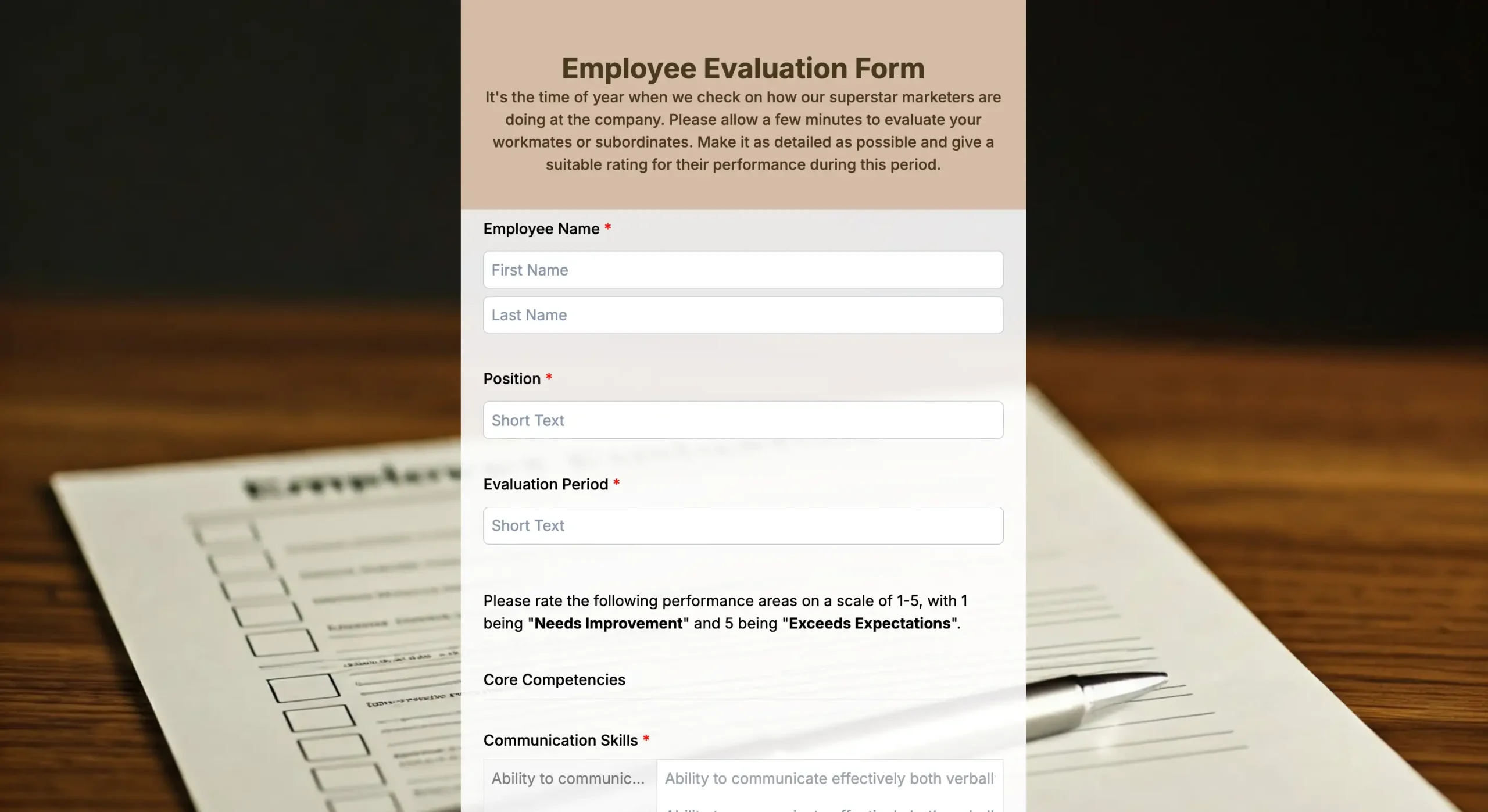
An employee evaluation form helps managers measure an employee’s performance over a specific review period. It typically assesses work quality, productivity, communication, teamwork, goal achievement, attendance, and professional development. Regular performance evaluations help employees understand their strengths and identify areas for improvement. They also support decisions related to promotions, salary reviews, training, and career growth.
Key fields
| • Employee details • Review period • Performance ratings • Goals achieved | • Strengths • Areas for improvement • Manager comments • Employee comments |
Benefits
- Supports fair evaluations
- Tracks employee progress
- Identifies training needs
- Helps with promotion decisions
4. Employer evaluation form
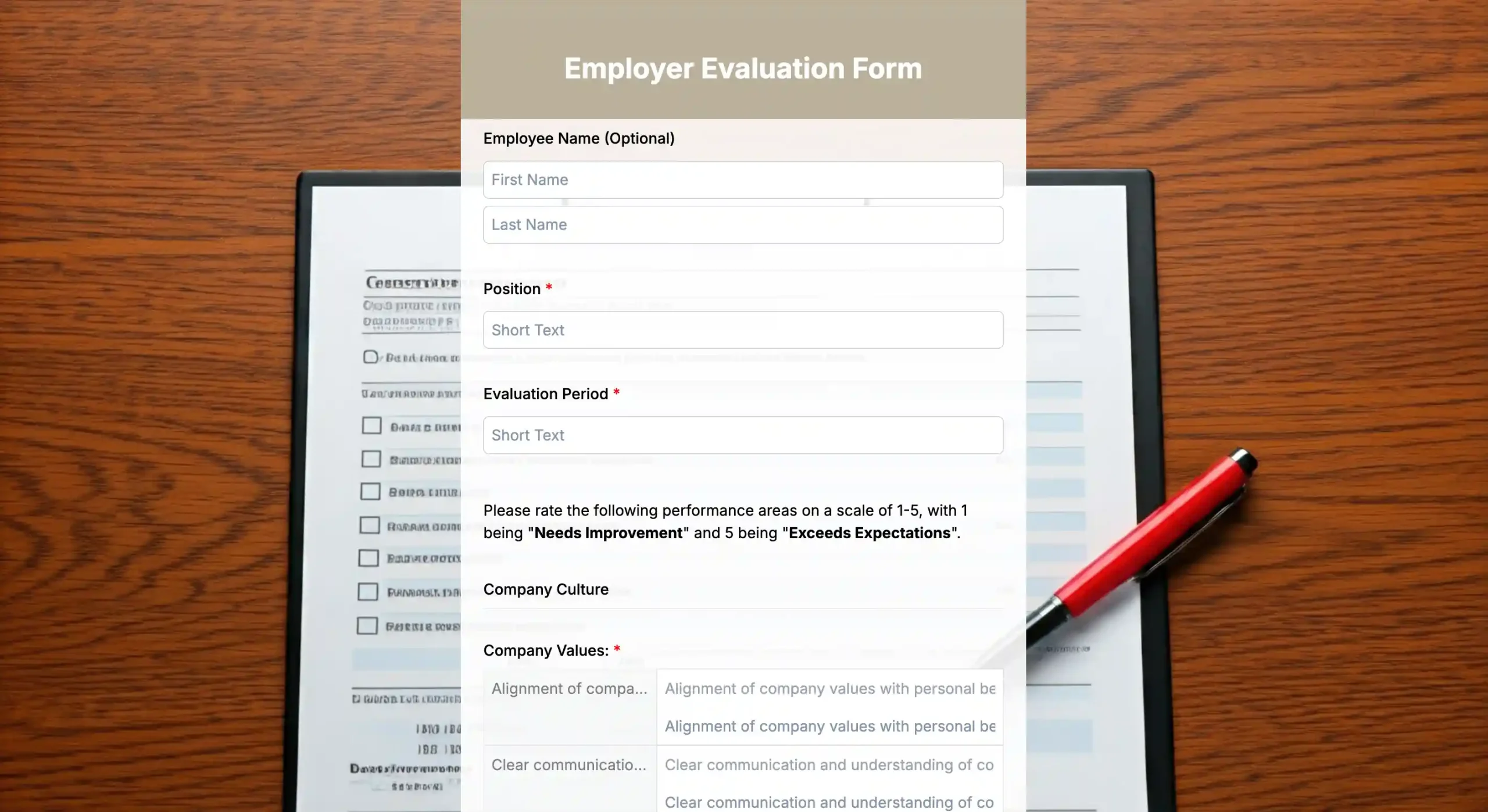
An employer evaluation form allows employees to share honest feedback about their managers, leadership, workplace policies, and overall work environment. The form often includes questions about communication, support, company culture, recognition, and employee satisfaction. Collecting employee feedback helps organizations identify opportunities for improvement and strengthen employee engagement. It also encourages open communication and continuous workplace improvement.
Key fields
| • Employee information (optional) • Department • Leadership rating | • Communication rating • Workplace culture feedback • Suggestions for improvement • Overall satisfaction |
Benefits
- Encourages employee feedback
- Improves workplace culture
- Identifies management issues
- Supports continuous improvement
5. Employee incident report form
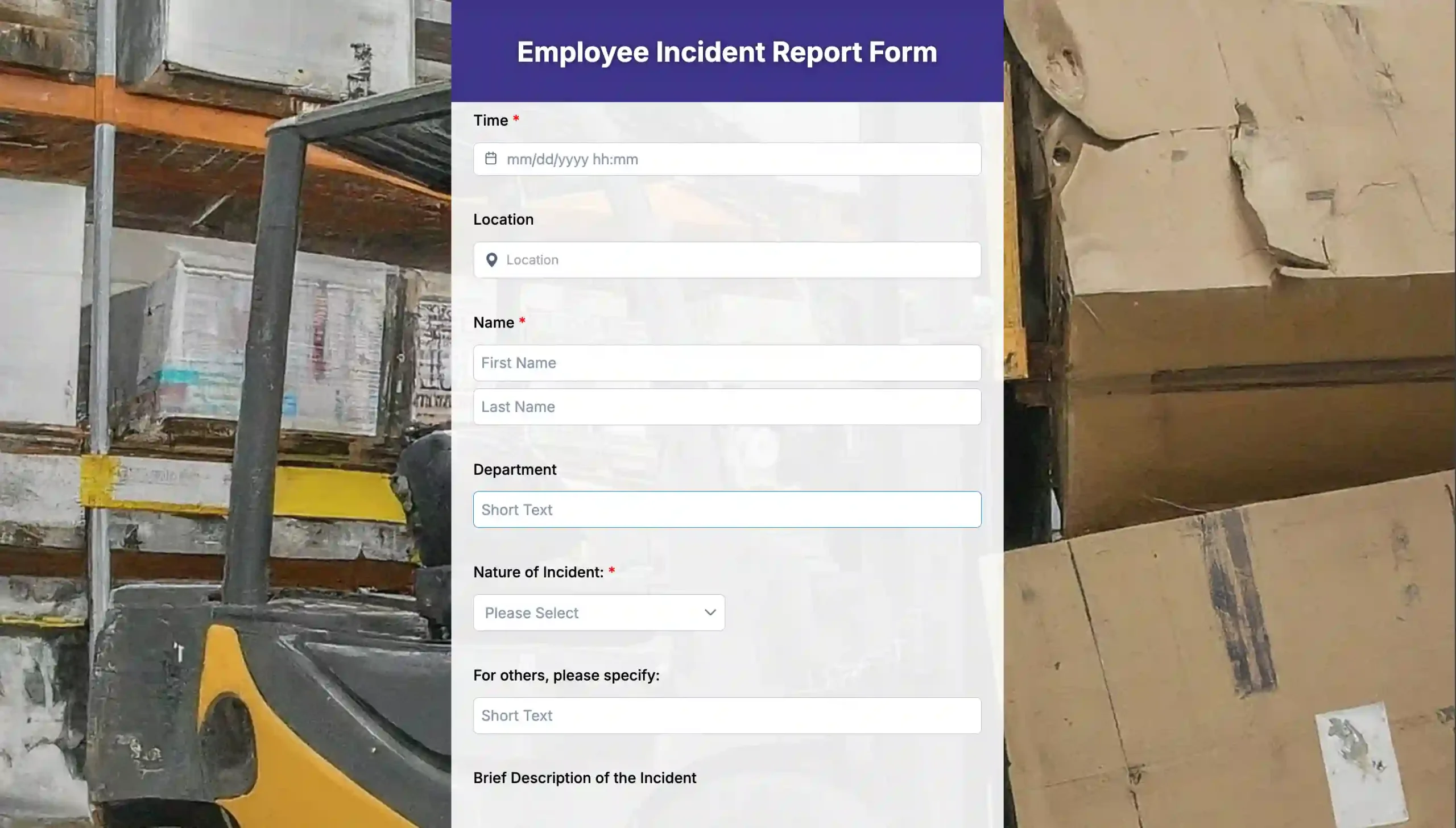
An employee incident report form is used to document workplace accidents, injuries, safety concerns, or policy violations as soon as they occur. The form records important details such as the date, time, location, people involved, witness statements, and actions taken. Proper documentation helps organizations investigate incidents, prevent similar issues in the future, and meet workplace safety and legal requirements. It also creates an official record for insurance or compliance purposes.
Key fields
| • Employee details • Date and time • Incident location • Description of the incident | • Witness information • Injuries or damages • Corrective actions • Supervisor signature |
Benefits
- Improves workplace safety
- Supports compliance
- Creates official incident records
- Helps prevent future incidents
6. Time off request form
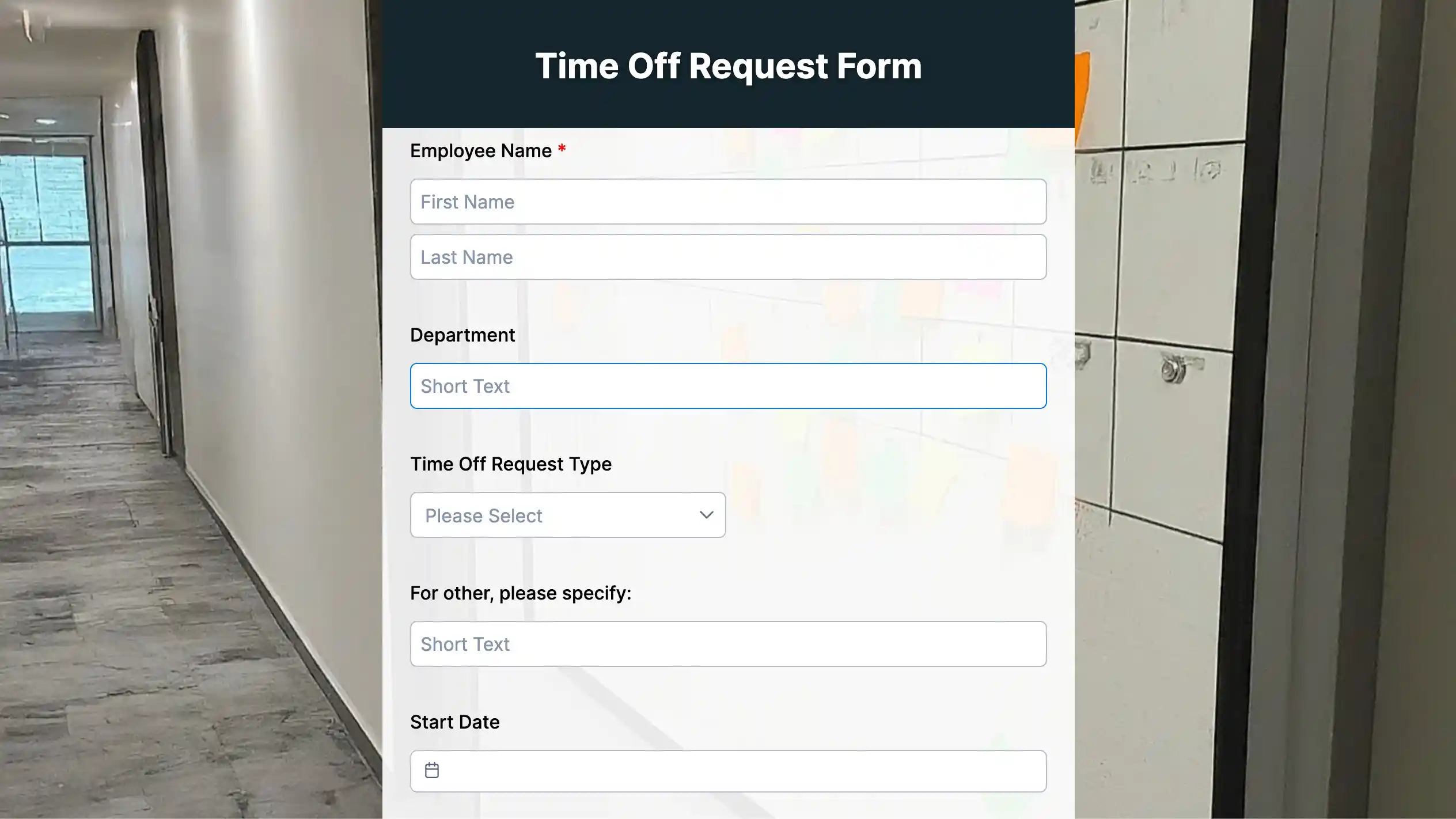
A time off request form allows employees to formally request vacation days, personal leave, sick leave, or other planned absences. Employees specify the leave dates, leave type, reason for the request, and any supporting information if required. Managers can review and approve requests while ensuring adequate staffing levels. Using a standardized form simplifies leave management and reduces scheduling conflicts.
(preview template)
Key fields
| • Employee name • Employee ID • Leave dates | • Leave type • Total days • Approval status • Manager signature |
Benefits
- Keeps leave records organized
- Supports payroll accuracy
- Reduces scheduling conflicts
- Improves attendance tracking
7. Leave of absence form
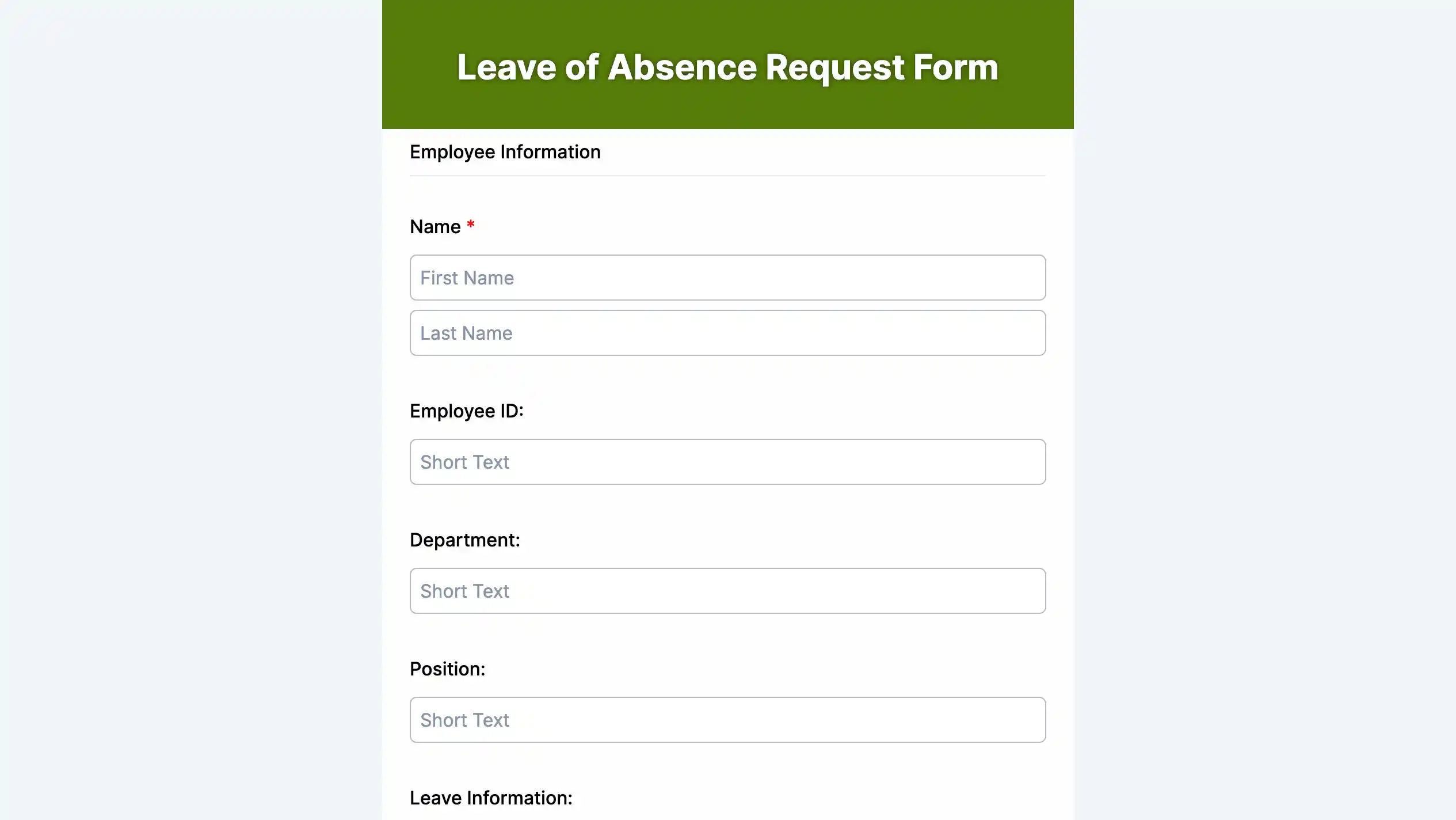
A leave of absence form is designed for employees who need extended time away from work due to medical conditions, family responsibilities, education, military service, or other approved reasons. The form captures the leave duration, reason, supporting documents, and approval details. It helps HR maintain accurate leave records while ensuring company policies and employment regulations are followed. This also makes it easier to manage employee benefits and return-to-work planning.
Key fields
| • Employee details • Leave reason • Leave period • Supporting documents | • Expected return date • HR approval • Manager approval |
Benefits
- Standardizes long-term leave requests
- Supports policy compliance
- Maintains accurate leave records
- Simplifies return planning
8. Return to work form
A return to work form confirms that an employee is ready to resume their duties after an extended leave, illness, or workplace injury. It may include the expected return date, medical clearance, work restrictions, accommodations, and supervisor approval. This form helps HR coordinate a smooth transition back to work while ensuring the employee can safely perform their responsibilities. It also provides documentation for future reference if needed.
Key fields
| • Employee information • Return date • Reason for absence | • Medical clearance • Work restrictions • Accommodation requirements • Manager approval |
Benefits
- Ensures a smooth return process
- Supports employee safety
- Documents workplace accommodations
- Maintains compliance records
9. Time tracking form
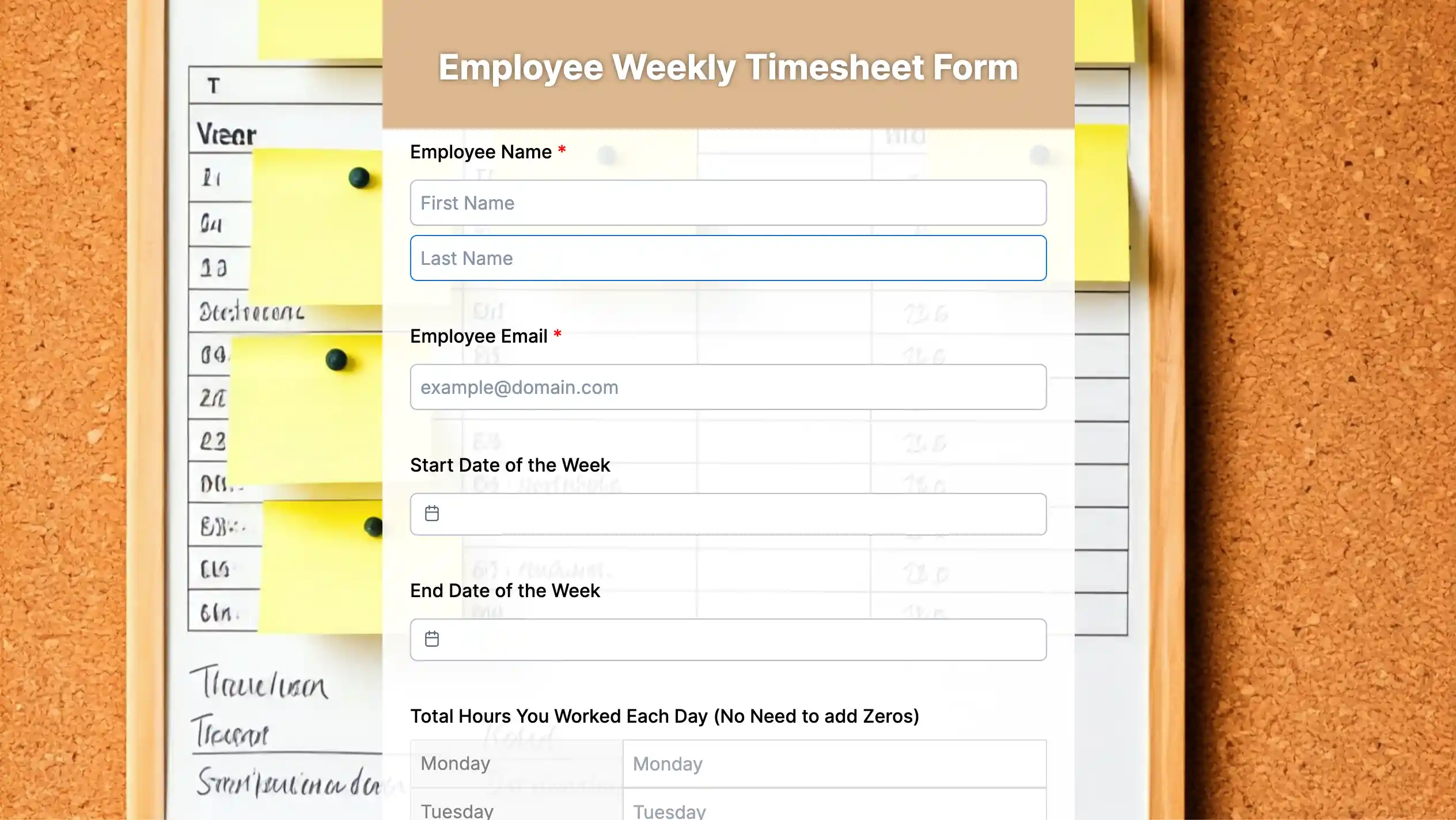
A time tracking form records employees’ daily or weekly working hours, overtime, breaks, and project time. Businesses use these records to calculate payroll accurately, monitor attendance, manage workloads, and improve productivity. Digital time tracking forms reduce manual calculations and minimize errors compared to paper timesheets. They also provide valuable insights into workforce efficiency and project planning.
Key fields
| • Employee details • Date • Clock-in time • Clock-out time | • Break duration • Overtime hours • Project or task • Total hours worked |
Benefits
- Improves payroll accuracy
- Tracks attendance
- Monitors productivity
- Reduces timekeeping errors
10. Exit interview form
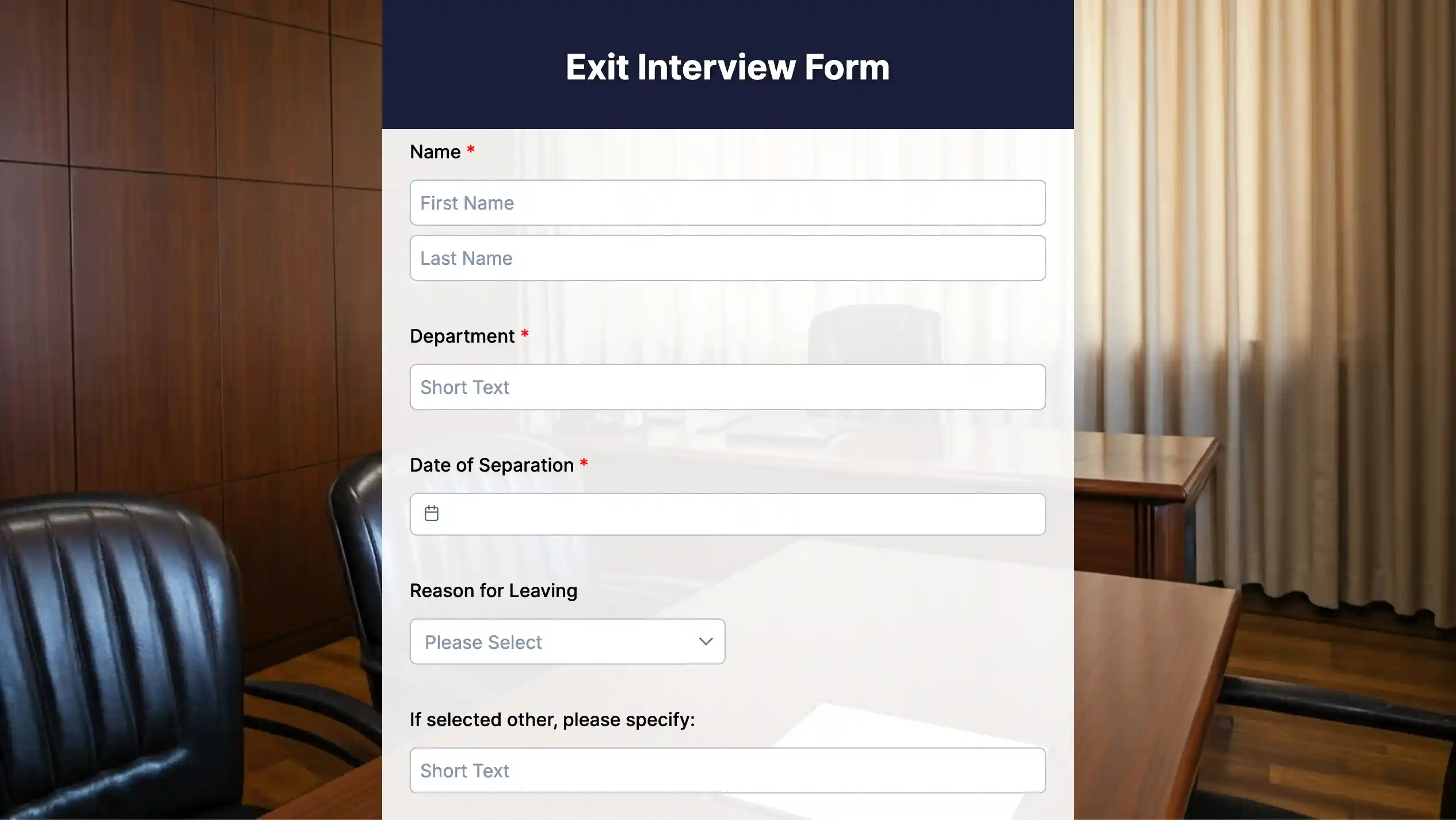
An exit interview form collects feedback from employees who are leaving the organization. It includes questions about job satisfaction, management, compensation, workplace culture, career growth opportunities, and reasons for leaving. HR teams use the responses to identify recurring issues, improve employee retention, and strengthen workplace policies. Honest feedback from departing employees often provides valuable insights for long-term organizational improvement.
Key fields
| • Employee information • Position • Last working day • Reason for leaving | • Job satisfaction • Manager feedback • Suggestions • Overall experience |
Benefits
- Identifies turnover trends
- Improves employee retention
- Strengthens workplace policies
- Collects actionable feedback
11. Employment release form
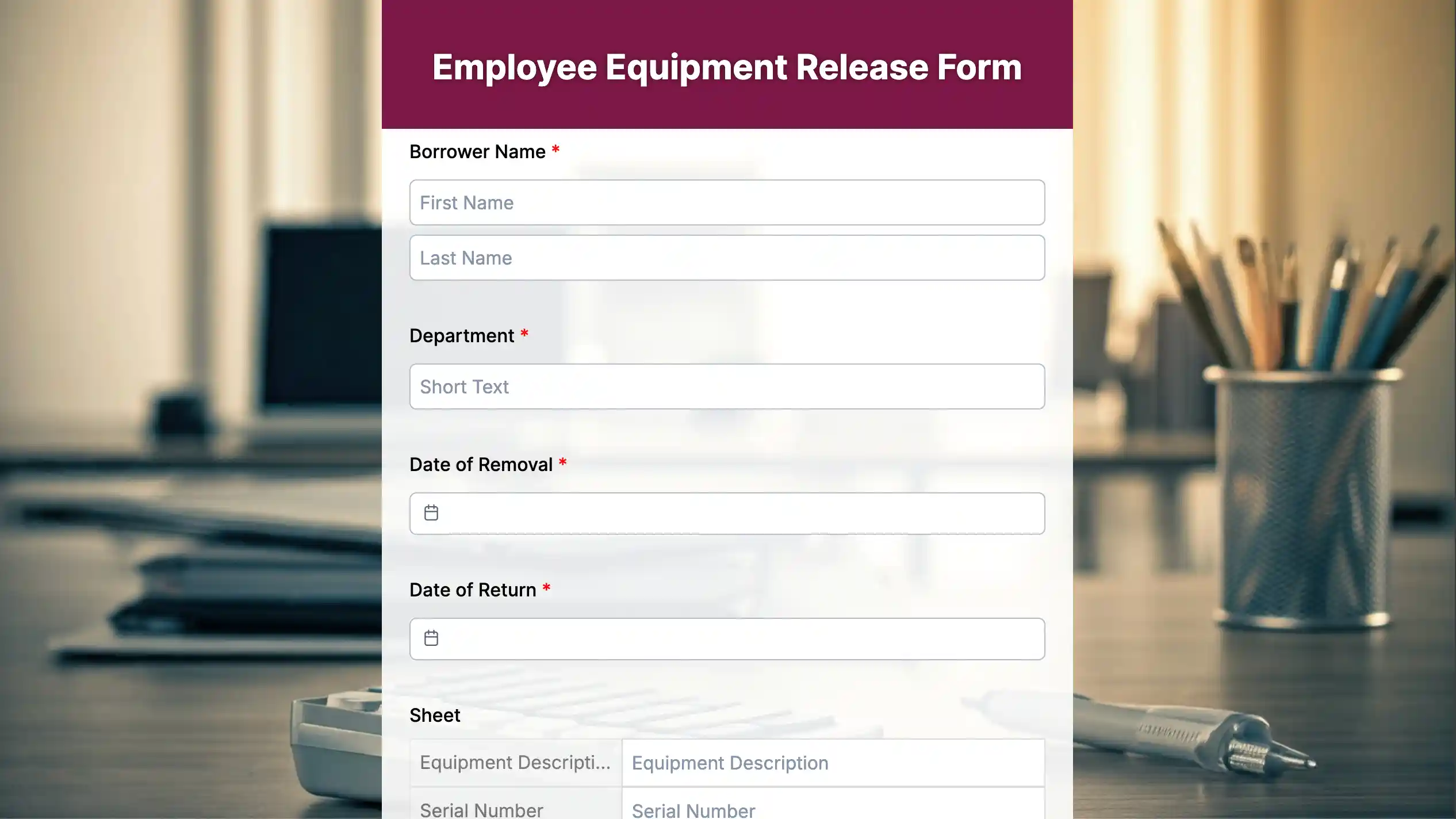
An employment release form documents the official terms of an employee’s separation from the organization. It may include acknowledgments regarding final pay, return of company property, confidentiality obligations, non-disclosure agreements, and other legal requirements. This form helps protect both the employer and employee by ensuring all separation procedures are clearly documented. It also reduces the risk of misunderstandings or future disputes.
Key fields
| • Employee details • Last working day • Final compensation • Company property checklist | • Confidentiality acknowledgment • Employee signature • HR signature |
Benefits
- Documents the offboarding process
- Reduces legal disputes
- Confirms the return of company assets
- Protects both parties

12. Employment certificate request form
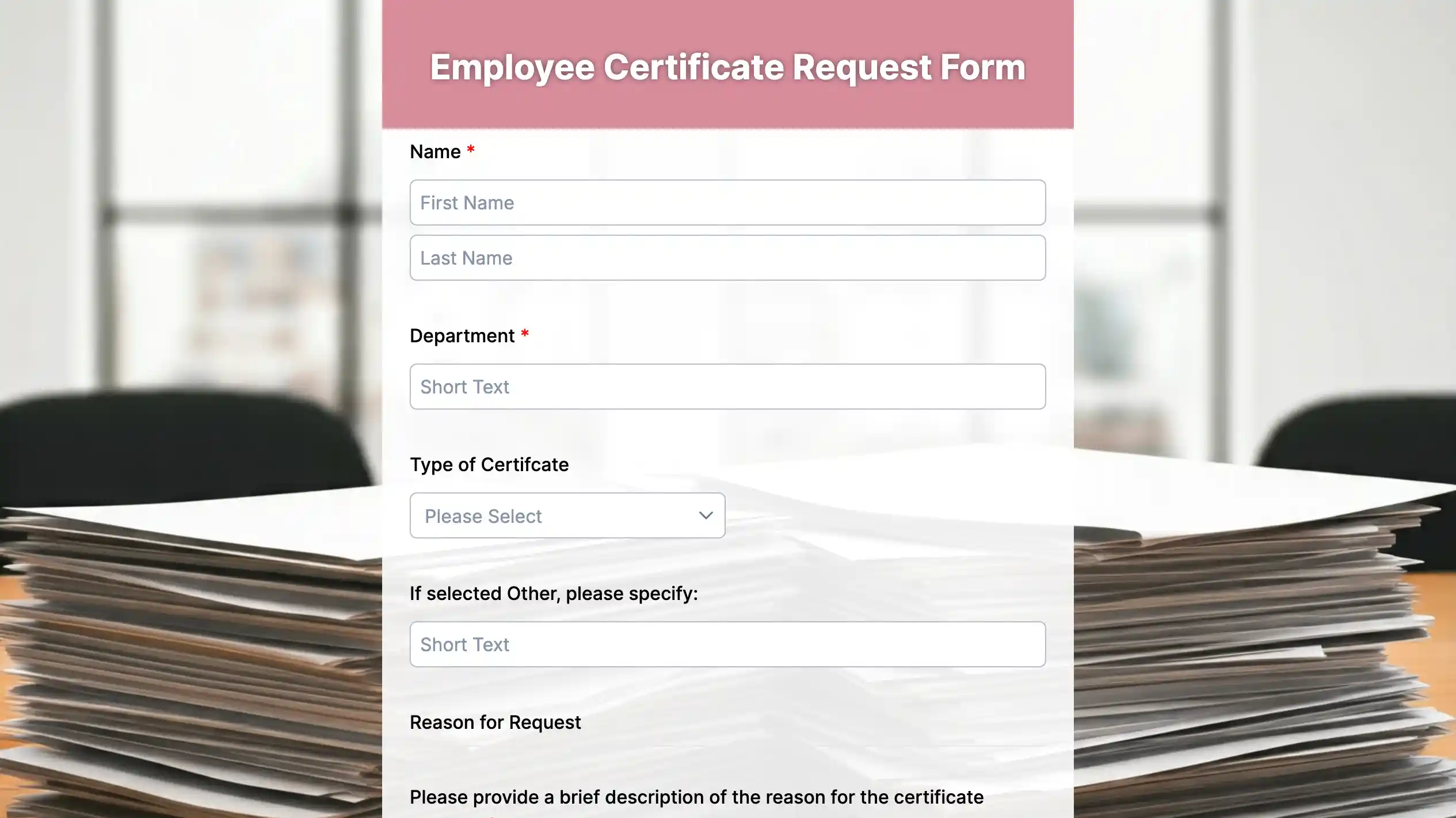
An employment certificate request form allows current or former employees to request an official employment verification letter or certificate. Employees commonly need this document for visa applications, bank loans, higher education, rental agreements, or new job opportunities. The form captures the employee’s details, purpose of the request, and preferred delivery method. Using a standard request form helps HR process certificates quickly and consistently.
Key fields
| • Employee information • Employee ID • Certificate purpose | • Required information • Preferred delivery method • Request date |
Benefits
- Speeds up certificate requests
- Standardizes HR documentation
- Reduces processing delays
- Improves request tracking
13. Informed consent form
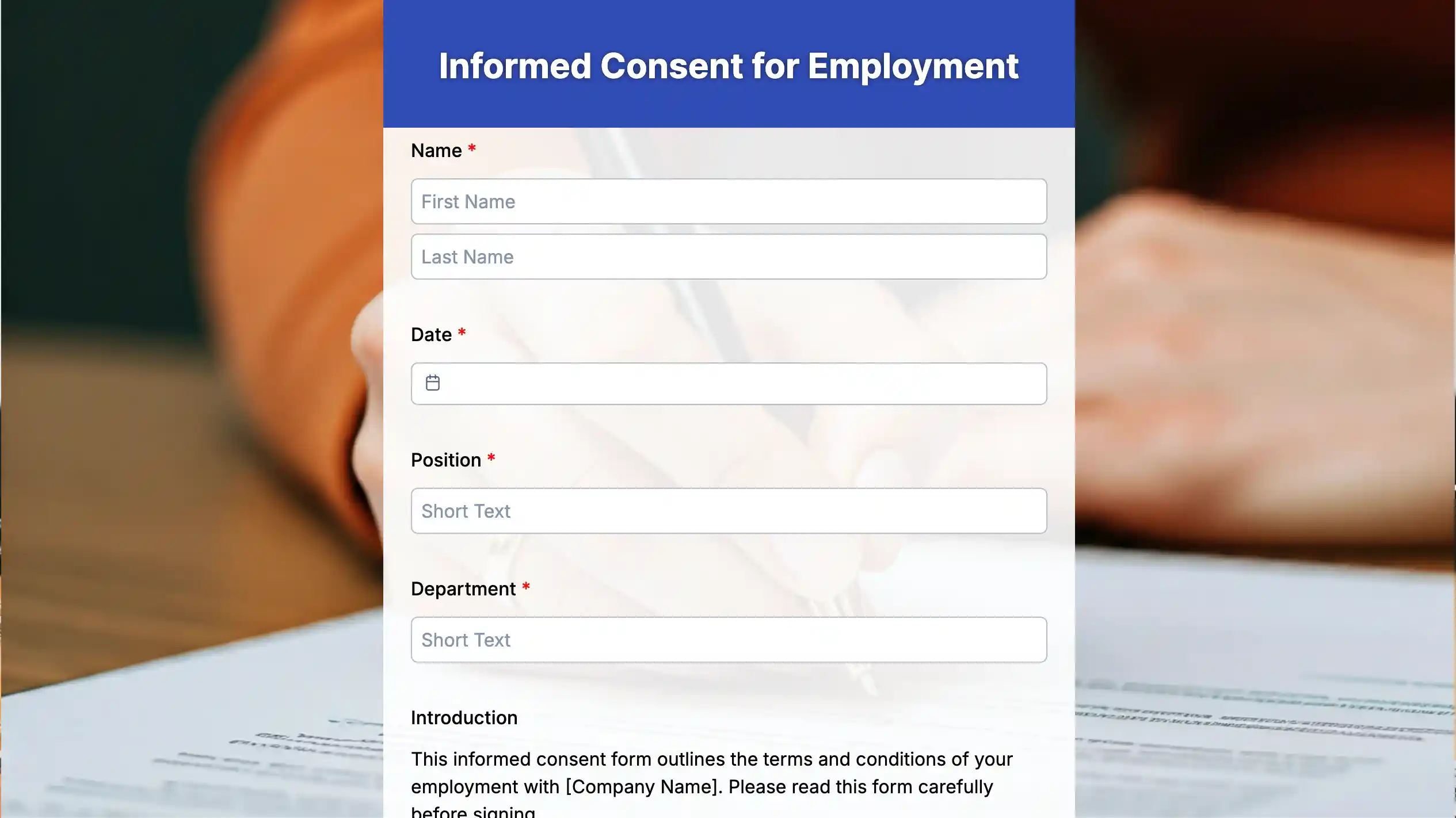
An informed consent form is used when an organization needs an employee’s written permission before collecting personal information, participating in workplace programs, or taking part in specific activities. The form clearly explains the purpose, procedures, possible risks, benefits, and the employee’s rights before consent is given. This ensures transparency while helping organizations comply with legal and privacy requirements. It also demonstrates that participation or data collection is based on informed and voluntary agreement.
Key fields
| • Employee information • Activity or program • Purpose • Risks and benefits | • Consent statement • Employee signature • Date |
Benefits
- Promotes transparency
- Supports legal compliance
- Protects employee rights
- Creates documented consent
HR forms checklist: Purpose and use cases
| HR form | Purpose | Who fills it out? | Key information collected | When it is used |
| Job application form | Collect candidate information for hiring | Job applicant | Personal details Education Work experience Skills References | During recruitment |
| Employee information form | Maintain employee records | Employee | Contact details Emergency contacts Job title Department, tax Banking information | During onboarding and whenever employee information changes |
| Employee evaluation form | Assess employee performance and development | Manager or supervisor | Performance ratings Goals Strengths Areas for improvement Comments | During performance reviews |
| Employer evaluation form | Collect employee feedback about managers and the workplace | Employee | Leadership feedback Communication Work environment Job satisfaction Suggestions | During engagement surveys or review cycles |
| Employee incident report form | Document workplace incidents and safety issues | Employee, supervisor, or HR | Incident details, date, location, people involved, witness statements, corrective actions | Immediately after an incident occurs |
| Time off request form | Request approval for planned leave | Employee | Requested dates, leave type, reason for leave, and manager approval | Before taking vacation, personal, or sick leave |
| Leave of absence form | Request extended leave from work | Employee | Leave reason, duration, supporting documents, return date, and approvals | Before starting long-term leave |
| Return to work form | Confirm an employee’s readiness to resume work | Employee and HR or manager | Return date, medical clearance, work restrictions, and accommodations | Before or on the employee’s first day back |
| Time tracking form | Record employee working hours | Employee | Clock-in and clock-out times, breaks, overtime, and project hours | Daily or weekly for attendance and payroll |
| Exit interview form | Gather feedback from departing employees | Employee | Reason for leaving, job satisfaction, manager feedback, workplace suggestions | During the offboarding process |
| Employment release form | Document employment separation and legal acknowledgments | HR and employee | Separation terms, final paycheck details, company property return, confidentiality agreements | At the end of employment |
| Employment certificate request form | Request an official employment verification certificate | Employee | Employee details, certificate purpose, delivery method, and request date | When employment verification is required |
| Informed consent form | Obtain written permission before specific activities or data collection | Employee | Consent statement, activity details, risks, benefits, employee signature | Before collecting personal information or participating in workplace programs |
Create your HR form with an online form builder
Today, form builders have changed the way HR teams handle paperwork. They’re especially helpful for businesses looking for HR forms for small businesses, allowing teams to digitize paperwork, automate approvals, and securely manage employee information without investing in complex HR systems. Among these tools, TIGER FORM is a solid choice; it offers drag-and-drop editing, ready-to-use templates, automated approval flows, and secure data handling.
Here are the steps to create forms with TIGER FORM:
1. Sign in and start
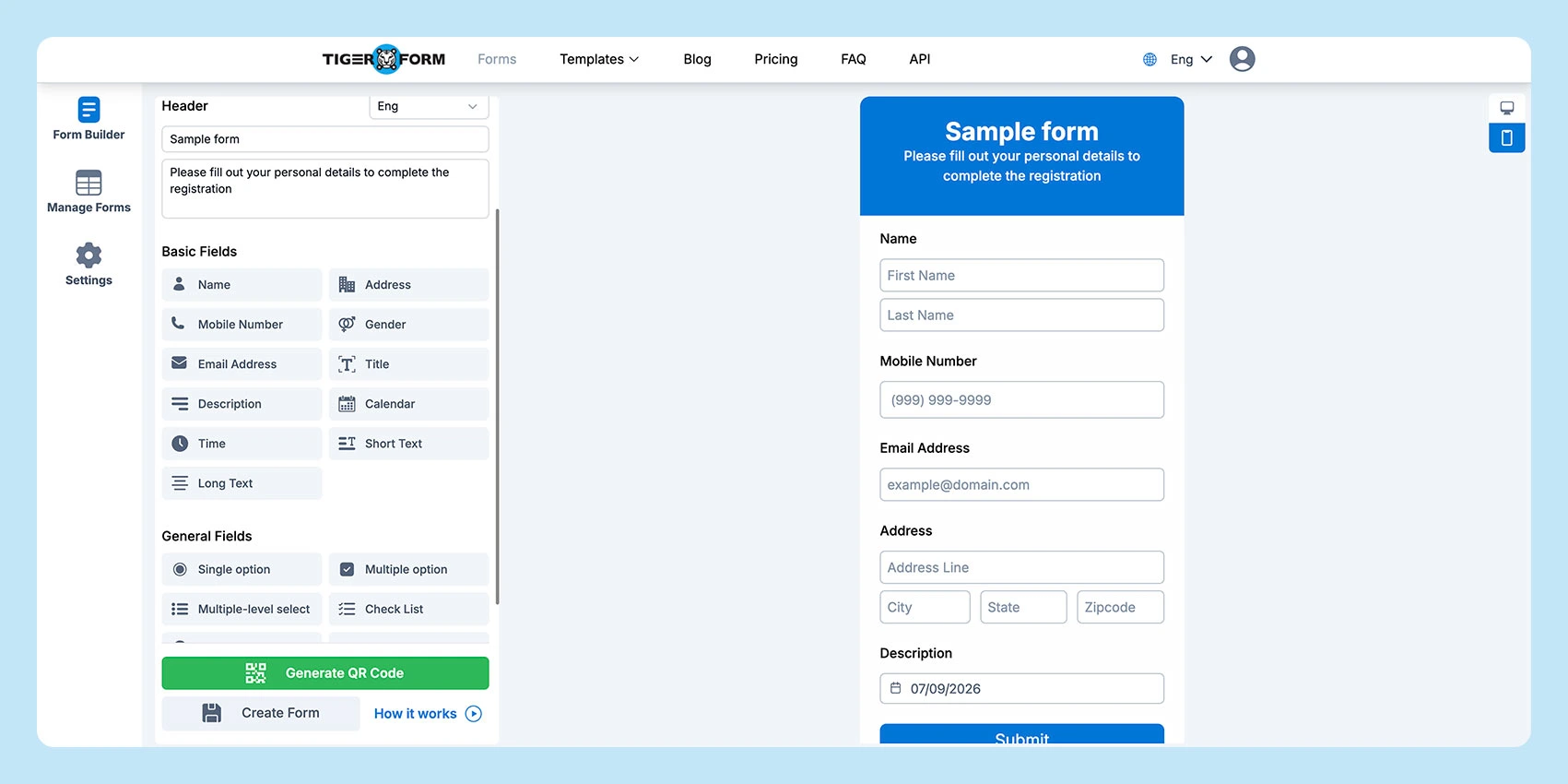
Log into TIGER FORM → click Create New → choose a blank form or a suitable HR
2. Add basics
Set the form title and description (e.g., “Leave Application Form”).
3. Drag and drop fields
Include essentials: Employee Name, Employee ID, Department, Work Email, Manager Name, and Notes/Comments
4. Mark required fields
Add an asterisk (*) to mandatory fields so nothing important gets skipped.
5. Use conditional logic
Show fields only when needed (e.g., request a medical certificate if sick leave > 2 days).
6. Build approvals
Set up a flow: Employee → Manager → HR, with reminders for pending requests.
7. Add notifications
Send instant emails to employees, managers, and HR after each action.
8. Brand and secure
Add logo/colors, restrict access, enable CAPTCHA, and protect employee data.
9. Share easily with the QR code
TIGER FORM has an in-built QR code generator for your form, so you can easily distribute via QR code
10. Test and monitor
Run a test submission, check emails, then track completion rates with analytics.
If you need more detailed instructions, follow our TIGER FORM guide to learn how to build, customize, and publish forms step by step.
Best practices for using forms
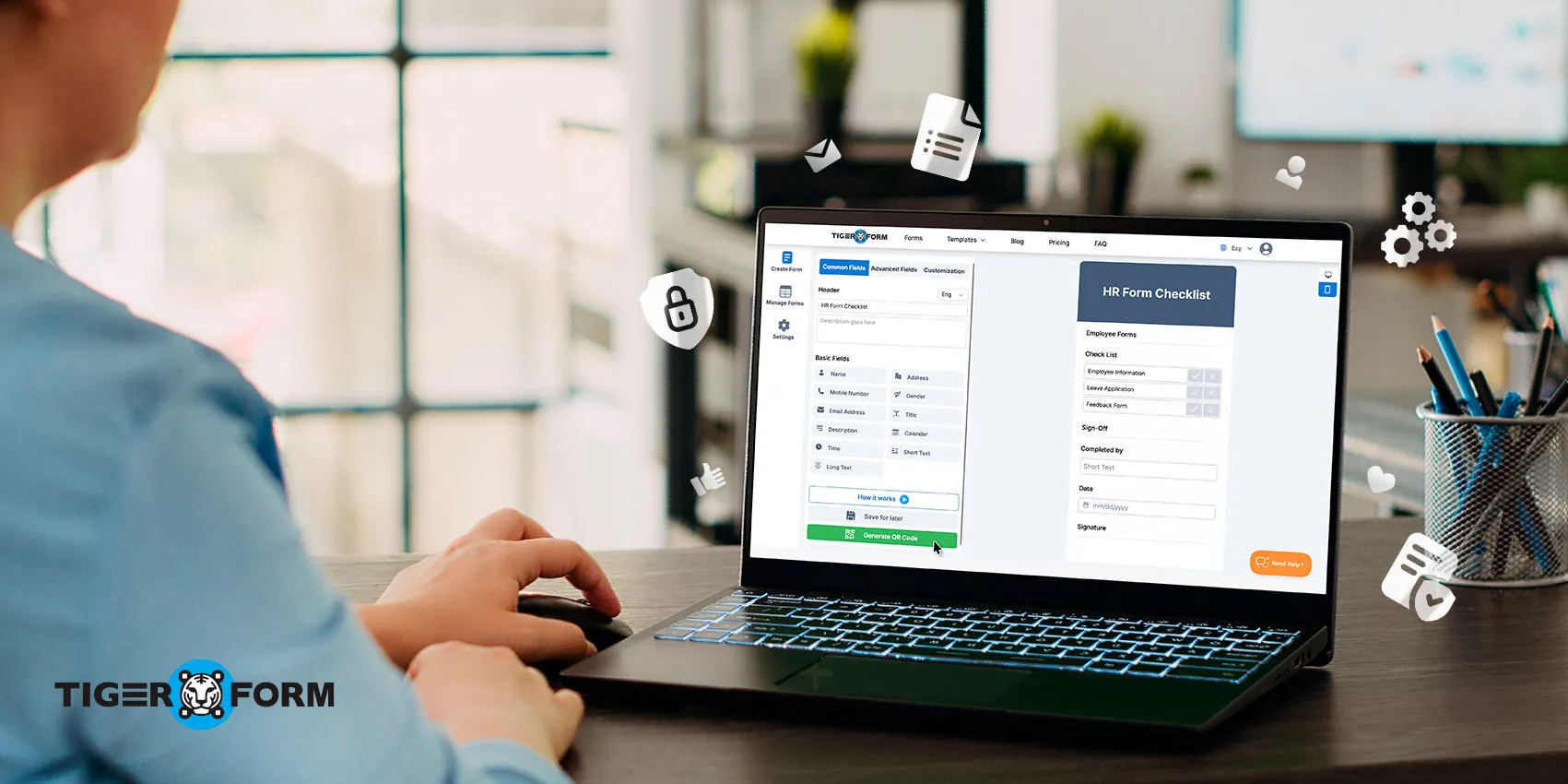
Creating a form is only half the job. The real impact comes from how they are designed, managed, and used daily. Here are some best practices that ensure your forms are not just functional, but also efficient and compliant.
1. Keep them short and clear
Employees are more likely to complete forms correctly when they’re simple and straightforward. Cut out unnecessary fields and focus only on the information HR truly needs.
2. Mark mandatory fields (*)
Mandatory fields (like Name, Department, or Approval) should be clearly marked with an asterisk (*). This prevents incomplete submissions and saves HR from chasing employees for missing details.
3. Ensure data privacy and compliance
HR forms often contain sensitive information such as bank details, tax numbers, or feedback. Use secure platforms, enable encryption, and restrict access to authorized staff. This not only protects employees but also ensures compliance with labor laws and privacy regulations.
4. Review and update forms regularly
Policies, compliance standards, and internal workflows change over time. An outdated form can create confusion or even legal risks. Make it a practice to review and update forms every few months to keep them relevant.
5. Use consistent formatting
Consistency across all forms makes them easier to fill and manage. For example, always use the same order for employee details: Name, ID, Department, Contact Information. This helps employees get familiar with the structure and reduces mistakes.
6. Add clear instructions
Some forms, like expense reimbursement or performance review forms, require explanations. Adding short instructions or tooltips helps employees fill them out correctly on the first try.
7. Enable digital submissions
Digital forms allow employees to submit responses online, save progress, and even auto-fill recurring fields. This improves speed and reduces manual data entry for HR.
8. Set approval workflows
Certain forms, such as leave applications or salary changes, need multiple levels of approval. Adding a clear approval flow (Employee → Manager → HR) avoids delays and ensures accountability.
9. Track form analytics
Modern form tools allow you to track completion rates, bottlenecks, and common errors. Use this data to refine your forms for better usability.
10. Make them mobile-friendly
With many employees working remotely or on the go, mobile accessibility is key. Forms that are easy to complete on smartphones or tablets get faster responses and reduce delays.
11. Archive and organize completed forms
HR teams handle hundreds of forms each year. A structured storage system, especially with digital forms, makes retrieval easier during audits, payroll runs, or compliance checks.

Create better HR workflows with the right forms
Having the right forms in place makes everyday operations more consistent and easier to manage. Standardized HR forms help reduce errors, support compliance, simplify onboarding and employee management, and cut down on time spent handling repetitive administrative tasks.
If you’re a small business building your HR processes or a growing organization looking to digitize existing workflows, using customizable digital forms can make a noticeable difference in efficiency and record management.
Ready to modernize your HR workflows? Use TIGER FORM to create, customize, and share forms with ease. Start with free templates or build your own in minutes with the drag-and-drop form builder, then automate approvals and securely collect employee information from a single centralized platform.
FAQs
What are HR forms?
HR forms are structured documents used by Human Resources teams to collect, record, and manage employee information. They cover everything from onboarding and leave requests to performance reviews and compliance.
Why are HR forms important in the workplace?
They ensure consistency, accuracy, and legal compliance. Without them, HR tasks often become confusing, time-consuming, and error-prone. Proper forms help streamline processes and build trust with employees.
Can HR forms be created online with a form generator?
Yes. Many HR teams now use online form generators to design and manage digital forms. These tools make it easier to customize templates, mark mandatory fields, and securely collect data while saving time compared to manual paperwork.