
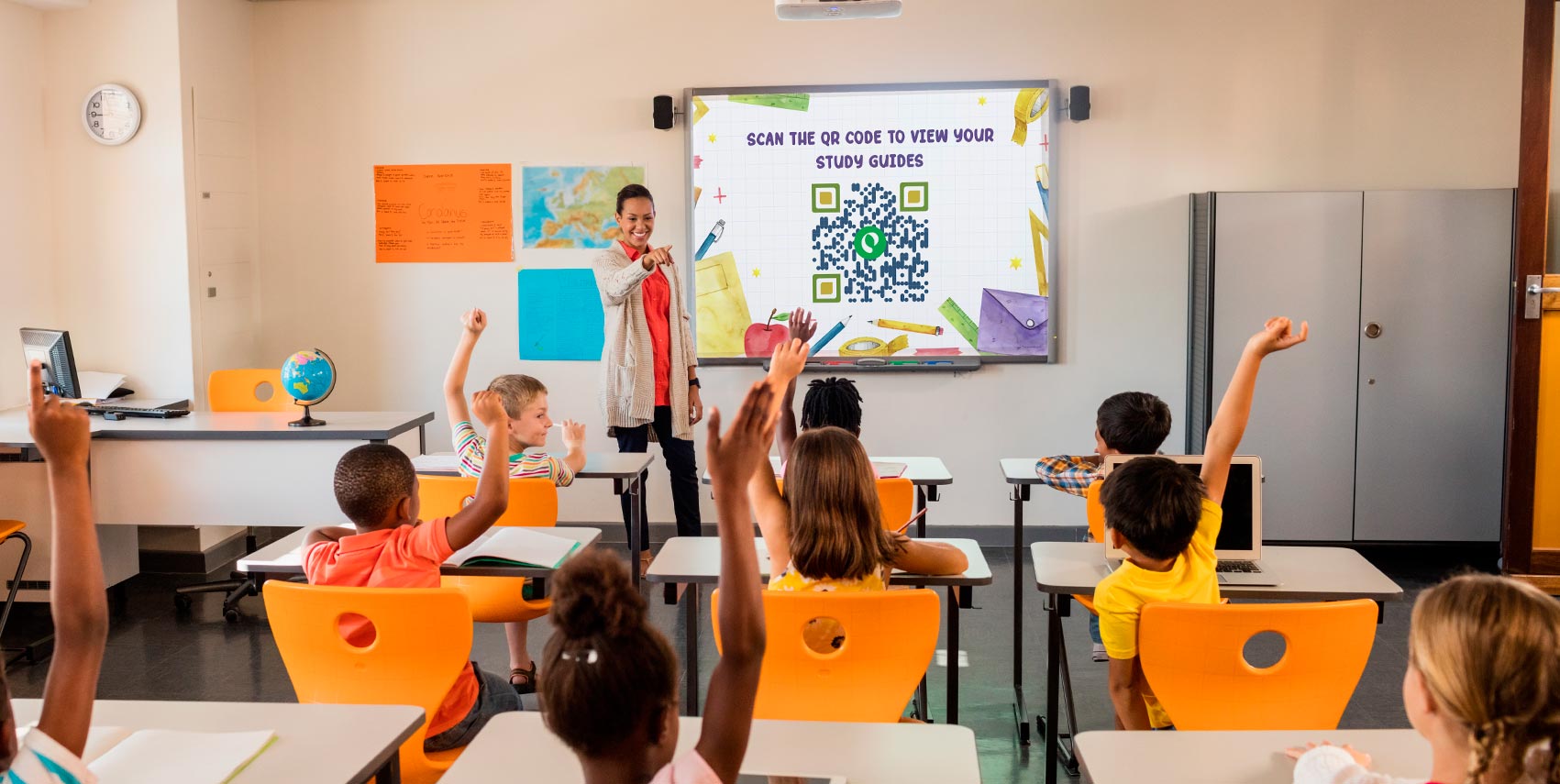
An informational form for education provides an easy way to share essential information with students. It ensures that students have all the support they need for the academic journey.
These forms are now made more accessible through QR codes. They can be embedded in the QR codes, which are then labeled at accessible locations.
In fact, many institutions have already begun to use QR codes to automate administrative tasks, provide instant access to educational content, and create a more interactive learning environment.
Whether you are a student or a teacher, you are certain to benefit from this combination of tech and education. In fact, learning will become more seamless as QR code technology will transform how information is shared and accessed.
What is an informational form for education?
An informational form for education is a structured document used to collect, share, or present important information between students, teachers, and administrators. It can take many forms: enrollment sheets, permission slips, feedback surveys, and assignment submission forms.
In a classroom setting, these forms help ensure that the right information reaches the right people at the right time. Whether it’s a teacher collecting student data or a school sharing event details with parents, informational forms keep communication organized and consistent.
With digital tools now widely available, these forms have moved beyond paper. Schools can now create, distribute, and collect them entirely online.
Why do schools use informational forms in education
Schools handle a large volume of information daily, and information forms provide institutions with a reliable, repeatable way to gather and manage that data without relying on manual processes.
They also create a clear record of communication. When a school collects responses through a form, it has documented evidence of what was shared and who responded; useful for compliance, reporting, and follow-up.
Beyond administration, forms support the learning process itself. Teachers use them to assess understanding, collect assignment submissions, and gather student feedback. This serves as a practical tool not just for school operations but also for day-to-day instruction.
What are QR Codes in Education?
QR codes in education are actively used as interactive learning resources. They are also used for attendance tracking forms, surveys, and a variety of other purposes. The advantages of QR codes for educational intent can be linked to forms, assignments, academic websites, videos, documents, and other online resources.
QR codes have changed how we share and consume educational content in the last few years.
In fact, they serve as the perfect link between traditional teaching methods and modern technology. A study published in Frontiers in Education found that QR-supported cooperative learning improved student performance and fostered more positive attitudes toward learning (Rakha AH, 2025¹).
QR codes increase student engagement and make information sharing more convenient.
How QR Codes Improve Informational Forms for Education

QR codes make it faster to share resources, collect data, and engage students. Here’s how schools are using them:
Simplified information sharing
QR codes provide instant access to resources. Students and teachers can pull up online documents, assignments, and supplemental learning materials with a single scan — no printed handouts, no manual distribution, no lag time.
Students looking for additional guidance on complex coursework may even choose the do my homework with EssayPro when they need help managing demanding workloads.
Higher student engagement
Dynamic QR codes can link to virtually any content type, including text, video, audio, and interactive elements. When students can tap into multimedia, take quizzes, or explore additional resources on their own device, learning feels less passive and more participatory.
In fact, according to a 2025 UNESCO report, the share of public schools in Japan using at least one digital textbook jumped from 8% in 2020 to 88% in 2024, a sign of how quickly institutions are moving toward digitally integrated learning.
Integration with administrative tasks
QR codes also streamline the behind-the-scenes work of running a school. Students can scan to mark attendance, submit feedback, or fill out informational forms — cutting down on the logistics of manual record-keeping and freeing up time for what actually matters in the classroom.

How to Create a User-Friendly Informational Form for Education

Follow these step guides to create an engaging QR code form.
Selecting a form builder
First things first, select a good form builder. There is a wide range of form creators available in the market, which can make decision-making a hurdle. Choosing the right form builder for education is important.
When selecting a solution for your educational institution, look for a tool that efficiently collects data, provides a good user experience, and meets your specific needs.
Features of a good form builder for education
When choosing an informational form for education, consider these features:
- Versatility and Flexibility: Check whether the platform can handle a wide variety of tasks, from student admissions to school event registration.
- Customization: Since the objective is to use the forms to fulfill different needs, the form must be editable. This feature will also allow you to insert branding elements to make your form look more professional.
- File Upload: This feature is necessary because it allows your institution to collect student records, assignments, and other documents.
- Integration with Other Tools: A good form builder should be compatible with Google Sheets, Zapier, and Mailchimp. This way, the relevant staff can swiftly manage data and communication.
- Real-time Notifications: Keep administrators and teachers informed about form submissions instantly.
Creating an attractive QR code form
User-friendly forms are usually very easy to understand and navigate, and rely on intuitiveness to appeal to the users. Use simple and concise language and break down complex instructions into simple steps.
- Visual Layout: Visual layout is important on a psychological level. Use plenty of white space to avoid overwhelming users. Clearly label fields and logically line up your questions.
- Accessibility: Your informational form for education should be accessible to everyone, including those with disabilities. Use large, readable fonts and high-contrast colors to make it clear.
- Feedback Mechanism: Include a feedback mechanism. For example, real-time notifications are a great way to inform users if they missed a required field. This way, you can reduce frustration on both ends and ensure completeness.
- Simplicity and Functionality: Strive for a balance between simplicity and functionality. This way, users can complete the form quickly and accurately.
Adding QR codes to forms
Here’s how you can create and use perfect Form QR codes:
- Creating a Form QR Code: Use the Free Form Online Builder to create a QR code embedded with a form.
- Strategic Placement: Once done, place the QR code in accessible areas like classroom walls, handouts, or the school’s website.
- Security and Privacy: Consider security and privacy. Make sure the QR code leads to a secure form and use encryption to protect sensitive information.
Adding QR codes to educational forms saves time, reduces paper usage, and makes information dissemination more efficient and effective.
Examples of informational forms in education
School Directory Information Request Form
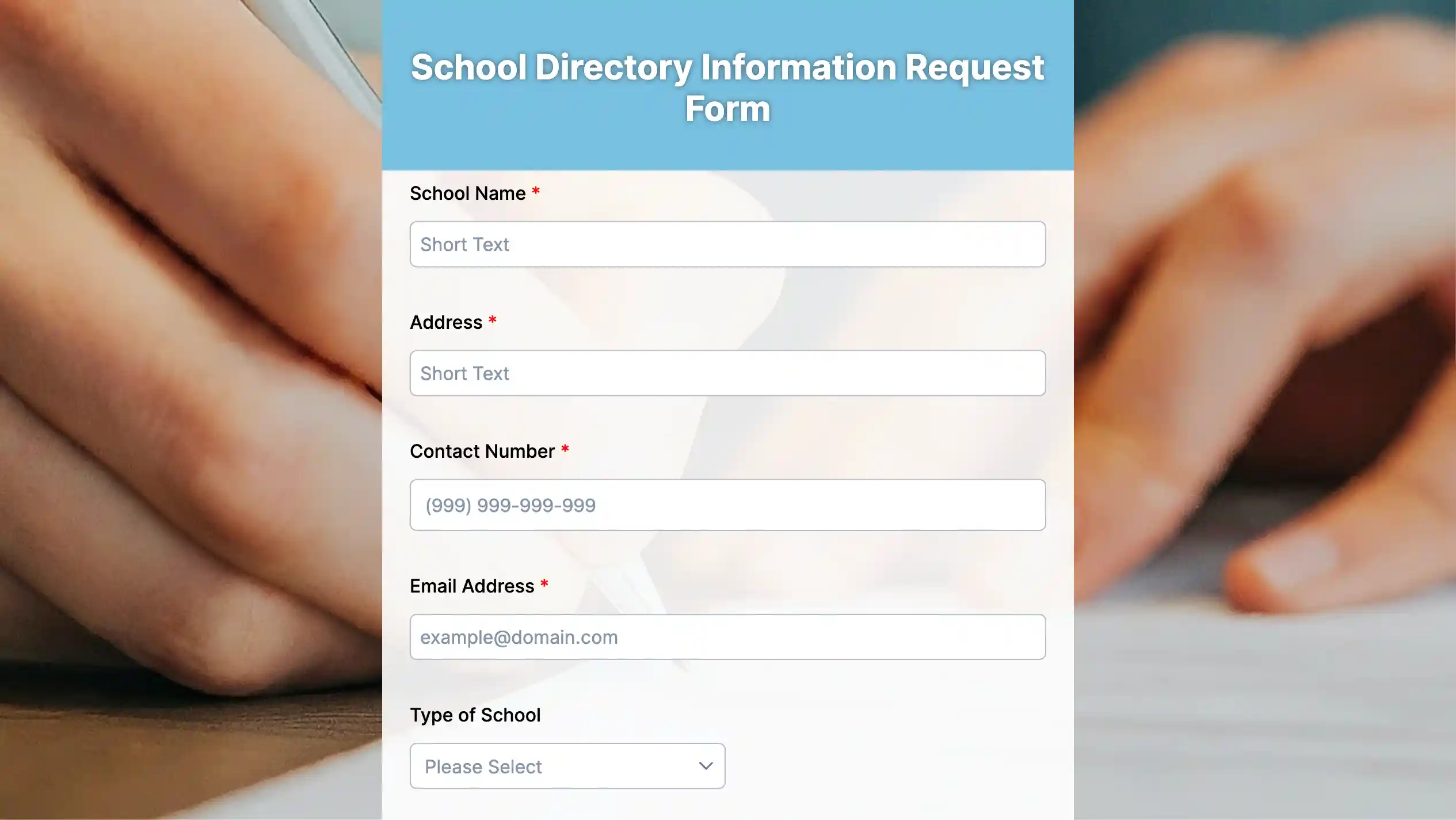
Streamline your school research with our online school directory information request form template. Quickly gather data on schools in your area, compare offerings, and find the perfect fit for your needs
School Registration Form
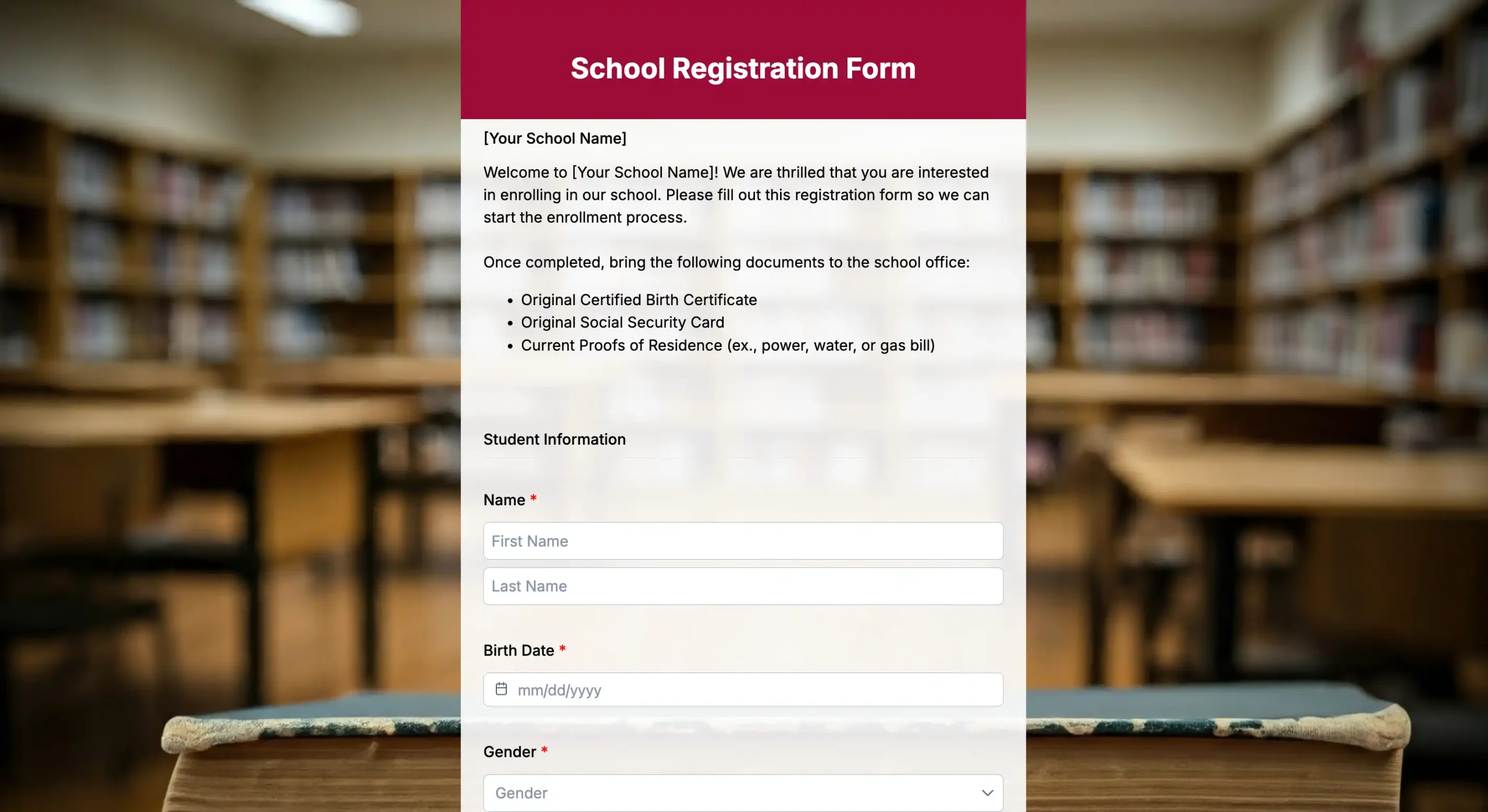
With our school registration form template, you can make school registrations accessible to parents and students anywhere, anytime, and streamline your registration process. Get started with this template now!
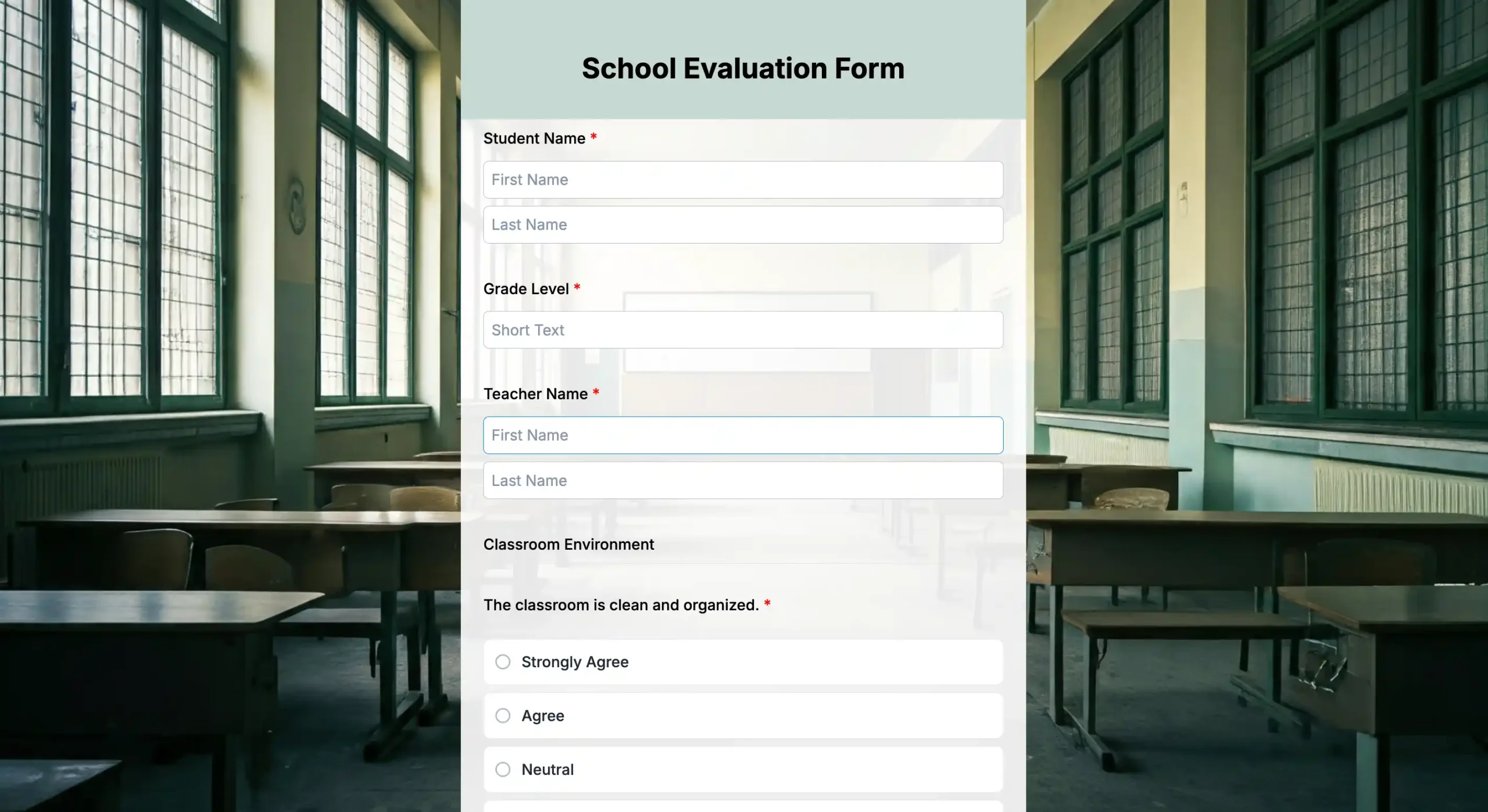
Research Participation Consent Form
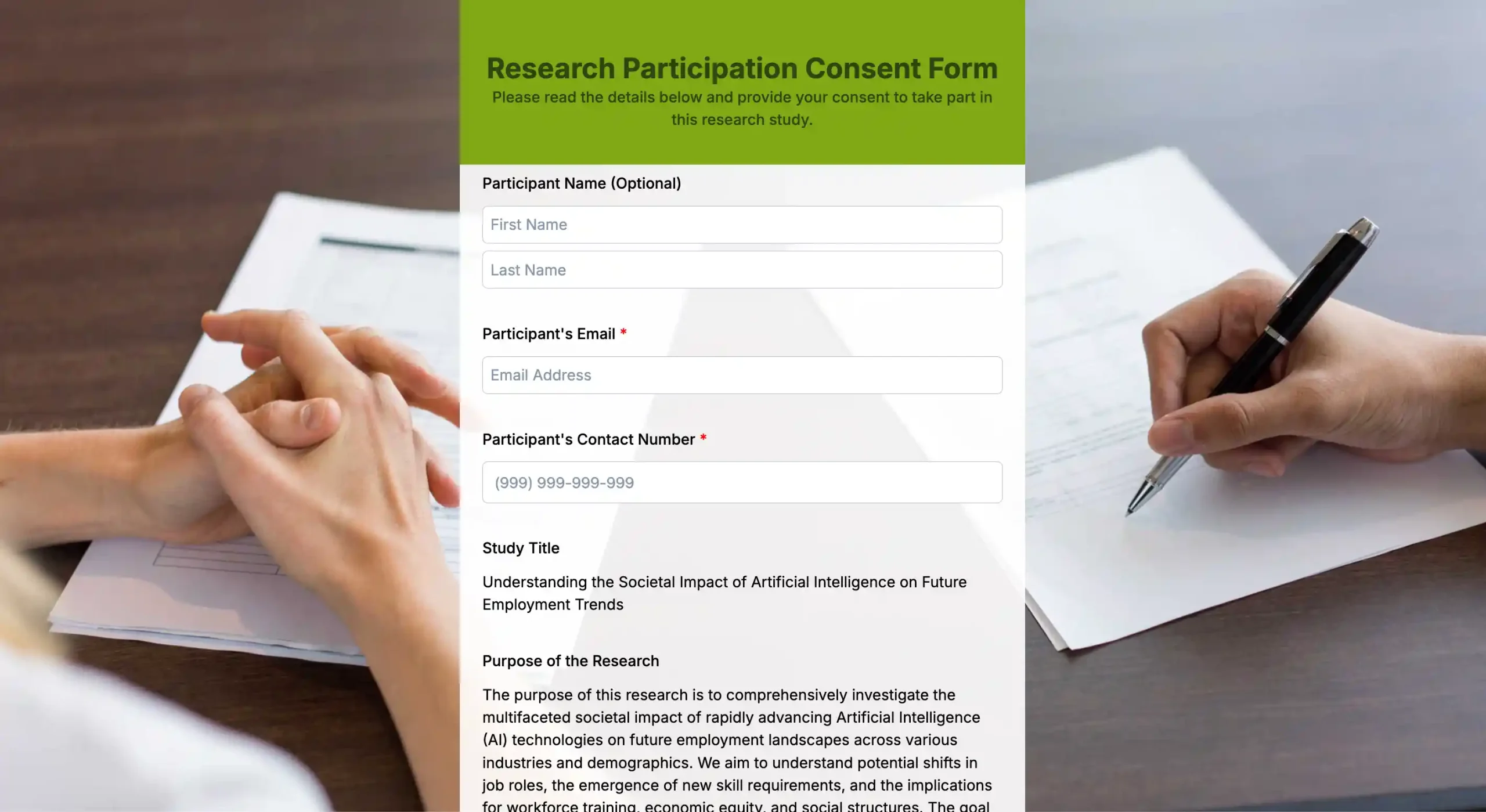
A research consent form is used when someone agrees to participate in academic or scientific studies, such as observational, experimental, or survey-based studies. Use it now!

Examples and Case Studies
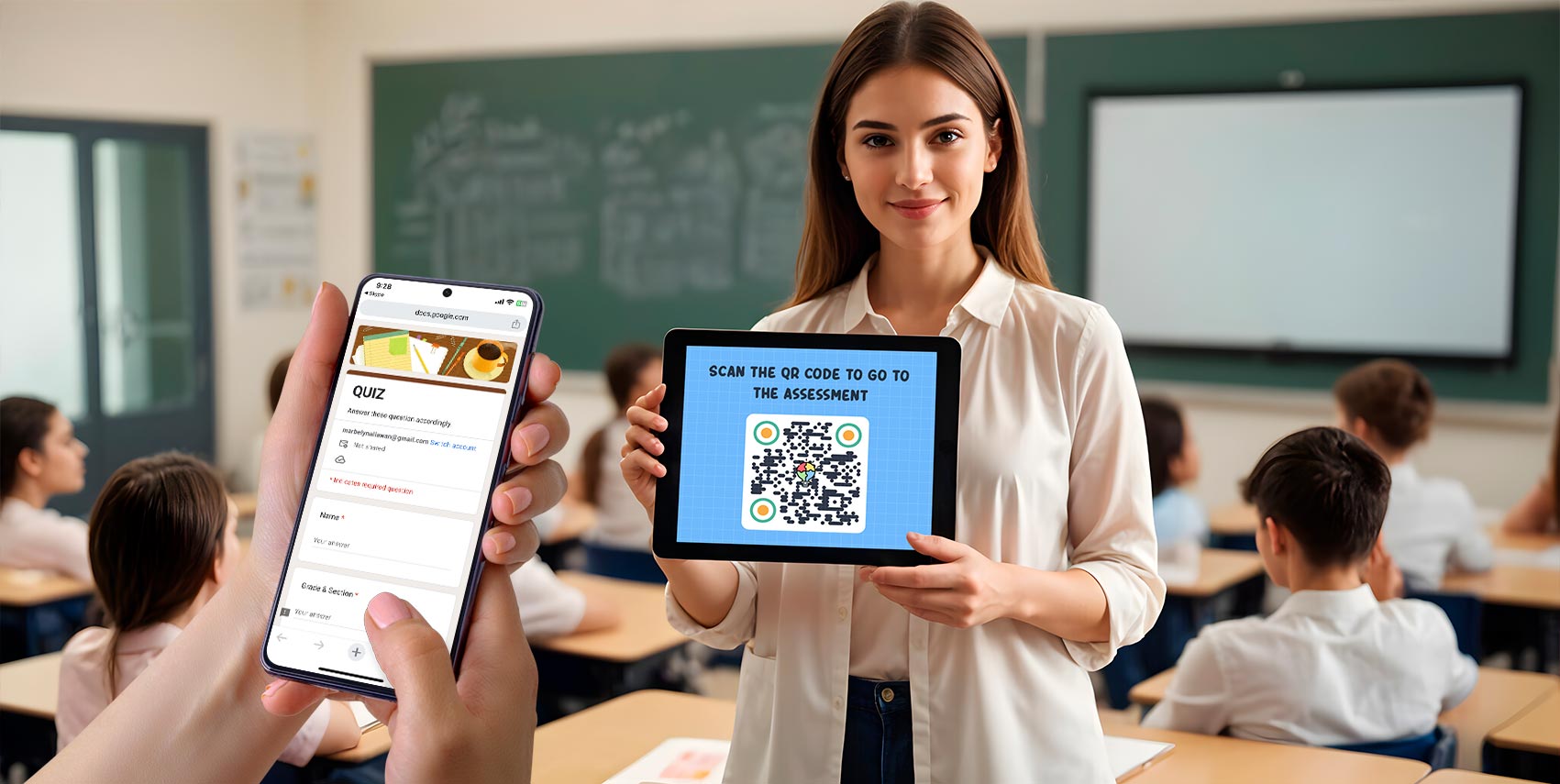
Let us look at the examples and case studies of informational forms for better understanding.
Example 1: Remote learning
A teacher used a Google form QR code to track daily attendance during remote learning sessions. Students scanned the QR code displayed on their screen to check in. This made attendance tracking more efficient and minimized disruptions during the virtual class.
Example 2: Interactive classroom activities
In a science class, the teacher pasted one QR code in each lab station and linked them to an Event and Activity registration Form with specific questions about the experiment. Students scanned the code, answered the questions, and submitted their answers in real-time, making the activity more engaging.
Case Study: Parent-teacher communication
A school used QR codes linked to Google Forms to collect parent feedback after parent-teacher meetings. This allowed parents to fill out the feedback form immediately after the meeting.
The school received quick responses and valuable insights, enabling it to improve future parent-teacher communication and address parents’ concerns faster.
By using informational forms for education, schools can simplify the collection of data and engage more effectively. Customizable parent feedback form templates are one example of how these tools streamline communication and address concerns faster.
Best practices for creating education QR codes using an online form builder
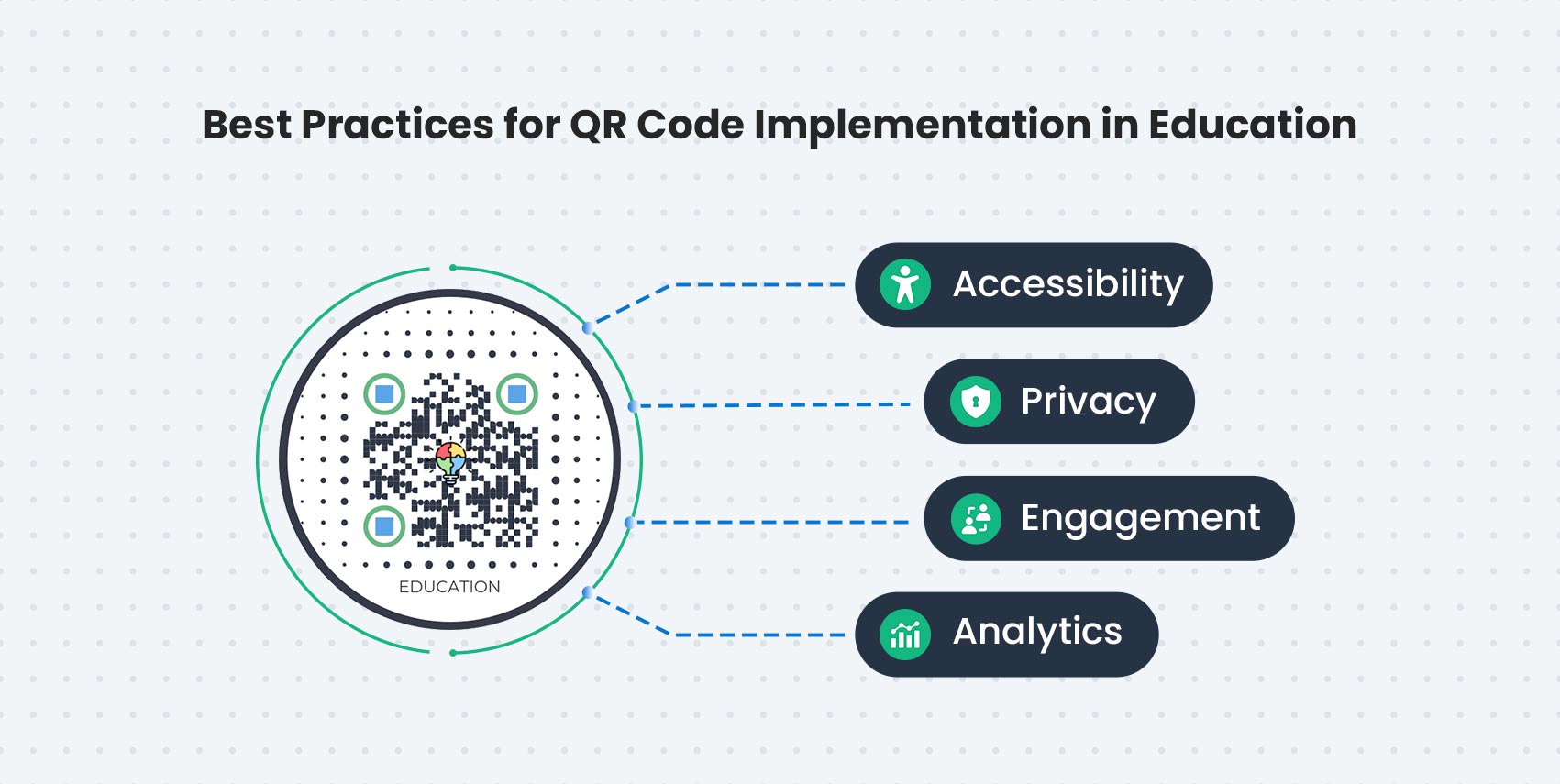
Using informational forms for education can change the way information is shared and consumed. Focusing on accessibility and privacy while analyzing engagement can make QR codes more effective. Here’s what you can do to create a QR form for education.
Screen reader compatibility
Choose QR code generators that are screen reader-friendly to help visually impaired students.
Accessible content
Make sure the QR code links to accessible content, such as videos with captions or transcripts. This will make the information available to students with hearing or visual impairments.
User-friendly design
Use large, high-contrast QR codes that are easy to scan, even for visually impaired students. Place them at a height and location that is accessible to all students, including those in wheelchairs.
No personal data
Privacy is a key issue when using QR codes in education. Therefore, avoid linking QR codes to personal data or systems without encryption.
School policies
Educators should follow school policies on student data privacy and ensure QR codes are not publicly accessible unless necessary.
Secure connections
Use secure connections (HTTPS) for QR code links to sensitive information. Masking URLs with shortened links can also help with privacy.

Get Informational Form for Education Using Form QR code Generator
Using QR codes in education changes the way information is shared and accessed.. QR codes allow students to access informational forms for education instantly, allowing information to be shared efficiently.
QR Code Forms make information sharing more convenient. Their accessibility makes them perfect for modern educational institutions.
Get your educational institution’s QR code enabled today. Use this technology to engage students, streamline administrative tasks, and create a more connected learning environment.
FAQs
Who benefits most from informational forms?
Learners who benefit from clear structure, visual learners, students with language processing needs, and anyone needing quick, accurate summaries.
How should I design an effective informational form?
Define learning objectives, choose the right format, present concise explanations, use visuals to support text, include sources, and provide a clear takeaway or call to action.
Can informational forms support different subjects?
Yes, they can be tailored for science, math, history, language arts, and more by focusing on core concepts, key terms, exemplars, and problem-solving steps.
How do informational forms aid retrieval and transfer?
By chunking information into digestible pieces, highlighting cues, and providing organized schemas that learners can map to new problems or contexts.
How do I assess learning with informational forms?
Use quick checks (summaries, concept maps, or short quizzes), track accuracy on key concepts, and measure ability to apply information to new scenarios.
What role do visuals play in informational forms?
Visuals reinforce memory, show relationships, and simplify complex ideas. Use consistent icons, color-coding, and minimal clutter.
How can teachers implement informational forms in the classroom?
Start with a small set of formats, align with standards, pilot with a unit, gather student feedback, and iterate for clarity and impact.
Are there pitfalls to avoid?
Overloading with too much data, using text-heavy formats without visuals, neglecting accessibility, and failing to align with learning goals or assessments.
How do informational forms support independent learning?
They provide clear summaries, self-check prompts, and a reliable reference, enabling students to study with minimal teacher guidance.
What’s the future of informational forms in education?
Increasing personalization through adaptive formats, interactive visuals, and data-driven refinements to optimize comprehension and outcomes.
Sources:
[1] Rakha AH (2025) Cooperative learning with QR codes technology: enhancing cognitive achievement and attitudes among students. Front. Educ. 10:1655913. doi: 10.3389/feduc.2025.1655913
UNESCO Global Education Monitoring Report. (2025). New UNESCO report shows the growing importance of school leaders as digital transformation in education speeds up in East Asia. https://www.unesco.org/gem-report/en/articles/new-unesco-report-shows-growing-importance-school-leaders-digital-transformation-education-speeds