
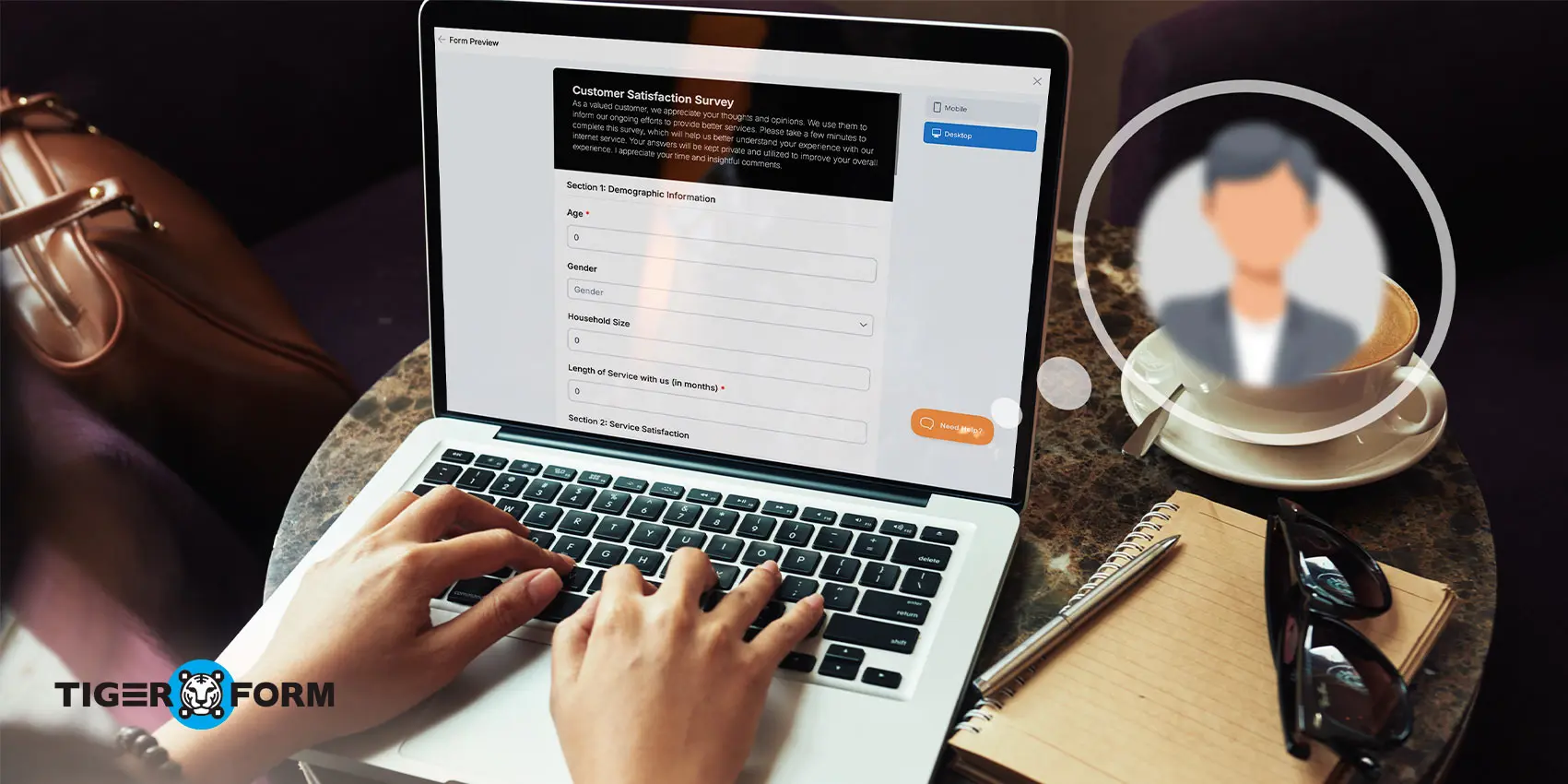
An anonymous survey is a data collection method that protects respondents’ identities — no names, email addresses, or tracking data are recorded. This survey method creates a space for more honest, unfiltered responses, free from the fear of judgment.
But creating a confidential survey isn’t just about hiding names; it’s about designing one that feels truly private, is easily accessible, and is simple to complete.
This guide covers what an anonymous survey is, how to create one using a QR code-based form, and how to increase response rates. Where physical or on-site distribution is relevant, QR code-based forms offer a practical delivery method covered in the steps below.
What is an anonymous survey?
An anonymous or blind survey is designed to protect the identity of respondents, which means their answers cannot be traced back to them. This approach is commonly used to encourage honesty and openness, particularly when discussing sensitive topics like workplace satisfaction, customer complaints, or personal opinions.
Unlike regular surveys, anonymous ones do not collect identifying information such as names, email addresses, or IP addresses. Such anonymity increases trust, as participants feel more comfortable sharing their true thoughts and experiences without fear of judgment or repercussions.
This makes it especially important to know how to properly make an anonymous survey that ensures privacy and encourages candid responses.
Anonymous vs. standard survey
| Factors | Anonymous Survey | Standard Survey |
| Collects name or email | No | Often yes |
| Tracks IP address | No | Sometimes |
| Best for | Sensitive topics, honest feedback | Transactional feedback, follow-up |
| Response honesty | Higher | Varies |
When to choose anonymous over standard
- Use anonymous surveys when your topic is sensitive, potentially uncomfortable, or linked to power dynamics (e.g., workplace culture, student evaluations, health-related feedback).
- Choose anonymous forms when you want unfiltered responses — not socially acceptable ones — especially in employee or organizational research.
- Opt for standard surveys when you need to follow up with respondents or the context requires accountability, such as transactional feedback or named testimonials.
How to make survey forms with a QR code-based anonymous survey creator
Here’s how to create an anonymous survey:
Step 1
Visit a TIGER FORM to create a new form.
Step 2
Create from scratch or use a pre-designed template, then add your survey questions and answer formats.
Step 3
To keep respondents from being tracked, avoid including fields that collect personal information. Specifically, leave out name, email, phone number fields, and any IP-tracking toggles your platform offers; these undermine anonymity even when respondents don’t realize data is being collected.
Step 4
Preview and test the form on different devices to ensure it displays correctly.
Step 5
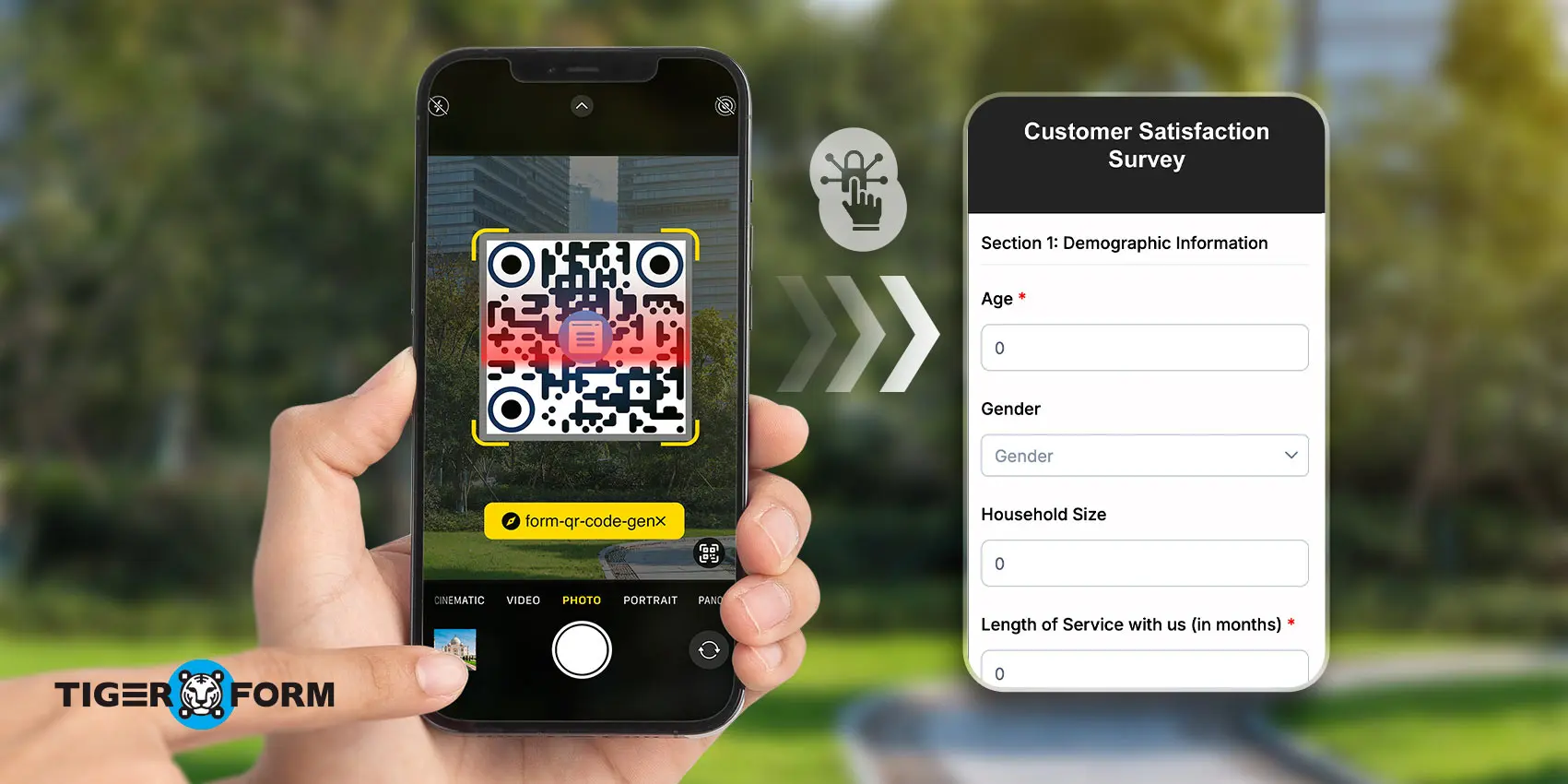
Generate a unique QR code linked to the unnamed survey form.
Step 6
Customize the QR code’s design according to your branding.
Step 7
Share the QR code digitally through emails or print it for physical distribution.
Result
• A form with no identifying fields
• A scannable QR code ready to distribute
• A shareable link as a backup access method

Benefits of an unnamed survey
1. Encourages honest and unbiased feedback
When no name is attached, people feel safer sharing what they actually think. Imagine a retail brand replacing signed feedback cards with a QR anonymous feedback form at checkout. With the pressure of identification removed, customers are far more likely to flag issues, such as a recurring problem with return processing that might have gone unnoticed for months.
2. Reduces inner self-conflicts
People sometimes give answers that feel more socially acceptable than what they truly think, especially in customer feedback, employee survey evaluations, or market research.
For instance, an HR team that anonymized its annual engagement survey found that satisfaction scores dropped by 12 points from the prior year — the previous results had been inflated by respondents self-censoring.
3. Improves participation rates
When people trust that their responses won’t be traced back to them, they’re more likely to complete the survey. This is especially important for sensitive topics, such as workplace culture, customer complaints, or student well-being.
4. Encourages openness in workplace & educational settings
In many cases, employees may be reluctant to report issues due to fear of retaliation, and students might avoid critiquing a course if their name is attached.
Carefully crafted employee survey questions, delivered anonymously, break down barriers, encouraging people to speak up freely. The result? Honest, actionable feedback that makes meaningful improvements.
5. Builds trust between organizations and respondents
Guaranteeing anonymity signals that input is valued and protected, not scrutinized.
For instance, a company gathering insights through an anonymous employee survey during a restructuring phase or a brand collecting customer feedback—people are more likely to share openly when they feel safe and included.
6. Leads to better decision-making
When people hold back or give misleading answers, decisions end up based on filtered or incomplete feedback. This is especially common in retail customer feedback, where concerns about identity often skew responses.
By removing those concerns, unnamed surveys deliver clearer insights, helping leaders make smarter decisions that truly address real needs.
How to design and run an effective anonymous survey
Designing the survey
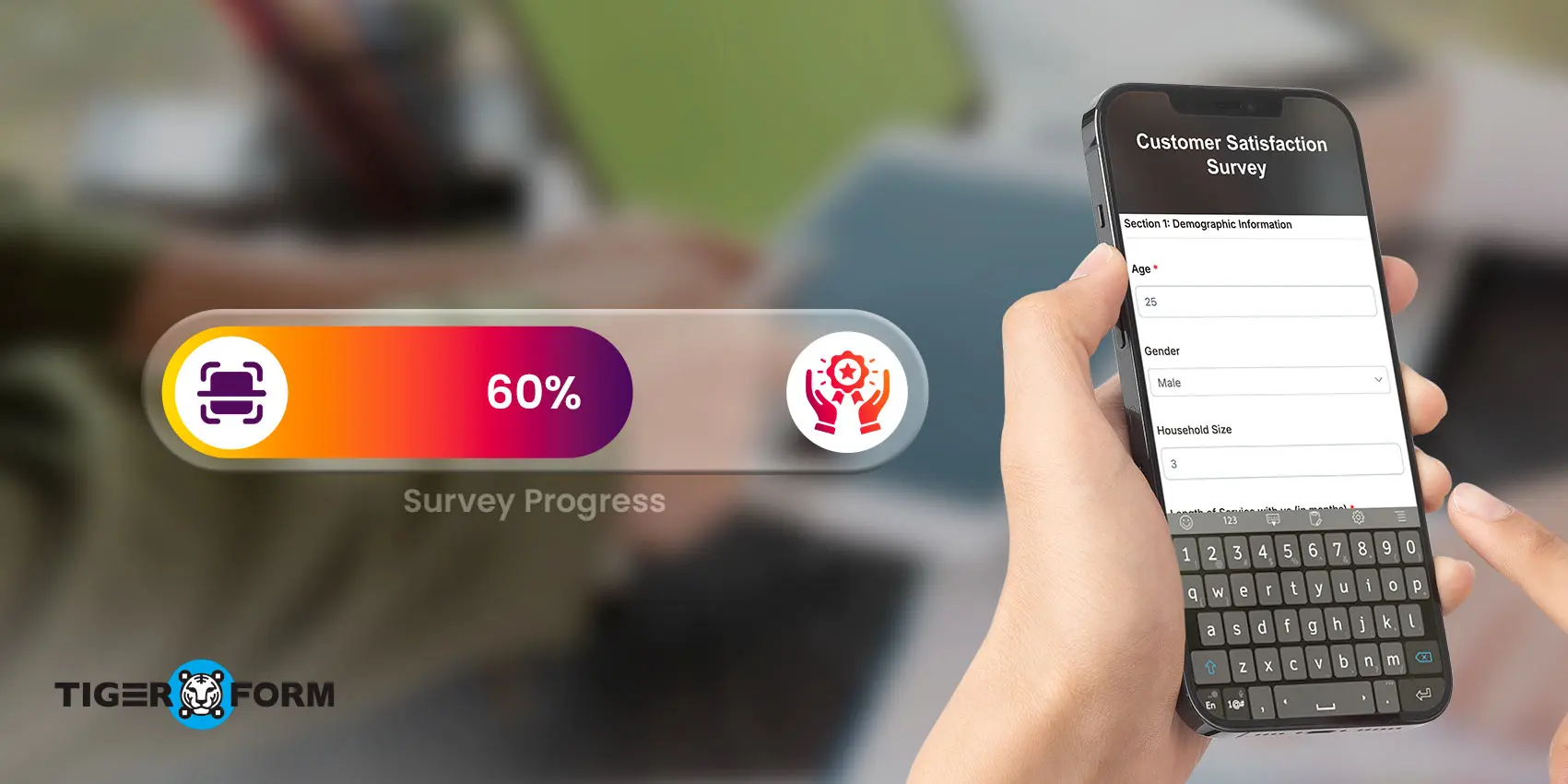
1. Use a mobile-friendly format
Most respondents will access the survey on a phone. Choose a layout that scales cleanly across screen sizes.
2. Write neutral, unbiased questions
Avoid leading language. Instead of “How satisfied are you with our excellent service?”, ask “How would you rate your experience with our service?”
3. Keep it short
Limit the survey to 5–10 essential questions and remove anything that doesn’t serve the core objective. In workplace settings, surveys with fewer than 8 questions and a stated 2-minute completion time consistently outperform longer formats in both response rate and answer quality.
4. Use a clean layout
Clear fonts, proper spacing, and a logical question flow prevent drop-offs. Consider starting with a survey form template for a simple, intuitive design.
5. Test before launch
Run a quick pilot to check for clarity, technical issues, and mobile compatibility before sharing widely.
Distributing and increasing responses
6. Communicate the purpose clearly
Be direct about how feedback will be used. A jargon-free explanation makes respondents feel like contributors, not data sources.
7. Guarantee anonymity explicitly
State in the invitation and at the start of the form that no names, emails, or IP addresses are collected. Use platforms that support this by default.
8. Send personalized invitations
A friendly, targeted message outperforms a generic blast. Highlighting the personal impact encourages engagement. Personalized emails can increase click-through rates by up to 41%.
9. Offer incentives for participation
Gift cards, discounts, or access to results all work. Even acknowledging the contribution or entering respondents into a raffle can improve completion rates.
10. Optimize for mobile
Over 50% of online surveys are completed on mobile devices. QR code-powered forms provide a seamless mobile entry point without requiring links or logins.
11. Share at the right time
Mid-morning and mid-week tend to work well for workplace surveys; evenings and weekends perform better for retail and consumer surveys.
12. Follow up with reminders
HubSpot data shows that follow-up emails increase response rates by 65.8% — space reminders 3–4 days apart to avoid fatigue. Keep the tone polite and include a brief reminder of the survey’s purpose.

Start collecting honest feedback today!
Match your survey format to your audience’s comfort level with the topic; anonymous formats consistently outperform standard ones on sensitive subjects, while standard surveys remain the better choice when follow-up or accountability matters.
Keep questions short, neutral, and free of identifying fields regardless of format. Use QR delivery where physical access points are available; use direct links for digital distribution.
Communicate your privacy approach clearly upfront, since stated anonymity drives participation as much as structural anonymity does.
Start building free QR anonymous surveys today!
FAQs
How do I make sure my survey is truly anonymous?
To ensure anonymity, use platforms that don’t collect identifying information like names, emails, or IP addresses. Clearly communicate this to respondents, and double-check the platform’s settings to disable tracking or identification features before sharing the survey.
Can I use unnamed surveys for sensitive topics?
Yes, anonymous surveys are ideal for sensitive topics, as they provide a safe space for respondents to share honest feedback. However, remember to clearly state that respondents’ identities will remain confidential to build trust and encourage participation.
What’s the best length for an unnamed survey?
Keep the survey short, ideally 5–10 questions. Surveys that take less than 5 minutes to complete have higher response rates. Also, short surveys reduce the chance of drop-offs and ensure more reliable results.
What is the difference between an anonymous and a confidential survey?
An anonymous survey collects no identifying information at all; neither the researcher nor the platform can link a response to a specific person.
A confidential survey does collect identifying information, but the researcher commits to keeping it private and not publishing or sharing it in identifiable form. Anonymous surveys offer stronger privacy protection; confidential surveys are appropriate when follow-up may be needed, but discretion is required.
Can my employer see who responded to an anonymous workplace survey?
If the survey is genuinely anonymous (no name, email, device ID, or IP address is collected), neither the employer nor the survey platform can identify individual respondents.
However, in small teams, highly specific responses can sometimes be inferred even without formal tracking. Platforms that aggregate responses only above a minimum threshold offer stronger protection in these cases.
How do I analyze anonymous survey data without identifying respondents?
Work with aggregate data rather than individual records. Group responses by category (department, age range, role level) rather than by individual identifier. When reporting results, present findings at the group level and avoid sharing open-text responses verbatim if they contain details specific enough to identify the writer.
Does anonymity affect the reliability of survey results?
Yes, typically in a positive direction. Research consistently shows that anonymous surveys produce more candid responses, particularly on topics involving performance, management, compensation, or personal well-being.
The main reliability risk is response bias from self-selection: people who feel strongly (positively or negatively) are more likely to respond. Keeping surveys short and communicating their purpose clearly helps reduce this effect.