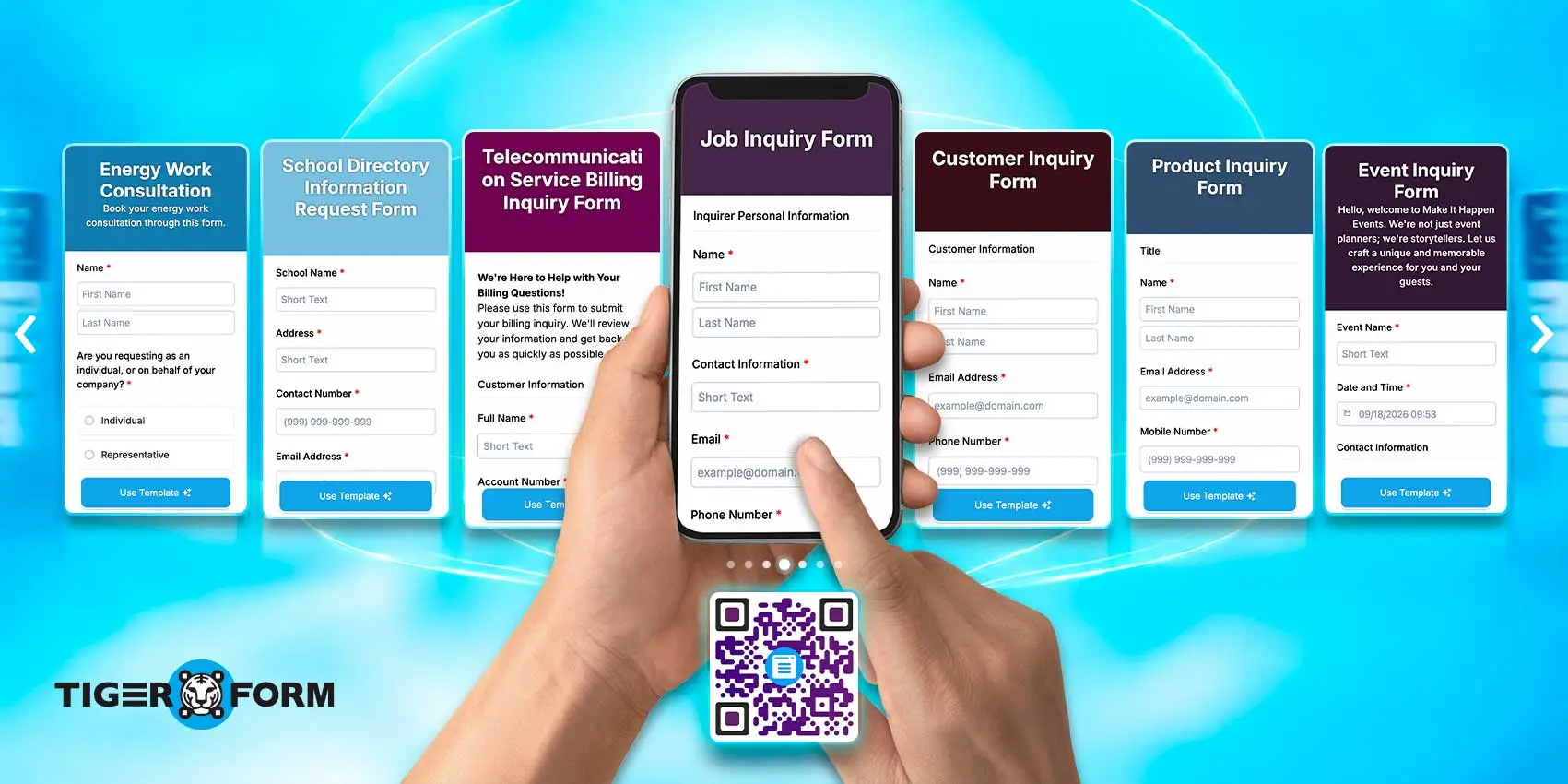
An inquiry form is used to gather questions, requests, or information from potential customers in an organized manner, rather than having them scattered across emails or phone calls.
Bring that process online, and every submission (contact details, questions, or requests) lands in a single dashboard of your online form builder, where the team can review and act on it.
To get started, here are the basics of inquiry forms, how to create one, and free templates with sample questions you can use right away.
Key Takeaways
- An inquiry form collects questions, requests, and interest from potential customers instead of relying on scattered emails or phone calls.
- Fields included in a standard query form are contact details, category selection, message input, and submit buttons.
- Pairing your form with a QR code lets people submit questions through physical points such as counters, menus, or product tags, without typing a URL.
- Dynamic QR codes are worth the extra step, since you can change the destination link at any time after printing.
- Short forms convert better. Ask only what you need to respond well, and leave the rest for the conversation that follows.
What is an inquiry form?
An inquiry form is used by people to ask your business a question or request more information before they commit to anything. Think of it as the digital front desk for inquiring visitors: people who aren’t ready to buy yet, but want details first.
You may find the query form on:
- Real estate listings to (“Ask about this property”)
- Service businesses (“Get a quote”)
- Event pages (“Questions about tickets?”)
Inquiry vs. contact form
An inquiry or query form is built to gather one specific question or request, and is structured with fields like category or subject, so you know exactly what’s being asked before you even open the message.
While a contact form is a general, open-ended message box, the information it collects ranges from feedback to complaints.
For a small business, that distinction matters because a vague “Contact Us” box invites vague messages.
| Contact-us form | Query form | |
| Purpose | General communication | Capturing a specific question or request |
| Structure | Usually just name, email, message | Structured fields (category, subject, or product) |
| Best for | General feedback, open-ended outreach | Sales inquiries, job inquiries, billing questions, and event bookings |
| Use case | “Contact Us” page on the homepage | “Request a Quote” or “Product inquiry” on a specific page |
What are the parts of a query form?
The query form consists of six core fields: contact information, inquiry type, message, consent checkbox, submit button, and confirmation message. Each part serves a specific role in helping the business route and respond to the request correctly:
- Contact information (name, email, and phone number): This information will help your team follow up with the inquiry sender.
- Inquiry type (A dropdown or set of checkboxes for ex: pricing, availability, support, partnership): This field will help route the message to the right person.
- Message or details field: An open text box where the person explains what they need.
- Consent checkbox: Confirmation section for clients to be contacted back, which also keeps you aligned with privacy compliance, like GDPR.
- Submit button: Clearly label your “send inquiry” button. Avoid using a generic CTA like “submit.”
- Confirmation message: A short “We got your message” note that reassures the person their inquiry didn’t disappear into the void.
Tip: You can include a file upload field. This is useful if some of your customers need to attach a photo, a document, or a reference file with their question. Keep it optional, as not everyone will need it, and requiring it adds friction.

7 free inquiry form templates you can use
1. Job inquiry
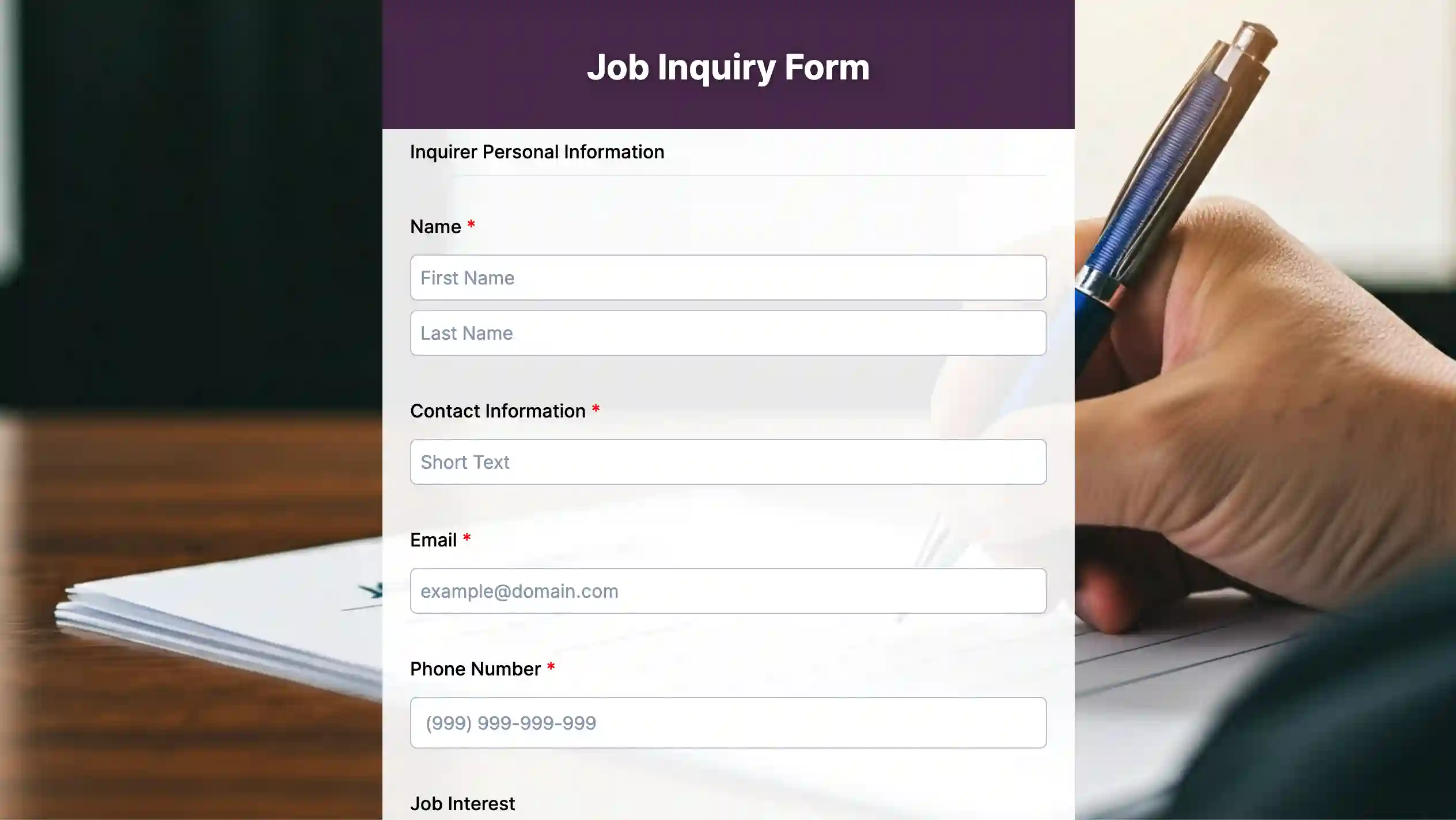
This template is for candidates to express their interest in working at a company before a formal position is posted or before submitting a full application.
2. Customer inquiry
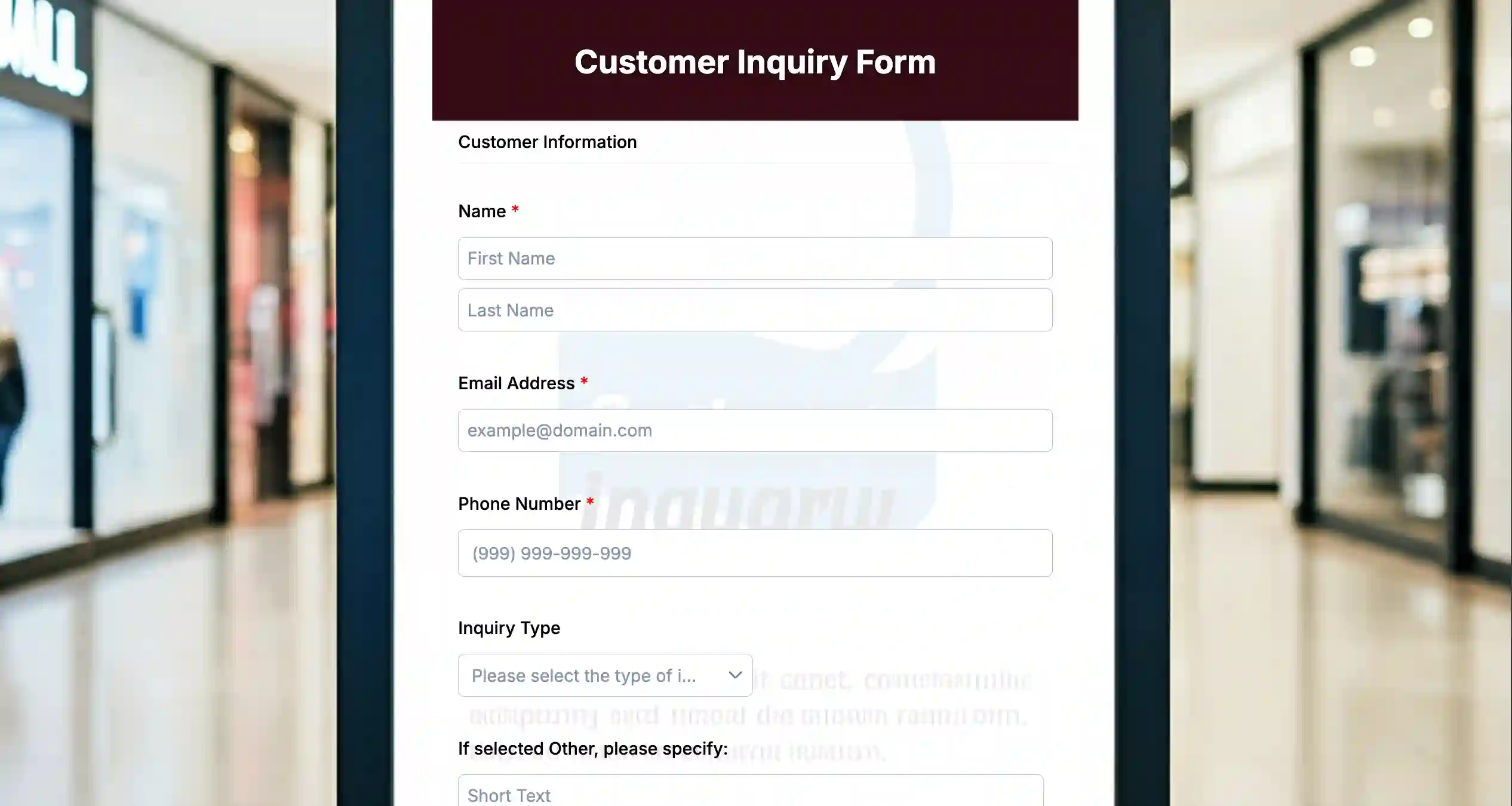
This inquiry template is used by current or possible customers to ask questions, express concerns, and make requests to a business.
3. Product inquiry
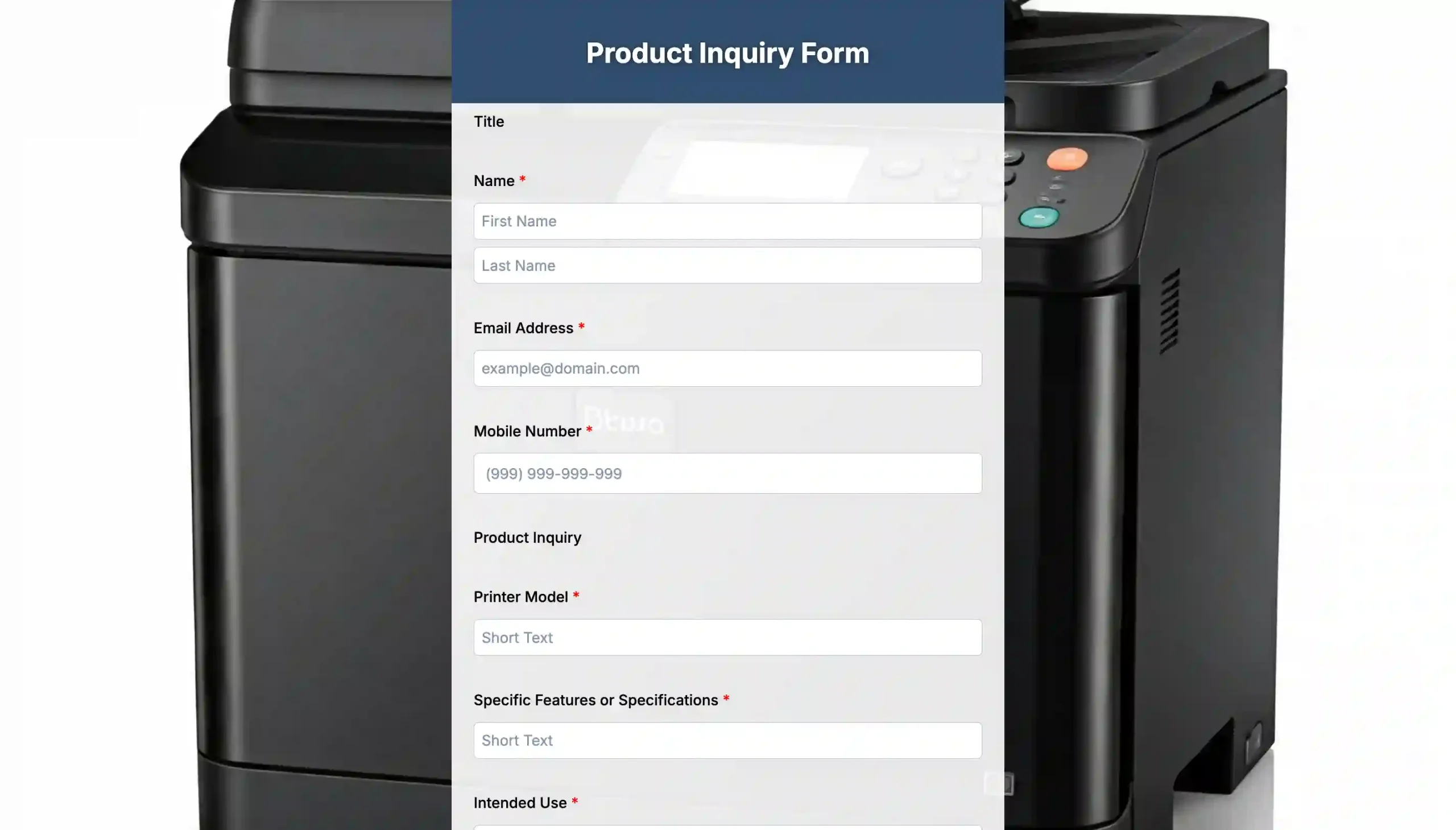
This product query form is used by potential buyers to inquire about a product, such as its pricing, specifications, availability, or customization.
4. Event inquiry
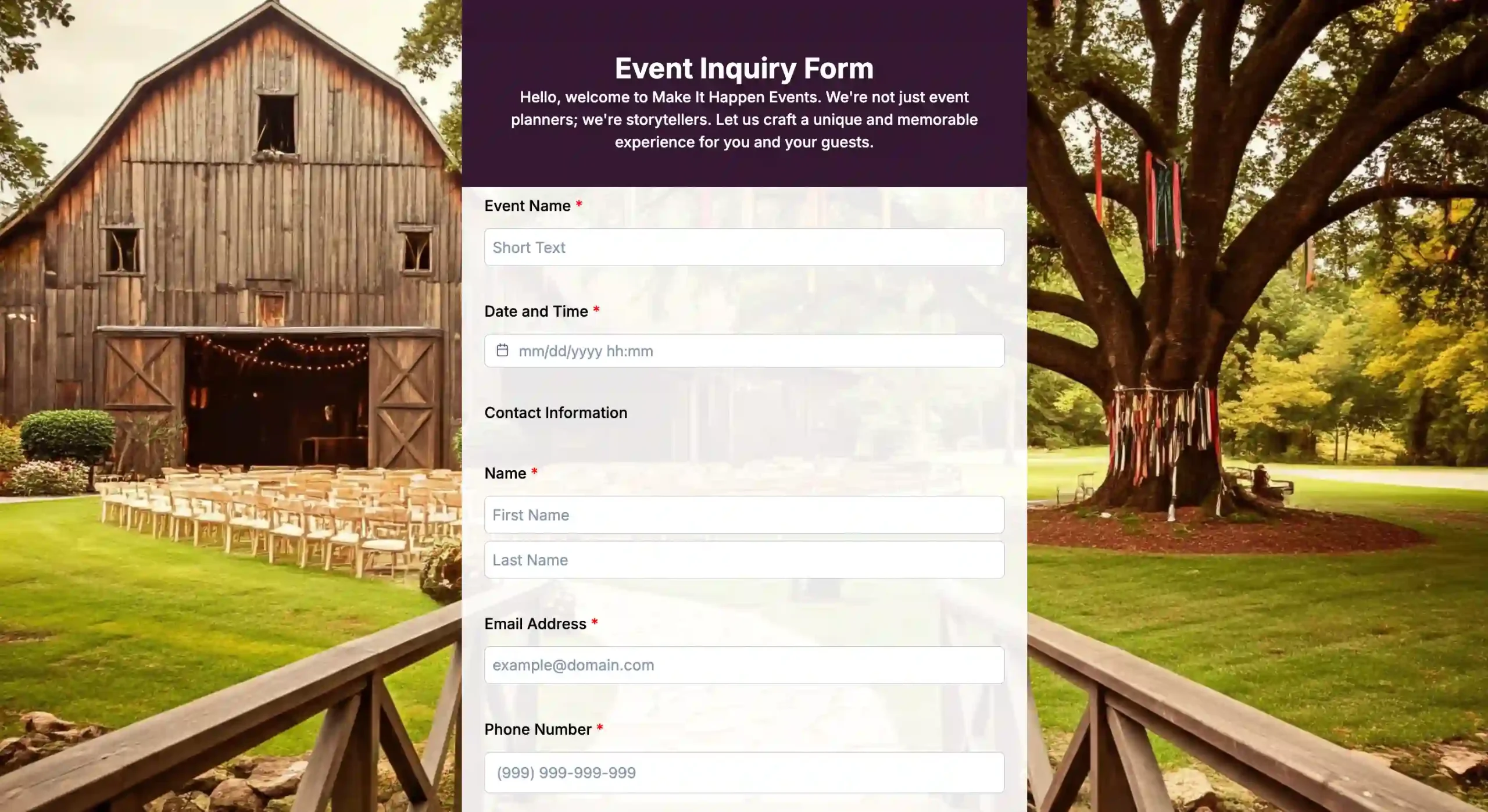
An event query form is used to inquire about attending, sponsoring, or booking an event. It typically asks for contact details, event type, preferred date, and any inquiries potential attendees may have.
5. Billing inquiry
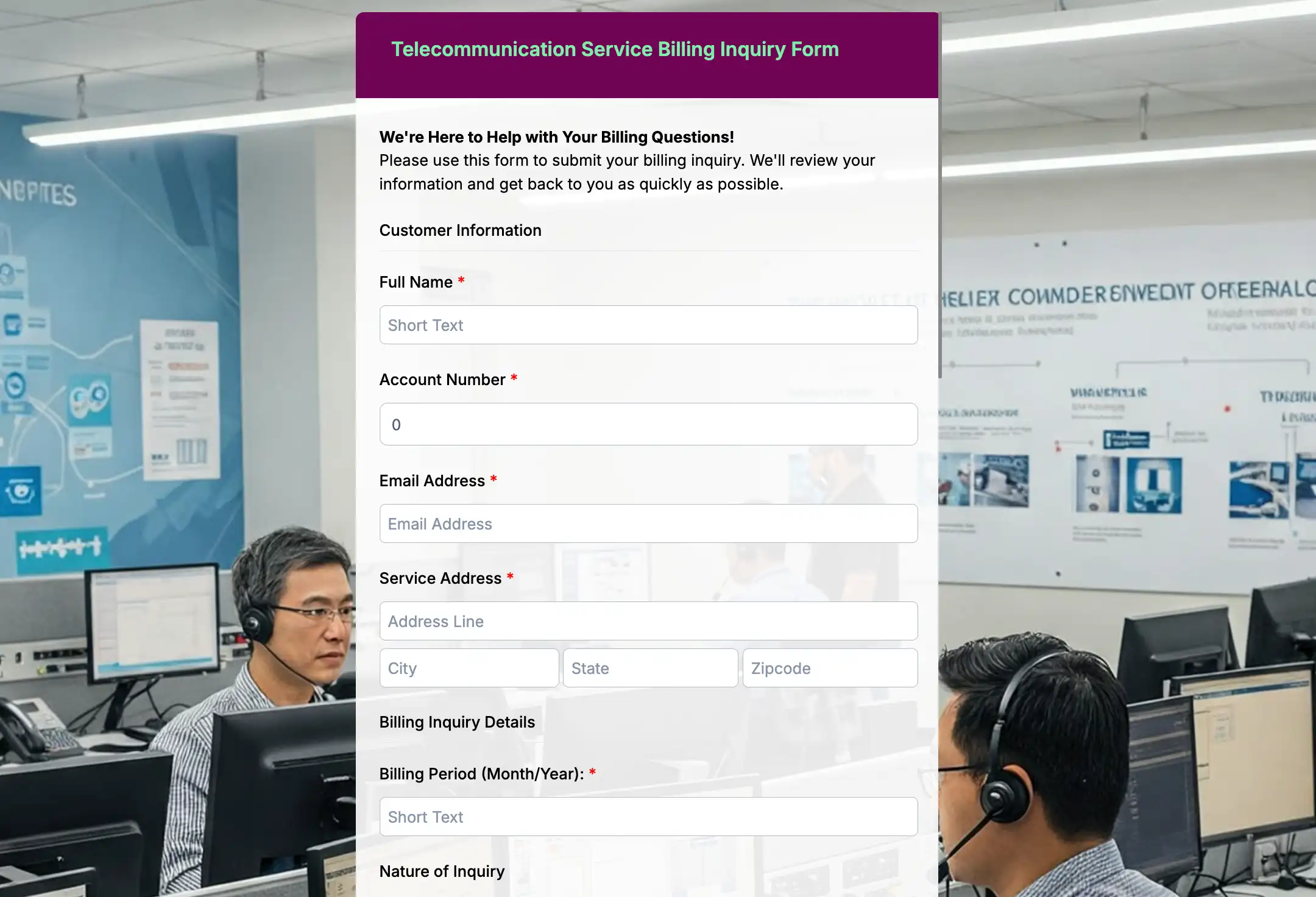
A billing query form is used to ask questions or raise concerns about charges, invoices, or payment issues on an account. For instance, telecom services usually collect account details, the billing period being inquired about, and a certain customer problem. These details will help support teams respond.
6. Information request forms
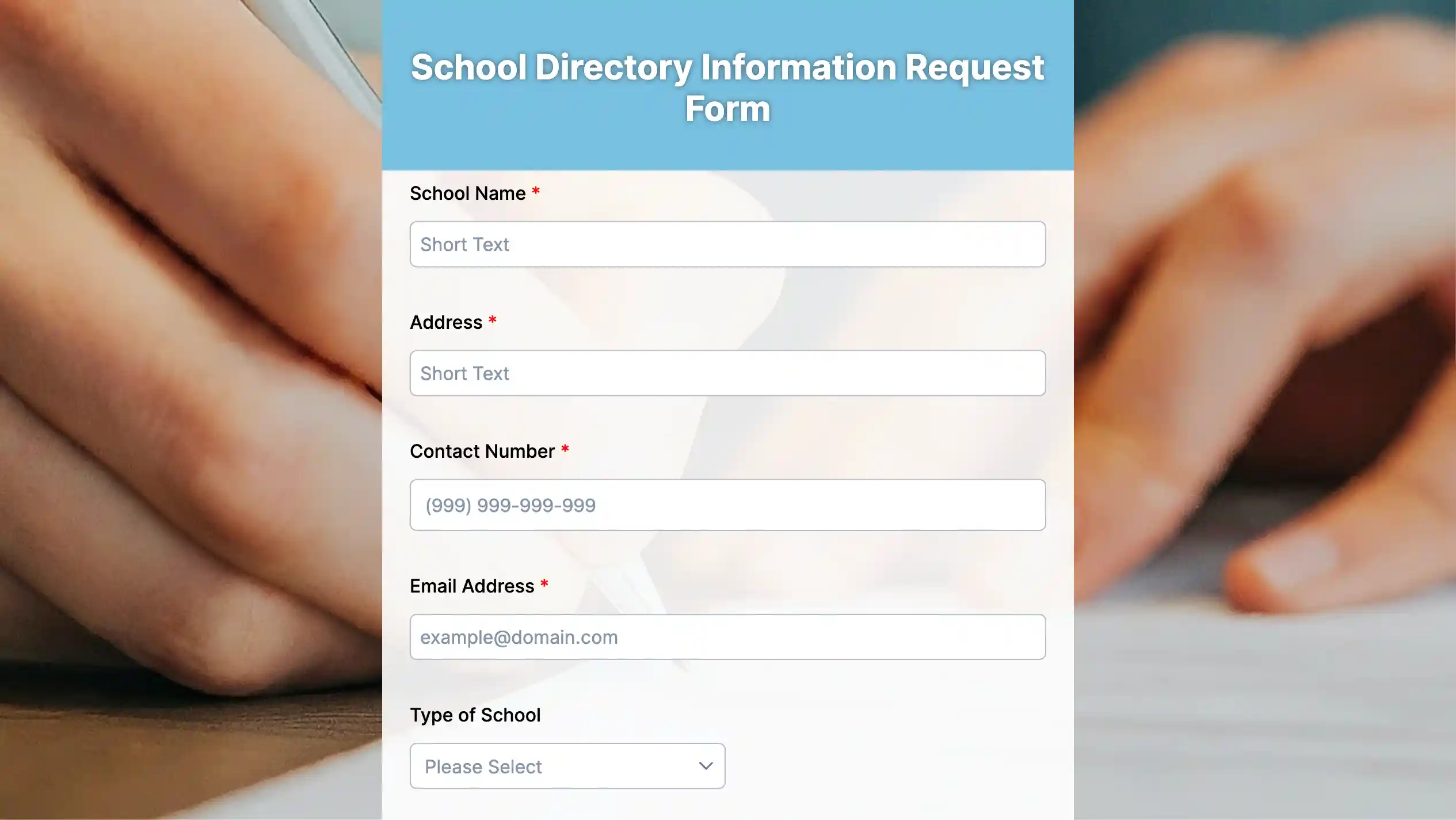
An information request form is a form used to formally ask an organization for specific data, records, or documentation. A school directory information request form, for example, lets parents or guardians specify what student directory details they want released or withheld, in line with privacy policies like FERPA.
7. Consultation forms
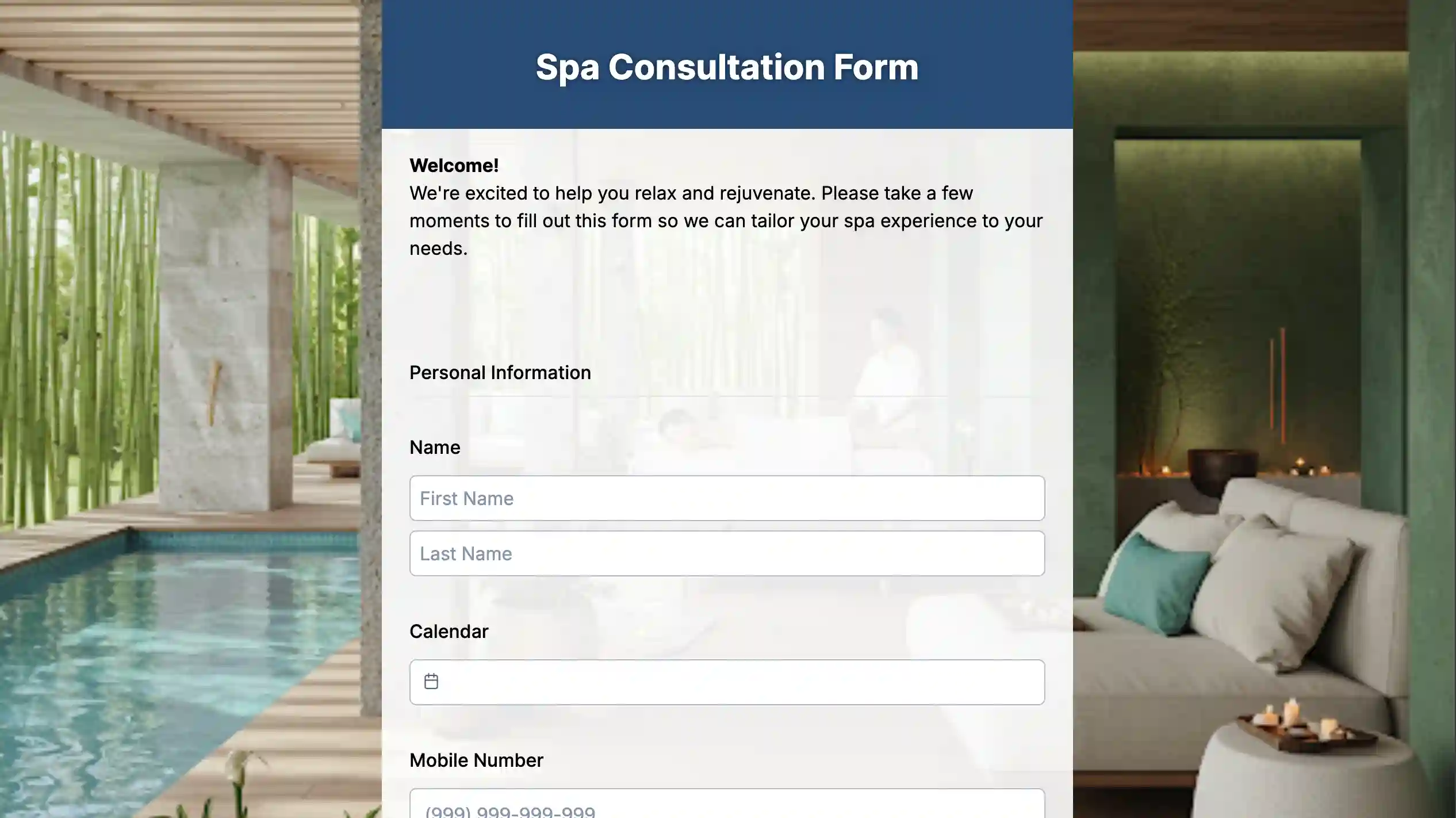
A consultation form gathers background info, preferences, or health details from a client before proceeding with a service or session. This way, practitioners will be able to personalize the session safely for their clients.

40+ inquiry question samples by industry
Every industry gets a different inquiry. Here’s a breakdown of common customer questions by market, to help you build a form that aligns with your specific target audience.
Event planning
- Is your team available on [specify date]?
- What perks are included in your event packages?
- Can you handle both indoor and open-air event setups?
- Do you provide decorations or just coordination?
- What’s your minimum guest count?
- Can I see photos from past events?
Hospitality
- Do you allow pets?
- Is early check-in available?
- Do you have rooms with a view?
- Can I get a late checkout?
- Do you offer airport pickup?
- Is breakfast included in the rate?
- Do you have accessible rooms?
- Can I book for a group of 10 or more?
Travel agencies
- Can you help plan a custom itinerary?
- Do you handle visa requirements, too?
- What’s included in the package price?
- Do you offer travel insurance?
E-commerce and retail
- Do you ship internationally?
- What’s your return policy?
- Is this item currently in stock?
- Do you offer bulk or wholesale pricing?
- How long does shipping usually take?
Education
- Do you tutor [specific subject/grade level]?
- Are sessions online or in person?
- Can I try a trial session first?
- What are your rates per hour?
- Do you offer group sessions or just one-on-one?
Healthcare
- Do you accept walk-ins?
- Do you take my insurance?
- How soon can I get an appointment?
- Do you offer telehealth consultations?
- What should I bring to my first visit?
- Do you treat [specific condition]?
Automotive and repair
- Can I get a quote before booking?
- Do you offer pickup and drop-off?
- How long will the repair take?
- Do you work on [specific car brand]?
- Do you offer loaner cars while mine’s serviced?
Real estate
- Is this property still available?
- Can I schedule a viewing this weekend?
- Are utilities included in the rent?
- Is the price negotiable?
- Do you allow pets in this unit?
- What’s the earliest move-in date?
- Is financing assistance available?
Why use inquiry forms?
Without forms for inquiry, curious questions land wherever people feel like sending them: a comment, a text to your personal number, a voicemail from three days ago you’re only now hearing.
None of it’s organized, and none of it is tracked. Here’s why a form fixes that:
1. It gives inquiries a place
For a hotel operation, booking questions may flow through email, DMs, and phone calls simultaneously; no standard portal to receive them all.
But with an online form, you categorize information in fields and bring it into one place. So, in time, the front desk staff answers multiple questions at once instead of managing booking forms from various channels.
2. It shows professionalism
Someone who fills out a structured form expects an actual, timely response, and you’re now set up to give it to them.
3. It matches how people already behave
According to QR TIGER’s QR Decoded 2026 report, 47% of respondents scan QR codes daily or several times a week; that’s not a niche habit anymore. A query form with a native QR code meets people exactly where they already are: mid-scan, phone in hand, question ready.
How to create an inquiry form with QR codes
TIGER FORM comes with a native, dynamic QR code built in, so you don’t need a separate generator to turn your query form into something people can scan and fill out on the spot. Here’s how to create one:
1a. Create an account
If you’re new to TIGER FORM, click the “Forms” tab to get started. Creating an account also lets you save your forms to your own dashboard; read our TIGER FORM guide to get started.
1b. Login
If you already have an account with us, log in and click the “form” icon to start creating forms from scratch.
2. Start with a template, an AI form generator, or from scratch
Choose an industry template to modify existing fields, use the platform’s AI form builder with a short prompt to auto-generate a draft, or build a form from scratch if you need full control.
3. Add your fields and customize your form
From the side panel, add an inquiry-type dropdown, a message field, and contact fields; order them to match your top request types, then update colors, logo, and fonts to reflect your branding.
4. Preview and finalize
Before publishing, preview the final (upper right of the builder) to check your form for errors and confirm it flows the way you expect.
5. Generate your QR code
TIGER FORM has a native QR code generator, so you can create an integrated QR code for your form right after. Customize the QR code’s eye pattern and frame design together with your logo, so its branding matches your form.
6. Export to publish and share
Once you’re done customizing the QR code, export it — exporting your QR codes will automatically publish your form.
Print the code for shelves, booths, or counters, or share it digitally through embeds, links, or email.
Tip: Test your forms first: submit a sample entry and scan the code with your phone to confirm it opens the right form and the notification arrives.
Benefits of using QR codes for query forms
QR codes eliminate the need to type long URLs: point your camera, tap once, and the form opens. No app required and nothing to type manually.
They also work where clickable links can’t: printed brochures, food‑truck windows, and conference badges. None can include a link, but they can store a code.
Most QR platforms track scans, too, which gives you visibility that a printed phone number never could. You can see, for instance, that the code on your storefront window gets scanned three times more than the one on your takeout menu, and adjust from there.
And dynamic QR codes bring flexibility — you can update their destination link anytime, without changing the code itself. For instance, add a field to your form or change which team handles replies. Then update the destination URL, and the same QR code will continue to work.
Best practices for creating effective forms for inquiries
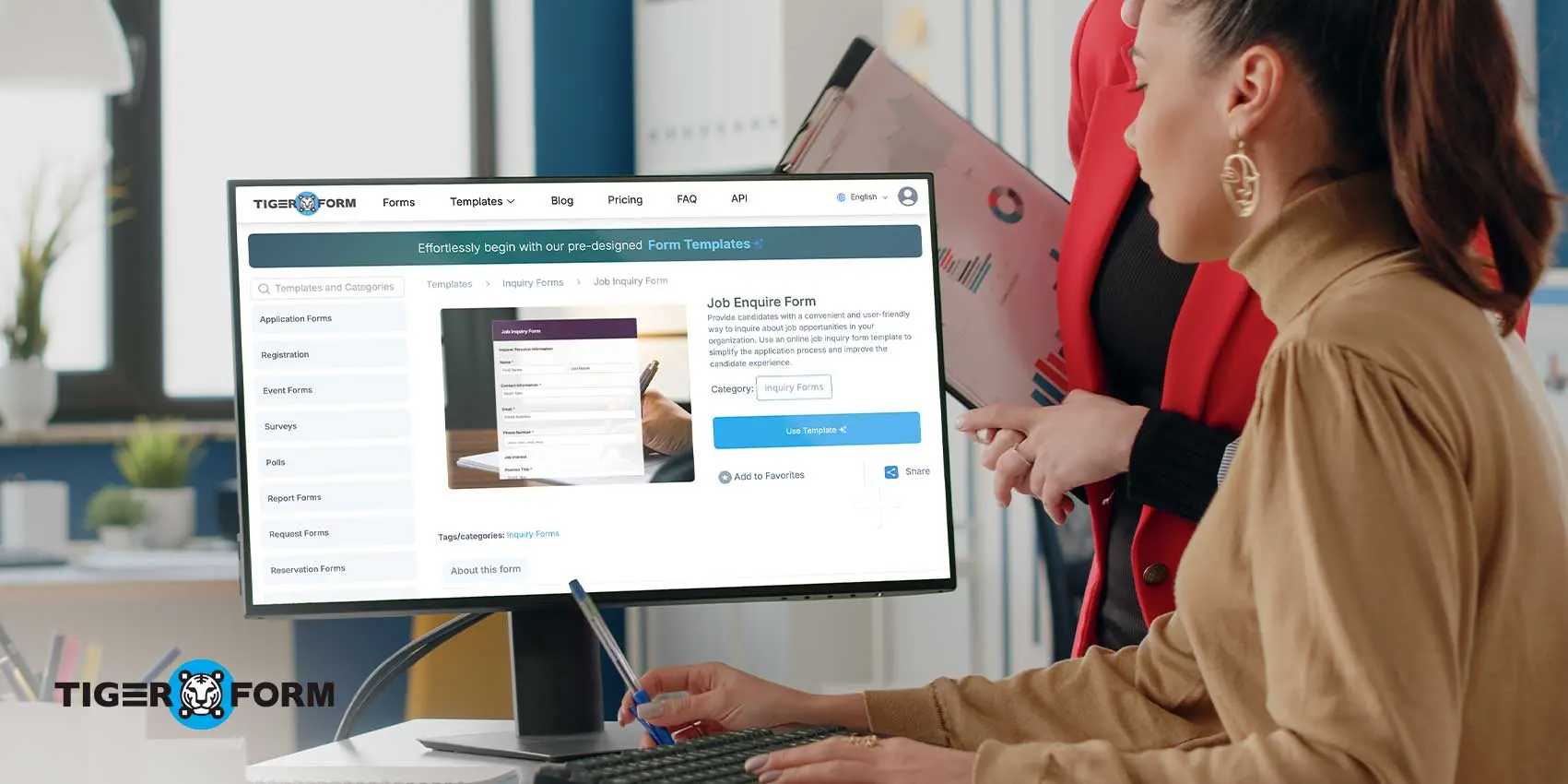
An effective inquiry form asks only for what’s needed to act on the request, loads quickly on mobile devices, and clearly confirms the submission. Forms that ignore these basics tend to see visitors abandon them halfway through.
Keep it short
Keep it short; each extra field increases the chance users will abandon the form. Ask only what you genuinely need to give a decent first response.
Ask only essential questions
Don’t include questions you can ask during the conversation, like a phone number, an email, or a one-line message, as they are usually enough.
Add a clear call-to-action
“Submit” button fails to leave an impression. “Get My Free Quote” or “Send Your Question” tells someone exactly what happens the moment they click.
Use categories to route inquiries
Use a subject or category dropdown to organize incoming messages before people open them, so pricing questions and support tickets don’t pile up together. And each inquiry question reaches the right person faster.
Optimize for mobile
QR TIGER’s QR Decoded 2026 report shows that slow load times and poor mobile optimization together account for 35% of scan-to-abandon friction. So, test your form on a small screen before you trust it to run unattended.
Confirm every submission
Something as simple as “Thanks, we’ll get back to you within 24 hours” tells people the form actually worked instead of leaving them wondering if you received their message.
Protect against spam
A basic CAPTCHA or honeypot field keeps bots out of your inbox, so the inquiries that land there are ones from actual humans.
FAQs
Are inquiry forms effective for businesses that provide services?
Yes, use an inquiry-type dropdown to sort quote requests, scheduling questions, and general inquiries, so each one reaches the right staff member.
Can I add a query form to a printed flyer?
Yes, you can. Add a dynamic QR code linked to the form. Scan the QR code with a phone to open the form, no typing required
How many fields should a query form have?
Aim for five to seven fields. Shorter forms tend to have higher completion rates, so prioritize essential questions. Add fields for contact details, inquiry type, and a message box, plus an optional file upload.
Can I track scans on my QR query form?
Yes, dynamic QR codes track scan activity in real time, showing you how many times the code was scanned, which types of devices scanned it, and when they occurred.
Can I still edit my form after the QR code has been printed?
Dynamic QR codes let you update the linked form or destination without reprinting the code, since the code points to a redirect link rather than the form’s old content.
Organize customer inquiries with QR form tools
An online form maker provides a proper system for customer inquiries instead of a scattered inbox, comment section, and voicemail. Every question comes in through the same structured format, so nothing gets lost and nothing waits three days for a reply.
The right builder makes this easy from the start: preset fields and categories with formatting options that remove the need to code, so teams can deploy forms faster.
TIGER FORM includes automatic QR code generation for your query forms, allowing the online form and its physical access point to launch together.
Try building your first query form with TIGER FORM today!
Sources: QR Decoded 2026