
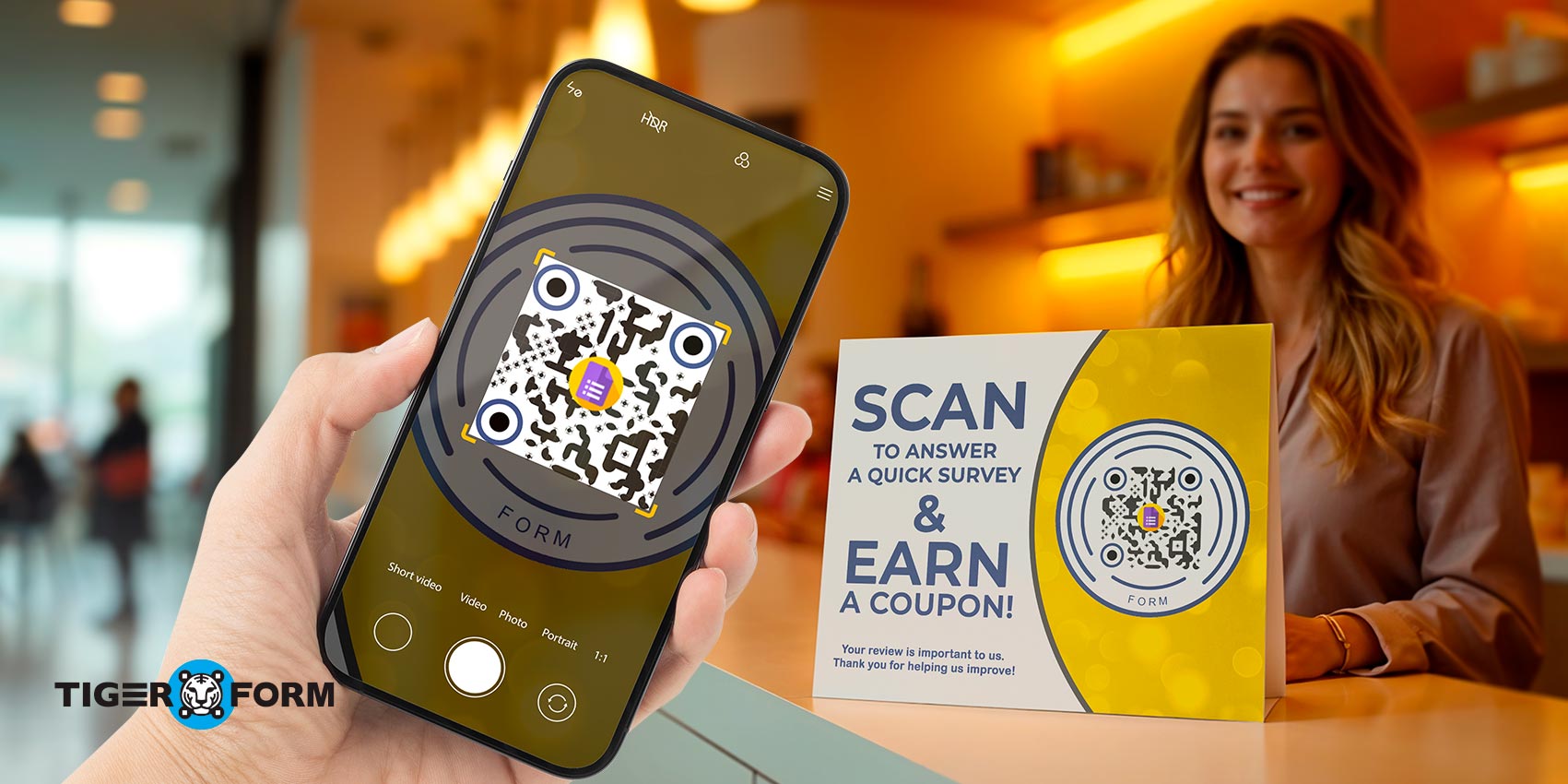
Do you need a way to gauge your audience’s viewing experience or to know how you can increase audience engagement? QR code forms are the way to go. With the rise of the internet comes the ease and convenience of new inventions, such as QR codes that businesses can easily use for various purposes, one of which is linking to a feedback form.
When the audience feedback form is linked to the QR code, all customers can access it by single scan through a mobile phone, making the process of collecting feedback much easier.
Let’s look at why implementing QR codes is important and how the QR code-integrated audience feedback form works and helps businesses improve customer experience.
What is a QR code audience feedback form?
Form QR codes are a type of digital form that can be easily accessed by scanning a QR code with a smartphone or tablet. That QR code contains a URL that redirects the customer to a specific online form. This form could be used for a variety of purposes, such as surveys, polls, registrations, feedback collection, or order forms.
The benefit of this form is convenience. Customers don’t have to manually go to the website or social media page to submit feedback about their customer journey. They only need to take out their smartphones and scan the QR code of the audience feedback form, and that’s it.
Another benefit of QR code forms is that they’re easy to create. Many form builders, such as Online Form Builder are available online. They allow creating and customizing both the form and the QR code with minimal effort.
QR code form: Connecting businesses to every customer
The most difficult thing about feedback forms is persuading the audience to actually provide the feedback. Most of the time, because these surveys are not compulsory, many viewers choose to forego answering them. As a result, businesses end up losing an opportunity to know how they can improve their performance.
If you want to avoid this and connect every customer with ease, the ideal option is to use a QR code form builder. According to research, integrating the QR code can drastically improve the survey response rate. Let’s take a look at some of its main customer feedback benefits for business.

5 benefits of QR code audience engagement form
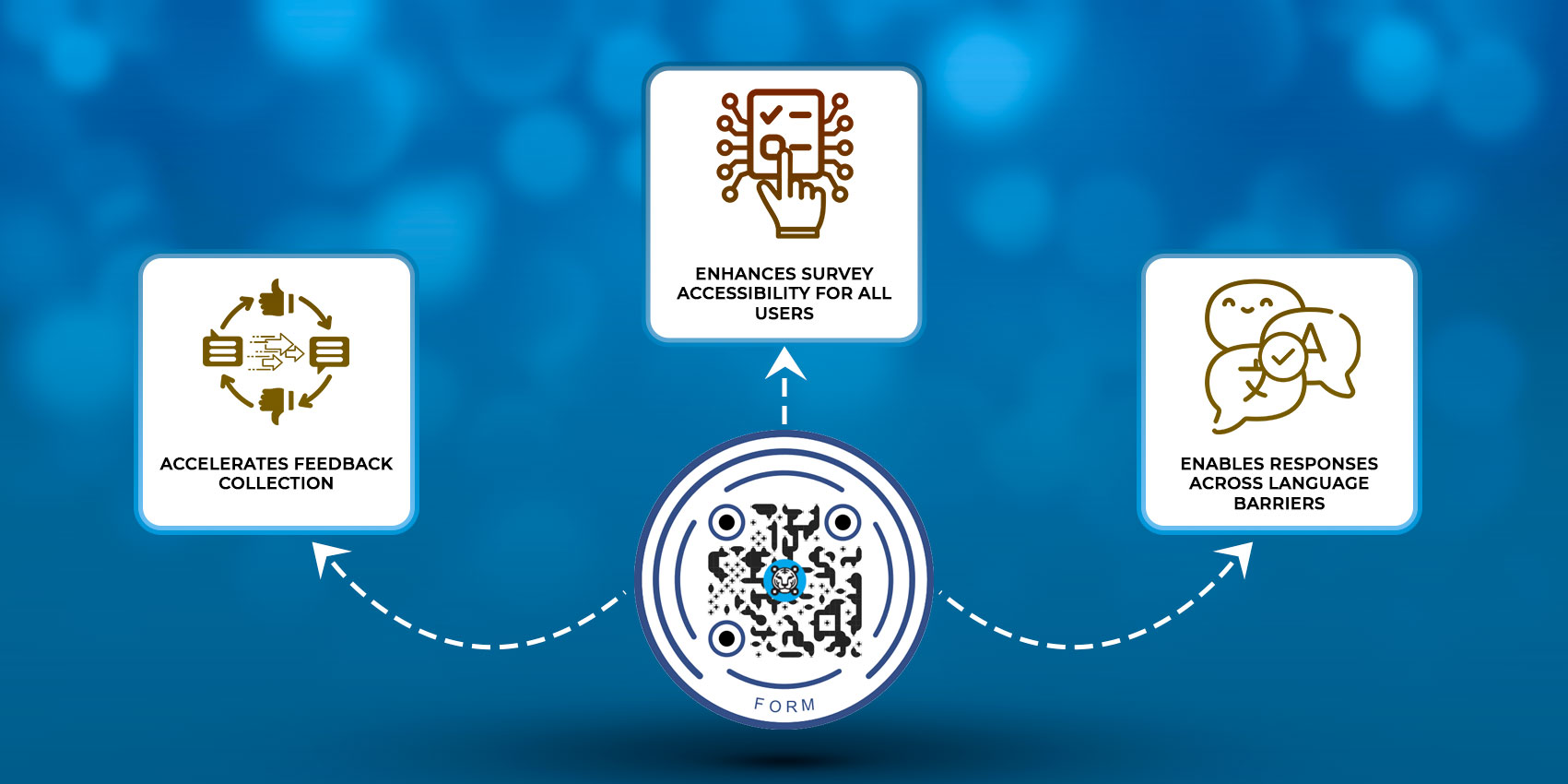
In this section of the article, we’ll talk about how integrating forms with QR codes will help you connect to more audiences faster and more efficiently.
Makes surveys more accessible to everyone
QR codes do all the work for the customer. It takes them immediately to the landing page of a show’s website, to the cinema’s landing page, to a survey where they can talk about their experiences, and so much more. All anyone really needs to do is scan using a smartphone, and they’ll be redirected to a landing page where they can fill out the feedback form and click ‘Submit.’
This will make your surveys much more accessible to everyone, especially those who aren’t as tech-savvy. They’ll not need to ask any support staff for help or visit the location in person. Not to forget, it also widens the scope of audience engagement on a website.
Speeds up the feedback process
Surveys are much more enticing when they’re a single scan away. This is the reason why it has become so famous worldwide, especially in the United States, where about 89 million smartphone users scanned a QR code on their mobile devices in 2022.
By speeding up the feedback process, more users engage with your feedback forms in minutes. Your QR codes redirect your viewers to whatever you want them to see. These QR code feedback forms smoothen survey experience perfectly suits the modern-day viewer’s need for faster, quicker transactions.
Allows people to respond despite language barriers
Form QR codes aren’t limited to any specific industry. You can even use QR codes for entertainment to be able to connect to people no matter where they come from. It also solves the issue of language barriers.
Let’s take a show on Broadway, for example. People travel all around the world to watch some of the world’s most popular shows, like Wicked or Hamilton, on Broadway. The thing is, most of these people might have the capacity to understand English, but they might not be able to properly formulate responses. In this case, how can you ask them to fill out a survey on how they felt about a show?
The great thing is that technology has provided a solution: multilingual QR codes. These QR codes not only direct someone to a website page for quicker access but also sync those pages to the language of the user’s device, making language barriers obsolete.
Cost-effective options
Another big benefit of using QR codes for audience forms is that they won’t cost you an arm and a leg. Form QR codes are inexpensive to generate; all you need is a Form QR code generator like TIGER FORM.
Once you’ve found the right tool, go to the website, create a customized form, and generate a QR code for it. There is no need for printed materials or extensive manual data entry, as responses are gathered digitally.
Good for the environment
Using QR code forms is also good for the environment. The paper industry is the biggest water polluter, contributing to significant environmental damage. To reduce this negative impact, companies are now seeking more sustainable practices like switching to digital forms and using QR codes instead of pamphlets or brochures to reduce paper consumption and waste.
5 best practices when implementing QR code form
Now that we’ve mentioned the reason behind the use of QR code forms, let’s go over how you can implement them and increase the feedback you get from your audience.
Create well-designed QR codes
The first step to getting someone to scan your QR code is to make sure it attracts attention. As funny as it sounds, these QR codes must look ‘pretty’ and meet the following requirements:
- • Appealing Design: A well-designed QR code should have the right blend of colors, a background that allows the code itself to stand out, and frames that look intentionally placed. QR codes must not only serve the basic function of directing a customer somewhere but also entice the customer to scan it.
- • Include a Powerful CTA: When printing out your QR codes, including a call to action (CTA) is vital. This just allows the user to know what the QR code is for and attracts their attention as well. Don’t make your call to action too long. Your CTA could be as simple and quick as “Scan me with your camera!” or “Scan me and take a quick survey!”.
- • Mobile-friendly QR Code: You also have to make sure that your QR code is also easily readable on the phone. In order to do this, try out your QR code before allowing the public to use it. Does your QR code direct you to the right website? Does it direct you to the proper survey? If the answer is YES, it’s ready to use.
Create a detailed form
While creating an audience feedback form with TIGER FORM, make sure to include all relevant sections, such as name, mobile number, address, email information, gender, and so forth. Data collection is important for two primary reasons: to better understand the audience and to use the information in the future for follow-up communication or targeted marketing campaigns.
Placement is key
A QR code should be placed in a popular area. For instance, the ticketing booths or on top of a table by the entrance to the theater would be great places to display QR codes. Also, make sure ticketing booth employees or your front desk staff mention the QR code to each customer who passes by.
Include incentives for the audience to scan the QR code
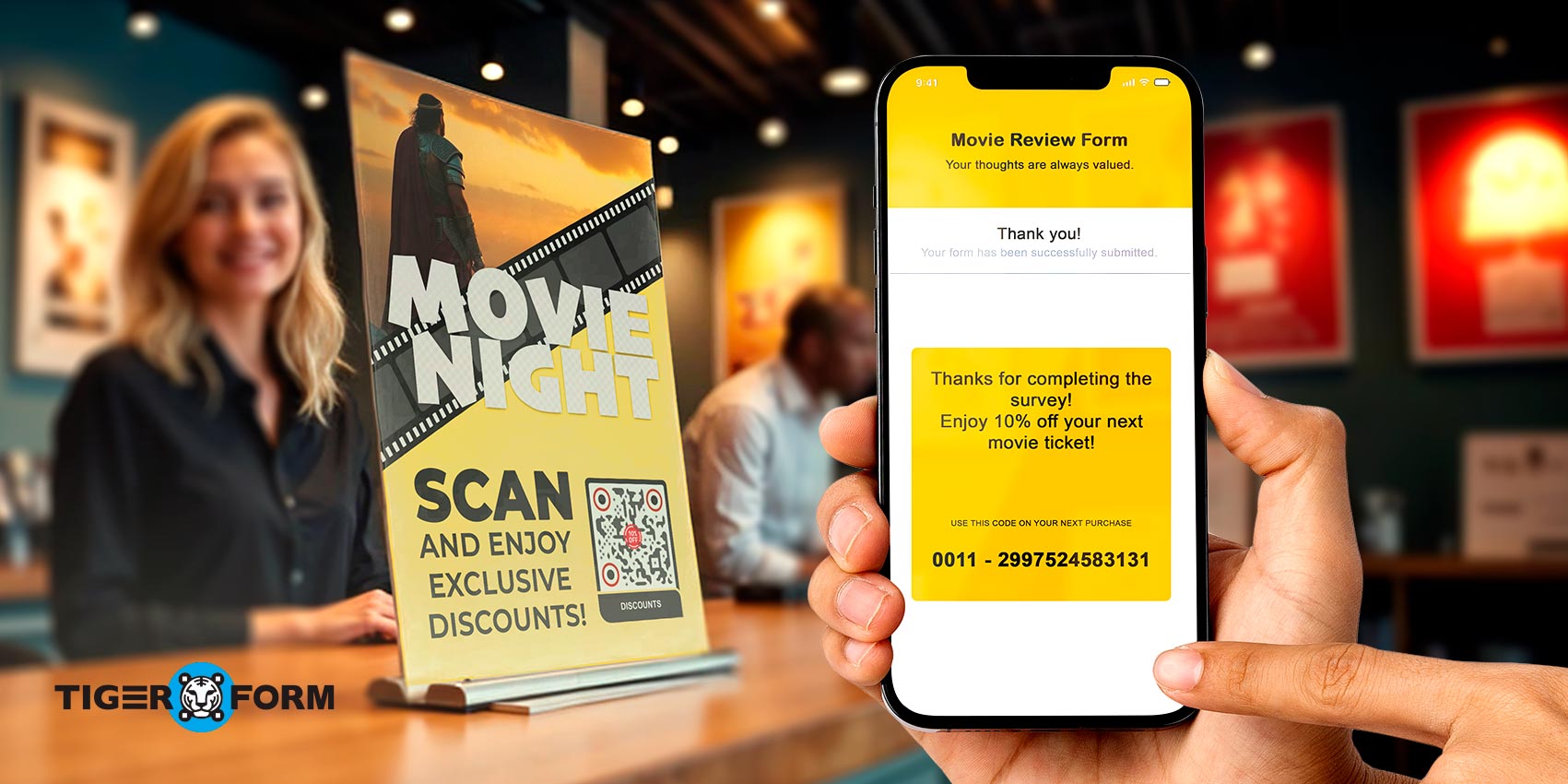
Around 36% of people scan QR codes to redeem something, such as coupons or incentives. This is why it’s a good practice to include incentives to entice more audience members to scan your QR codes. These incentives definitely don’t need to be extravagant. A simple keychain or a coupon for their next movie ticket is a great example.
Regularly monitor the submissions & QR codes
Do not forget to observe your QR code’s performance. Technical issues can arise, and if your QR code is malfunctioning or not accessible, you risk losing valuable feedback that could have provided important insights. Regular monitoring ensures that any problems are identified and resolved quickly.
You can also access information about how many people scan it, when they scan it, and where. This information can help you optimize your customer feedback strategy and make necessary adjustments.

The takeaway
Business Insider has noted that the number of smartphone users who scan QR codes is projected to increase to 99.5 million in 2025. This is a rising demographic. More and more people are using QR codes in their everyday lives, whether to visit a website and learn more about a product, buy something, or answer an audience feedback form.
You should also take advantage of this growing statistic and start using TIGER FORM to engage with your audience and gain feedback on your entertainment. This is a quick and easy upgrade to improve your performance. Why not make use of it?
FAQs
How can I ensure the feedback form is mobile-friendly?
Use responsive design, large tap targets, clear input fields, and fast-loading pages. Test on multiple devices and browsers.
How can I track QR code engagement without compromising privacy?
Good audience management for forms starts with using unique codes for different channels or events. Analyze aggregated, anonymized data such as scan counts and completion rates without collecting personal identifiers.
Should I offer multiple ways to give feedback?
Yes, provide QR codes, an online link, an SMS option, or physical comment cards to accommodate preferences.
How do I ensure accessibility for all users?
Include alt text for QR code images, make sure form fields are accessible, support screen readers, and ensure color contrast meets guidelines.
What’s the best way to follow up after feedback?
Acknowledge submissions, share key takeaways, and outline actions or timelines. If possible, show how feedback influenced decisions.
Can QR codes be used for live or real-time feedback?
Yes. Use near-real-time forms or quick polls displayed on screens to capture immediate impressions during an event.