

If your goal is to understand people better, their satisfaction, opinions, or needs, you need more than just a basic survey form, you need structure. That’s what feedback form templates offer you. They turn scattered responses into neatly organized data you can actually use to improve.
They also save you from the exhausting trial and error of building new forms. Instead of wondering what questions to ask or how to format them, you get a ready-made structure built from proven examples.
They guide your respondents to share meaningful insights instead of vague opinions, and that’s the real difference between random answers and actionable feedback.
Read this blog and learn 10 free feedback form templates you can start using today with any online form builder.
Why use a feedback form template?
1. Saves valuable time
Templates remove the hassle of creating forms from scratch. You can start collecting feedback in minutes instead of spending hours designing layouts and writing questions.
2. Gives structure and flow
Every feedback form template is designed with a logical question order that guides respondents smoothly from start to finish, resulting in clearer and more complete answers.
3. Improves response quality
Well-framed questions encourage people to share more honest and thoughtful insights, helping you understand not just what they think, but why they think it.
4. Maintains consistency across teams
Using the same templates across departments ensures that data is collected in a uniform format, making it easier to compare results and track improvements over time.
5. Easy to customize with form builders
With any online form builder, you can edit the template to match your brand, change colors, add your logo, or tweak questions to suit your purpose.
6. Increase participation
Professionally designed templates look clean and are simple to fill out. When forms are easy to use, more people complete them, leading to richer feedback.
7. Helps turn feedback into action
Because everything is neatly organized, it becomes easy to identify patterns, strengths, and areas that need improvement. And just like the fact that 88% of consumers trust online reviews, it shows how much people rely on clear and trustworthy information when making decisions.
Ready-to-use online feedback form templates

1. Parent feedback form
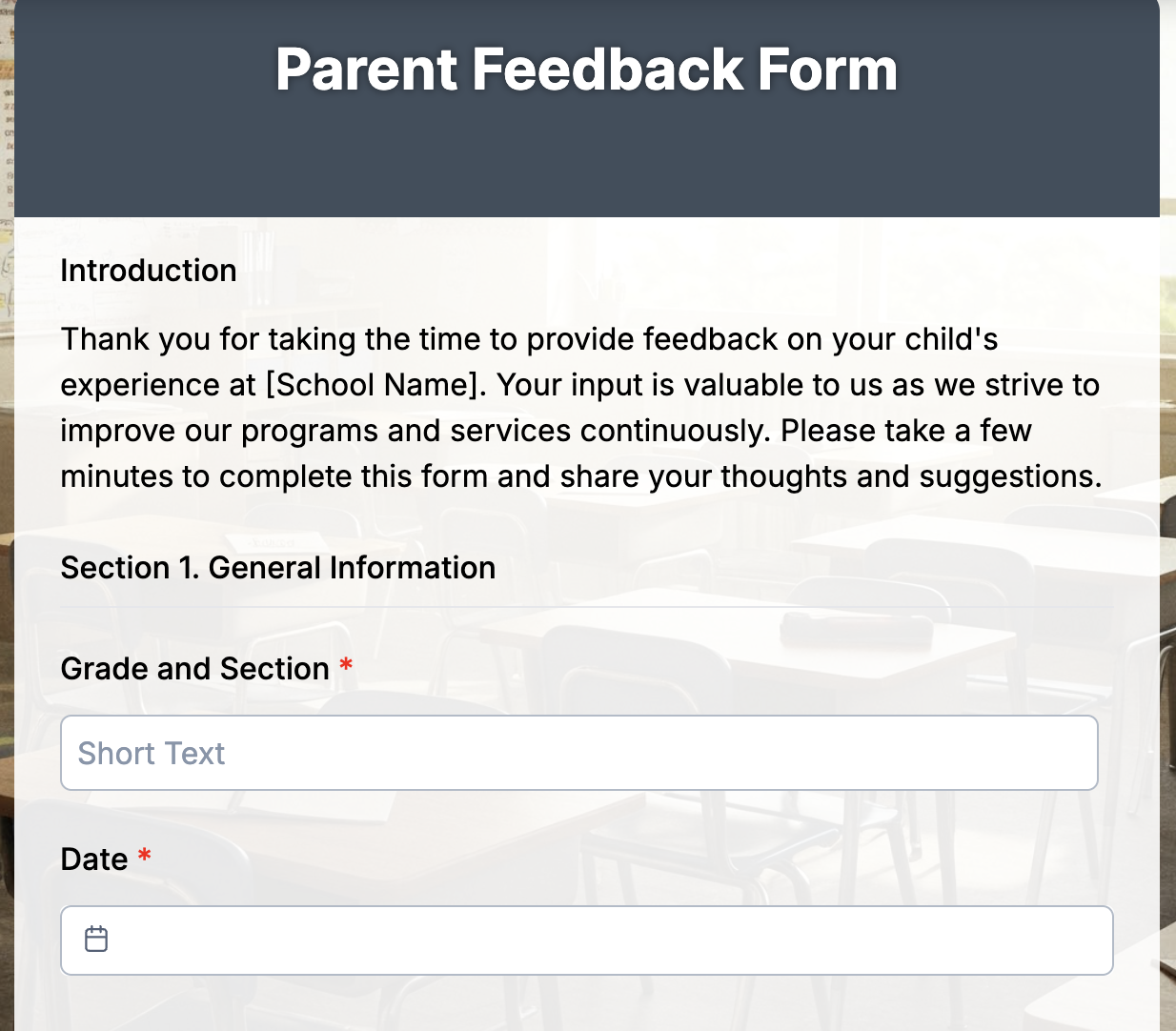
The parent feedback form is designed to help schools and educators understand how parents feel about their child’s learning experience. It encourages honest, thoughtful input on communication, classroom environment, and overall satisfaction.
You can use this form in schools, daycare centers, tutoring programs, or after-school activities to collect structured feedback that leads to meaningful improvements.
Essential fields to include:
- Parent Name
- Student Name
- Class/Grade
- How satisfied are you with the school’s communication? (1–5)
- What do you like most about your child’s experience?
- What could be improved?
- Would you recommend this school to other parents? (Yes/No)
2. Patient feedback form
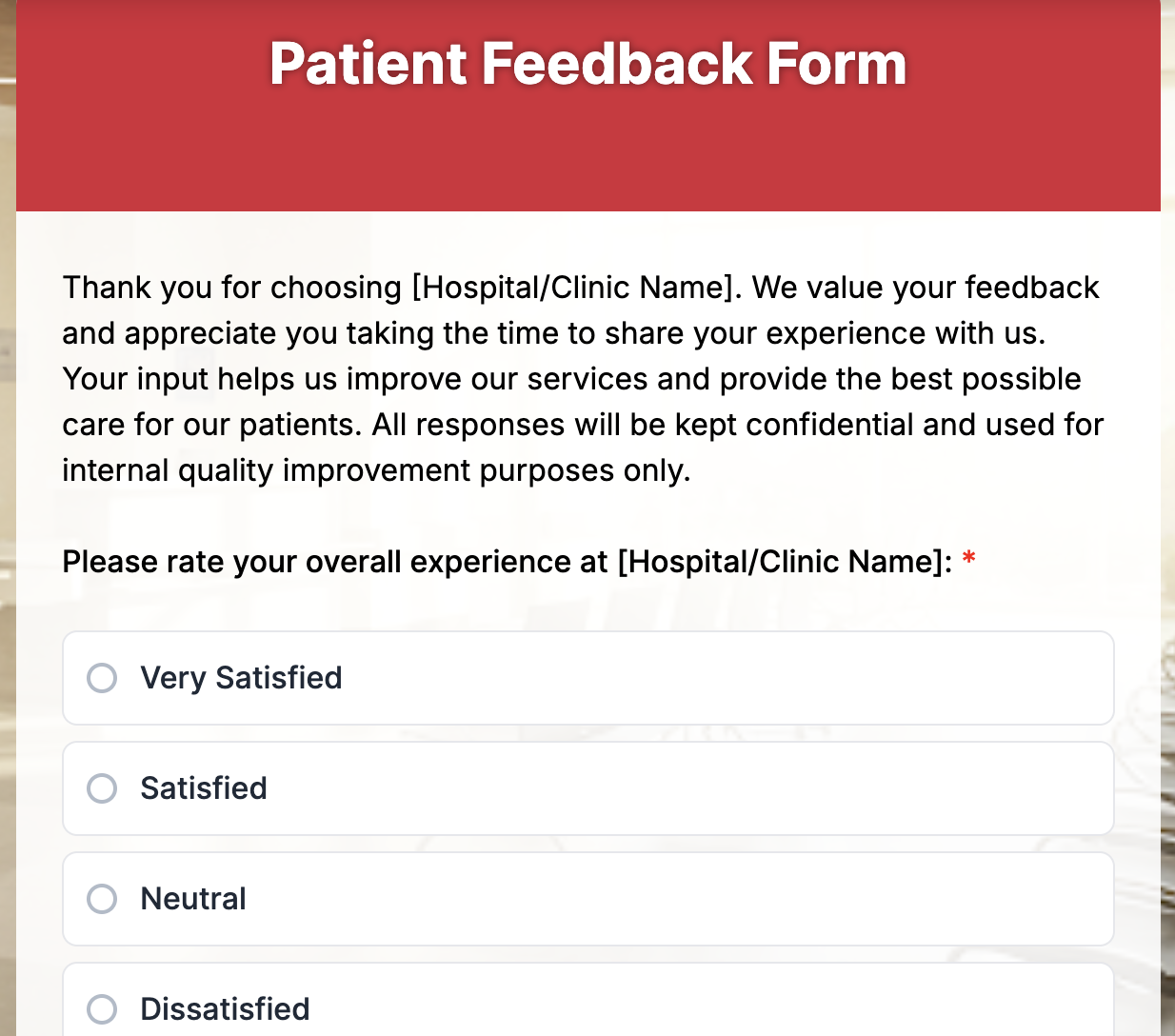
The patient feedback form helps healthcare providers understand the quality of care and overall patient experience. It gives patients a safe space to share their thoughts about services, staff behavior, and comfort during treatment.
This form is ideal for clinics, hospitals, dental practices, wellness centers, or therapy facilities that want to improve service quality and patient satisfaction while maintaining confidentiality.
Essential fields to include:
- Patient Name (Optional for privacy)
- Date of Visit
- Department/Doctor’s Name
- How would you rate your overall experience? (1–5)
- Were you satisfied with the care and attention provided by our staff? (Yes/No)
- Was your waiting time reasonable?
- What did you appreciate most about your visit?
- How can we improve your experience?
- Would you recommend our clinic to others? (Yes/No)
3. Travel feedback form template
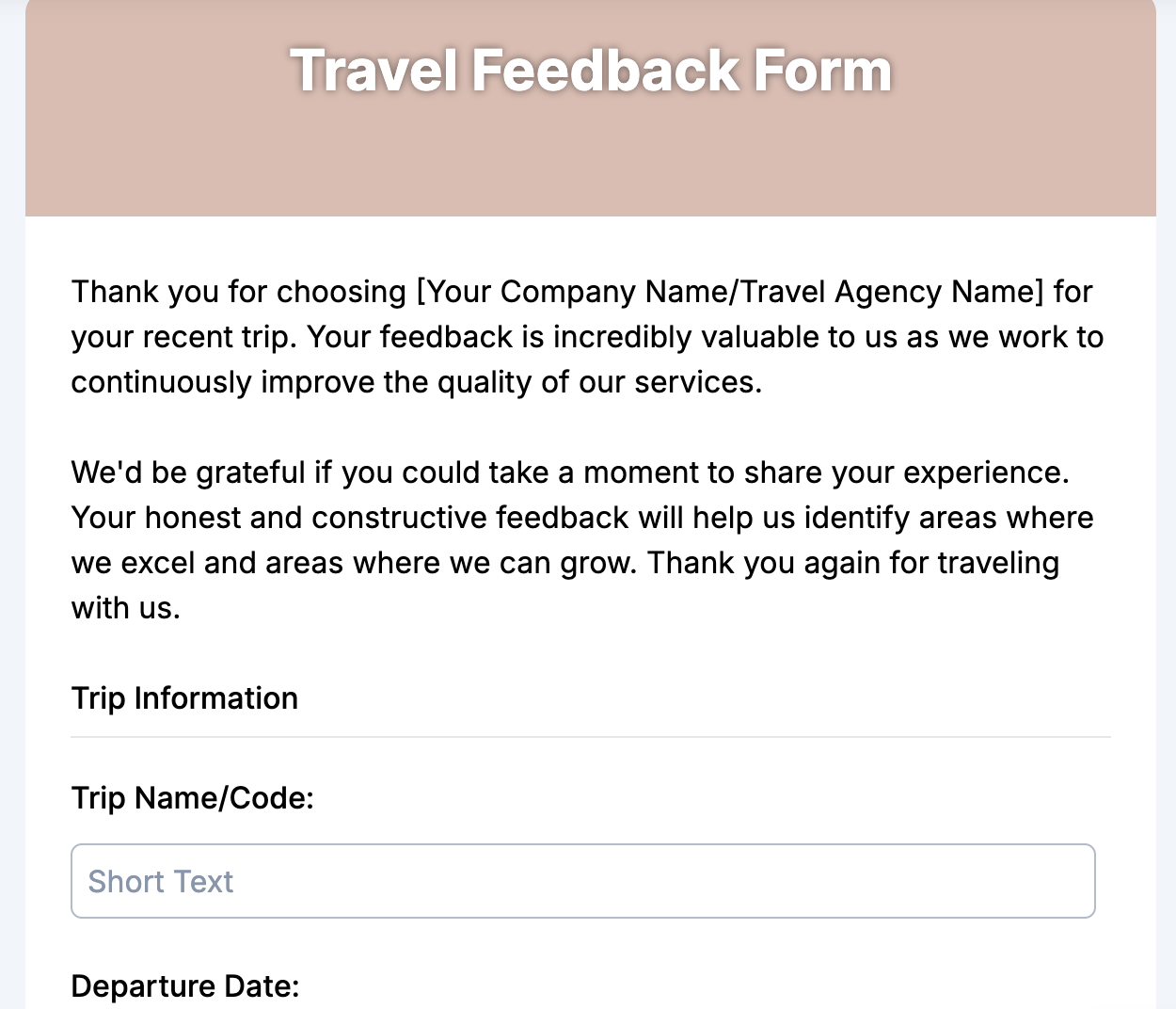
The travel feedback form is designed to help travel agencies, tour operators, and hospitality businesses understand how travelers feel about their trips. It captures opinions on everything from booking experiences to accommodation, transportation, and overall satisfaction.
This form works well for travel agencies, tour organizers, hotels, airlines, and vacation planners who want to measure customer satisfaction and improve future services.
Essential fields to include:
- Traveler Name
- Email Address
- Destination/Package Name
- Date of Travel
- How satisfied were you with the booking process? (1–5)
- How would you rate the accommodation and transport arrangements? (1–5)
- What was the highlight of your trip?
- Were there any issues or challenges during your travel?
- How likely are you to book with us again? (1–5)
- Any additional comments or suggestions?
4. Client feedback form
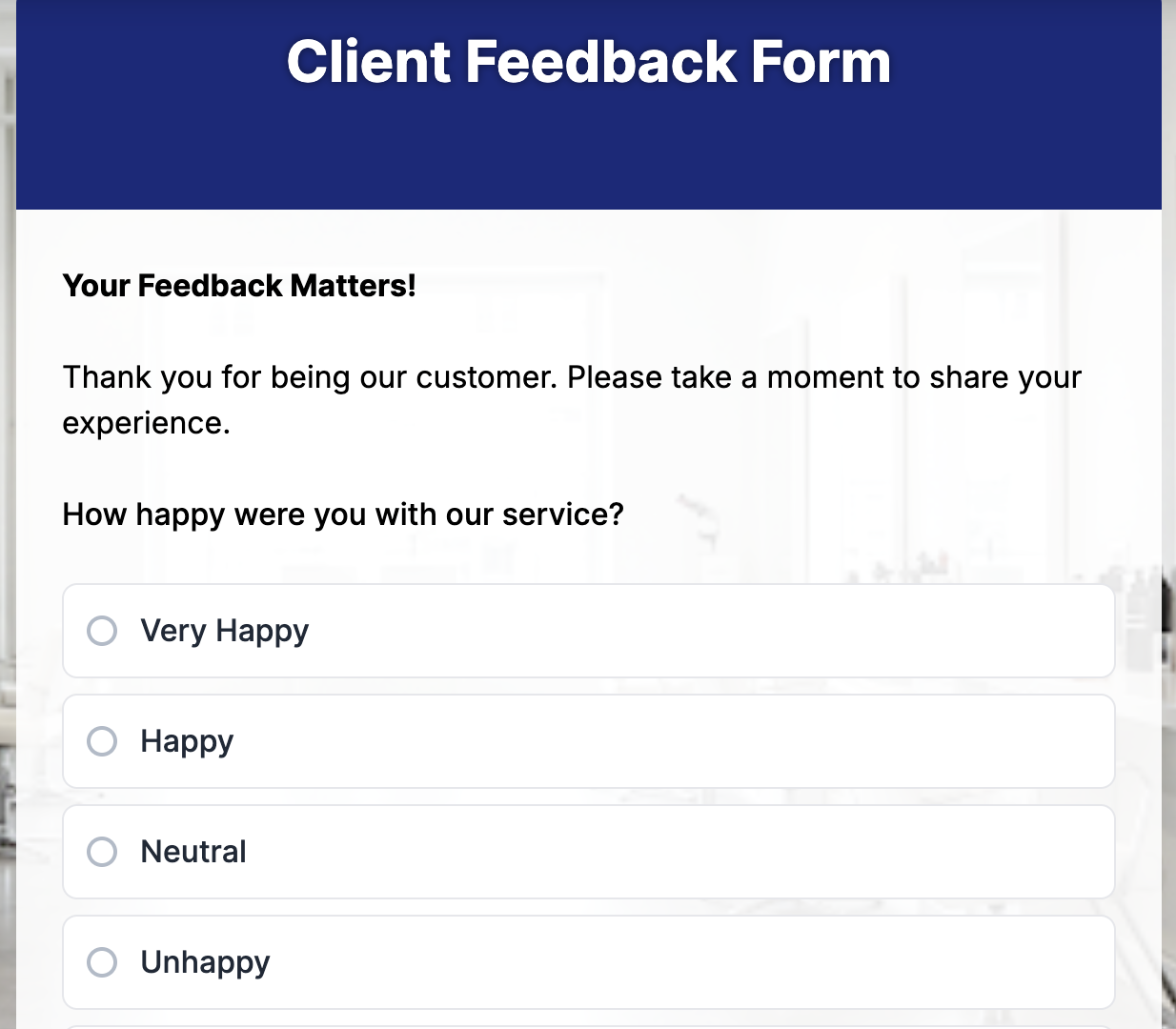
The client feedback form enables businesses to gauge the level of satisfaction among their clients with their services, communication, and overall collaboration. It’s a direct way to measure performance, identify improvement areas, and strengthen long-term relationships.
This form is best suited for agencies, consultants, freelancers, marketing firms, software companies, and service providers that regularly work with clients on projects or retainers.
Essential fields to include:
- Client Name
- Company/Organization Name
- Project or Service Name
- How satisfied are you with our overall service quality? (1–5)
- How would you rate our communication and responsiveness? (1–5)
- Did the final result meet your expectations? (Yes/No)
- What did you find most valuable about working with us?
- What areas could we improve on for future projects?
- Would you recommend our services to others? (Yes/No)
- Additional comments or suggestions
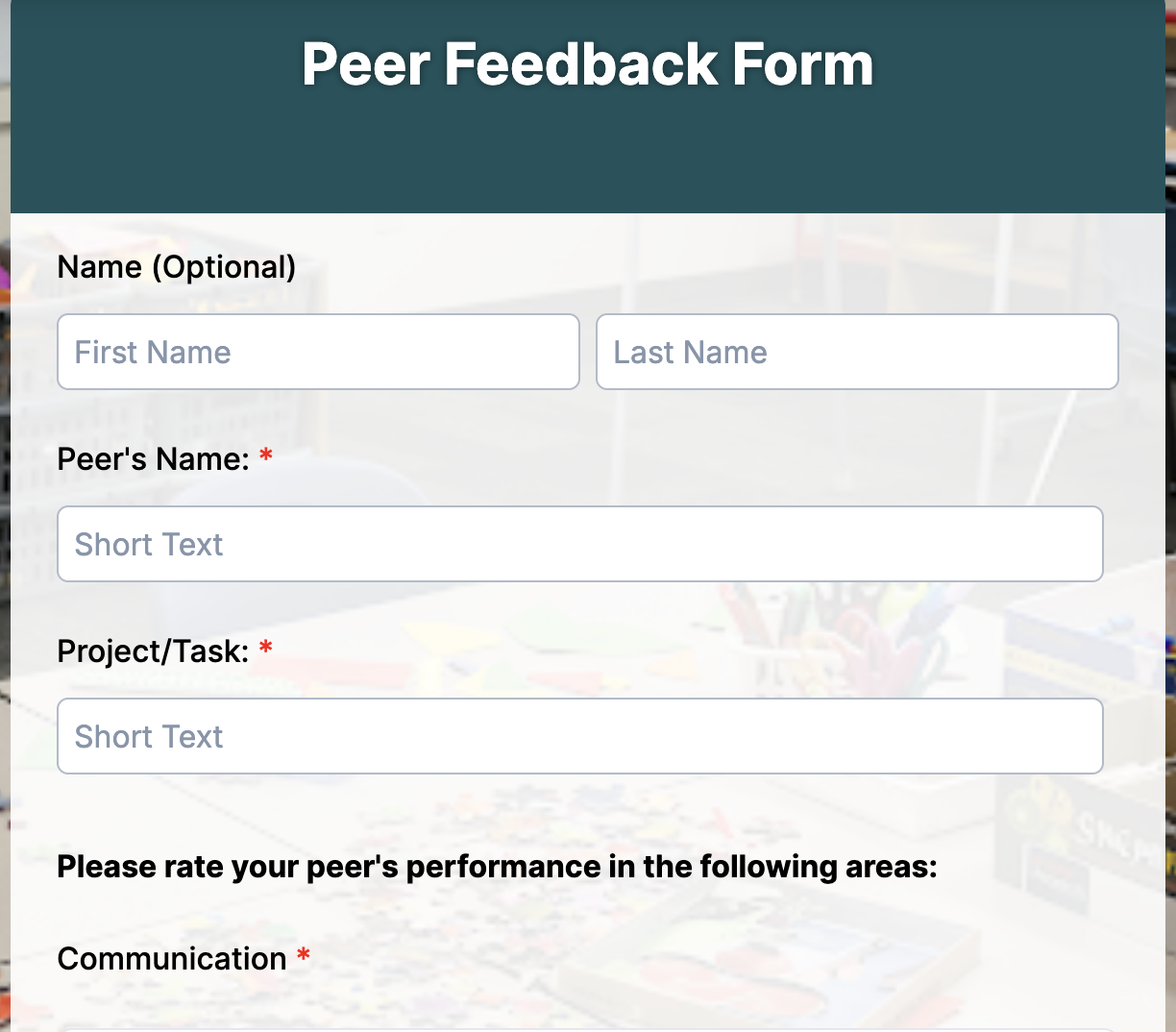
5. Peer feedback form
A peer feedback form allows colleagues or classmates to evaluate each other’s performance, collaboration, and communication. It encourages open dialogue, helps identify strengths, and builds a culture of constructive feedback.
This form works especially well in workplaces, group projects, classrooms, and team-based training programs, where teamwork and shared accountability matter.
Essential fields to include:
- Name of the person giving feedback
- Name of the peer being reviewed
- Department/Team/Class
- How effectively does your peer collaborate with others? (1–5)
- How would you rate their communication skills? (1–5)
- Does this person contribute positively to the team’s success? (Yes/No)
- What are this person’s key strengths?
- What areas could they improve on?
- How dependable or consistent is this person in completing tasks? (1–5)
- Additional comments or suggestions
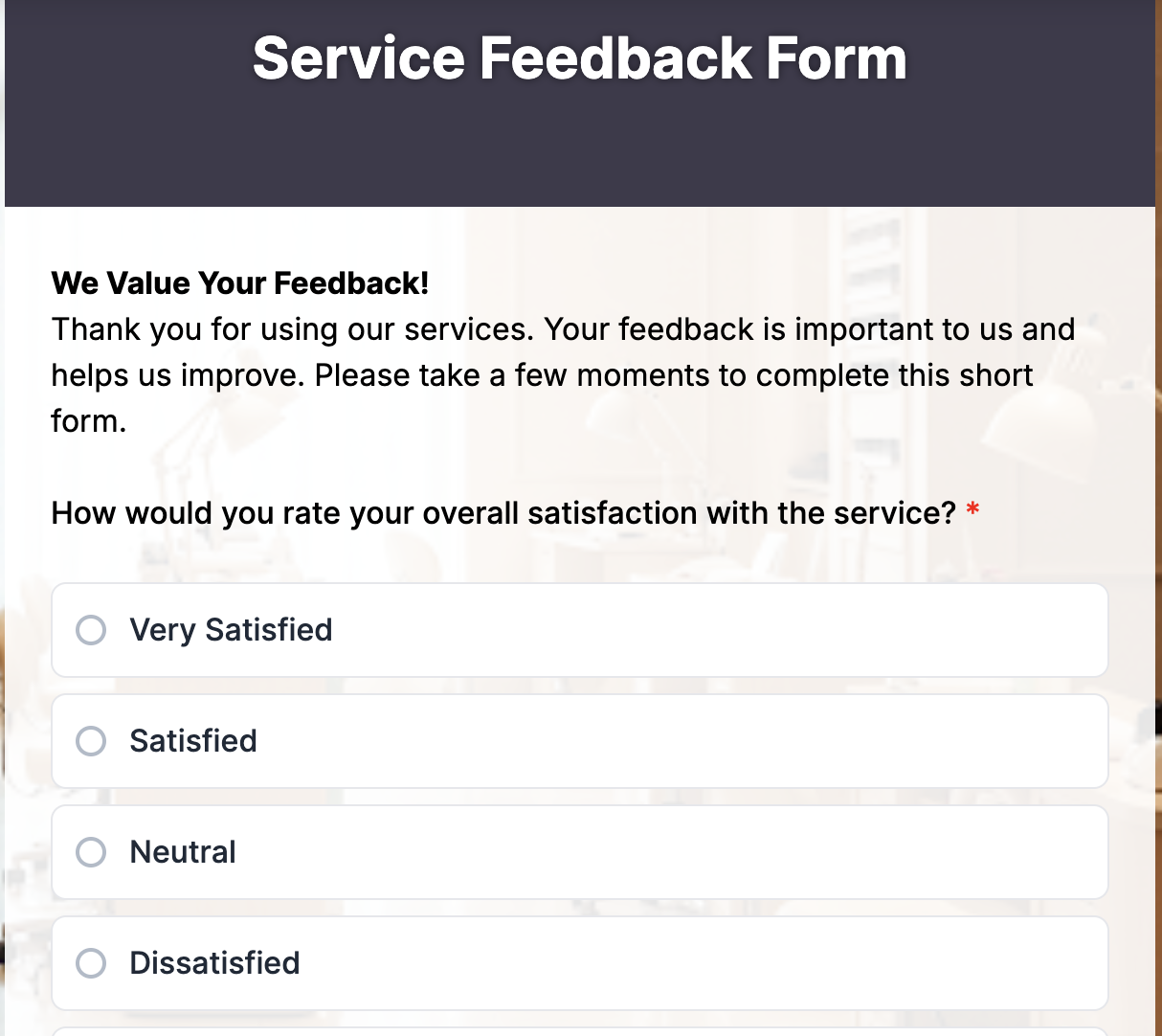
6. Service feedback form
A service feedback form helps businesses understand how customers perceive the quality, efficiency, and professionalism of the services they receive. It highlights what’s working well and pinpoints areas that need improvement, ensuring every client interaction leads to better experiences.
This form works especially well for service-based industries such as hospitality, healthcare, consulting, repair, or customer support, where client satisfaction directly impacts trust and loyalty.
Essential fields to include:
- Service Date
- Your Name (optional)
- Service Provider/Staff Name
- What type of service did you receive?
- How satisfied are you with the service overall? (1–5)
- How would you rate our professionalism and courtesy? (1–5)
- Was the service delivered within the expected timeframe?
- What did we do well?
- What could we improve?
- Would you use our service again or recommend us? (Yes/No)
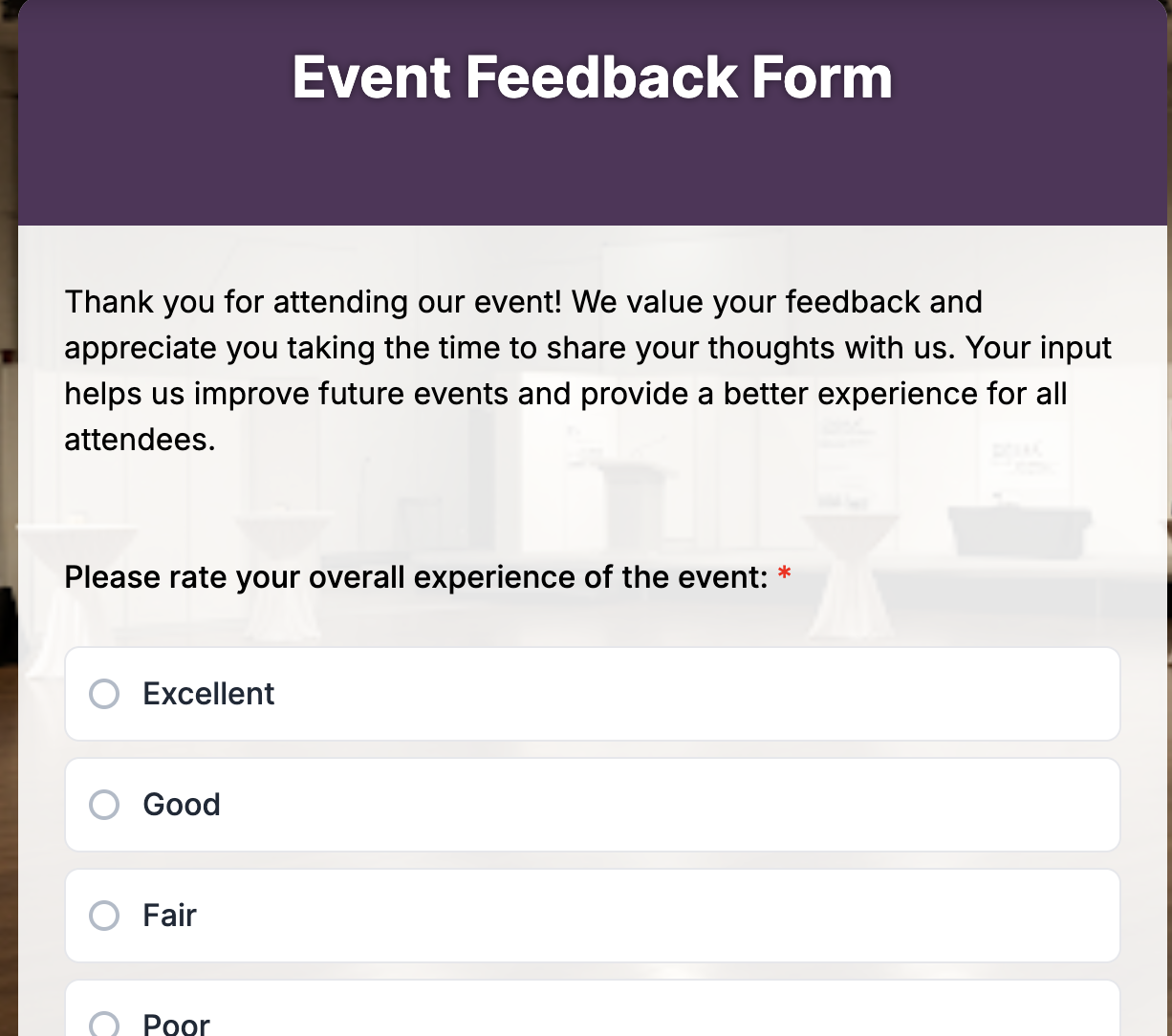
7. Event feedback form
An event feedback form template helps organizers measure how successful their event was from the attendees’ perspective. It gathers insights on organization, content quality, logistics, and overall satisfaction, giving a clear picture of what worked and what can be improved next time.
Ideal for organizers of corporate events, community gatherings, workshops, school functions, and online webinars who want to evaluate audience engagement, logistics, content quality, and overall experience.
- Name (optional)
- Event Name/Date
- How did you hear about this event?
- How satisfied were you with the event overall? (1–5)
- Rate the organization and flow of the event (1–5)
- Was the event content or program relevant to you?
- What did you like most about the event?
- What could we improve next time?
- Would you attend our future events? (Yes/No)
- Any additional comments or suggestions?
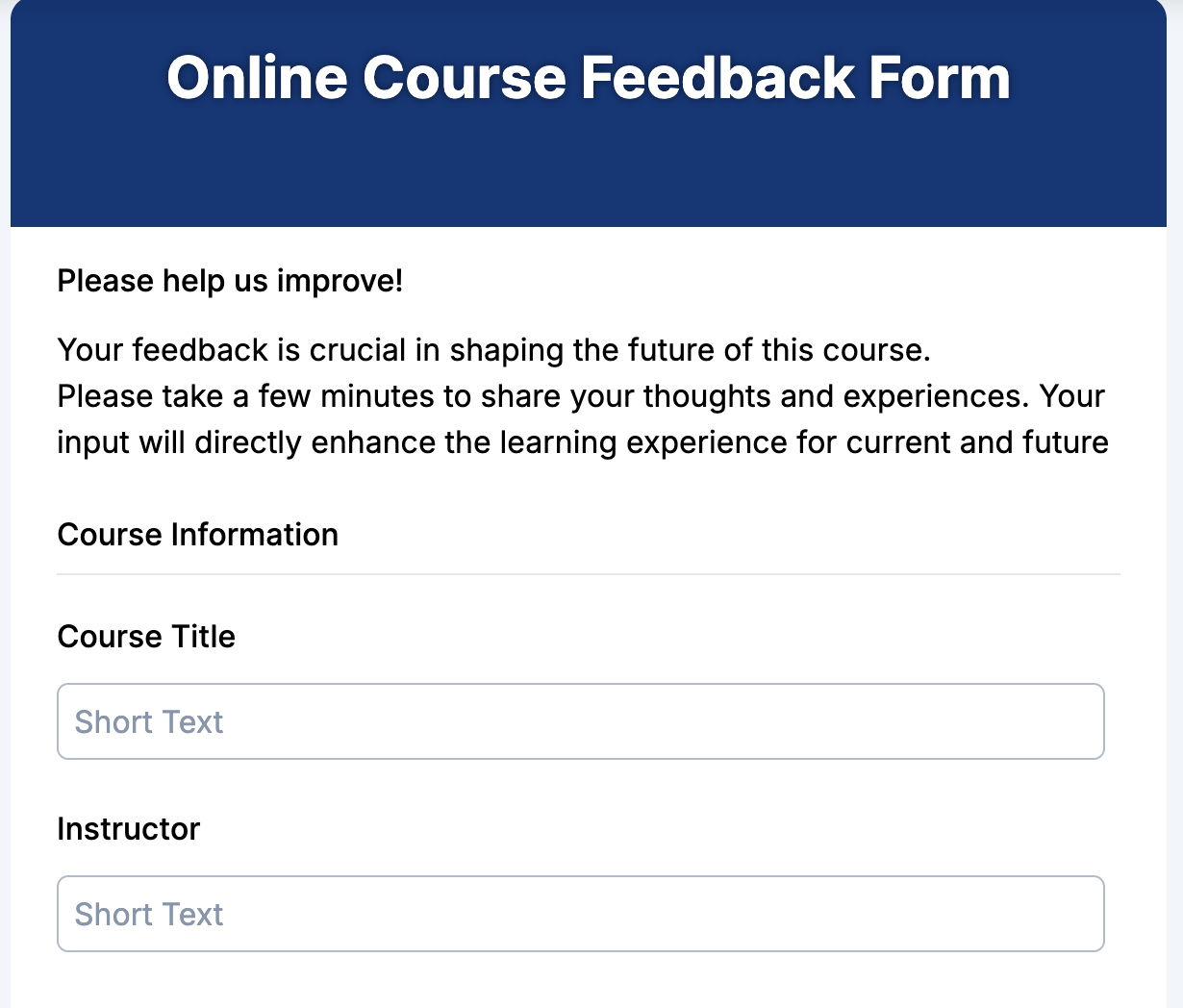
8. Course feedback form
A course feedback form template helps instructors and training organizers understand how students perceive the course content, teaching quality, and learning experience. It’s one of the simplest ways to improve future sessions and ensure your curriculum meets learner expectations.
Perfect for schools, colleges, online learning platforms, corporate training programs, and workshops that want to measure student engagement and teaching effectiveness.
Essential fields to include:
- Student Name (optional)
- Course Title/ID
- Instructor Name
- How clear were the course objectives? (1–5)
- How satisfied are you with the instructor’s teaching style? (1–5)
- Was the course content easy to understand?
- Which part of the course did you find most helpful?
- What improvements would you suggest for future sessions?
- Would you recommend this course to others? (Yes/No)
- Additional comments or feedback
9. Employee feedback form
An employee feedback form gives team members a structured way to share their experiences, opinions, and ideas about the workplace. It helps organizations identify what’s working well, address challenges, and strengthen engagement by showing that every voice matters.
This form works especially well in corporate offices, startups, remote teams, and educational institutions that want to build transparent communication and boost morale through regular feedback.
Essential fields to include:
- Employee Name (Optional)
- Department/Team
- How satisfied are you with your current role? (1–5)
- Do you feel supported by your manager and team? (Yes/No)
- What motivates you most about your work?
- What challenges are you currently facing?
- How can the organization improve the workplace environment?
- Would you recommend this company as a great place to work? (Yes/No)
10. Customer service feedback form
A customer service feedback form helps companies measure how well their support teams handle customer needs and inquiries to improve customer experience. It captures insights on communication quality, problem resolution speed, and overall satisfaction, ensuring consistent improvement in service delivery.
This form is ideal for businesses that offer live chat, phone, or email support, including eCommerce, SaaS, telecom, and retail companies aiming to track customer satisfaction and agent performance.
Essential fields to include:
- Customer Name
- Email/Phone
- Date of Interaction
- How would you rate the support you received? (1–5)
- Was your issue resolved to your satisfaction? (Yes/No)
- How professional and polite was the representative? (1–5)
- What could we do to improve your experience?
- Would you contact our support team again if needed? (Yes/No)
How to customize templates with an online form creator
All the templates above can be built in minutes using online form builders like TIGER FORM, an easy-to-use online form builder designed for schools, businesses, and event organizers alike. You just need to pick a template and start customizing.
Here’s how you can do it:
1. Start with a free feedback form template for your use case
TIGER FORM offers a range of pre-built feedback form templates you can select from the dashboard. Choose one that fits your use case, like event, parent, or course feedback or start from scratch if you want full control over every question.
2. Add, edit, or remove questions
You can drag and drop new fields, reorder questions, or remove what’s unnecessary. For example, add a rating scale for satisfaction, a short text field for suggestions, or a yes/no question for recommendations. You can also use the AI form builder feature to instantly generate relevant questions based on your event type or audience.
3. Customize the look and feel
Match your form’s colors, fonts, and background with your brand. Add your logo or event banner to make it look professional and consistent.
4. Share or embed anywhere
Once your form is ready, TIGER FORM gives you multiple sharing options. You can embed it on your website, post it on social media, send it via email, or even generate a QR code for on-the-spot responses at events.
5. View and analyze responses instantly
All feedback is organized automatically in the TiIGER FORM dashboard. You can view summaries, export data, or integrate responses directly into tools like Google Sheets for deeper analysis.
Best practices and checklist for feedback form templates
1. Keep it short and focused
Aim for 5–10 essential questions. Long forms often lead to drop-offs, especially on mobile devices.
2. Ask clear, simple questions
Avoid complex wording or double-barreled questions. For example, don’t ask “Was the session informative and fun?” Split that into two.
3. Mix question types
Combine rating scales, multiple-choice, and open-ended questions. This gives you both measurable data and personal opinions.
4. Use mandatory fields wisely
Only mark what’s absolutely required with an asterisk (). Forcing too many mandatory answers can frustrate respondents.
5. Keep it anonymous when needed
For sensitive topics like employee or patient feedback, give respondents the option to stay anonymous. It gives honesty.
6. Check for mobile compatibility
Most people fill out forms on their phones. Make sure your form layout looks clean and easy to navigate through.
7. Test before sending
Preview your form sharing. Fill it out yourself or have a colleague test it. This helps catch awkward phrasing or missing questions.
8. Add a thank-you message
Always end with a friendly note or redirect link after submission. It shows appreciation and closes the loop gracefully.
9. Review and act on feedback
Collecting responses is only half the job. Use analytics or export data to take action on the insights you gather.
Every insight matters – start collecting yours today
Every organization, school, or business grows on understanding the people it serves. The real challenge most people face isn’t asking for feedback; it’s asking the right way.
Ready-made templates guide you with the right questions, help maintain consistency, and make sure your data is actually useful.
They’re designed with user experience in mind, short enough to encourage participation, but structured enough to capture meaningful detail. When people find your forms easy to complete, they’re more honest with their answers, and that honesty is where real progress begins.
Start with a feedback form template from a form generator to get the conversation going. Because when you listen better, you grow faster, and every insight, no matter how small, helps you move closer to excellence.
FAQs
How can I customize a feedback form?
You can customize a feedback form using an online form builder like TIGER FORM. Simply choose a ready-made template or start from scratch, then drag and drop new fields, reorder questions, or edit existing ones.
How can I create a feedback form online for free?
You can easily create a free feedback form using online form builders like TIGER FORM or Google Forms. Both platforms let you start with ready-to-use templates, edit questions, and adjust the design to match your brand.
How can I make my feedback form more engaging?
To make your feedback form more engaging, keep it short, clear, and visually appealing. Use a friendly tone, add rating scales or emojis for quick responses, and include open-ended questions for honest input.