
According to Custify, 64% of consumers nowadays value experience over price. So, the best feedback form generators and tools you use will decide and shape your edge in collecting valuable feedback.
Your feedback forms do more than ask questions. They provide insights that align with your customers’ experiences with your product or service, whether they want slight upgrades or a complete refresh.
This guide breaks down the top feedback tools on the market, helping you compare features, pricing, and use cases so you can choose the one that fits your team.
TL;DR: A quick look at the best customer feedback software
| Feedback form builders | Best for… | Starting price |
| TIGER FORMS | • In-person businesses • Restaurants • Physical to digital marketing | • Free plan • Starter plan: $14/month *Plans are billed annually |
| Google Forms | • General-purpose surveys • Education | • Free |
| Microsoft Forms | • Internal team feedback • Excel power users • Enterprise companies | • Basic plan: $6.00/month *Plans are billed annually |
| Formstack | • Regulated industries that need HIPAA compliance and complex workflows | • Forms starter plan: $99/month *$83 when billed annually |
| Airtable Forms | • Project management and data-focused teams that need a database backend | • Free plan • Team plan:$24/month *$20 when billed annually |
| Visme Forms | • Creative teams • Marketers • High-design brands | • Free plan • Starter plan: $12.25/month/user *$147 when billed annually |
Benefits of feedback for everyday business needs
Feedback, for businesses, isn’t just about finding loopholes, but also about recognizing what actually works—both reasons create growth for your team. Let’s go through some of the feedback’s benefits below:
1. Secure customer retention
Keeping your current clients can be just as challenging as getting new ones. Yearly, companies lose about 10% to 25% of their customers (Business Dasher). Some reasons include trust-based, inconvenience, or complex contracts.
But with feedback forms, you can see early signs of these issues and address them before users leave. Close the feedback loop and watch your user retention stabilize.
2. Upgrading with purpose
Feedback surveys help you confirm ideas before developers start working. Stop guessing what your customers want; ask them.
If you are launching new products, do a quick poll asking for their preferred colors or flavors. If you do not want to spoil your new upgrades, keep the questions subtle, like “Which shade are you more into these days?” or “Are you the ‘salty and savory’ type or the ‘sweet and sour’?”
Bringing users into your decision-making will help you build products based on real demand.
3. Improves employee performance
Feedback is not only from your users, but employees can also share their own sentiments. Customer feedback shows you the outside reactions, while employee feedback shows you what is happening inside. You need both to have a steady growth.
Verbal check-ins are not enough to get full feedback, as people tend to hold back in face-to-face conversations. But feedback surveys give employees a leeway to share concerns and suggestions, especially when anonymous surveys are used.
4. Improving online reputation
A feedback form encourages direct conversations between buyers and businesses. This reduces published complaints on social media or any negative signs to potential customers. Because when users have no way to reach you, they often turn to Google Reviews or social media, publicizing the matters.
To prevent this, use feedback forms as portals for comments and suggestions. A private form allows you to respond more professionally. Plus, it also gives out positive comments that you can use as testimonials later on.
6 best feedback form generators for specific industries
TIGER FORMS

Best features:
- Dynamic QR feedback forms to update the form without reprinting new QR codes.
- QR scans tracking for responses, locations, and device types.
- Full branding for logos and colors on both the form and QR code.
TIGER FORMS, a form solution from QR TIGER, is an intelligent QR code form maker designed for fast and simple feedback collection. Instead of sending bulk links or emails, you create a customized QR code for solo use, to be placed on various marketing materials.
This “mobile-first” tool is best for businesses with on-the-move customers, such as diners, shoppers, or those with walk-in commitments. It makes giving feedback quick and easy.
And just recently, TIGER FORM released their AI form builder that drafts forms faster than manual drag-and-drops, making it easier to create bulk forms for different campaigns.
How to create your feedback forms with TIGER FORM?
Step 1
Create your TIGER FORM account to save and manage your forms.
Step 2
Use a feedback form template or use the AI form generator for a faster start.
Step 3
Add your questions, answer choices, and any needed fields. Upload your logo and theme colors to complete your branding.
Step 4
Preview the form and make your final edits.
Step 5
Generate the QR code that links to your form. Customize the QR design to fit your branding.
Step 6
Download the QR code and share it with your respondents, either digitally or in print.
Step 7
Track scans and responses in your account’s manage form dashboard.
Google Forms

Best features:
- Simple UI that requires no training
- Allows team collaboration to edit the form at the same time.
- Auto-summarizations, such as charts and graphs, after responses poured in.
Google Forms, a form tool within Google Workspace, is one of the popular options, with about 4 billion active Google accounts as its user base.
Aside from that, having an intuitive and clean UI makes it easy to get familiar with. And, anyone with a Google account can access and edit a form through shared permissions.
Google Forms are best for quick polls or basic feedback forms. Its setup takes minutes, and the published form is shareable with a link or basic QR code. It also instantly syncs with Google Sheets for convenient data sorting or calculations.
Microsoft Forms

Best features:
- Data exports cleanly to Excel
- You can embed a live poll directly into an Outlook email or a Teams chat
Microsoft Forms fits best for teams already using Microsoft 365. It is built into the workspace, so creating feedback forms feels natural. It works well for quick polls, meeting follow-ups, and internal checks.
The builder keeps things simple. The layout is clean and familiar if you use Office apps. When you name your form something like ‘Event Feedback’ or ‘Team Satisfaction Survey’, the tool suggests questions you can add right away.
Your data also stays inside your workflow. Responses move to Excel for deeper review. You can send alerts through Outlook. You can share and discuss forms inside Teams. If your team relies on Microsoft tools every day, Microsoft Forms gives you a fast and comfortable way to collect feedback.
Formstack

Best features:
- Native HIPAA, GDPR, and PCI compliance features
- Approval automation processes in workflows
- Turn form data into PDF documents
Formstack is a feedback tool that works as both an online feedback form creator and a data workflow platform. It is made for teams that handle sensitive information, as the tool is HIPAA or GDPR compliant. If you collect patient records, loan forms, or legal signatures, Formstack gives you the protection and security you need.
The builder uses blocks and supports complex logic. It also handles what happens after someone sends a form. A single submission can create a PDF, send it for e-signature, and save it in a secure CRM.
Airtable Forms

Best features:
- Instant automations, such as email or Slack notifications, after submission
- Response syncing with specific client records or product SKUs
With Airtable forms, feedback goes straight into a structured table that works like a simple database. Each response becomes its own record, which you can sort, tag, assign, or convert into a task.
The tool lets teams act on feedback fast. A low NPS score can trigger a follow-up. A feature request can link to your product list. Long text entries can be grouped or filtered so you see patterns.
Airtable suits teams that want feedback to flow regularly throughout their process, not just a one-time thing. The tool will track submissions, assign who will handle it, and sync it with project management–a pipeline-like data process.
Visme Forms

Best features:
- High converting forms with rates up to 207% (2024 Visme case study)
- No-code animations design for avatars and icons
Visme works as a digital feedback solution with a design-first approach to forms. The tool’s goal is to attract leads and keep them engaged through visual design. They use 3D or animated avatars, icons, and colorful slide layouts in their forms.
With Visme, long forms are sectioned into interactive slides rather than checklists. Also, the animated characters or icons can be customized in colors and movements. Their template library also included short polls, conversational forms, and lead capture forms.
For teams collecting feedback, Visme works well if you want to attract respondents and keep them engaged. You can use Visme’s characters while asking questions, creating a more visual and fun experience.
How to pick the best feedback form generator for your team
1. Define your distribution channel
Think about where you plan to collect feedback. You might send forms through email, place them on your website, or use QR codes at physical touchpoints. Pick a tool that makes sharing easy for your main channel, because if sharing feels slow or complicated, fewer people will respond.
2. Assess complexity and budget
List the features you need before choosing a tool. Some teams need simple rating scales and text boxes; others need file uploads or logic jumps. The more advanced features often mean higher or additional costs. Choose a tool that fits your budget and matches your team’s workflow.
3. Analyze your data needs
What type of data do you want to collect? Some customer feedback software offers clean charts and simple dashboards, while some want to focus on raw downloadable files. Your tool of choice should match the kind of data you are looking for, so reading and sorting them will take fast, same with taking action.
4. Test the mobile feel
Build a quick sample form and test it on your phone. Check loading speed, button size, and whether the keyboard covers fields. Most people answer forms on their phones. If the mobile view feels rough or slow, the tool will not support smooth feedback collection.
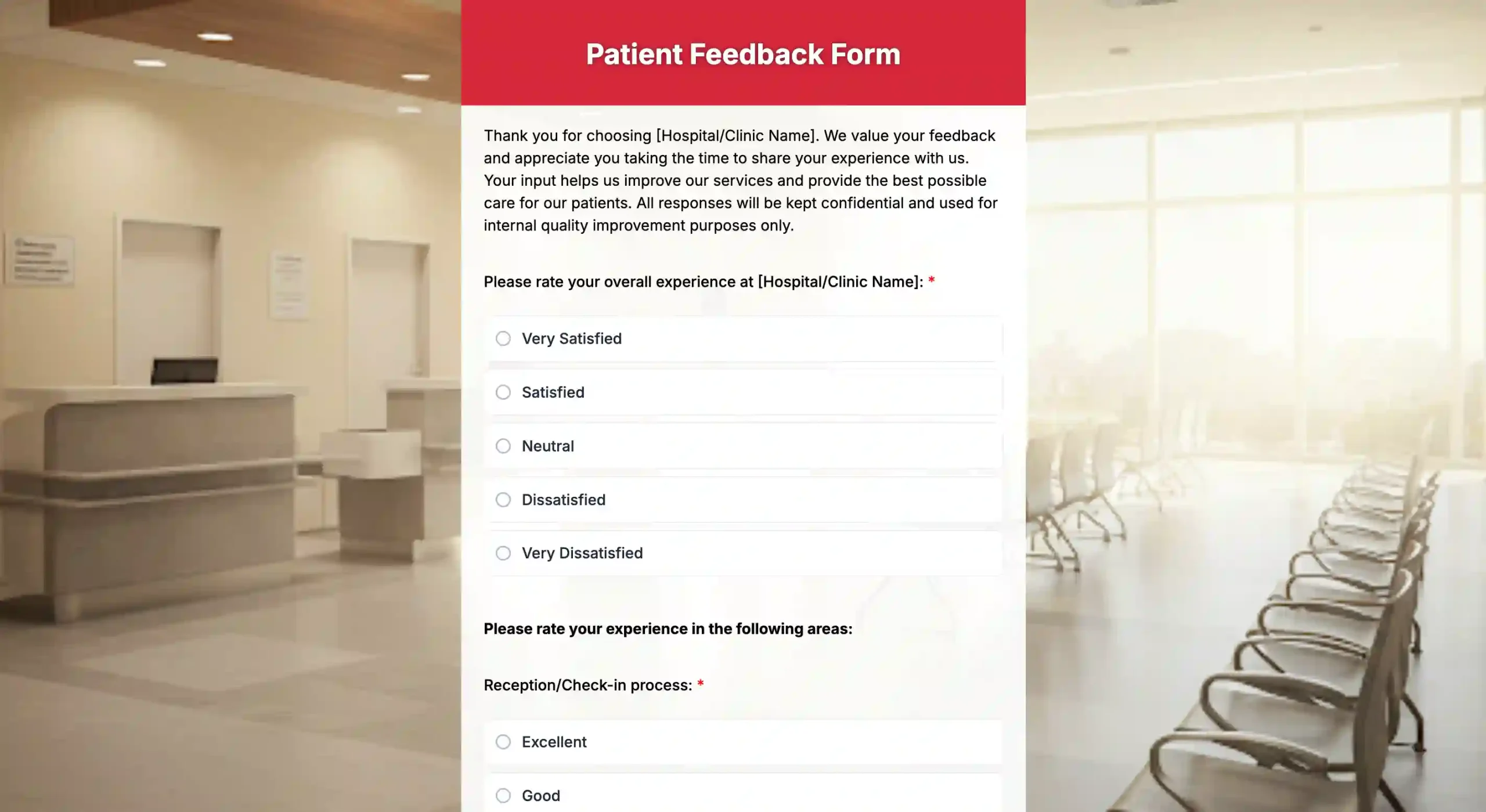
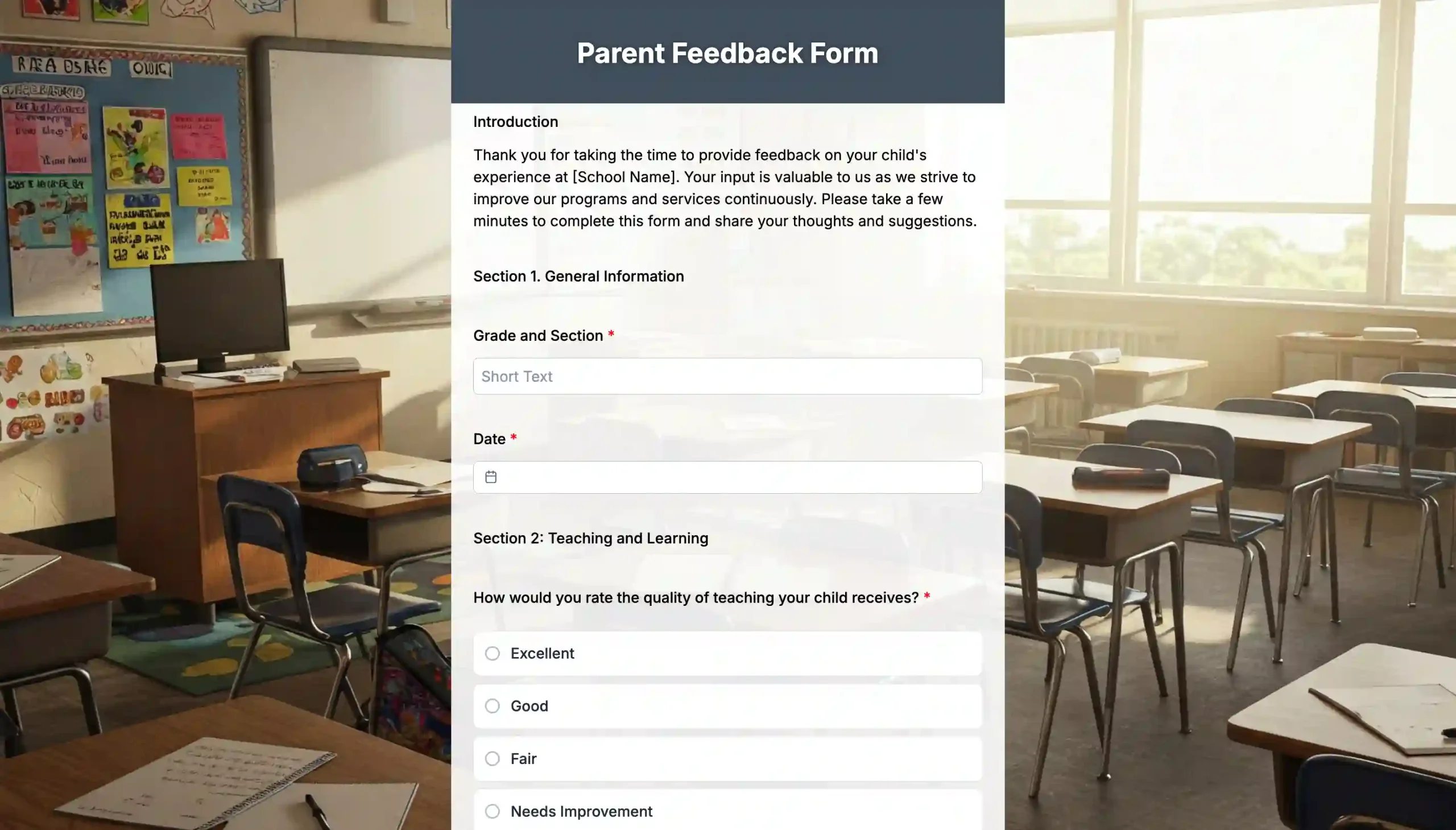
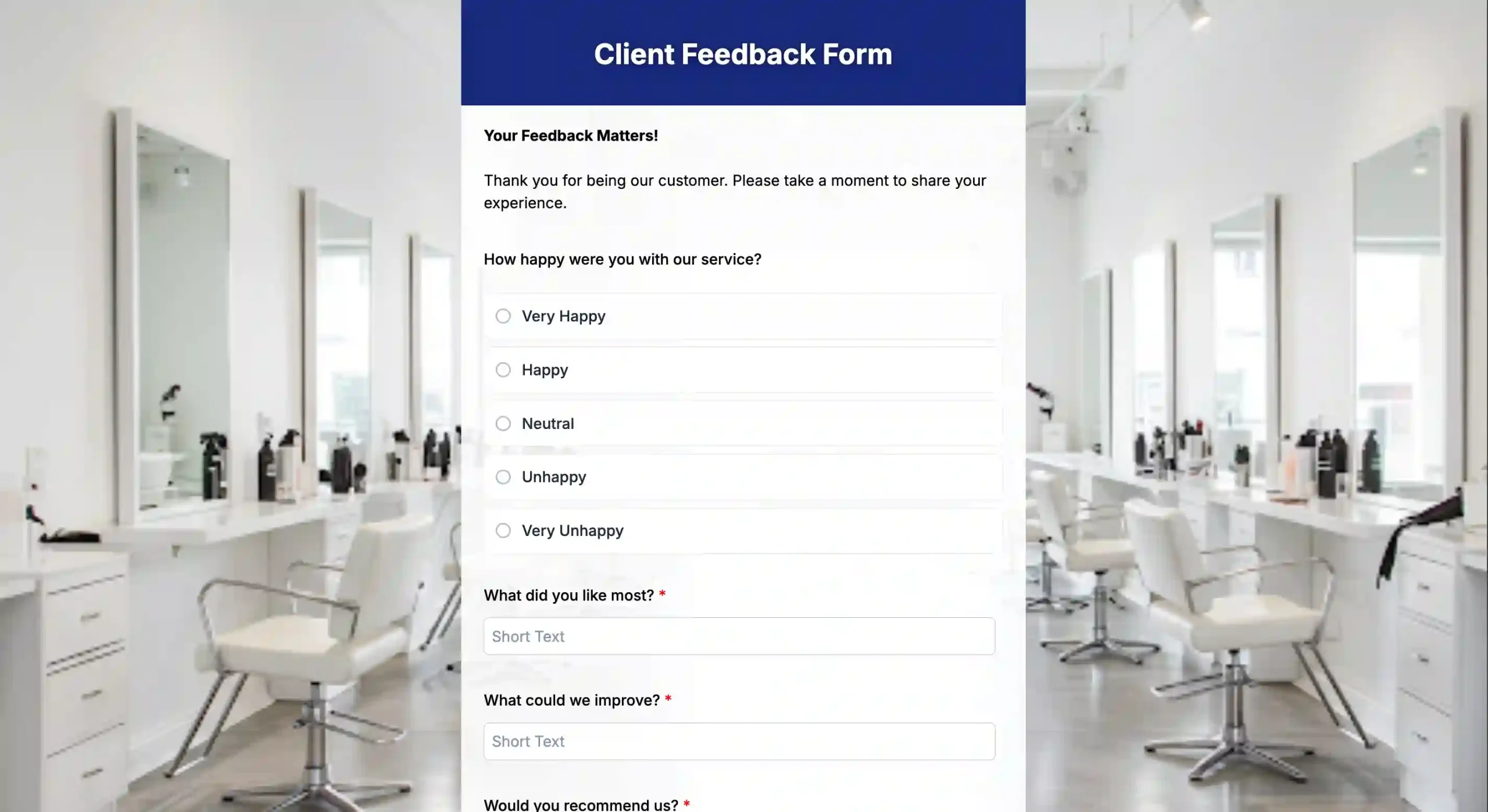
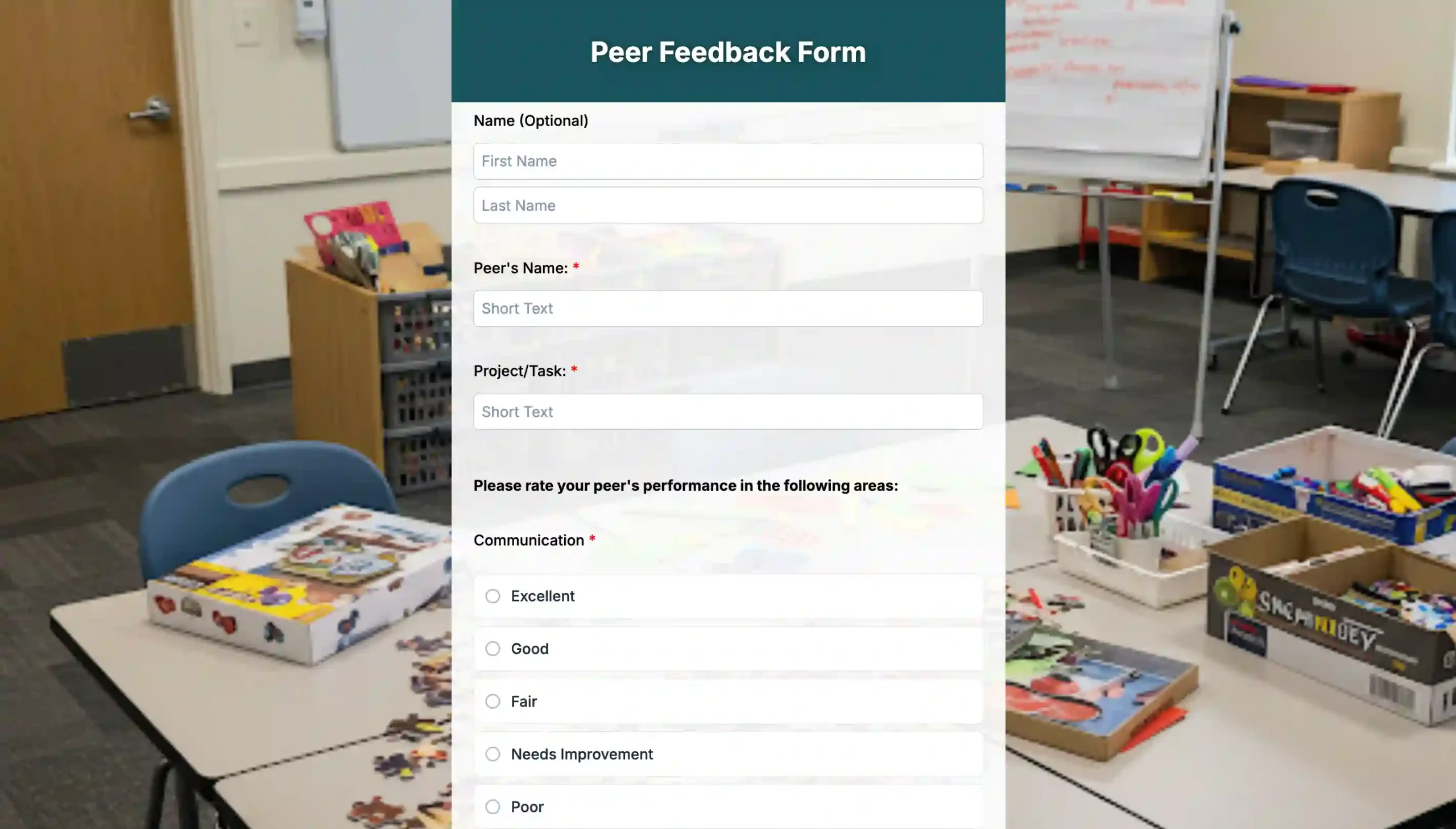
10 Feedback form templates for quick use
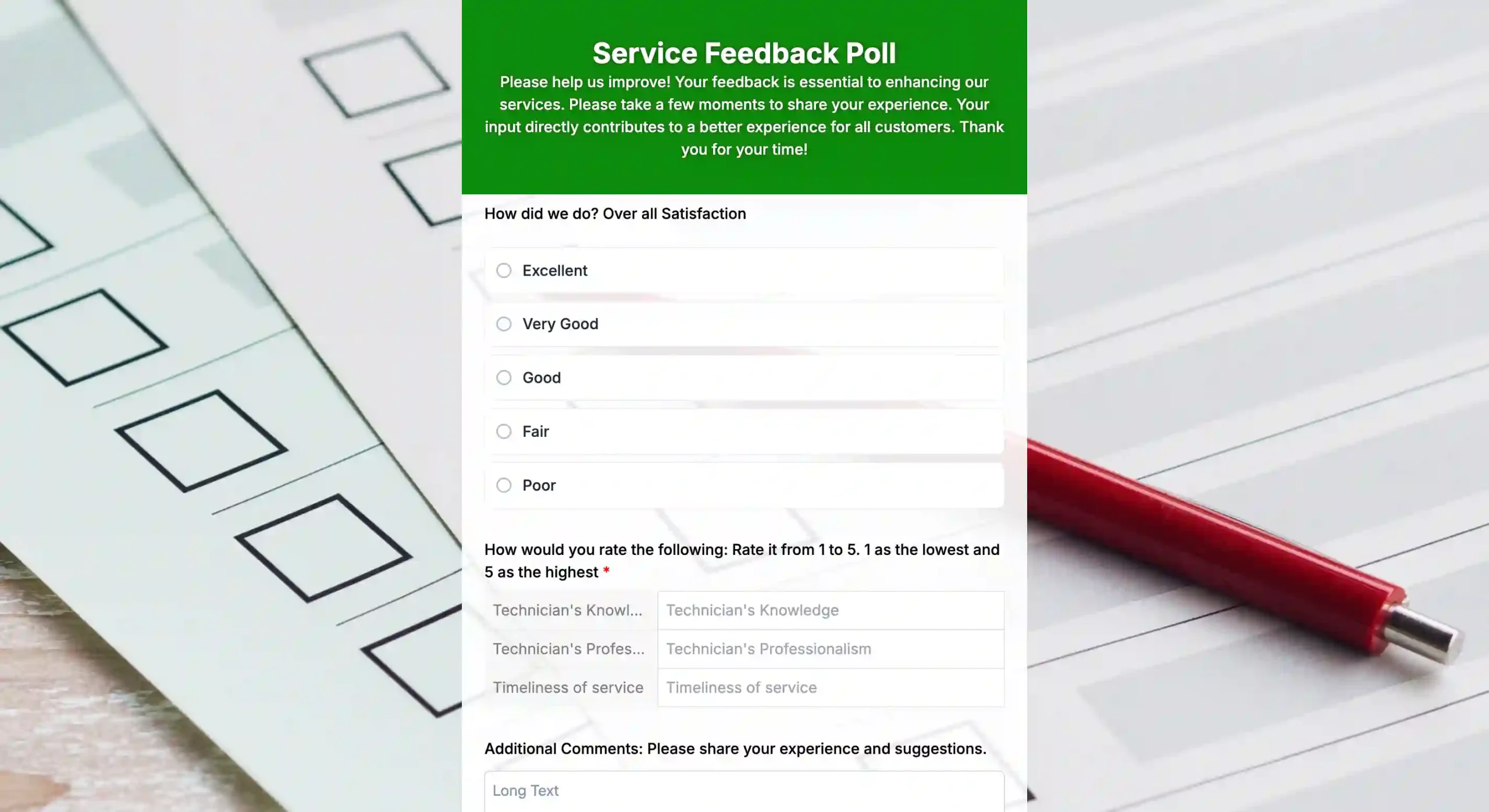
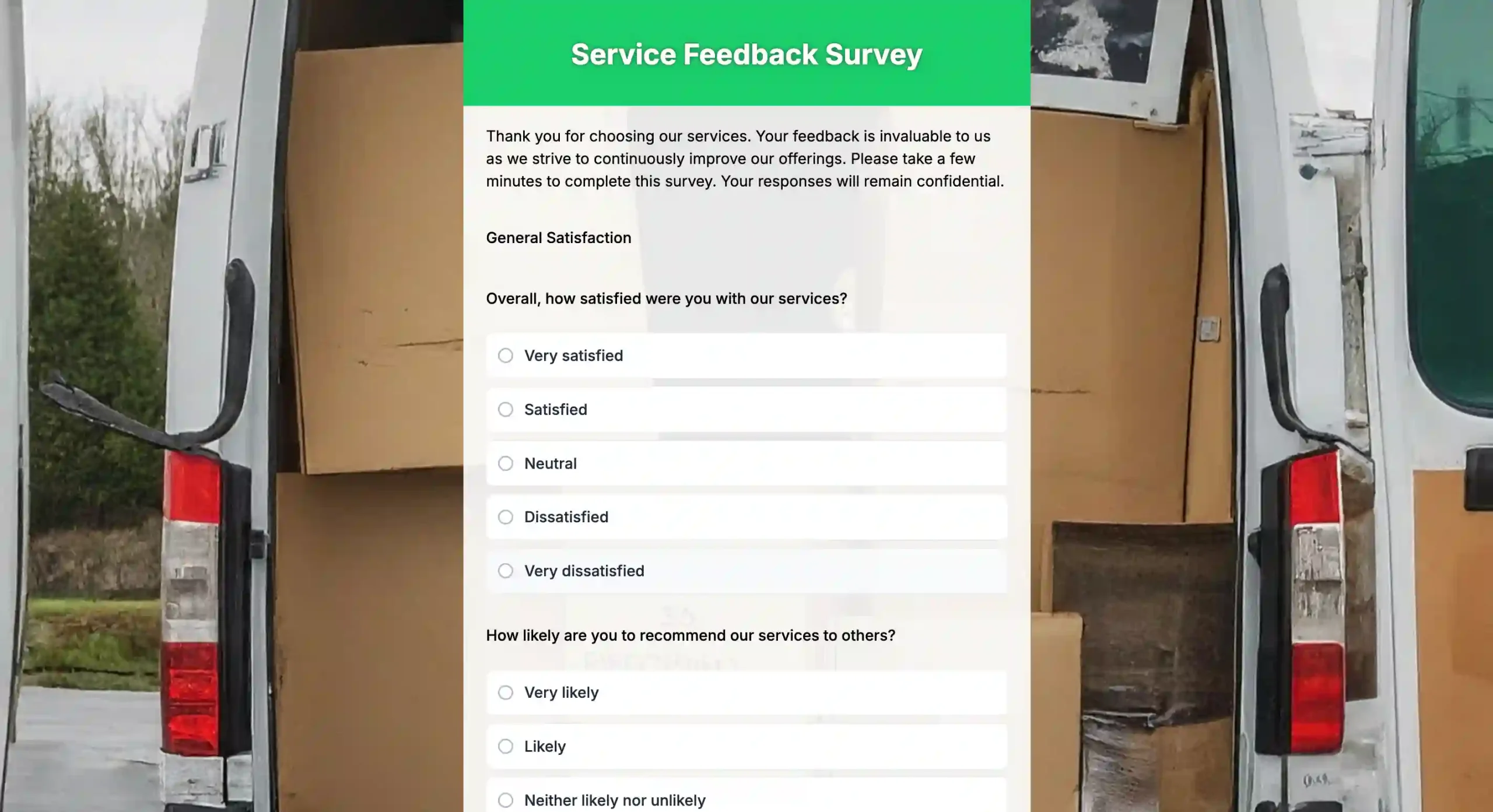
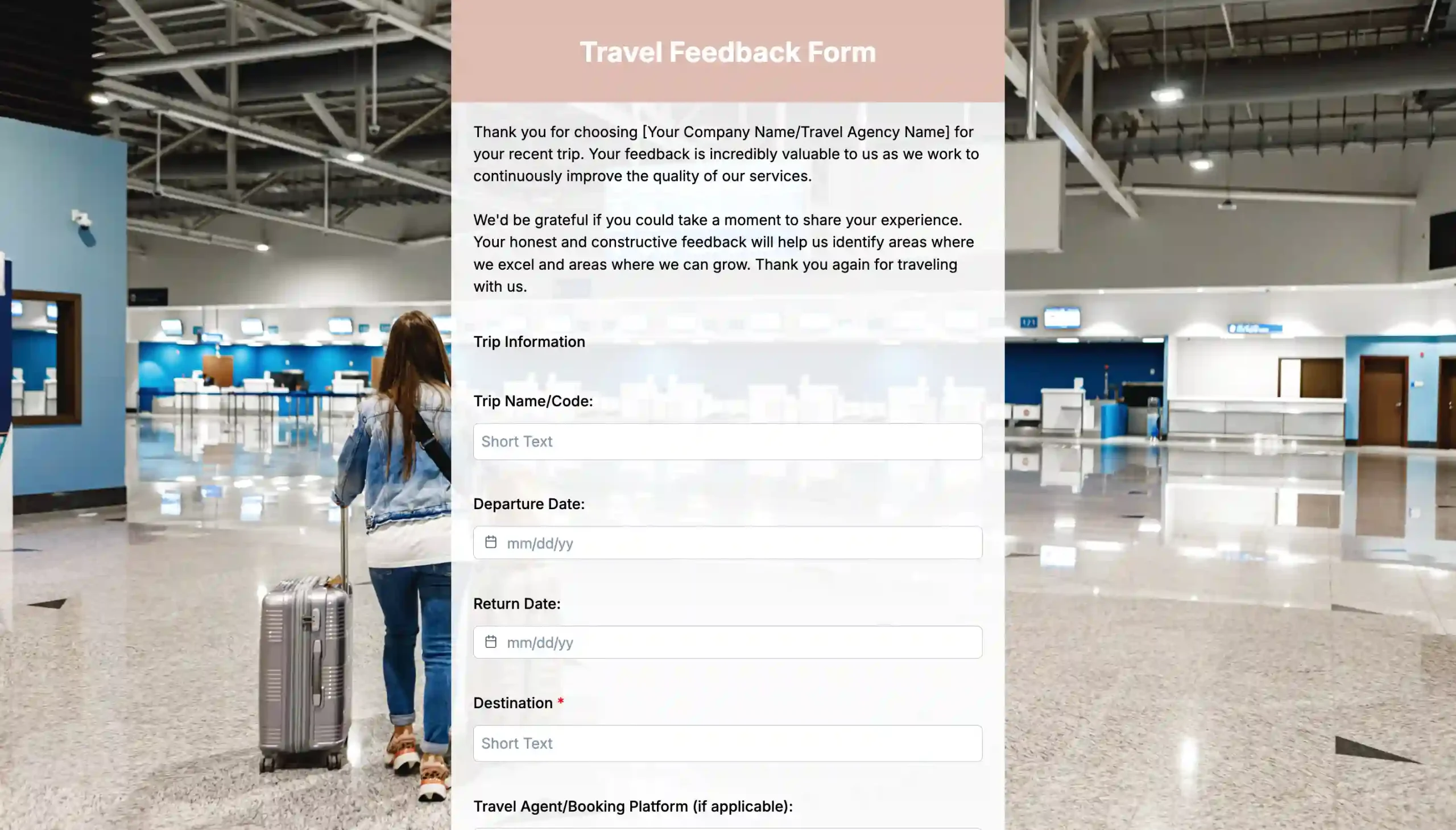
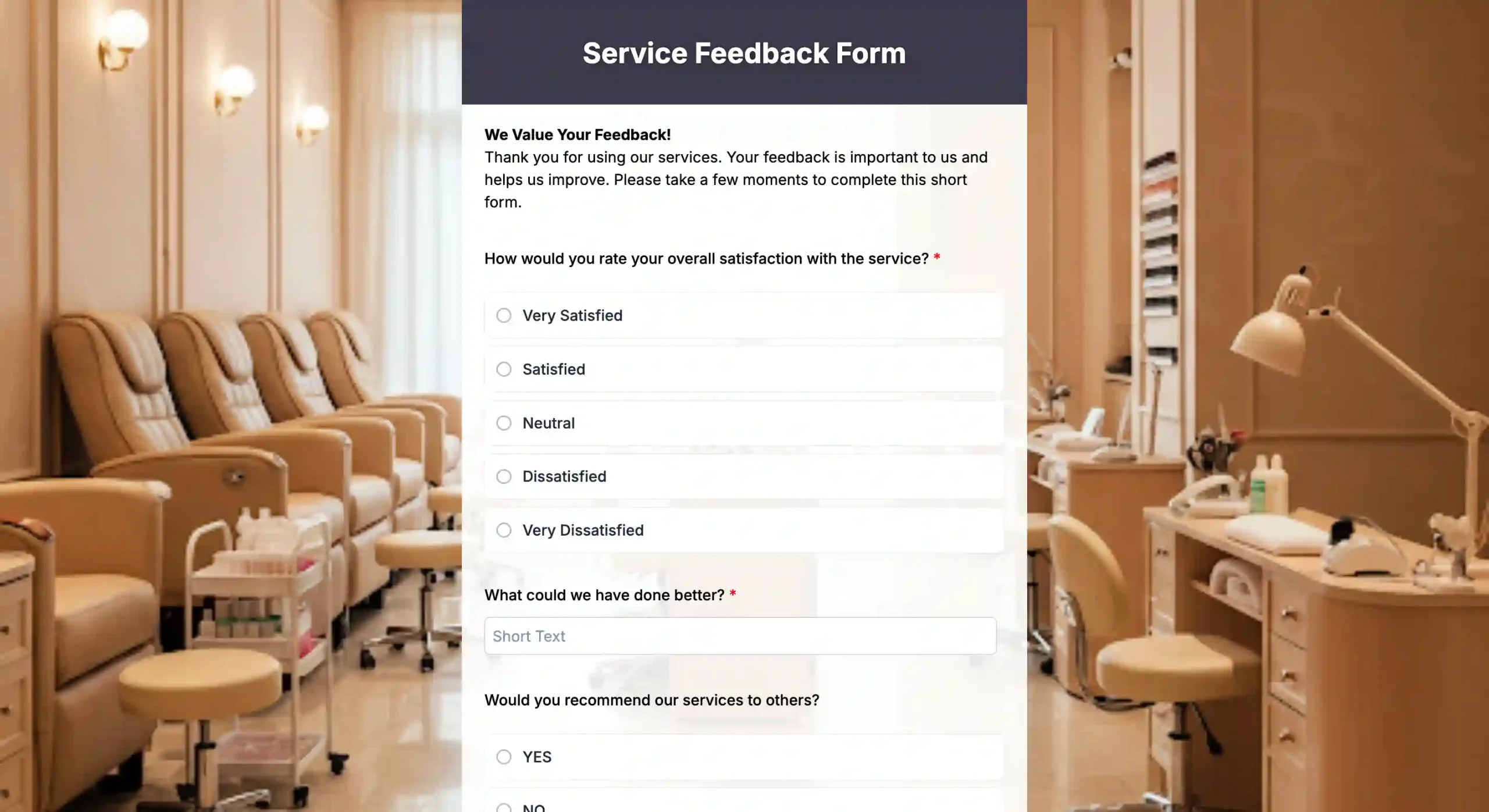

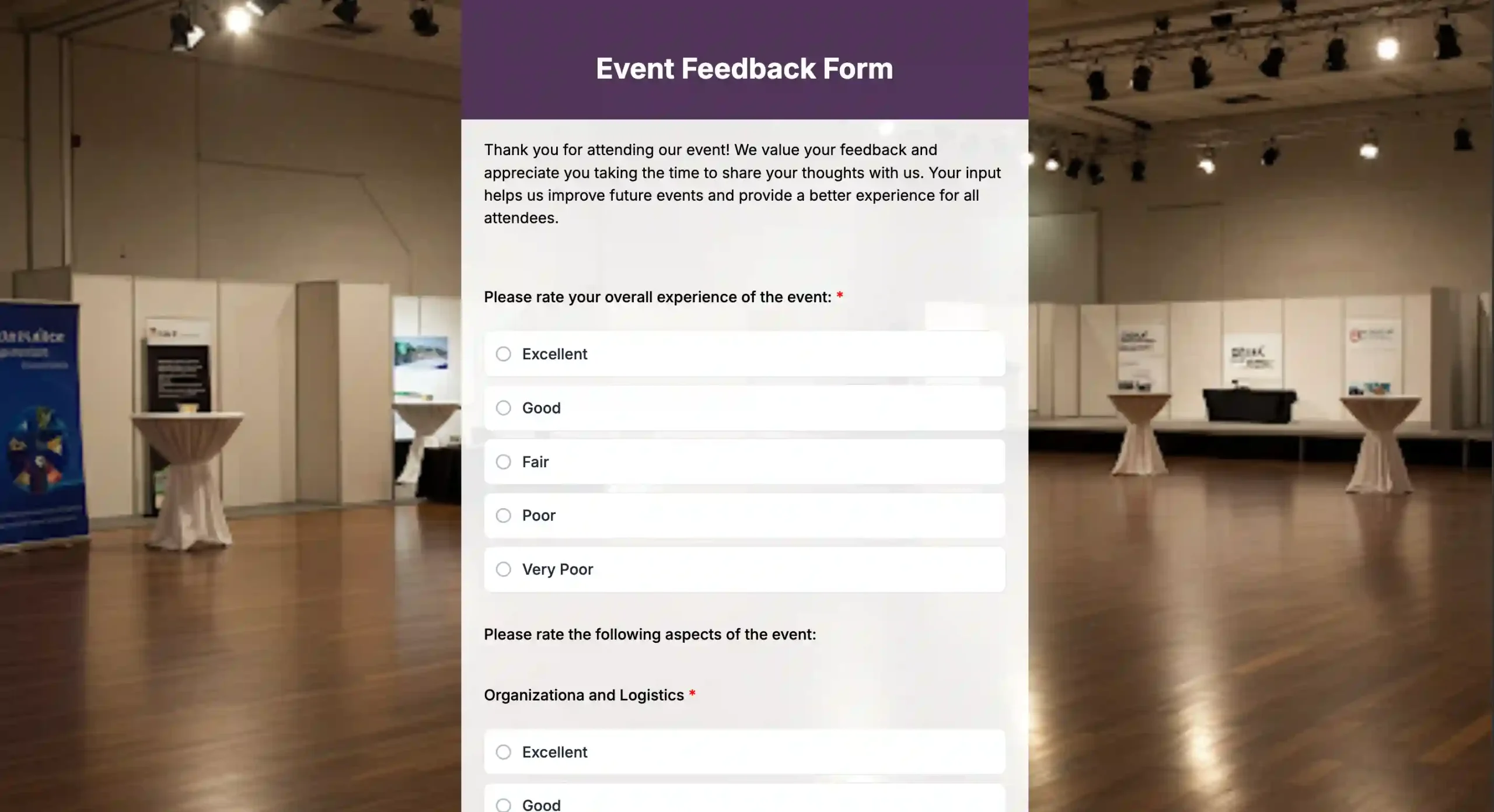
The right digital feedback solutions bring you guided upgrades
Feedback isn’t a personal attack, but a way to improve. Strong feedback helps you understand what customers want and what your employees see every day.
And, when you choose the best feedback form generator, you get clearer answers that benefit your customers, and eventually the team as well.
You don’t need a perfect plan to get started; you just need to know your goals. How do you want to collect feedback? Where do you plan to store the responses? What are your next steps after getting the feedback?
By knowing your goals, you can select the form tool that suits your budget and workflow. Explore the tools we’ve listed and build more effective feedback forms today!

FAQs
How often should I collect customer feedback?
Collect feedback immediately after key interactions, such as after a purchase, support call, visit, or product use. This keeps responses fresh and more accurate.
What’s the ideal length for a customer feedback form?
Keep it short. Aim for 3 to 7 questions. Long forms lower the completion rate.
How can I increase my survey response rate?
- Keep it short: Every additional question drops the completion rate.
- Be transparent: Tell them why you want the feedback (e.g., “Help us improve our menu”).
- Incentivize: Offer a small discount or entry into a raffle as an incentive for completing the form.
- Reduce friction: Use tools like TIGER FORMS to make accessing the form instant.
What should I do after collecting negative feedback?
Respond fast, fix the issue, and let the customer know what changed. Use the feedback to adjust your process so the problem does not repeat.