
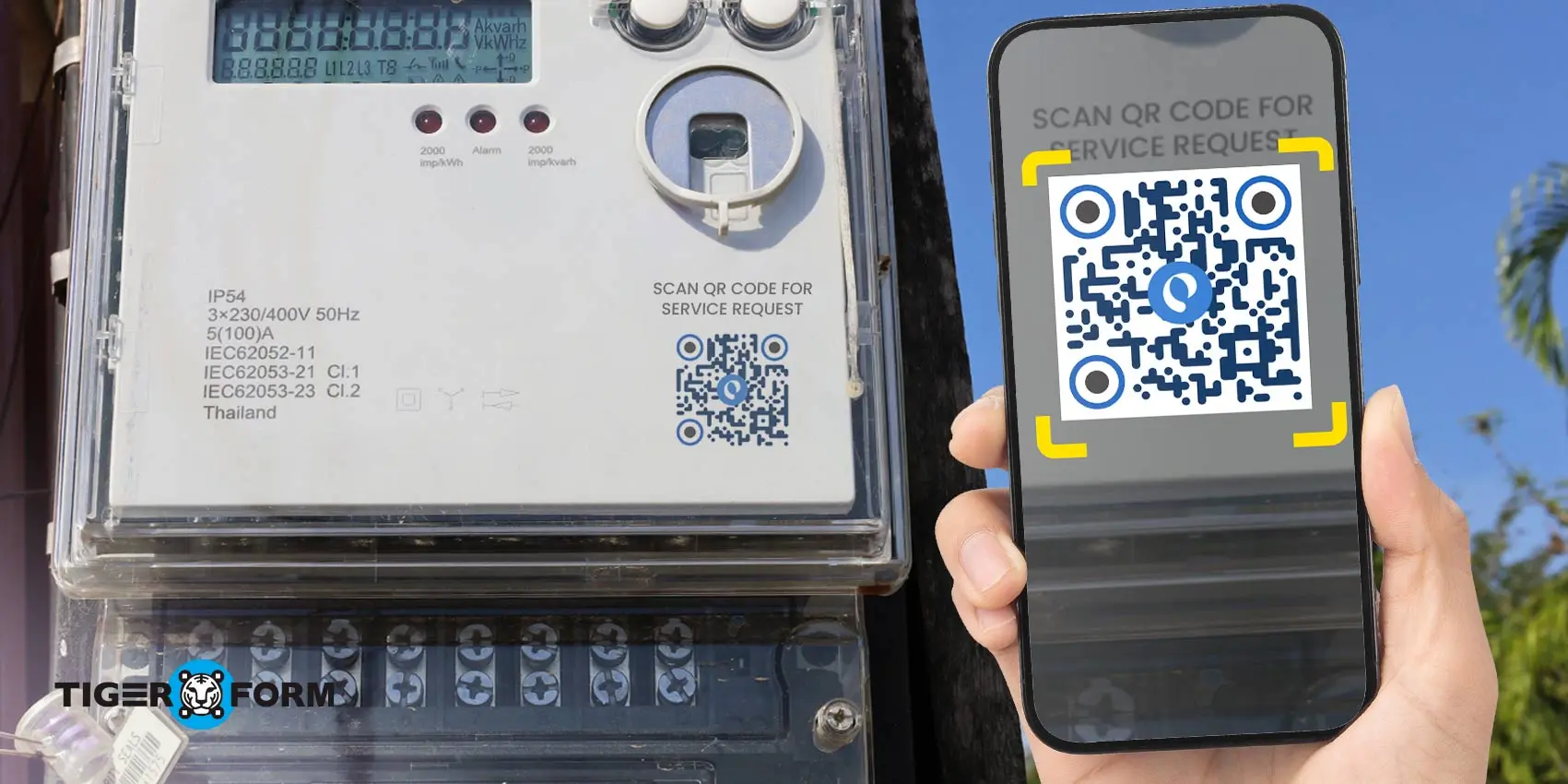
A well-designed service request form for utilities ensures seamless communication between customers and service providers. Many utility companies still rely on outdated, manual processes that lead to inefficiencies, delays, and customer frustration. Lengthy forms, unclear instructions, and slow processing times can significantly impact the overall customer experience.
According to a 2020 Harvard Business Review survey, 62% of utility leaders identified improving the customer experience as a top business priority, ranking it ahead of increasing revenues, organizational agility, and cost reductions.
One of the best ways to enhance the customer experience is by streamlining the service request process with QR code forms. These forms offer real-time data capture and faster resolution times, helping utility companies reduce costs while boosting customer satisfaction.
Let’s explore how optimizing the service request form for utilities with QR codes can revolutionize service efficiency and enhance the overall customer experience.
What is a service request form?
A service request form is a structured document that customers use to request assistance from their utility provider. It gives the customer a way to list specific service needs, problems, or requests in a clear format so the company can act on them.
The form usually asks for basic contact details, the type of service needed, and a description of the issue. This system helps utilities capture accurate information right away and avoid confusion.
Using a form standardizes how customers make requests. This makes it easier for the utility to sort and manage hundreds or thousands of service issues efficiently. It also creates a record that both the customer and company can refer to later.
Sample Forms
A clear service request form reduces misunderstandings and speeds up response times. When customers provide complete information upfront, utility workers can plan and assign the right resources without back-and-forth clarifications.
What is their purpose for utilities?
Service request forms for utilities are structured tools that customers use to send service needs to their provider. These forms collect all necessary information in one place so the utility can respond without back-and-forth. Forms often include contact details, service address, description of the issue, and type of request.
- The main purpose is to organize service inquiries and make them trackable. Instead of a phone call or social media message, a form creates a record that the utility can log, route, and work on in a system. This helps reduce errors and ensures the request reaches the right team quickly.
- Using forms speeds up processing. Digital form submissions allow utilities to track each request from start to finish, assign priorities, and update statuses. Customers benefit from faster responses and transparency on progress.
- Forms also help utilities measure performance. When requests are standardized, providers can see trends, common problems, and workload volumes. This data supports planning and improves service delivery.
Many utilities now offer online forms that customers can access 24/7. This meets customer expectations for convenience and reduces the need for manual handling of requests, boosting efficiency for the utility.

What are the main fields in a service request form?
Client details
- Name: Identifies the customer submitting the utility service request for proper record matching.
- Contact details: Provides email, phone number, and address so the utility can send updates and request follow-ups.
- Account type: Is the client residential or business needs?
Utility provider details
- Account number or service ID: Links the request to the correct utility account in the provider system.
- Deposit required or paid: Confirms if a deposit applies and if payment is complete before service action.
- Work order number: Tracks the internal job created for repairs, installation, or inspection.
- Date received, processed, and approved: Records each step of the request timeline for tracking and audits.
Location details:
- Service address: Pinpoints the exact location where the utility service applies.
- Property type: Indicates if the location is a house, apartment, office, or commercial site.
Service details:
- Technical specifications: Lists load, capacity, or setup details needed for new connections or upgrades.
- Type of utility service requested: States whether the request involves electricity, water, gas, or multiple services.
- Purpose: Explains why the service is needed, such as repair, upgrade, inspection, or outage report form use.
Record and authorization details:
- Essential document checklist: Confirms that required files like IDs, permits, or proof of ownership are attached.
- Terms and conditions agreements: Records customer consent to utility service rules and policies.
- Service start or stop date: Sets the exact date when service should begin or end.
Signatures: Confirms customer approval and validates the service request submission.
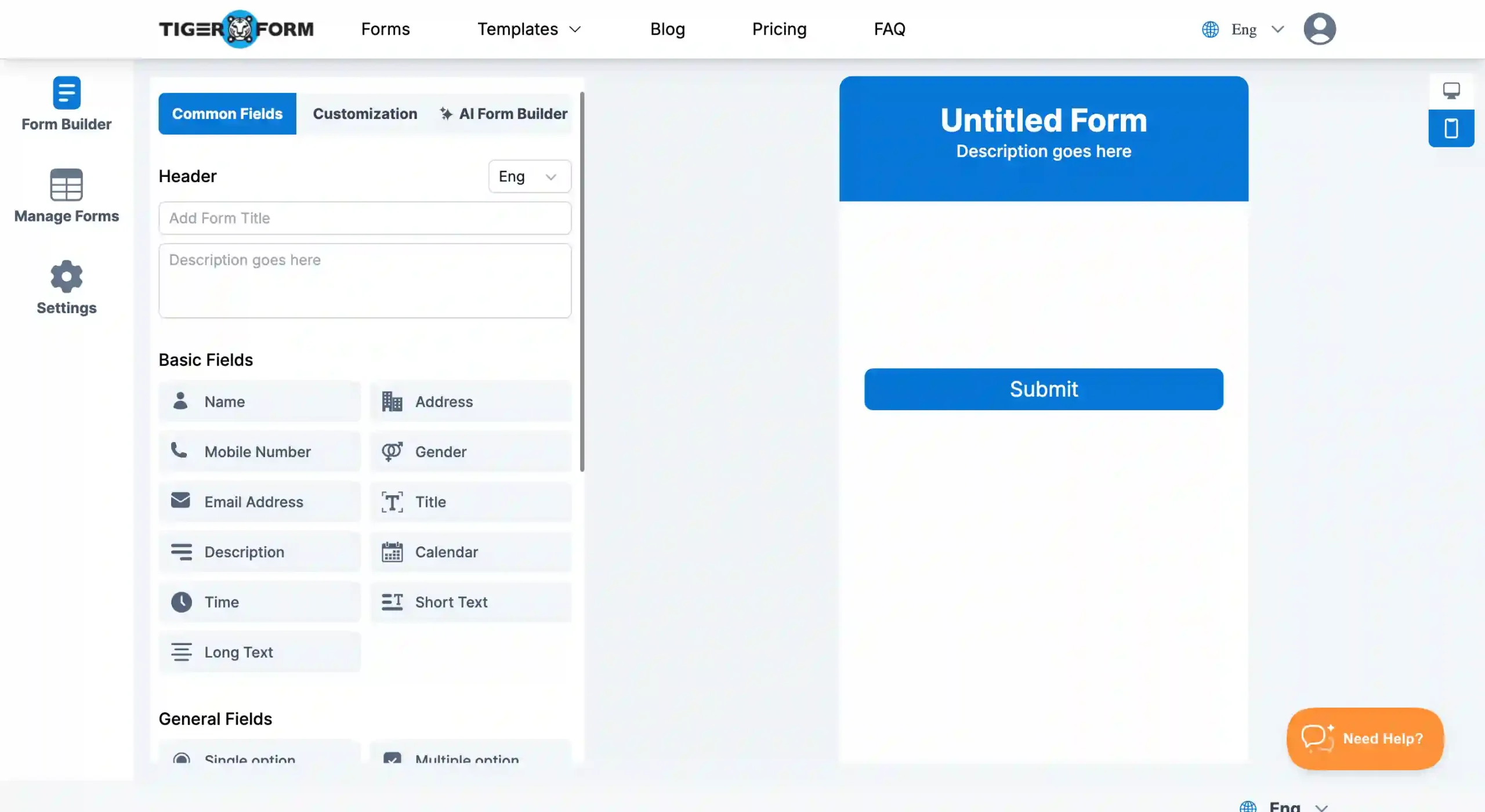
How to create service request forms for utilities
1. Use a form builder
Choose and sign up for a form builder that supports form creation. Choose one with advanced features like built-in QR code generation.
2. Choose your form setup
Start with a blank form, then add or drag the fields using drag-and-drop tools. If you want a faster setup, select a form template so you do not have to build everything from scratch. You can also use an AI form generator. Enter a short prompt such as “utility service request form for outage or repair,” and it will generate your form in minutes. You can still edit the fields and layout at any time.
3. Add or customize required fields
Review the form and include the important service request details, such as customer name, contact information, service address, request type, and issue description. You can rename fields, rearrange sections, or add instructions to guide customers. Add your utility company name and logo to make the form recognizable.
4. Finalize your form
Preview the form on desktop, phone, or tablet to see how customers will experience it. Review and finalize if all your form’s fields are clear and easy to answer.
5. Generate the QR code
Once your form is ready, generate a QR code linked to it. You can customize the QR code to match your branding, add your logo, or use your branding themes.
6. Share or display the QR code
Download and place the QR code where customers can easily see or access it. For physical prints, you can place them on utility office counters, billing statements, service vehicles, and public bulletin boards. For digitality, you can also send it through email. You can also embed it on your company website or social media announcements.
7. Track and manage submissions
All service requests are stored in your form dashboard. You can review each submission and scan; you can also get insights from this data by device, location, and country. You can use these insights to build guided strategies.
What kinds of services fall under utilities?
Utility services are basic services people need every day. These are usually provided by public or private companies.
Common utility services include electricity, water, and gas. These services handle supply, basic upkeep, and repairs for homes and businesses.
Utilities also cover trash collection and sewage services. Phone and internet services are often included as well. These help people stay connected and keep daily activities running.
These services support homes, offices, and public places. When something goes wrong or needs to change, customers contact the utility provider for help, often submitting a water/electricity service request form to make the process faster and more organized.
Here are common service requests related to utility services:
- Asking for a new connection or stopping service after moving.
- Pausing service for a short time, such as during renovations.
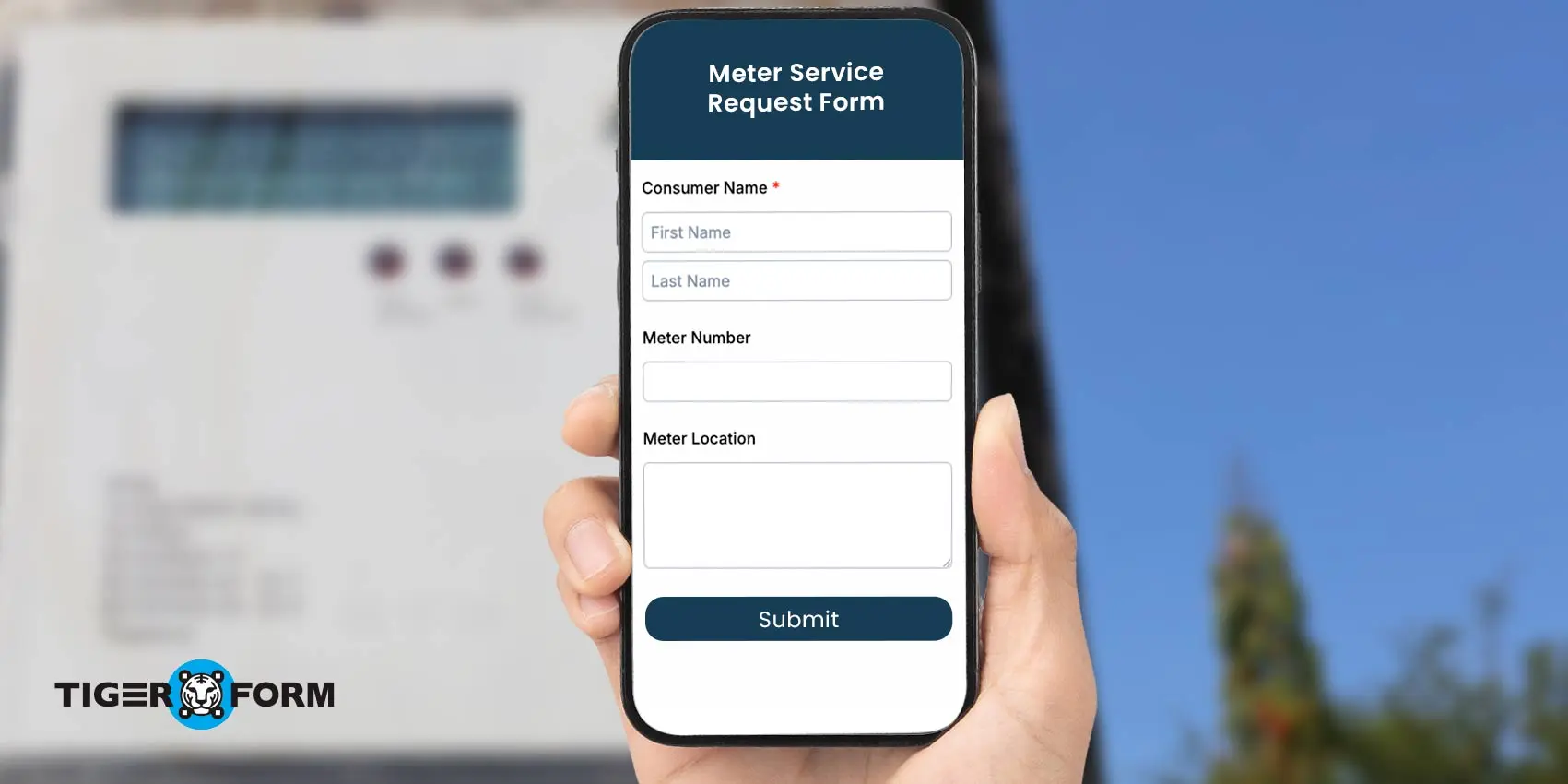
- Reporting a broken or faulty meter for repair.
- Outage report for power, water, or gas interruptions.
- Getting help with meter readings or how to submit them.
- Fixing billing issues or unclear charges.
- Requesting a plan change or a meter check.
5 utility request form templates you can prepare in minutes
Utility service requests work best when the form is clear and easy to fill out. A ready layout helps you collect the right details without delays or back and forth. Using an online service request form template lets you set up a working form fast and keep requests organized in one place. Below are utility request form templates you can prepare in minutes:
Service request form
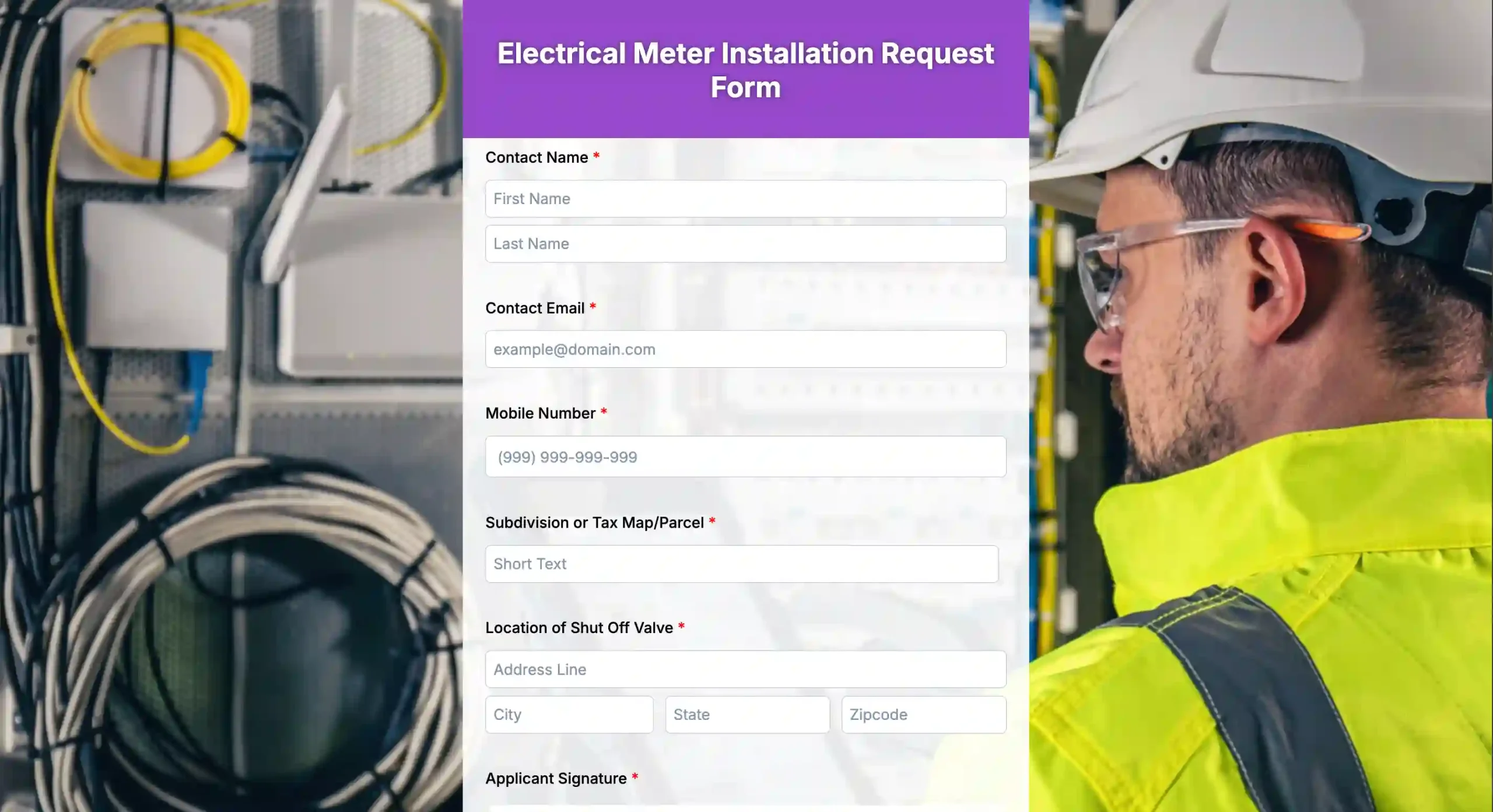
Simplify your request submissions and enjoy faster processing times. Experience the convenience of going digital with your electrical meter installation request process and try out our template.
Service application form
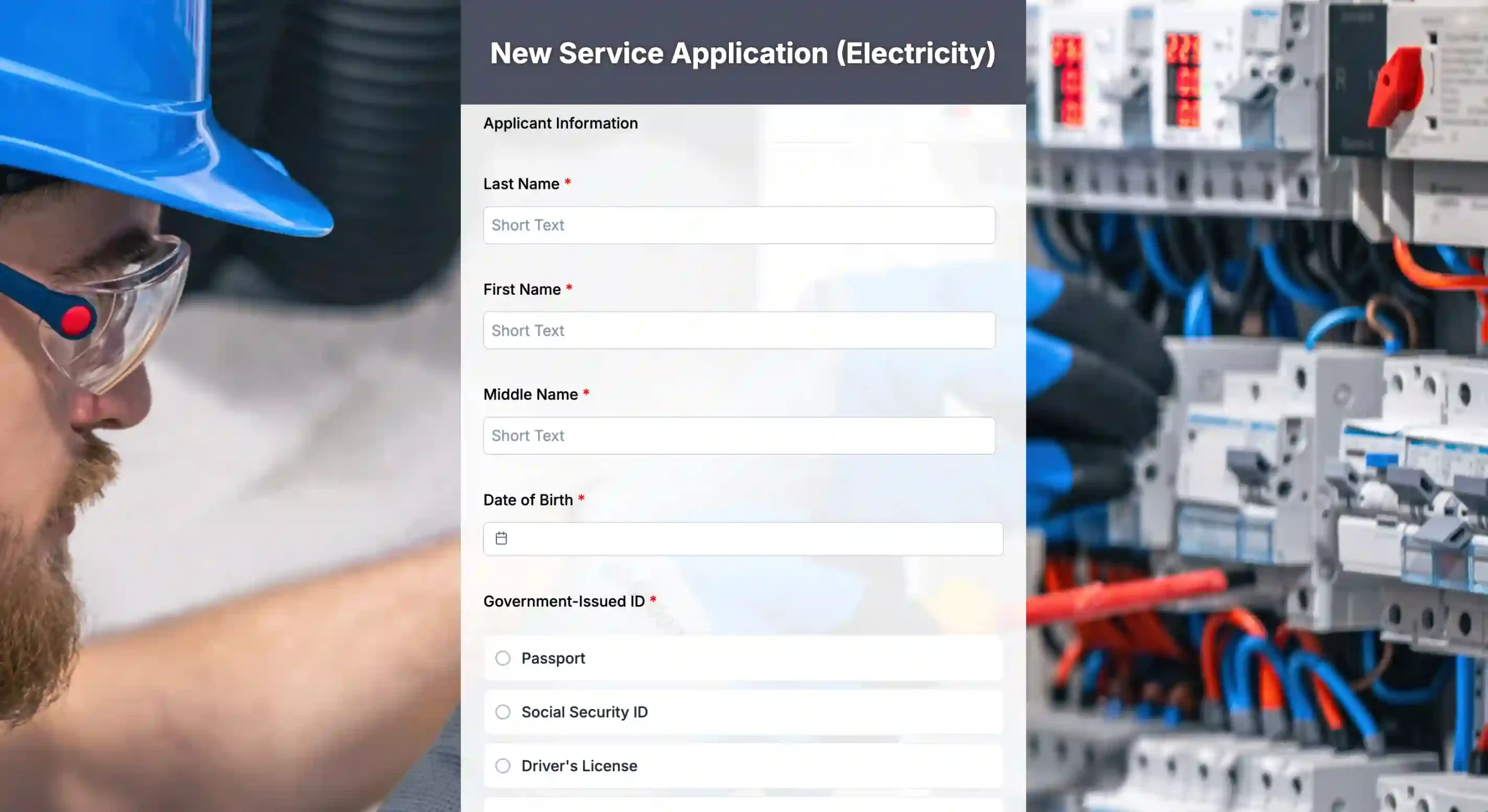
Skip the lines and simplify your new electricity service application process. Try our new digital service application for the electricity form and let your applicants save more time and effort in applying!
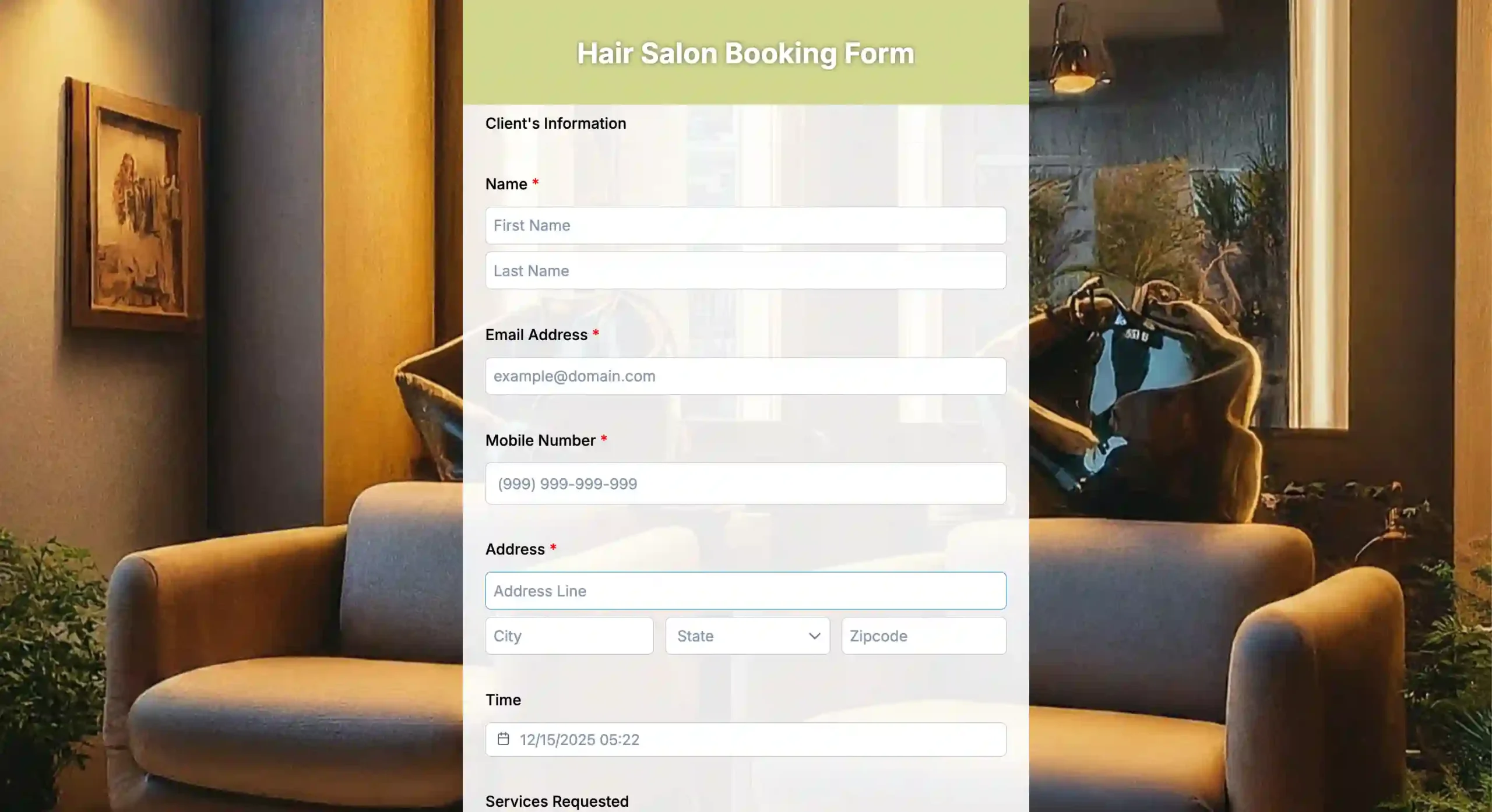
Service inquiry form
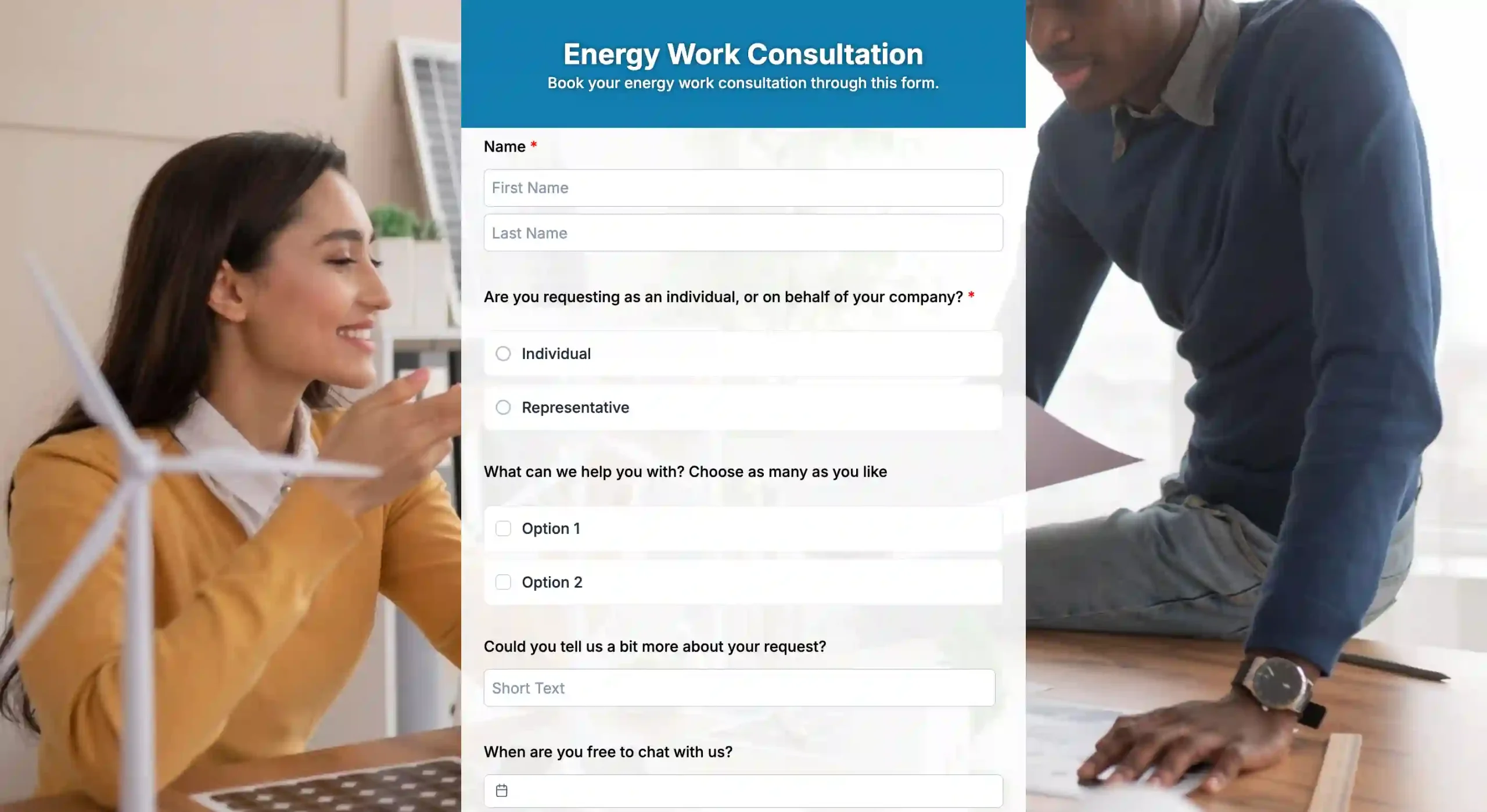
Energy companies can gather more leads and work by providing an easy-to-fill-out energy work consultation form. Try our template now and enhance your lead discovery journey!
From paper to QR code forms
Gone are the times when utility companies had to rely on lengthy paperwork to get things done. Customers would need to call the company or fill in a lengthy service request form for utilities, which was time-consuming and produced a lot of paper waste.
The requests must be diverted to the concerned department for accurate resolution, another step in this complex process. Consumer expectations have changed significantly since COVID-19, with 68% expecting the company to have a more extensive digital footprint.
Modern technology, like utility QR codes, has resulted in a significant shift in service delivery. Utility QR codes now allow companies to create service request forms that customers can submit online for easier tracking, offering quick resolution and reducing the amount of paperwork.
With the rise of digital form solutions, utilities can streamline data collection and automate processes, making service requests more efficient. Using a utility form QR code allows customers to access and submit forms quickly from their phones, reducing delays and errors. This transition from traditional paperwork to a digital framework has been a turning point for the energy industry and will continue to change how utilities resolve issues.
What is a form QR code?
A form QR code is the digital version of the traditional paper form used by utility companies for receiving and analyzing service requests. They have predefined fields or boxes that customers fill in with their accurate information and send to utilities. Usually, the information boxes are about names, addresses, service types, and the like. These forms are designed using a modern form creator with QR capabilities.
The utility service request form allows for efficient request processing. It’s also more secure than its paper counterparts, ensuring every service request reaches the utility without compromising user privacy. Given its convenience and efficiency, it is no wonder it has become the go-to choice for many utilities that want to streamline their data collection method and processes.
Benefits of using a service request form for utilities
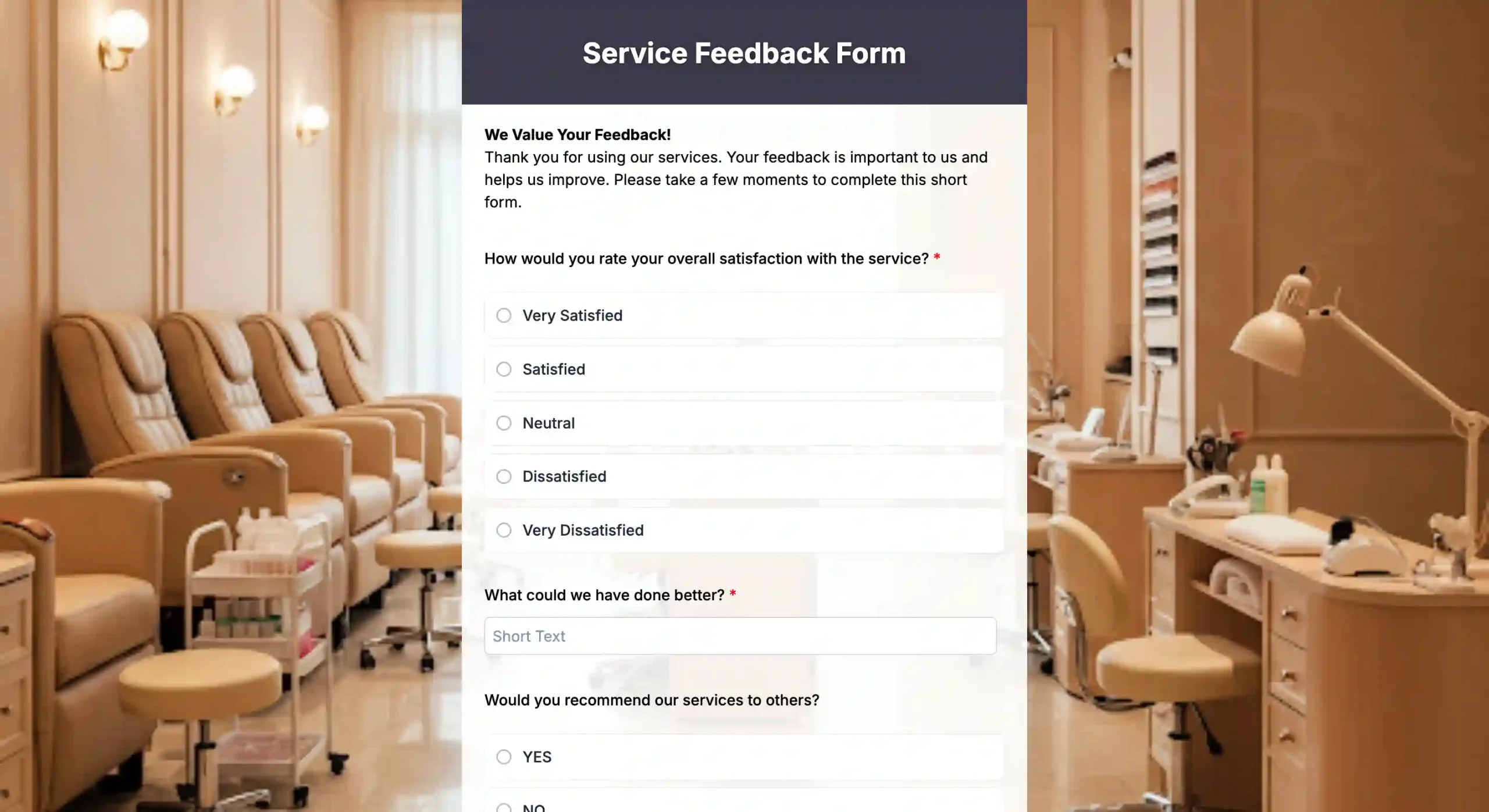
A QR utility request form brings clear benefits, from smoother operations to better customer experience. These gains apply whether you collect service issues through a maintenance request form or gather insights using a Feedback Form for Services. Understanding these benefits helps explain how digital forms reshape the utility and customer relationship.
Operational streamlining
One of the utility companies’ most significant challenges is managing several service requests promptly and efficiently. A utility QR code form can resolve that problem by streamlining operations. Customers can simply tap a button and request a service from their smartphone. They don’t have to call the company and arrange elaborate paperwork, which results in faster service response times.
Enhanced customer satisfaction
Customers prefer simple steps. With a QR code, customers can access the form and complete it in minutes, resulting in greater customer satisfaction, which is critical as 81% are willing to pay more for a better experience. They can submit a request at any time and from any location. This convenience works well for busy people or those on the move.
A feedback form for services can sit alongside the request form. After a job is done, customers can rate the service and share comments. This helps utilities improve service quality. Studies show that 81 percent of customers are willing to pay more for a better experience, which shows how much this matters.
Cost control
Google Form QR Codes are great for reducing the paperwork utilities that the customers have to deal with and minimizing costs to enhance the bottom line. By switching to a digital solution, utilities don’t need to print loads of paper that might not even be fully used.
There is no such problem with QR forms because you can create as many copies of your digital forms as you like without spending a single penny. Utilities can analyze how much money they can save by switching to a digital service request platform.
Improved data security and compliance
Like any other company, utilities must adhere to government industry standards and regulations. It is not just about following some standards. Business success depends on how seriously a company takes data security and other industry standards. On average, a data breach costs a company $4.45 million, a significant number.
Using a QR service request form for utilities is a step in the right direction because it protects user data by eliminating paperwork that could get lost or damaged in transit. Similarly, when utilities implement strict security protocols for their QR forms, they prevent hacking and other unauthorized access. They can instantly access all the service requests, user activity, and more to meet regulatory standards.
QR code deployment strategies for utilities
QR codes offer many benefits for both customers and utility companies, but their successful implementation requires careful consideration. So, let’s guide you with some solid QR code deployment strategies for utilities:
User adoption
If a utility company adopts QR code forms, it must educate users about this development. Channels like social media and email newsletters can help utilities reach clients.
Getting user feedback through focus groups, surveys, and feedback forms is equally important to understand their challenges. After collecting the input, utilities should analyze it and modify their service accordingly.
Testing and training
Run the QR codes and their forms through multiple tests to ensure they work and integrate perfectly with the current system. For instance, utilities should test their code across various devices, such as smartphones, tablets, and operating systems. Similarly, they should test the performance of their system on both WiFi and cellular networks for an accurate assessment.
The customer care department should also receive relevant training regarding the QR system. They should thoroughly understand how QR codes work and review a sample service request form to get familiar with the format used in the forms. They should also be able to troubleshoot relevant issues resulting from form submissions and use QR code data to enhance customer interactions.
Integration with the current system
Before switching to the QR service request form for utilities, companies relied on the traditional request system of calls and paperwork. It is critical that the new system integrates perfectly with the older one and that customer information, like account details and addresses, is populated correctly in the QR form.
To ensure accuracy, an information sheet can be used to organize and verify customer details before they are transferred into the new system. When a customer makes a service request, the CRM system should automatically alert the utility company so that both the utility company and the customer receive real-time status updates.
Security concerns
Utility companies handle a lot of customer data, so they must be vigilant about protecting private user information. To protect data transmission between QR codes and the utility’s servers, utilities should implement robust HTTPS protocols. Since encryption scrambles information, unauthorized parties cannot read or comprehend it.
The following rules and regulations, such as GDPR (General Data Protection Regulation), ensure secure data handling. With that, utilities should communicate to customers how they collect, store, and use their data in a detailed privacy policy. It builds trust and transparency among both parties and ensures customers trust the utility company with their data.
Case studies of QR code adoption in the utility sector
Mobile-friendly solutions, like QR-powered billing, make utility management easier and more efficient. For example, the British Government now requires all energy bills to include a QR code.
When scanned, the code takes customers to their online account, where they can view a detailed e-bill instantly. This paperless approach removes the need to visit payment centers just to check fees, saving time for users and reducing costs for providers.
A similar system was introduced in India’s Tiruppur district, where rural customers often faced long trips to pay their bills. Over 5,000 households received QR code stickers on their bill cards, allowing them to pay from home.
The change cut travel time, lowered expenses, and made payments more accessible, especially for those in remote areas. The same technology could potentially simplify service requests and meter readings, too.

Enter a new era of handling service requests using QR codes
Utility companies serve millions of customers worldwide, meaning they must handle thousands of service requests. Manual handling is no longer the right approach, as it requires extensive resources and achieves way less than modern technology can. Today, QR code solutions can completely change how utility companies handle customer service requests.
Customers who need to fill out an extended service request form for utilities can simply use digital forms to make service requests and get work done quickly. Utility companies should use a quality form builder like Form QR Code to process digital service requests efficiently. Users can easily scan the QR codes using smartphones, which means quick and easy access to service request forms.
As a result, utility companies are instantly notified who requires service at a particular location. So, start using Form Builder for service requests today and generate effective QR codes for your utility company.
Build your utility QR service request form now!
FAQs
Is my data safe when I use the service request form?
Yes. The form uses encryption and follows privacy policies to protect personal and account information.
Are there mandatory fields?
Yes. Required fields typically include account number, service address, request type, and a short description of the issue or change.
What if I need to update or cancel my request?
You can edit or cancel through your online dashboard, or contact customer support with your tracking number. Some requests may have restrictions once submitted.
What if I don’t have all the information right now?
You can submit an incomplete form and save your progress, then return later to complete it. Some fields may remain optional if not applicable.
Are there accessibility or language options?
Yes. The form supports accessibility features and multiple language options. If you need assistance, contact customer support.
What should I do if I experience technical issues submitting the form?
Check your internet connection, try a different browser or device, clear cache, or contact support with a screenshot of the issue and your account details.