
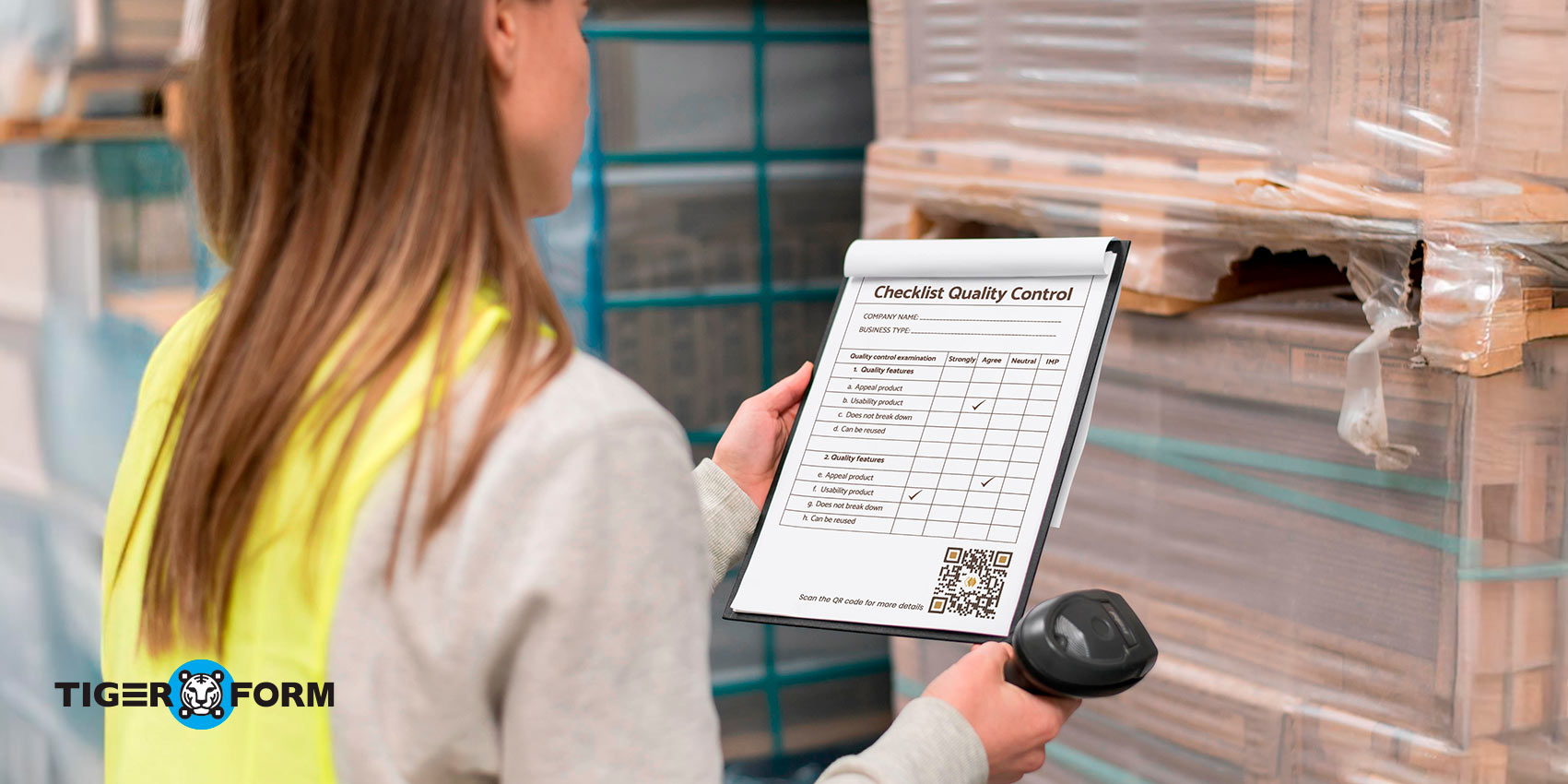
Without quality control forms for manufacturing, problems can spiral into bigger ones. A missed check can cost time, money, and credibility. The problem gets worse when teams still depend on paper forms. Lost documents, unreadable notes, or late updates often mean issues get spotted too late.
The good news is there’s a simple fix. Setting up a digital quality control form with a QR code can help you track inspections, record results instantly, and reduce costly errors.
How about we take it further? In this guide, you’ll learn what quality control forms are, why they matter, and how online QR code forms make the process easier. We’ll also walk you through how to create one.
What is a quality control form, and their purpose
A Quality Control (QC) form is the final check to make sure a products meet the quality standards before they are shipped out. They’re mostly composed of a checklist that helps notice mistakes early and keep the pre-release organized.
Some of these checklists include the inspection date, product specs, pass/fail results, and the inspector’s sign-off. QC forms track down the root cause of any issues and keep everyone accountable. Without it, minor problems can slip through, which can lead to delays, safety concerns, or even risk your brand’s trust.
These days, many companies have switched to online or quality control e-forms. Digital forms make it easier to track updates, share results instantly, and maintain a complete audit trail..
They also create a perfect history of every check that was done. No matter the industry, these forms are a simple but powerful tool for building reliable products and keeping your customers’ trust.
Pain points of traditional quality control checklist procedures
Inefficiencies in traditional manufacturing quality control methods can reduce a company’s profit. It’s time to abandon outdated approaches and adopt a more streamlined method with TIGER FORM. Some challenges of using traditional procedures are the following:
Paperwork pile-ups and error-prone processes
Mountains of paper forms lead to mistakes. Manual data entry is a slow and painful process, and these mistakes cause confusion and waste time. Missing documents slow down the process and affect the frequency and quality of quality control checks.
Challenges of manual inspections
Manual inspections are prone to errors because they rely on human judgment. Inspectors must include key details, but their subjective assessments can differ. Also, manual checks often prevent real-time data capture. These delays prompt corrective actions.
Isolated information and limited visibility
Traditional paper-based systems, such as a quality control checklist for manufacturing, often create data barriers. The information gathered during different quality checks is not easily accessible, making it hard to identify the root causes of issues. This lack of visibility hampers early issue identification and prevents timely corrective actions before they affect service delivery.
The cost of inefficiency
Due to their shortcomings, traditional approaches have significant cost implications. For instance, discarding substandard goods, handling product returns, and dealing with production stoppages can be very costly. By improving and optimizing quality control processes, manufacturers can enhance product quality and avoid these costly issues.
By addressing these concerns, manufacturers can have a perfect, cheap, and productive quality control system.
How do QR codes streamline a quality control form for manufacturing?

A QR code for manufacturing is one of those black-and-white square patterns you often see on menus, packages, magazines, and even billboards. Although it has the potential to revolutionize manufacturing quality, it remains largely unexplored. But what exactly is it, and how can it benefit your business?
QR codes, or Quick Response codes, are advanced barcodes that store more information than typical ones. Using a phone or tablet camera, you can access this information. Their features make them perfect for enhancing data collection in quality control processes. Here are some of the benefits of using QR codes for manufacturing quality control:
Enhanced data accuracy and reduced errors
Say goodbye to manual data entry and its typos. The QR code inventory management form collects data digitally, reducing mistakes. This leads to better quality control, which means fewer low-quality products are produced and sold to customers.
Improved productivity in quality control processes
Manual processing slows workflow, takes time, and only works with real-time data. Our QR Form quality control simplifies quality checks. Inspectors can fill out forms digitally while on the move, resulting in a 20-30% increase in productivity, as reported by industry experts at Frost & Sullivan.
This results in shorter production cycles and reduces the effort and expenses needed to ensure the quality of the final product. A supplier evaluation form for logistics in supply chain management businesses can speed up the process.
Real-time insights at your fingertips
No more waiting for manual data compilation. With QR forms, data is collected on the spot, providing you with real-time quality control inspection insights. This lets you identify trends, address problems as they arise, and make informed decisions that benefit your production line.
Enhanced traceability
Link QR forms to specific products or batches to make it easier to track them throughout the production process. As a result, tracing the source of quality issues becomes simpler, cutting the time needed by 50%. A study by PwC showed that digital quality management systems can improve root cause analysis, supporting this idea.
Secure data storage
When you scan QR codes in manufacturing, they can direct you to secure online forms, keeping your quality control form information confidential. Cloud storage lets you access data anytime and prevents issues like lost or misplaced paperwork.
Reduced costs associated with rework and recalls
Reducing mistakes and catching problems early, when they’re few, helps reduce product defects. Studies show that using a digital quality control form for manufacturing can reduce rework costs by up to 30%. Identifying root causes early helps prevent extensive recalls that can harm your business.
For example, equipment tracking form for construction can provide details about the asset, such as recalls, history, and any repair equipment needed.
Improved communication and collaboration among teams
Scannable form QR codes make it very productive to transfer information to different departments. The teams involved can easily access quality control data, which improves information sharing and promotes team synergy. This ensures everyone knows what’s expected of them and can maintain product quality.
Building better quality control forms with our QR form software
Our Form QR code generator offers a modern solution to common data collection, manufacturing management, and evaluation challenges. It is ideal for creating and managing digital forms and increasing productivity.
QR codes are efficient, as they avoid wasting time accessing forms via a web page or filling them out manually. The key features and functionalities that make our form QR code generator a valuable tool for quality control in manufacturing are as follows:
Easy form creation
Unlike most other software, our simple interface makes it easy to create a form for quality control that fits your needs. You can add text fields, numbers, date fields, and multiple-choice questions to capture the specific data you want. Plus, the drag-and-drop feature makes building forms even easier.
Customizable design
Make sure your forms reflect your brand’s identity. Select the right colors, logos, fonts, and visuals that fit your brand’s theme and appeal to consumers. This helps make your product more attractive and boosts brand awareness.
Convenient data collection
The free-form online builder eliminates the need to print out extra forms. To access the linked form, participants can scan its QR code with their smartphones. This makes the whole process seamless, convenient, and more responsive, resulting in higher participation.
QR code generation
If your form is ready, generate a unique QR code. Feedback givers can scan it with their phones to access the form. This will save them the time spent typing URLs or processing physical forms.
Advanced analytics
Form creator also provides real-time data to track responses on various forms. You can monitor the number of scans, submissions, and user activity levels as they happen. This data helps you analyze trends, evaluate outcomes, and make informed decisions to improve manufacturing quality control programs.
Integration with CRM tools
Integrate your forms with your preferred CRM tools, like HubSpot and Zapier, to avoid repetitive data input. This integration keeps your existing system updated, increases workflow, and ensures accurate data.
Product quality control form templates
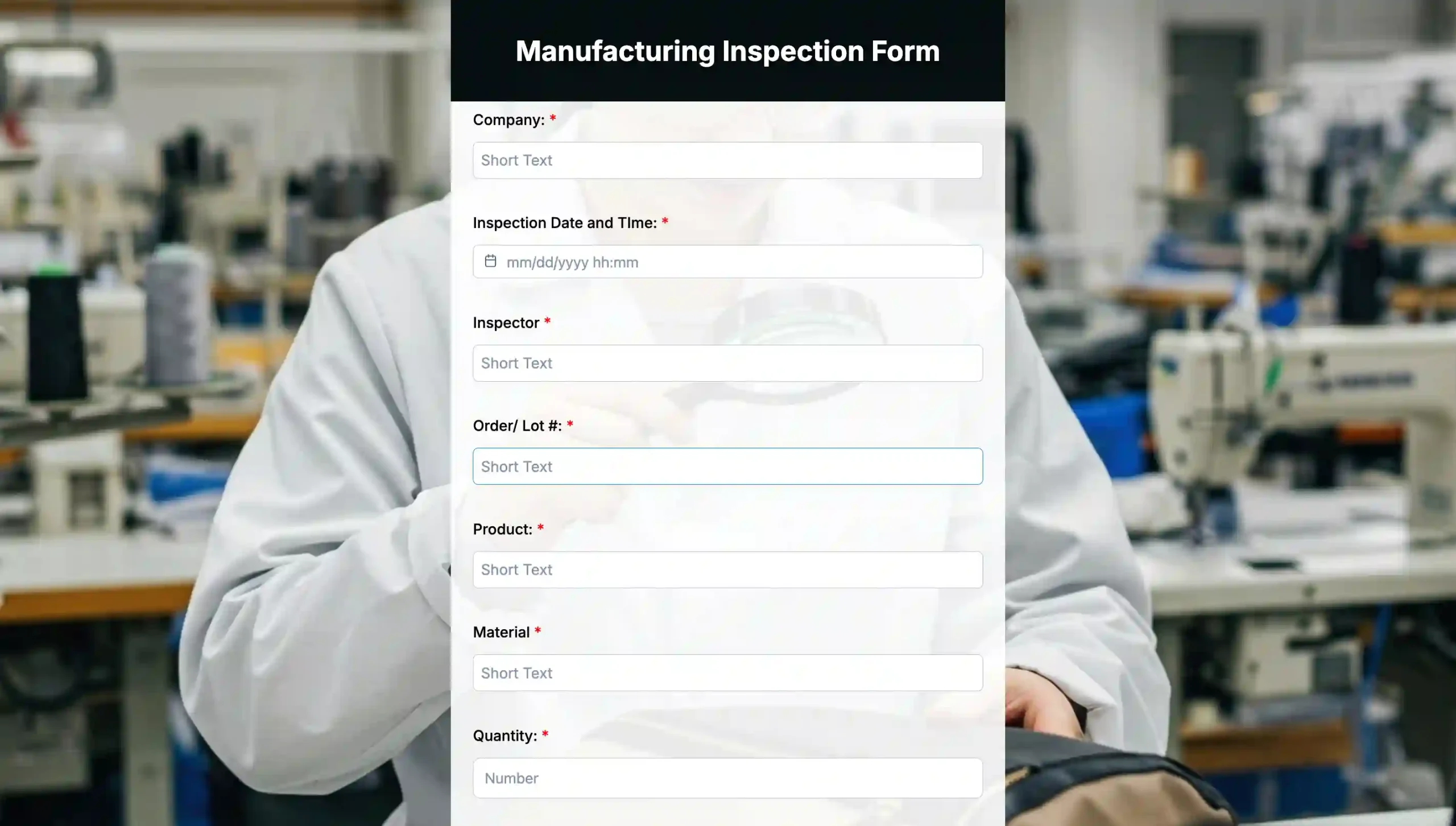
Manufacturing inspection form template
Keep your product’s quality checked with an online bag manufacturing inspection form template. Track defects and slight improvements needed, and implement corrective actions to reduce product returns and satisfy customers.
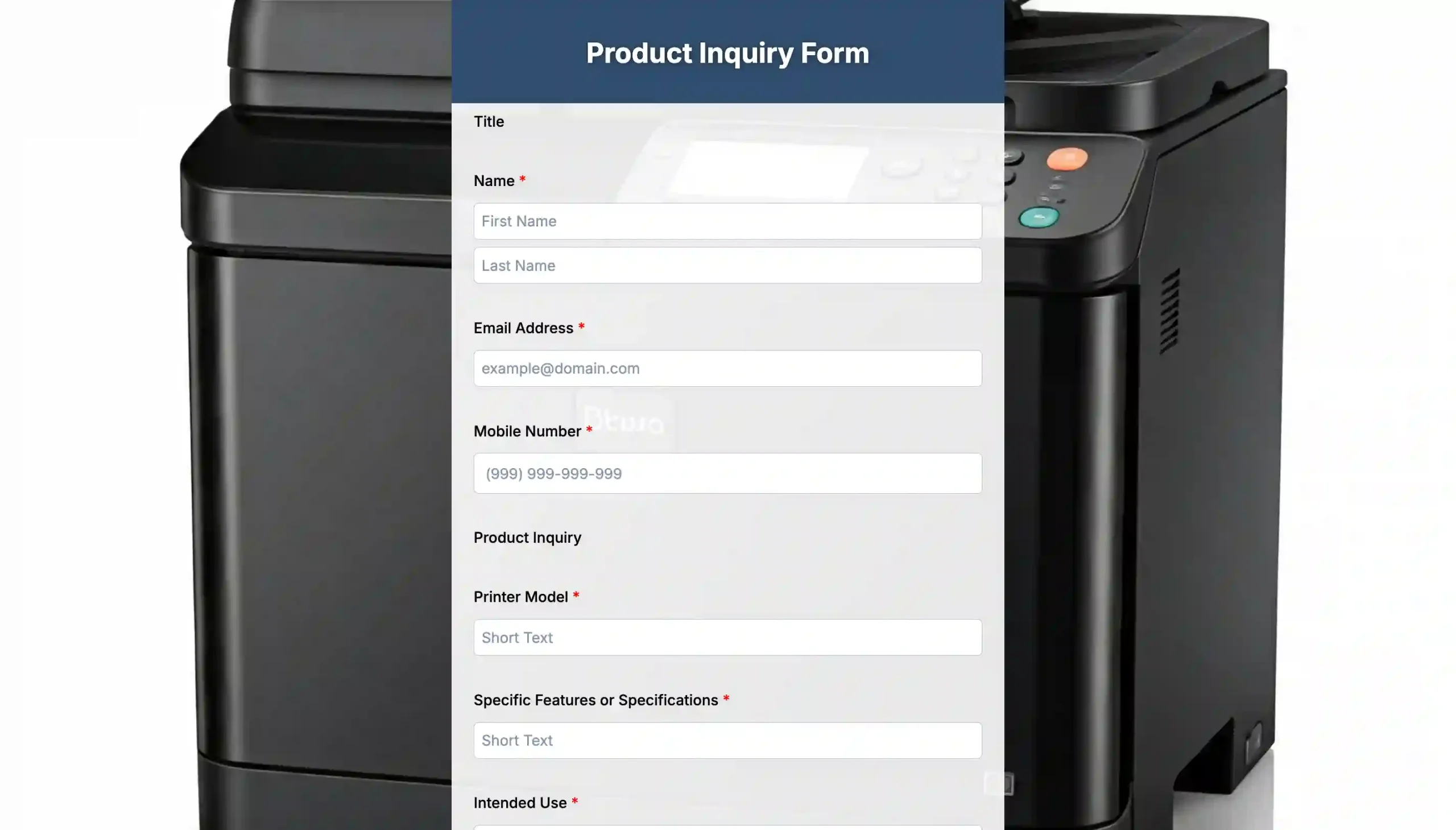
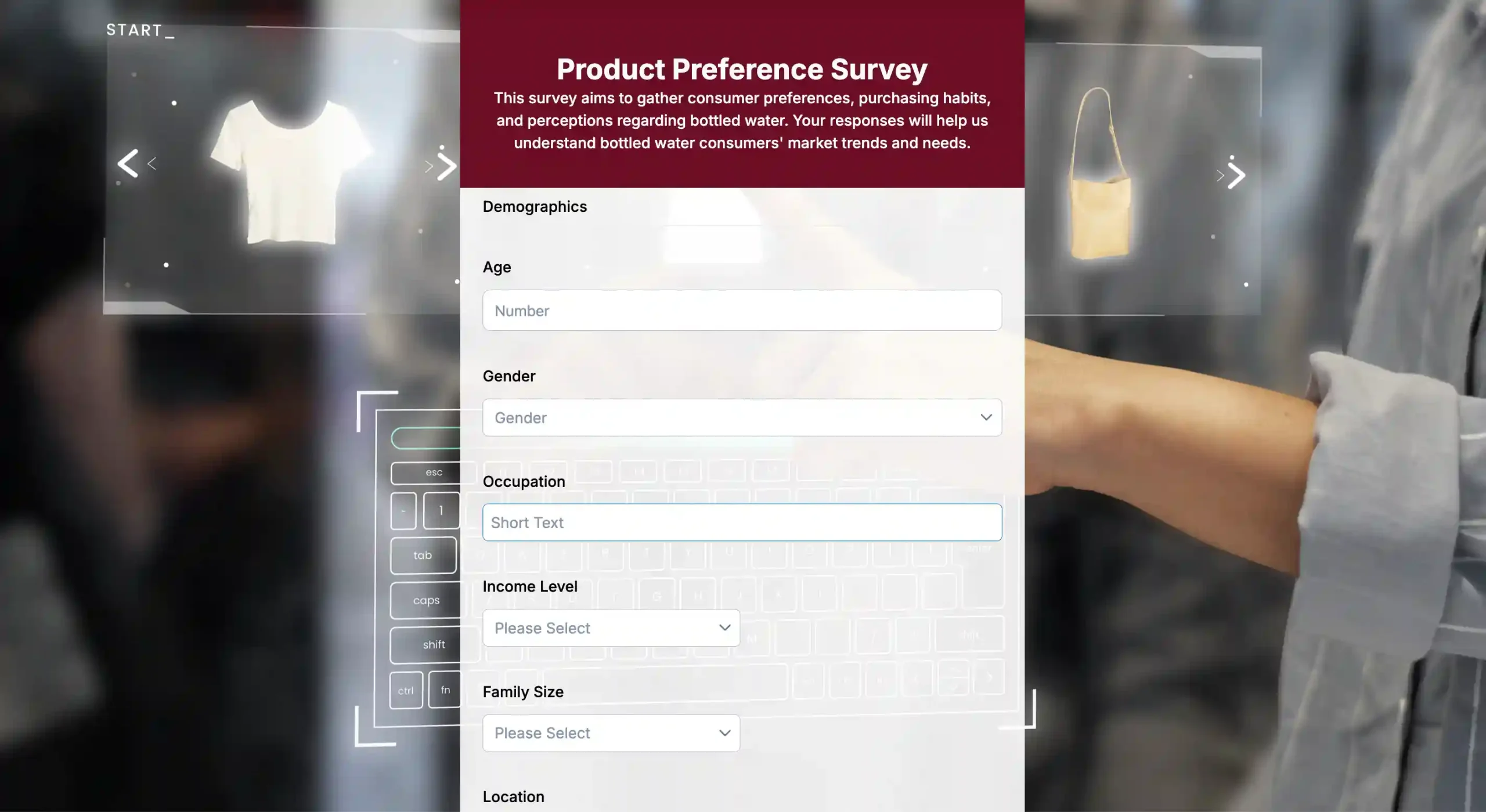
Product preference survey template
Collect insights on consumer preferences, buying habits, and trends to refine your offerings and match customer demand. Use this product preference survey now!
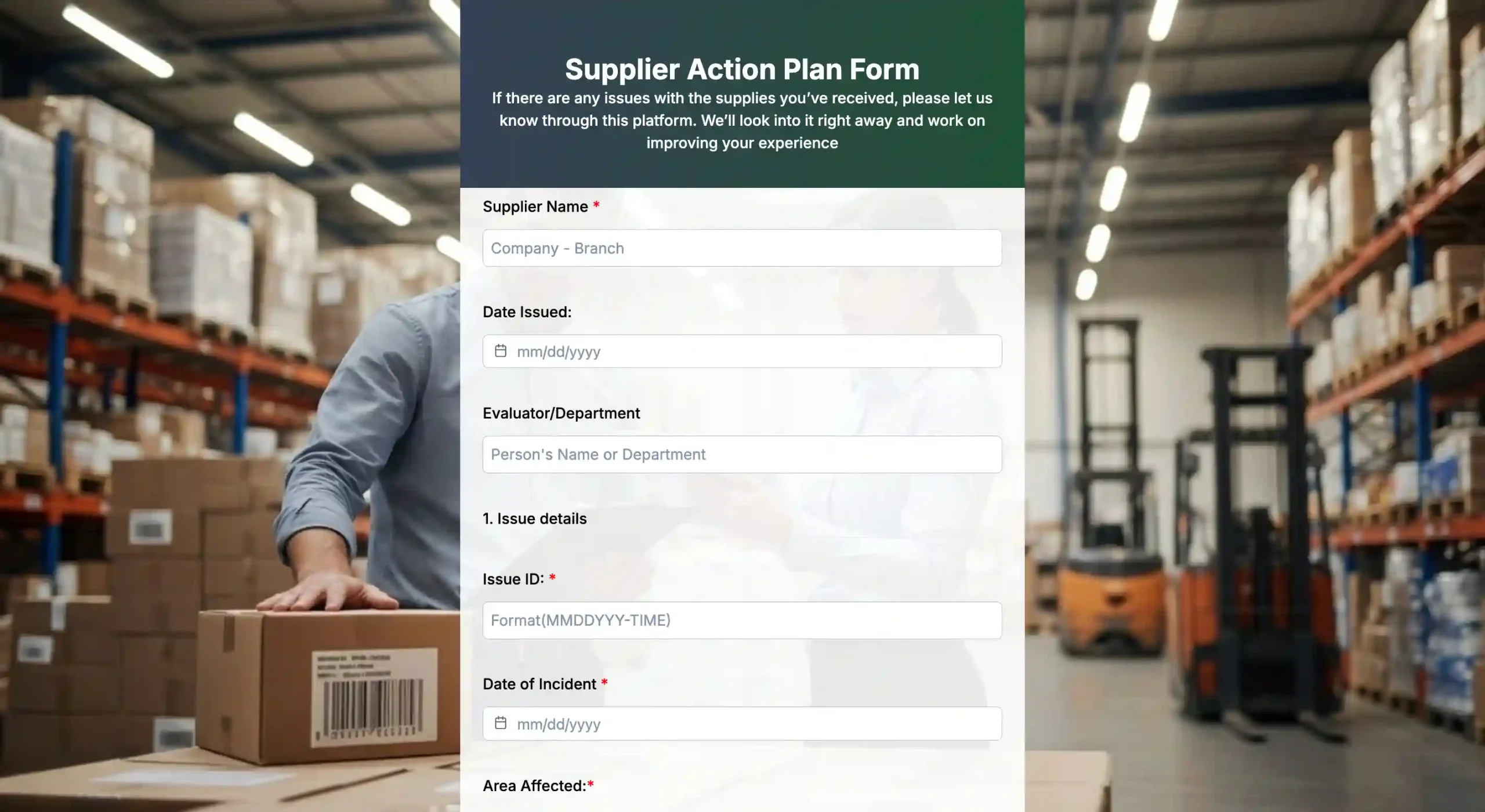
Step-by-step process to implement a quality control form for manufacturing
- Sign up for a reliable form builder with a QR code integration feature.
- Choose your building setup. For convenience, use the builder’s template or the tool’s AI form generator. For full control, start from scratch.
- Design a form containing all the fields needed for the quality control check. Use checkboxes, multiple options, and text fields to collect relevant information.
- Once the form is developed, develop a form QR code so that when the person scans the code, the form opens. Also, ensure the QR code is prominent enough to be easily scanned.
- Place the QR codes where workers can easily access them during quality checks. Good spots are workstations, machines, or product containers.
Best practices for using our QR form builder
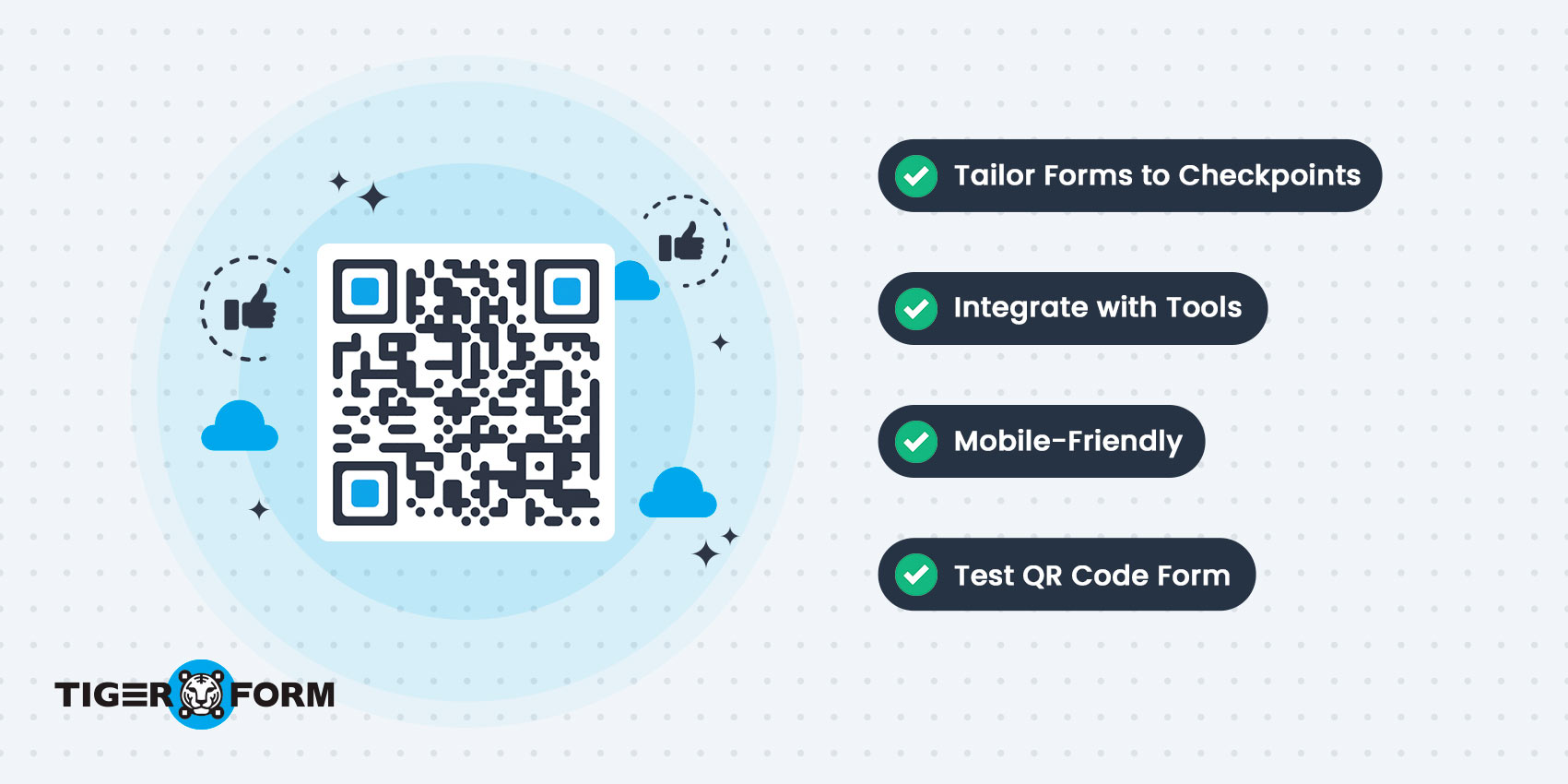
Implementing QR code manufacturing processes can significantly improve quality control, but following some guidelines can help you get the most out of them. Here are some guidelines to help you get the most out of it:
Tailor your forms for specific checkpoints
Avoid using generic forms when writing. Instead, use form templates to create specific forms for each quality control point to ensure you gather only the correct information for analysis.
Keep it mobile-friendly
Inspectors will fill out forms on mobile devices. Do not ask complex, lengthy questions, as answering them on a smartphone can be time-consuming.
Integrate with your existing tools
Connecting your Google Form QR code creator to the manufacturing software you already use is crucial to avoid interruptions in the data flow. This helps prevent information from getting isolated and ensures that all evaluations are appropriately facilitated.
Do thorough testing
When you are ready to launch the forms, validate and preview them across multiple devices to assess their functionality and operation. To keep the quality control process effective, try to catch any glitches before they happen.
Track and analyze form performance
With QR code production tracking, the form software analytics provides useful insights, such as how many people have completed the form and which sections might need updates. Use this data to make periodic improvements to your quality control process.
Brand your QC QR codes for recognition
Your QR codes must not be plain—incorporate your brand logo or colors! This makes using the code more professional, and users are more likely to trust it when they scan it.
Promote QC QR code usage
Make it easy for inspectors! Ensure that quality control team members know where to find and how to use QR codes at checkpoints.

Revolutionize quality control with TIGER FORM
Traditional quality control in manufacturing relies on paper and manual entry. Both are error-prone and time-consuming. However, integrating QR forms can revolutionize this process. It streamlines data collection, boosts accuracy, and increases productivity. With real-time updates and secure storage, it offers a modern solution, avoiding traditional hurdles.
This innovative approach leads to fewer defects, faster inspections, and better team collaboration. Adopting a QR quality control form for manufacturing is crucial to improving quality control and productivity. Start using TIGER FORM today and enjoy the benefits of digital quality control.
FAQs
Can QR codes fit into existing quality control processes?
Yes, QR codes can be easily integrated into existing quality control processes by adding them to existing forms or using QR code scanning technology.
Do any regulations require QR codes in quality control forms?
While specific regulations may not mandate QR codes, many companies use them as a best practice for improving quality control and traceability.
How secure are QR codes in a quality control form?
QR codes can be encrypted and password-protected to ensure the security of sensitive information in a quality control form.
Can employees easily learn to use QR codes in a quality control form?
Yes, QR codes are user-friendly and can be easily scanned using a smartphone or other mobile device with a QR code scanning app.
How can I keep QR code data accurate on a quality control form?
It is important to update and verify the information stored in QR codes regularly to ensure their accuracy.
How can I customize a QR-based quality control form for my company?
You can customize a quality control form with QR codes by adding fields for specific information, such as batch numbers, production dates, or inspection criteria relevant to your company’s processes.