

Vendor sourcing doesn’t have to be risky or complicated. But it often becomes both when businesses rely on scattered emails, outdated PDFs, or paper-based forms. That’s where a vendor application form comes in.
It’s more than just a document. A vendor application form acts as the first checkpoint in supplier onboarding. It helps businesses assess legitimacy, reduce compliance risks, and set expectations before any partnership begins. But to truly streamline the process, companies need the best tools for vendor application forms, not static files that slow everyone down.
In order to help businesses find the right partners more quickly, we break down the best software and tools for vendor forms in this guide. Additionally, we have compiled guidance on registering your vendors.
What is a vendor application form?
A vendor application form is a company’s first step in evaluating a potential supplier. It gathers important information to determine whether a vendor is a good fit, including what they offer, how they operate, and their qualifications.
Vendor application forms are an all-around tool. For legal and compliance purposes, it’s about reducing risk: overseeing tax IDs, insurance certificates, and compliance attestations.
It also serves as a sourcing database with vendor capabilities, product details, and pricing for procurement. It’s a quick way for operations to ensure a vendor can meet deadlines and quality standards. Additionally, it serves as the vendor’s audition and their first opportunity to see how your business operates.
A good form initiates a relationship rather than merely collecting data. It defines expectations, conveys your standards, and builds trustworthy business partners. It is now an interactive first step toward a solid partnership rather than a static document.
What digital tools bring to vendors and businesses

Moving from paper forms and email attachments to a dedicated digital tool is a huge leap. The value is unequivocal and flows in both directions, creating a virtuous cycle of efficiency and satisfaction.
For your business
With digital tools or software, your team has complete control and speed with your supplier appraisals. Applications directly feed into databases, and typing or human mistakes (which are unavoidable, by the way) are lessened. Tasks automatically route items to the right people, flag missing information, or initiate checks.
Your team stops juggling stacks of paper forms; instead, you’re making smart decisions with just a few clicks. And all the information is right at your fingertips for easy audits and “killer” insights: application volume, bottlenecks, and approval times. Use this to optimize your supplier game.
For vendors (the suppliers)
For vendors, convenience and first impressions are crucial. A simple, mobile-friendly form indicates that your company is well-run and respects its time. The process is less stressful and more likely to occur when there are simple steps, save functionality, and instant confirmation.
For them, digital tools also make things easier. Without having to repeatedly follow up with you, vendors can upload documents, send portfolio links, and check the status of their application. It takes less work to start working with you when things are simple.
To put it briefly, digital tools turn vendor onboarding from a hassle into something that benefits you. They simplify, improve organization, and help you build stronger vendor relationships, making your business easier to work with.
5 best tools for vendor application forms and software picks

There is no single tool that works for everyone. The best way to choose is to start with your main need. Then select a tool that fits your setup, vendor volume, and compliance needs. Below are five tool solutions you can use for vendor application forms.
1. Digital form makers
Using digital form tools is the quickest way to build and implement a form for your online customers. You don’t need to know how to code to create a basic assessment and accept uploads.
If you’re still relying on email and PDFs but want better control over vendor data, a vendor application form builder is often the easiest place to start. It helps centralize submissions while keeping the setup simple.
Another feature of tools, aside from data collection, is the analytical feature that generates reports and a summary of submissions. For instance, the TIGER FORM tool, with deep integrations with QR codes, also reports the average number of scans and submissions of your forms by location, device, and country.
Aside from this, vendor form generators can then be manually reviewed or plugged into light automation (e.g., creating tasks or sending internal notifications).
Software picks:
| Tools | Key features | Starting pricing |
| TIGER FORM | Offer dynamic vendor forms with QR code integrations and AI form builders that help you build forms quickly using prompts. | • Free plan • Starter plan: $14 |
| Cognito forms | Handles advanced math and logic better than most online vendor application form creators, at a mid-tier price. | • Free plan • Pro plan: $19 |
2. Vendor Management Systems (VMS)
VMS makes it easier to manage vendors at every stage: onboarding, contracts, performance, and more.
So, instead of being “just a form,” they act as the operational backbone for how your organization works with suppliers. A typical flow of this is:
- The vendor or requester starts the onboarding process through the vendor registration system.
- The system gathers all required information, including business forms and documents.
- Approvals are sent automatically to procurement, finance, and legal.
- A vendor master record is created once approved.
This process makes sense when you have high vendor volume, strict policy or regulatory obligations, or a need to tightly control who becomes an approved vendor.
Software picks:
| Tools | Key features | Starting pricing |
| SAP Ariba | Used by large teams to manage vendor onboarding and contracts in one place. | • Custom quote |
| Coupa | Helps teams review vendors while tracking spend and risk | • Free plan • Verified plan: $549 yearly |
3. Governance, Risk, and Compliance (GRC) platforms
GRC tools focus on managing risk controls rather than day-to-day transactions. They are best used for vendors working in controlled environments that handle sensitive information.
In a GRC setup, vendor forms act as evaluations. Vendors can answer compliance questions, and the system then scores the risk, highlights gaps, and stores supporting documents.
Your online vendor application form might start as a simple intake tool of basic details, contacts, and documents. Then, it is fed into the GRC tool for the deeper due diligence stage. This layered approach keeps the initial experience simple for vendors while still giving risk teams the depth they need.
Software picks:
| Tools | Key features | Starting pricing |
| OneTrust | Used for third-party risk and compliance, with forms for vendor review and approval | • Custom quote |
4. Customer Relationship Management (CRM) platforms
Customer Relationship Management (CRM) tools are used by many teams as a “home base” for all external relationships, including customers, partners, resellers, and, sometimes, vendors. They’re valuable and effective when your “vendors” are closer to partners or channel sellers than traditional suppliers.
For a CRM‑based workflow, the vendor sign-up form is often built with the CRM’s native form tool, and submissions create or update records. From there, your team can use pipelines, tasks, and notes to manage the onboarding process.
This works best when the vendor relationship is ongoing and collaborative, so that having everything inside your CRM gives you a single timeline of communication and activity.
Software picks:
| Tools | Key features | Starting price |
| HubSpot | Creates public forms for vendor apps as leads: qualify, tag, assign. | • Free plan • Starter plan: $15 monthly *billed annually, per user |
| Zoho CRM | Automatically create or update CRM records and trigger tasks or approval steps. | • Free plan • Standard plan: $14 monthly *billed annually, per user |
5. Automation builders
Workflow automation tools turn web apps into connections to automate repetitive tasks. These tools focus more on what happens after the form is submitted rather than on what they do on the form itself. If your current pain is “submissions are fine, but everything after that is manual and inconsistent,” this tool will help you.
When a vendor submits their application, a trigger will create a record in your CRM, post in a review Slack channel, and add a task for finance to verify banking data.
Once authorized, another trigger automation installs the vendor in your accounting system. This is a typical automated flow. While it fills in the gaps between VMS and GRC tools, it guarantees that every application is handled consistently.
Software picks:
| Tools | Key features | Starting price |
| Zapier | Connects form platforms to targeted apps such as email, task managers, spreadsheets, or ERPs. | • Free plan • Professional plan: $19.99 monthly *billed annually |
| Make | Handles workflows with branches for vendor type, risk, and geography. | • Free plan • Core plan: $9/monthly |
Vendor application form
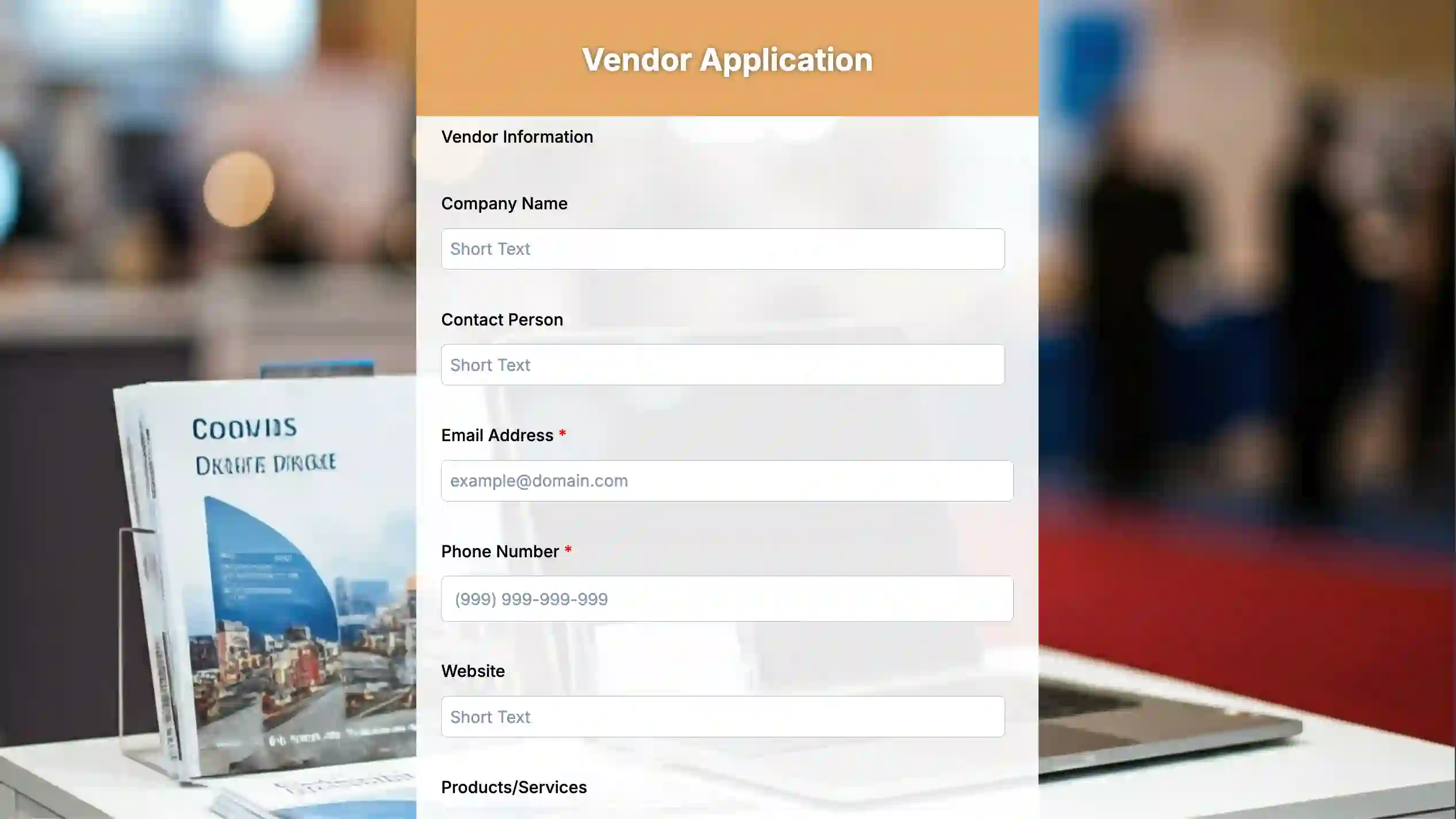
Simplify vendor applications with this online vendor application to upgrade your transaction experience and maximize returns.
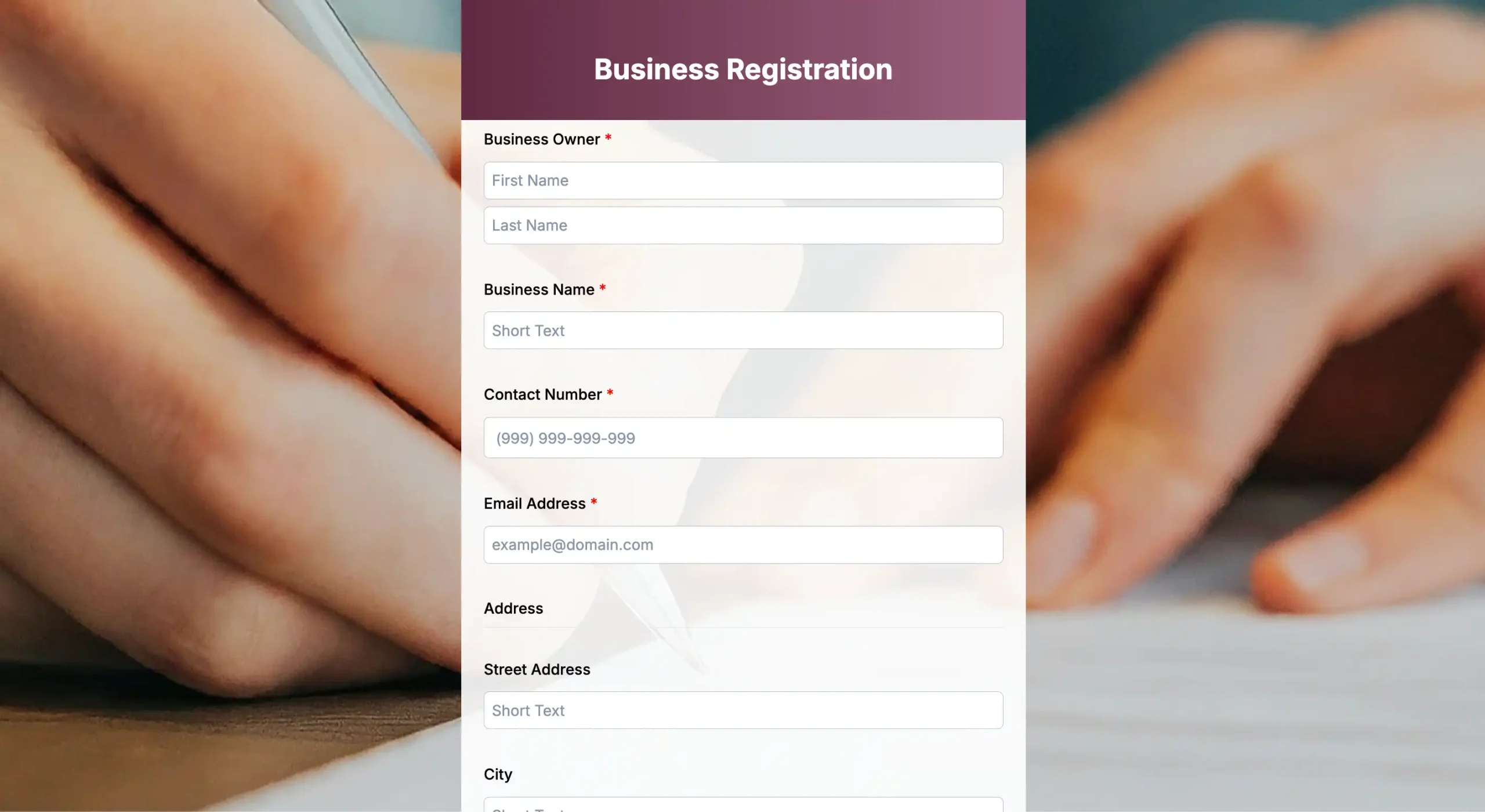
Business registration form
Kickstart your business ideas into reality with this registration. Use these online business registration forms to gather all the necessary registration information and submit it quickly and securely for your business.
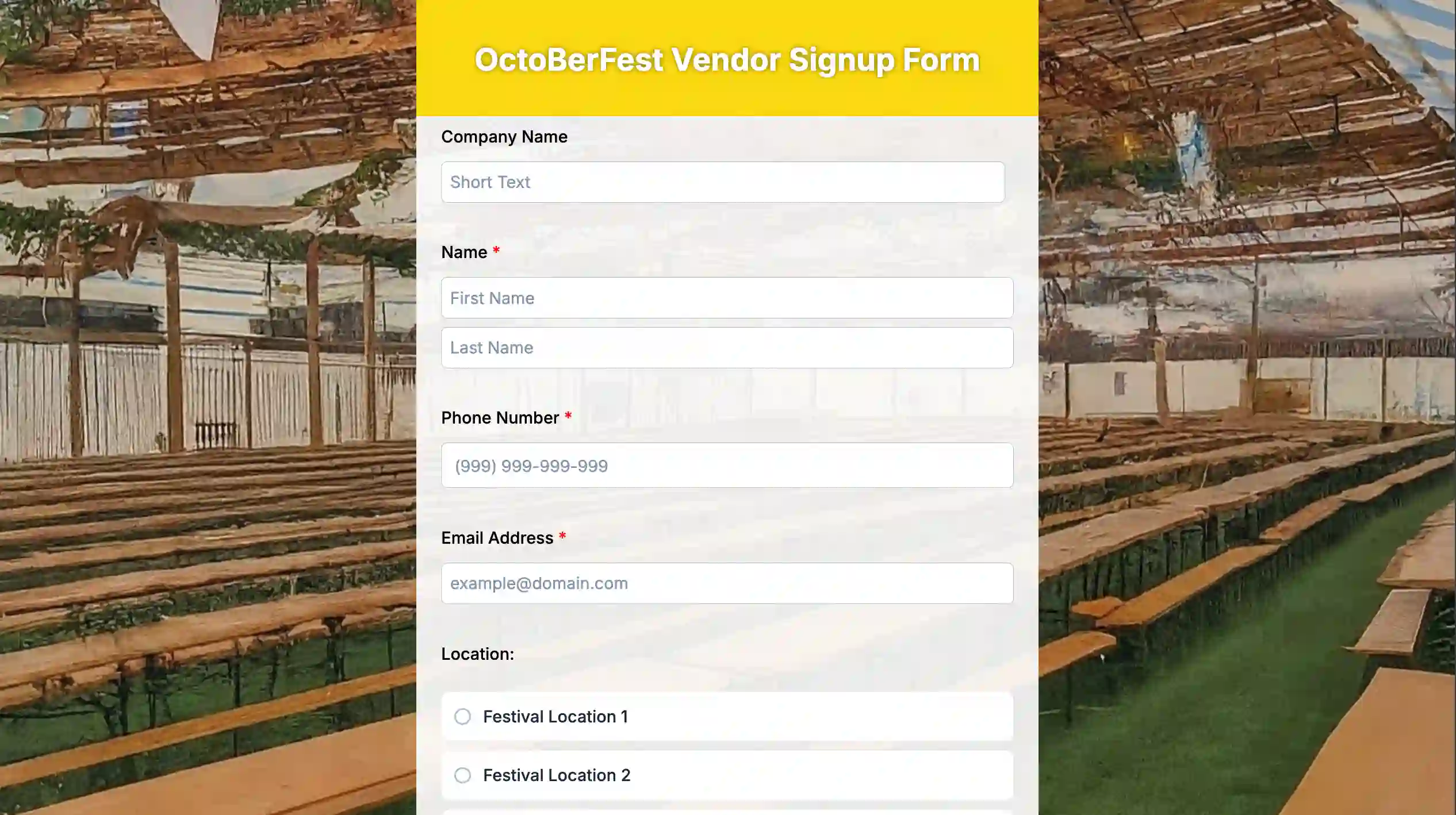
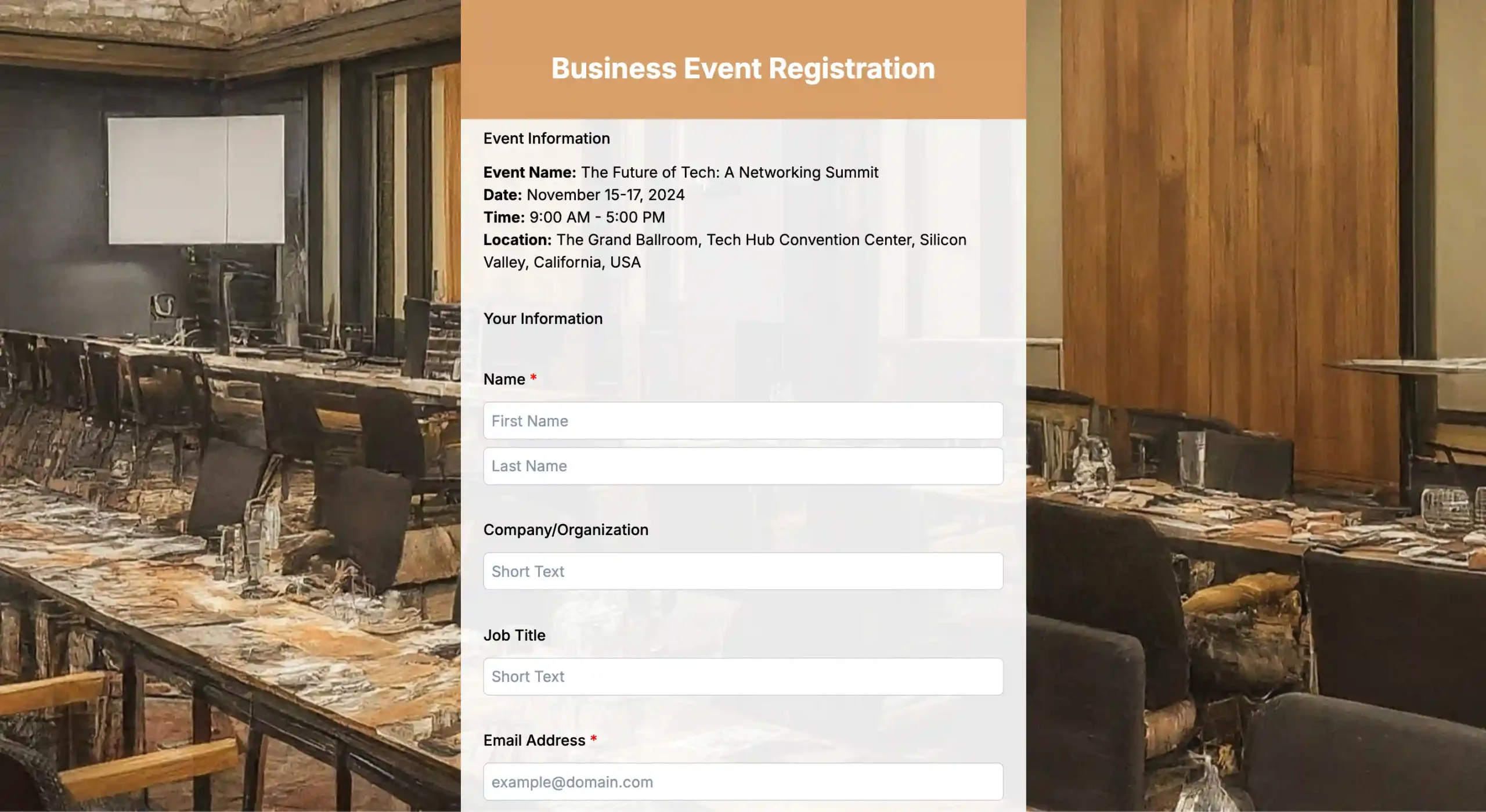
Business event registration form
Do you need help keeping track of who registers for your organization’s events? Our online business event registration forms can enhance your process, collect data, and provide a great attendee experience.
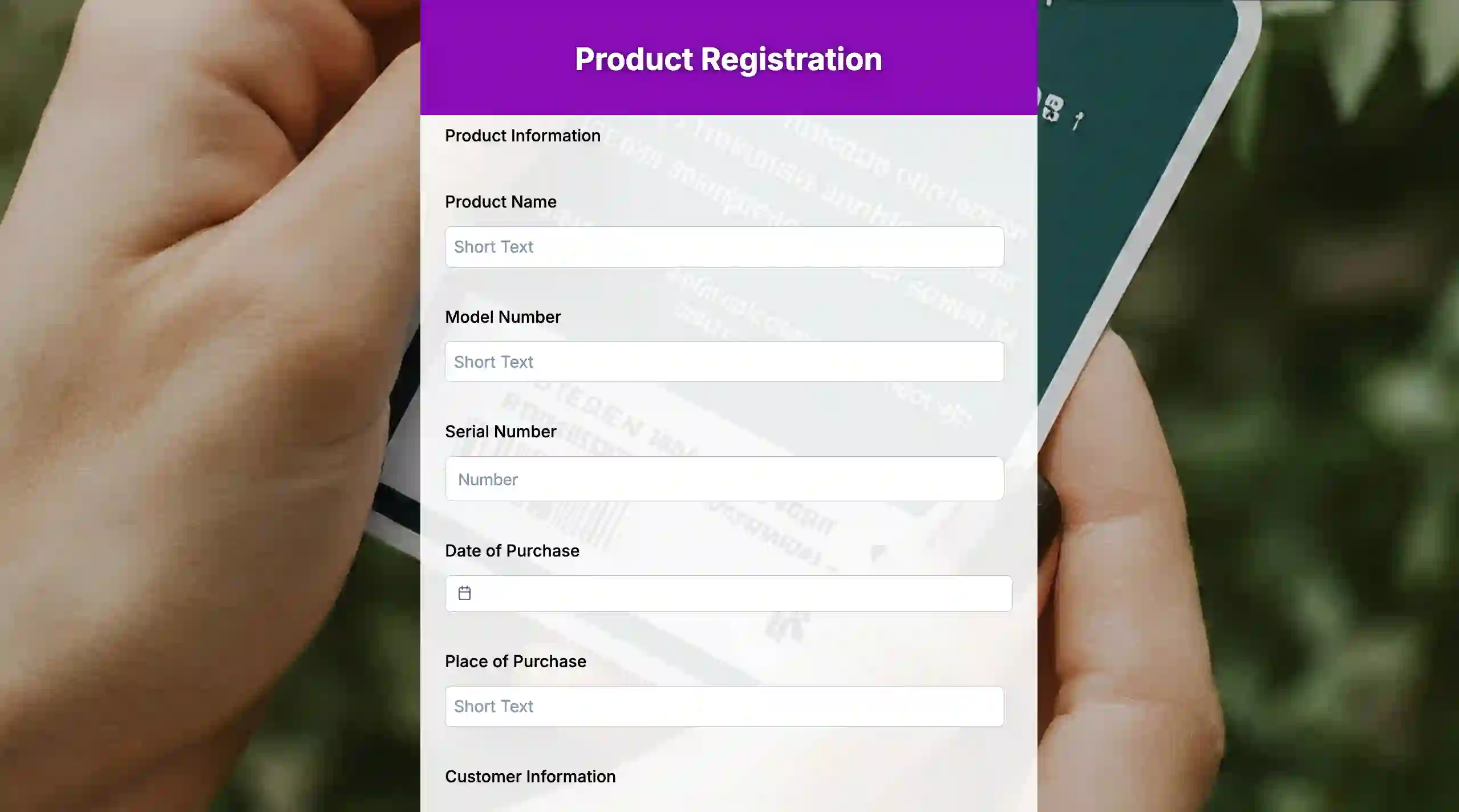
Best practices in creating digital vendor registration forms
Building the form is the first step of data collection, and the first steps are always the most complicated. Follow the tips below to build your form that is both user-friendly and business-valuable.
1. Only collect what you need
Start with the basic information fields that qualify a vendor at a glance: business name, contact person, service type, and location.
Don’t include detailed pricing or permit breakdowns—you can ask about them in follow-up emails. Keep your online application forms brief yet relevant; help your suppliers complete their applications as quickly as possible.
2. Use clear and simple language
Vendors usually scan forms quickly, so it helps to keep the language simple. Research from the National University suggests that content written at a 7th–8th grade reading level is easier for most Americans to understand, while more complex wording can slow them down. For example:
- Hard: “Upload indemnification forms.”
- Clear: “We need a copy of your liability insurance certificate. You can upload an image or PDF file.”
Simple wording cuts mistakes and follow-up emails.
3. Design for mobile users
Since vendors often work from phones or tablets during site visits, forms should be mobile-friendly. Use dropdowns, easy-to-fill fields, and file upload links near each question. Test the form on different devices to confirm it works smoothly.
4. Confirm the submission immediately
Upon form submission, trigger an immediate, polite acknowledgment message to the sender. Example: “We received your application. Our team will review it and email you shortly.”
Sending an automatic email with a copy of the form submission helps vendors feel acknowledged and prevents duplicate entries.
5. Direct data to the right team
Before publishing the form, plan out how you will maximize the vendor responses. Sort vendors by their tag type. Approved vendors should be added to your supplier list.
Another filter should be done on the rest of the data so you can identify which are your backup leads and which to let go. This way, your form supports both lead capture and data management while also serving as a central repository for vendor information.
6. Test your forms before publishing them
Make a few test submissions of your digital vendor registration forms. Make sure your forms are mobile-friendly, that file uploads function, and the logic feels natural. Address problems promptly to minimize delays and avoid upsetting your suppliers.
7. Review and update your forms regularly
Vendor details you need may change, so review your forms regularly. Make sure the fields for your uploads or instructions align with your most recent internal procedures, permits, and standards. Updated forms minimize errors and maintain the effectiveness of approval processes.
Speed up business transactions with digital vendor forms
When vendor sourcing is inconsistent or manual, businesses risk costly mistakes and strained partnerships. Messy PDFs and email threads don’t have to be the default for vendor onboarding anymore.
But with the best tools for vendor application forms, you can centralize submissions, cut manual follow-ups, and approve vendors with more confidence. If you’re ready to simplify the way you work with suppliers, launch a digital vendor application form, and choose a tool that matches your workflow.
FAQs
Do I need to be a developer to set up these forms?
No, tools like Jotform, HubSpot, and Zapier are designed for non-technical users. If you can use a word processor, you can build a digital vendor application form.
How do I make sure the data my vendors submit is secure?
Most modern form tools, including free vendor application software, offer SOC 2 compliance and 256-bit SSL encryption. When choosing a tool, always review its security page to make sure it meets your industry’s standards for handling sensitive data like Tax IDs and bank details.
Can I integrate these forms with my accounting software?
Yes, most of the tools mentioned above have native integrations or can be connected via Zapier to popular accounting platforms like QuickBooks, Xero, and NetSuite.
What is the most important field to include in a vendor form?
Aside from the Tax ID, the W-9 (for US vendors) or the W-8BEN (for international vendors) is the most critical. You cannot legally pay a vendor in the US without this documentation on file.