

As much as we hope your 2026 is complaint-free so you don’t receive online complaint forms, the reality is that issues are a natural sign of improvements for growing businesses. Complaints highlight where processes are confusing, services are lagging, or expectations aren’t being met.
Without a clear system, these valuable signals can get lost, pile up, or fall into the wrong team, turning feedback into frustration.
The solution is an efficient, well-built online complaint form. In this blog, we’ll share seven free templates you can publish in minutes, along with key tips on how to handle and benefit from customer feedback.
As a bonus, we’ll also show you a simple digital solution, QR forms, for instant deployment of these forms.
What is an online complaint form?
An online complaint form is a digital document that collects customer concerns, feedback, or issue reports through a structured form. For businesses, you can set up digital complaint forms on your website, send them via email, or provide quick access to your customers with QR codes.
With digital complaint forms, complaints are instantly stored in a clean, organized database. They can be easily tracked and followed up on, especially since 83% of customers are likely to be loyal to your business if you respond to and resolve their complaints. (Khoros)
- For a business, you can sort and tag urgent complaints, direct them to the right departments, and maintain a clear record of exchanges.
- For customers, it means an easier and faster way to share feedback at any time, from any device.
A form tool with CRM connection transforms complaints into usable records that teams can monitor and respond to right away. For faster setup, the new feature AI form builder in TIGER FORM creates forms using simple prompts instead of manual drag-and-drop.

The bright side of complaints and their advantages
It’s simple to assume that complaints are only criticism. But they are rather important to improve a business’s weaknesses before they become more serious. Here’s why proper receiving of complaints might spur business growth:
- Weak points are exposed early. Complaints reveal blind spots before they affect retention, whether it’s a billing problem or an ambiguous product description.
- Improve customer relationships. According to a Salesforce study, 88% of consumers are more inclined to make repeat purchases after a satisfying customer experience, showing that how you handle issues is just as important as product quality.
- Highlight chances for creativity. Negative reviews frequently highlight unfulfilled demands, which can lead to new product features or service enhancements.
- Shows responsibility. A transparent, expert complaint procedure shows that your business pays attention and is concerned, which improves the reputation of your brand as a whole.
When businesses view complaints as data, not drama, every issue becomes an opportunity to deliver something better.
7 Free complaint form templates for your business growth
1. Complaint form
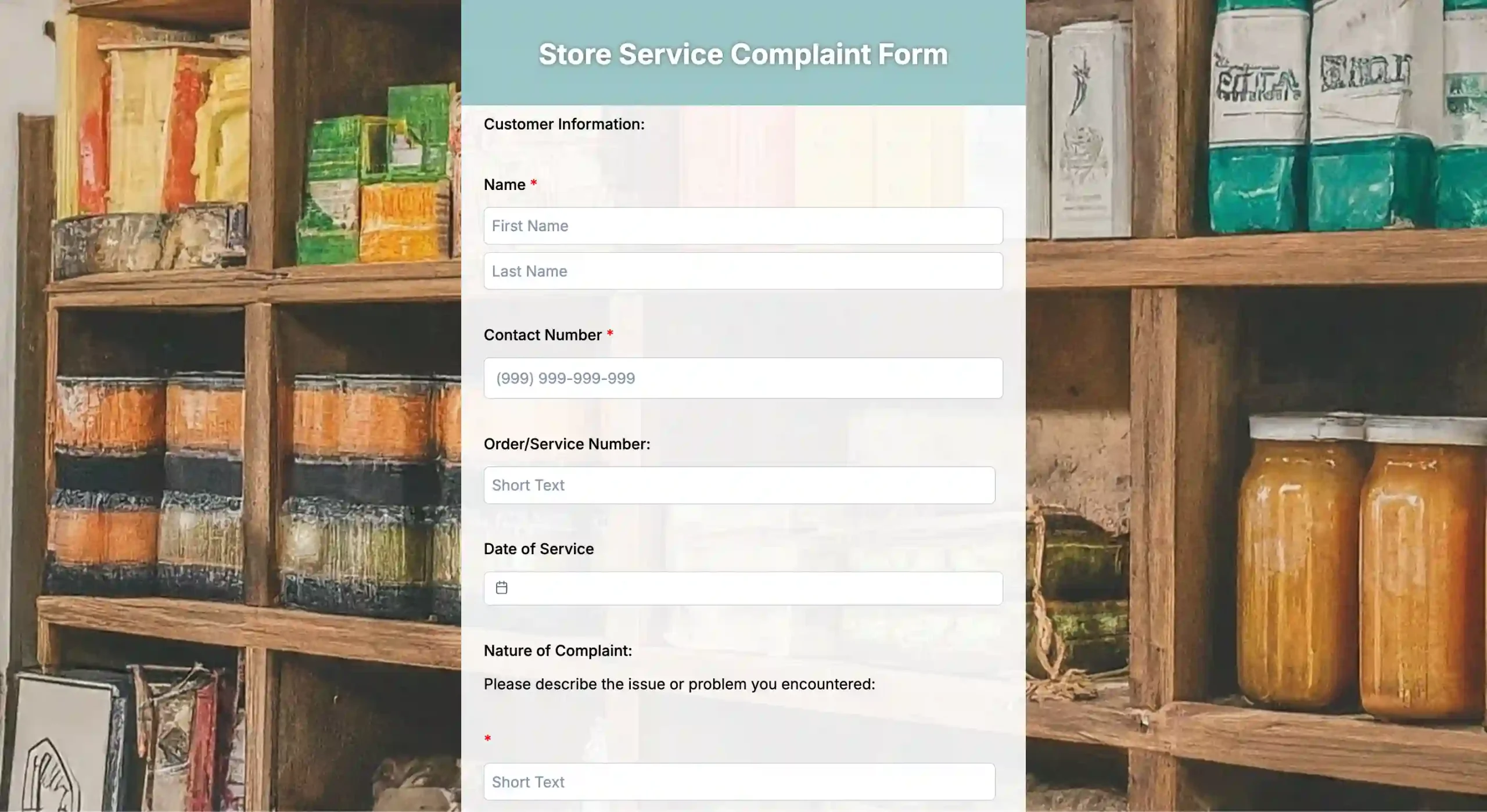
This form is your all-purpose template for collecting client feedback on goods or services. It is built to record important information such as name, contact details, type of complaint, and expected resolution.
Best used for: Customer service, product-based businesses, and online stores.
2. Customer service complaint form
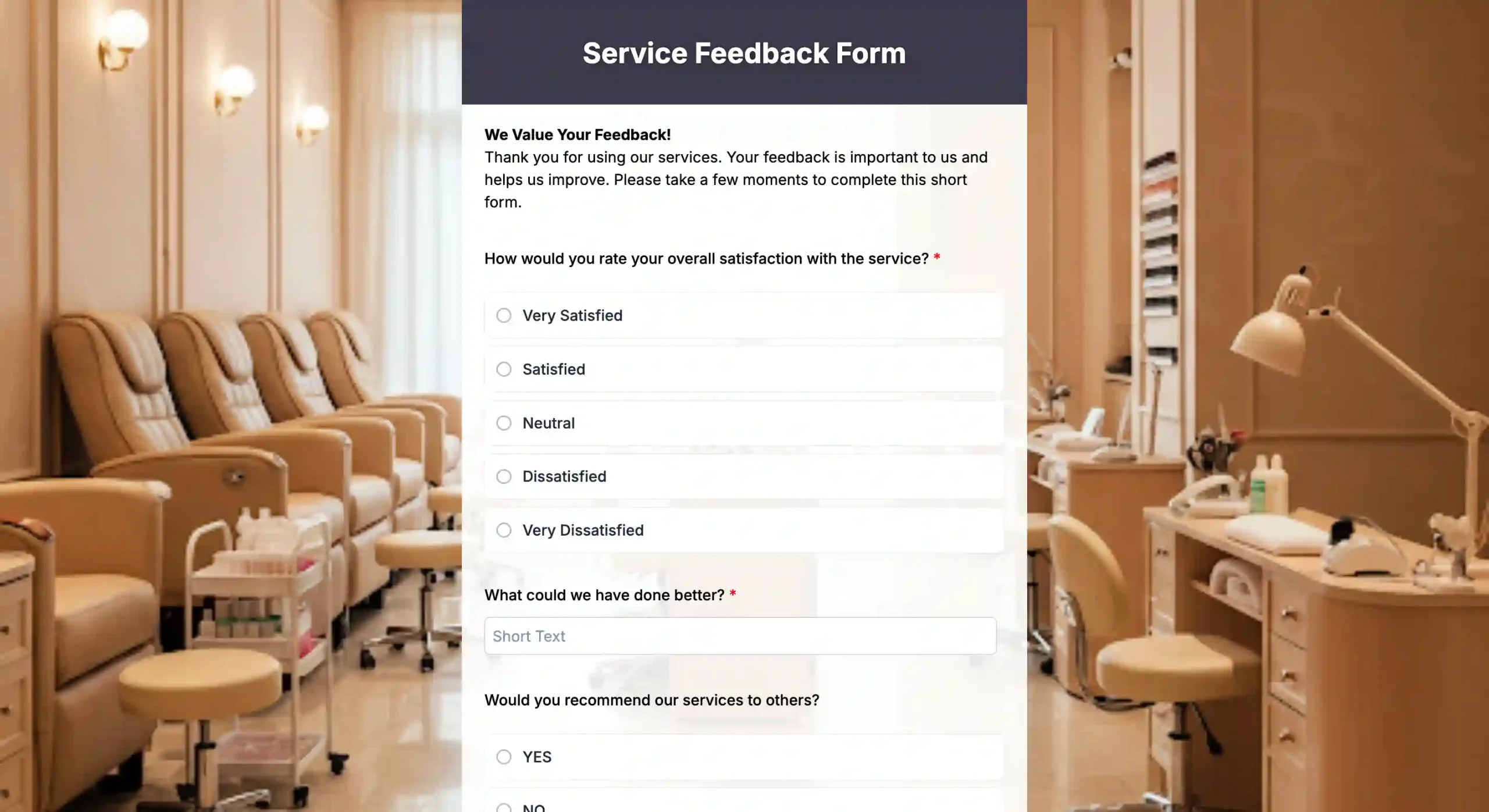
With this customer service complaint form, staff or clients can report results, problems, or maintenance requirements associated with a service you rendered that focuses on post-service issues.
Best used for: Maintenance companies, cleaning services, installation teams, or IT support departments.
3. Incident report form
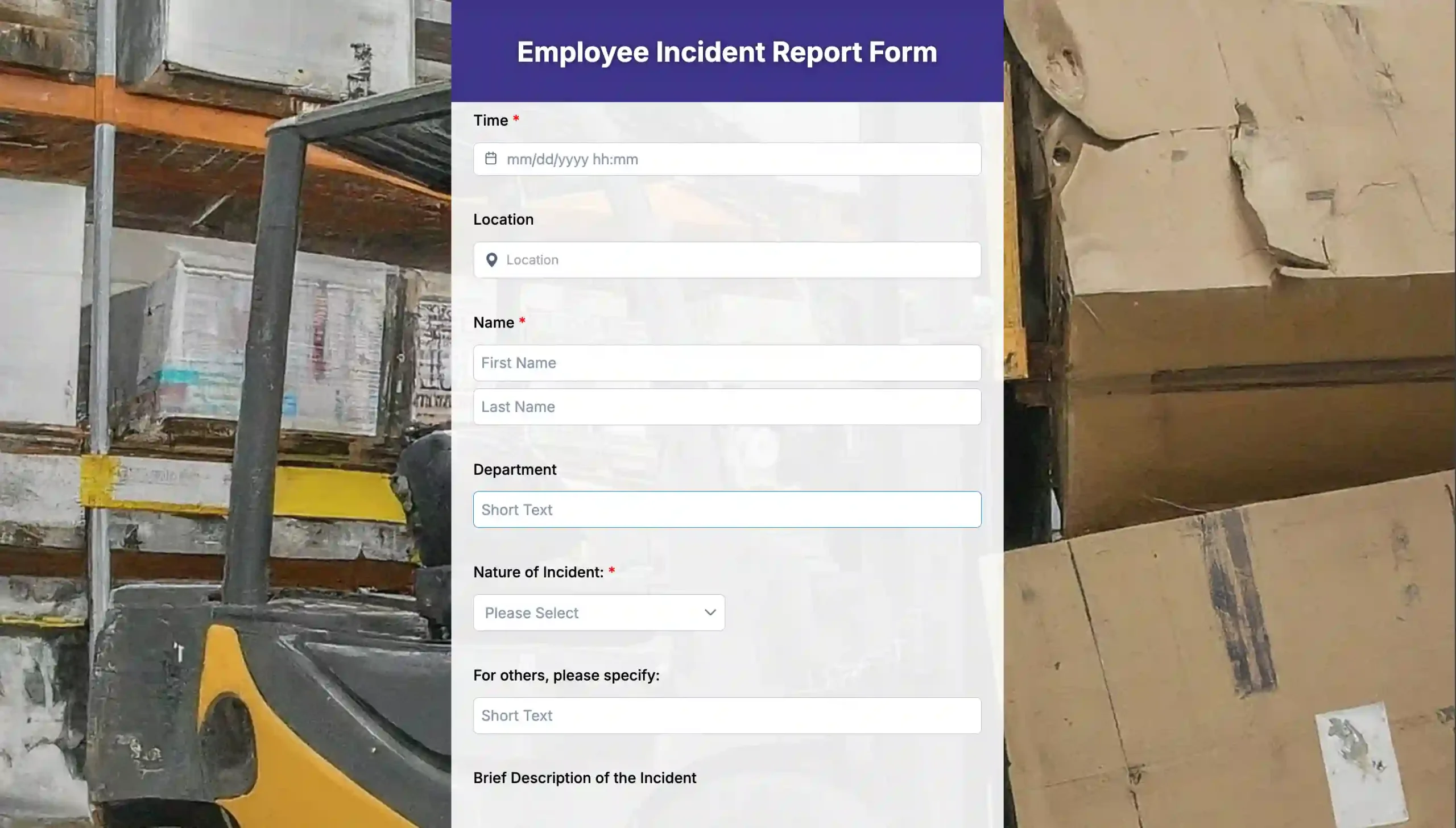
Details on mishaps, injuries, or other safety-related incidents can be recorded using this incident report form. This form guarantees that each event is recorded and managed in accordance with compliance guidelines.
Best used for: Manufacturing sites, warehouses, schools, and hospitals.
4. Customer inquiry form
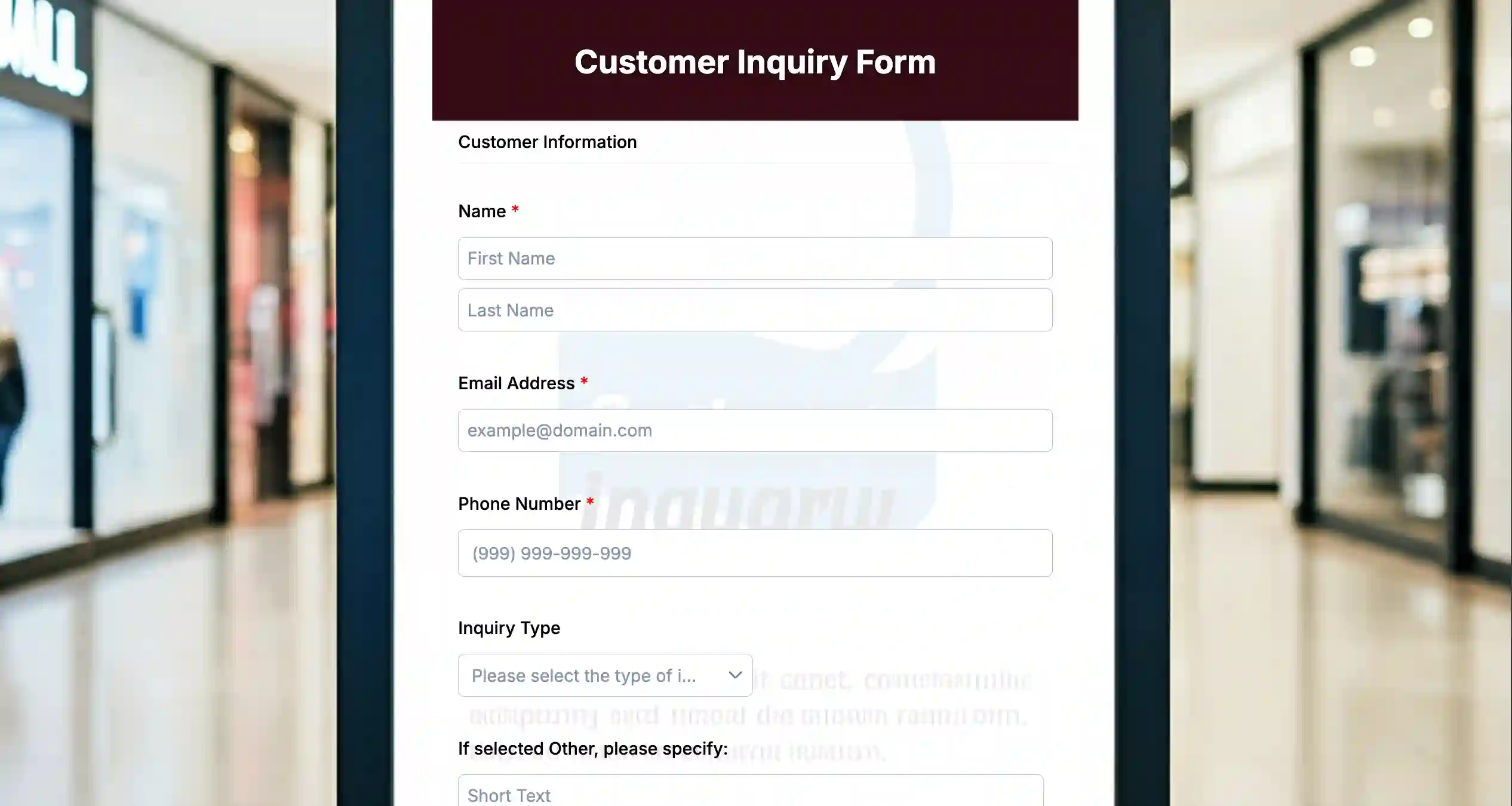
This inquiry form serves as a preventive form by giving customers an option to ask questions before they become frustrated. This template is not strictly for complaints, but it collects possible issues in advance and directs them to the appropriate agents.
Best suited for: Businesses that frequently receive technical or billing inquiries.
5. Emergency report form
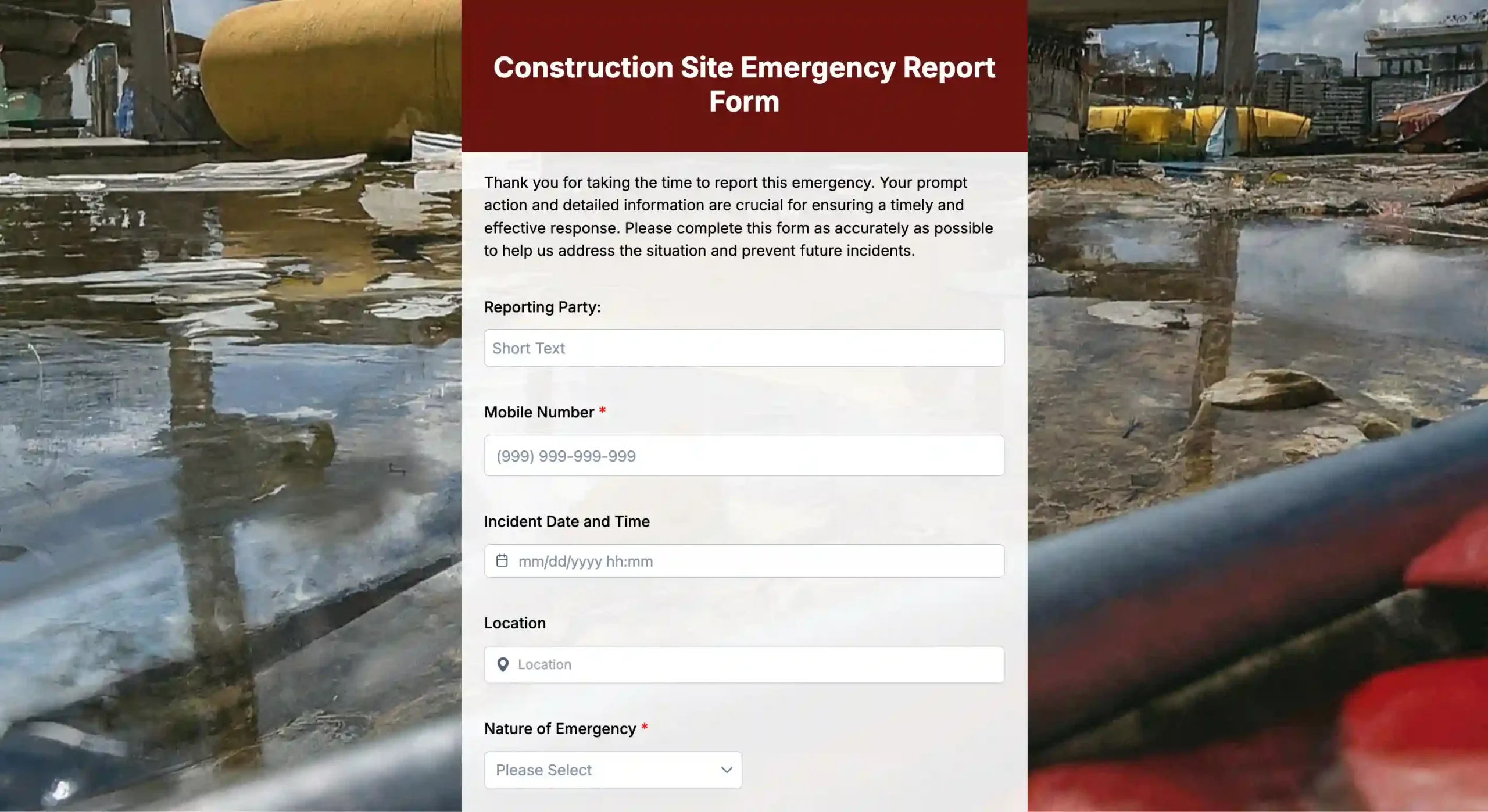
Your team can respond urgently to critical issues, such as system malfunctions or on-site hazards, by using this emergency report form. It’s made for quick alerts and follow-ups, from your team or your customers themselves.
Best used for: Schools, hospitals, corporate offices, and technical infrastructure teams.
6. Customer preference polls
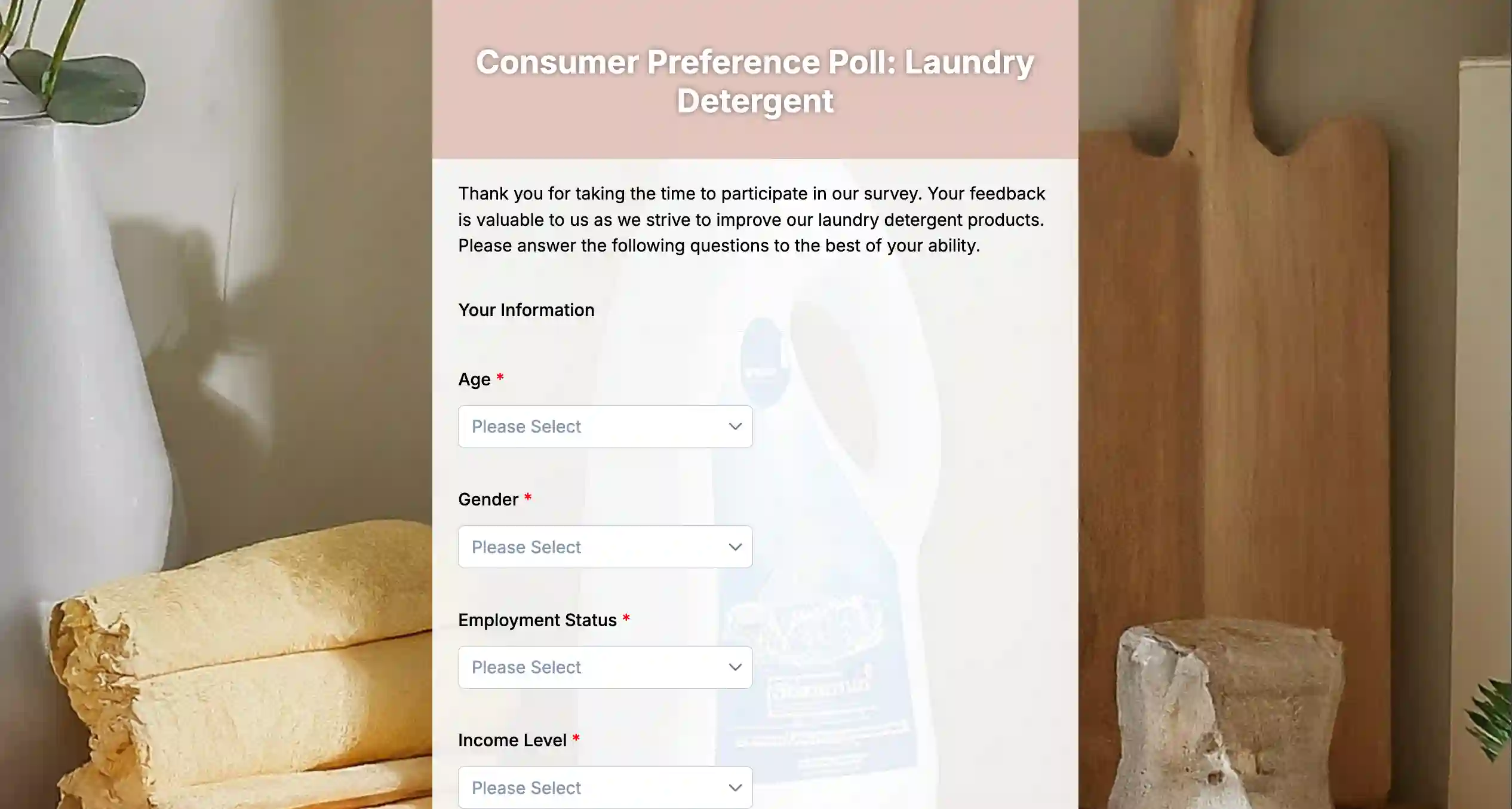
While not initially for complaints, customer preference polls help you understand what customers want before issues arise. This template lets you gather sentiment and preferences for guided improvements.
Best used for: Product teams, marketing departments, or retail businesses exploring new features or services.
7. Service feedback polls
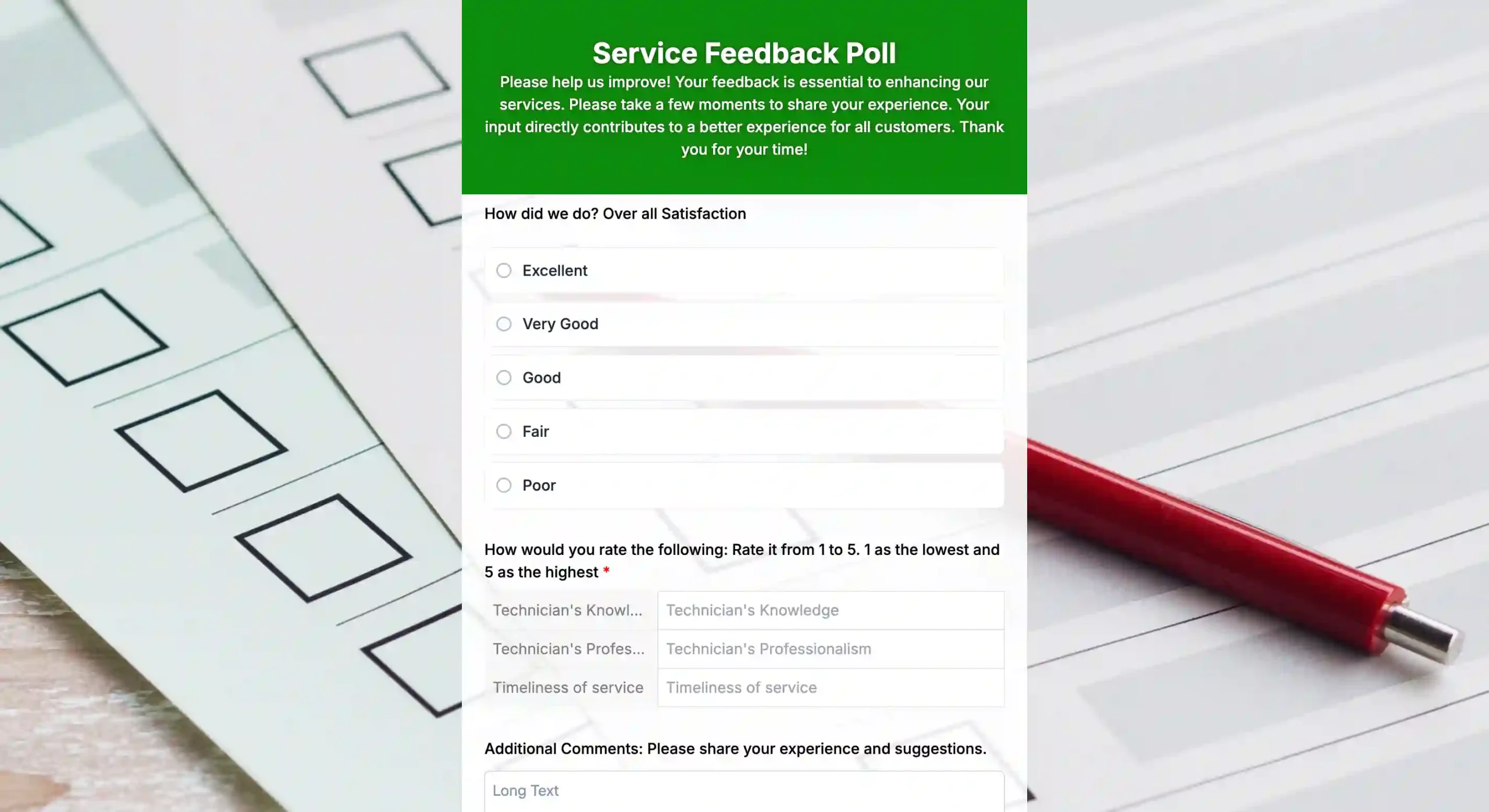
A service feedback poll works well as a QR code survey that collects quick input after interactions, such as checkout, support calls, or deliveries. It stays short, often with no more than three answer choices.
Best suited for: Any business that wants to track customer satisfaction immediately after service.
How to use these digital complaint forms
Once you’ve chosen templates that fit your needs, it becomes easy to create a form that works for your process. As a digital feedback solution, these templates help you collect, manage, and act on complaints more efficiently. Here’s how you can use them effectively:
1. Review the template
Review the template to make sure all your fields are included in the pre-made format. If some fields aren’t present, you can add them to the template. You can also add branding to your form by incorporating your logo and a consistent branding theme.
2. Preview and finalize
View and test your form on the device preview of the TIGER FORM editor. Review the form for any discrepancies and finalize it.
3. Generate the QR code
After finalizing, click the “generate QR code” button to create the connected QR code for it. You can brand your QR codes with your logos and color themes.
4. Integrate with your system
Sync responses to your CRM. Other CRM tools and customer feedback software, like Zapier or Microsoft Power Automate, can link form submissions to workflow tasks.
5. Distribute access
Print a QR code for your form. Share it online, include it in confirmation emails, or display it in stores.
6. Monitor and evaluate
Review response data weekly using the builder’s analytics feature, which allows you to view additional information, such as the number of scans and submissions by device, country, and location.
Track recurring issues, monitor satisfaction trends, and identify opportunities for improvement.

Receive and share complaints with QR-powered forms
Collecting feedback shouldn’t be tedious for your team, as sharing complaints shouldn’t be confusing for your customers. QR code complaint forms created with an online complaint form builder remove these barriers and allow instant feedback through a physical-to-digital touchpoint.
This QR code can be printed on digital products, posters, packaging, and receipts. Customers don’t need to receive long, spammy URLs or look for contact links; they can access the complaint form instantly by just scanning the code with their smartphones.
QR code forms fill the gap between digital convenience and in-person experience. Right at the point of encounter, when it counts most, they ask for feedback.
Here are other benefits of QR forms for collecting complaints:
1. Accessibility: Clients can view your form from anywhere at any time.
2. Speed: In less than two minutes, they can finish and file their complaint.
3. Privacy: Discreet communication is made possible by forms, which are particularly helpful in places like retail establishments, educational institutions, and medical facilities.
4. Flexibility: With dynamic QR feedback forms, you can simply modify your form’s questions without needing to reprint QR codes.
5. Automation: You may address problems more quickly by using automatic notifications that are triggered by each submission.
Best practices for handling complaints from online forms

Creating forms starts the process. But how you handle customer complaints efficiently will impact customer retention, brand trust, and reputation. Here’s how you can collect and handle complaints efficiently:
1. Acknowledge the complaints immediately
After receiving the complaint form, please notify the customer that you have received their feedback. You can inform the sender one by one, but for efficiency, automate your follow-up messages.
This will reassure the customers that they’re being heard, patching a part of your brand reputation. In fact, Comm100 statistics indicate that 71% of customers report that their experience is improved when the service team responds quickly to their inquiries.
2. Keep responses professional but empathetic
Aside from customers asking you to address the issue when complaints are submitted, they’re also sharing their frustrations. So, your response needs to show empathy and professionalism to regain their trust.
- Connect with empathy before facts: “We’re truly sorry for this poor experience; it sounds frustrating, and we appreciate you letting us know.”
- Mirror their words to show understanding. For example, if complaints are about damaged orders, respond with: “From your description, the packaging issue may have caused the damage to the order.”
- Follow it with actions: “We’ll inspect your order details today and expect an email from us for updates.”
- Add kind endnotes: “We’re committed to making this right. Thank you for your patience.”
3. Analyze patterns
Individual complaints are stories, but patterns are your roadmap to prevention. Categorize the complaint variations you receive to see the patterns. Are the customers’ issues related to product quality? Do some complain about billings, or is it about the delivery and logistics?
And, use the builder’s analytic tool to identify recurring issues and provide immediate resolution. With this, you address the root cause and reduce repeated complaints.
4. Close the loop
If you have resolved the complaints and issues, your customers need to be aware that it happened; closing loops and addressing emotions often turn skeptics into loyal clients.
Send a confirmation form notifying and asking, “Hi [Customer], we’ve sent your replacement and will redo our process to prevent this. Did this resolve your concern? A yes or no helps us improve.” This step shows customers that their input drives change.
5. Document learnings
Complaints aren’t all criticism; businesses should consider them as lessons to be learned and make use of them by recording complaint exchanges and resolutions.
And motivate your team to contribute: “What worked? What to change?” Over time, this will build collaborative knowledge, making your business more resilient.
6. Balance privacy with visibility
While data should be kept private, departments should exchange useful insights to promote collaboration and advancement.
In particular, according to Sprout Social, 86% of Americans believe corporate openness is more crucial than ever. Remember, trust is built on transparency, not perfection.
Turn complaints into opportunities with digital feedback solutions
A structured online complaint form is an efficient tool to resolve customer issues completely and can significantly change their experience, leading to stronger customer loyalty and a better brand reputation.
So, with the templates we shared above, give your company insight in addition to efficiency. Every complaint becomes a valuable lesson learned in real-time, leading to more informed choices and increased client loyalty.
This is an ideal opportunity to automate your complaint procedure, if you haven’t already done so. Put up one of these forms and distribute it to your clients. Try QR forms today!

FAQs
How long does it take to set up a digital complaint form?
With modern form solutions, you can create and publish a complaint form within 10–15 minutes, including customization and branding. Some form tools with an AI form generator may make the process quicker.
Do I need technical expertise to create these forms?
No, most platforms offer drag-and-drop interfaces that require no coding knowledge. Anyone familiar with basic online tools can build and share them.
Can complaint forms be anonymous?
Yes, you can choose to make forms anonymous to encourage more honest feedback while still collecting valuable trend data.
Are QR code complaint forms secure?
Absolutely, QR codes only serve as access points to your form. The security of submissions depends on your form tool’s encryption and privacy settings.
How often should I review complaint data?
Weekly reviews are ideal. This allows you to catch patterns early and maintain communication responsiveness.