
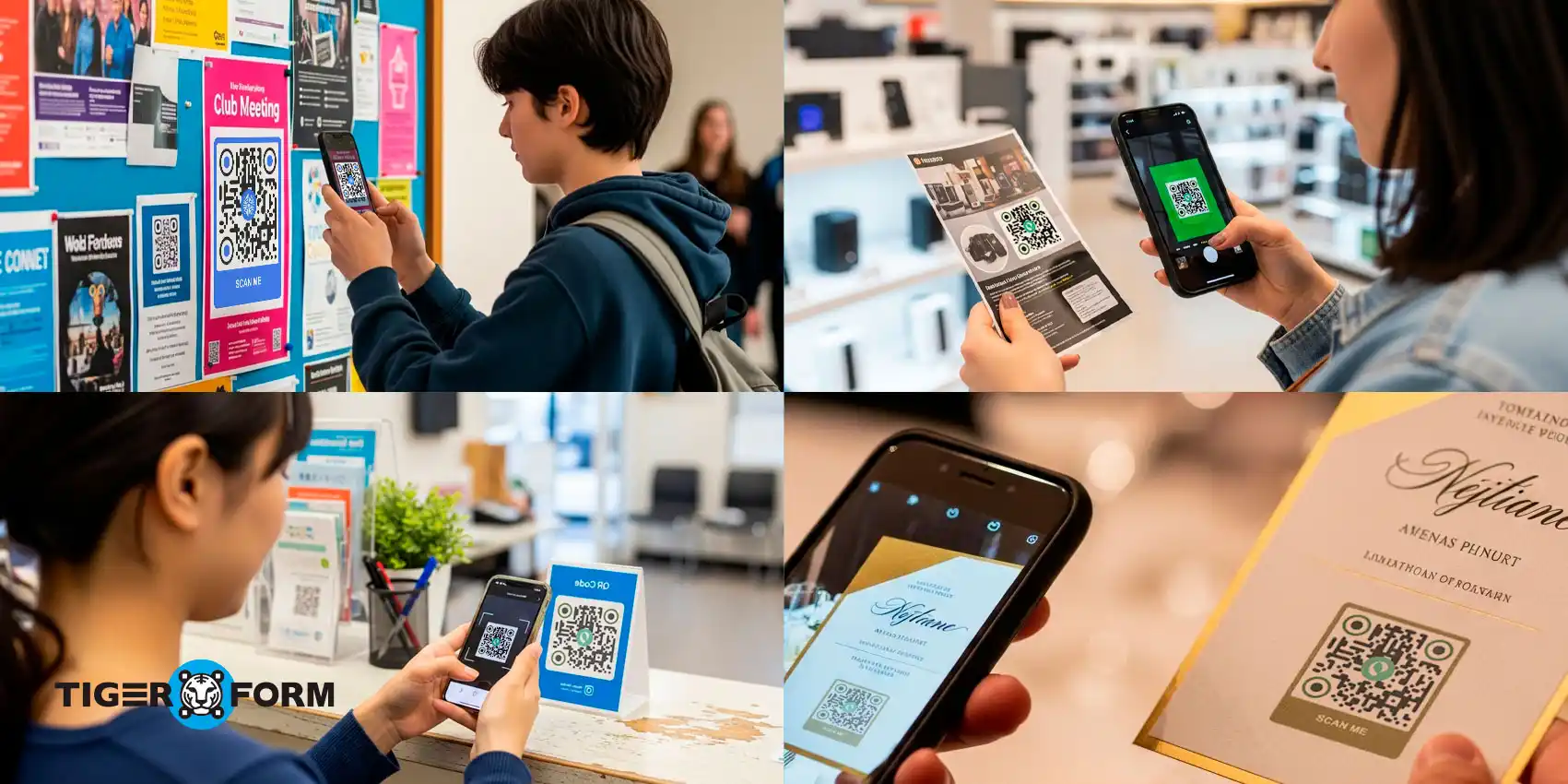
Form sharing with a QR code solves one of the biggest problems people face when collecting responses: getting forms to audiences quickly and easily.
Long links are hard to type, emails often go unopened, and offline users are almost impossible to reach. With a QR code, anyone can scan and access your form instantly, making the process contactless, fast, and user-friendly.
It works with any form builder. In fact, many businesses now use QR code forms on posters, receipts, and social media to boost participation without extra effort. This blog will walk you through why form sharing with QR code is so effective, real-life use cases across industries, and step-by-step tips to create and share your own QR form today.
What is form sharing with QR codes?
Form sharing via a QR code links an online form to a scannable QR code, so anyone can access and submit the form instantly with their smartphone camera—no typing, no searching, no friction.
Forms with QR codes make your survey, registration, feedback form, or consent document available anywhere the code is displayed, whether on a poster, product label, or social media post.
QR code forms work for both digital and physical spaces. Unlike email links that require recipients to be in their inboxes, a QR code printed on physical materials can reach people in the real world the moment they see it.
The numbers reflect how mainstream this has become. According to Electro IQ, around 84% of mobile users have scanned a QR code at least once, and by 2025, approximately 99.5 million Americans are expected to scan QR codes with their smartphones.
For anyone collecting responses, that’s a massive, scan-ready audience. And when that scan leads directly to a form, the barrier between intent and action almost disappears.
QR code sharing vs. other form sharing methods
| Feature | QR code sharing | Other methods (Links, Emails, Printed URLs) |
| Ease of Access | Users scan and open instantly, no typing required | Users must type or click links, often leading to errors or drop-offs |
| Reach | Works both online and offline (posters, flyers, receipts, packaging) | Mostly limited to digital channels like email, SMS, or websites |
| User Experience | Smooth, contactless, mobile-first | Feels outdated, less engaging, and sometimes frustrating |
| Distribution | Can be placed anywhere—social media, banners, menus, event tickets | Restricted to channels where text or links can be shared |
| Speed | Opens the form in seconds with a single scan | Slower due to typing long URLs or navigating emails |
| Trackability | Dynamic QR codes allow scan analytics and updates | Harder to track who clicked or typed the form link |
| Professional Appeal | Looks modern and tech-friendly | Printed URLs and long links appear cluttered and uninviting |
| Accessibility | Anyone with a smartphone camera can use it | Some users may struggle with typing or accessing links on devices |
How to create a QR code for forms using an online form creator
Step 1: Create your form in TIGER FORM
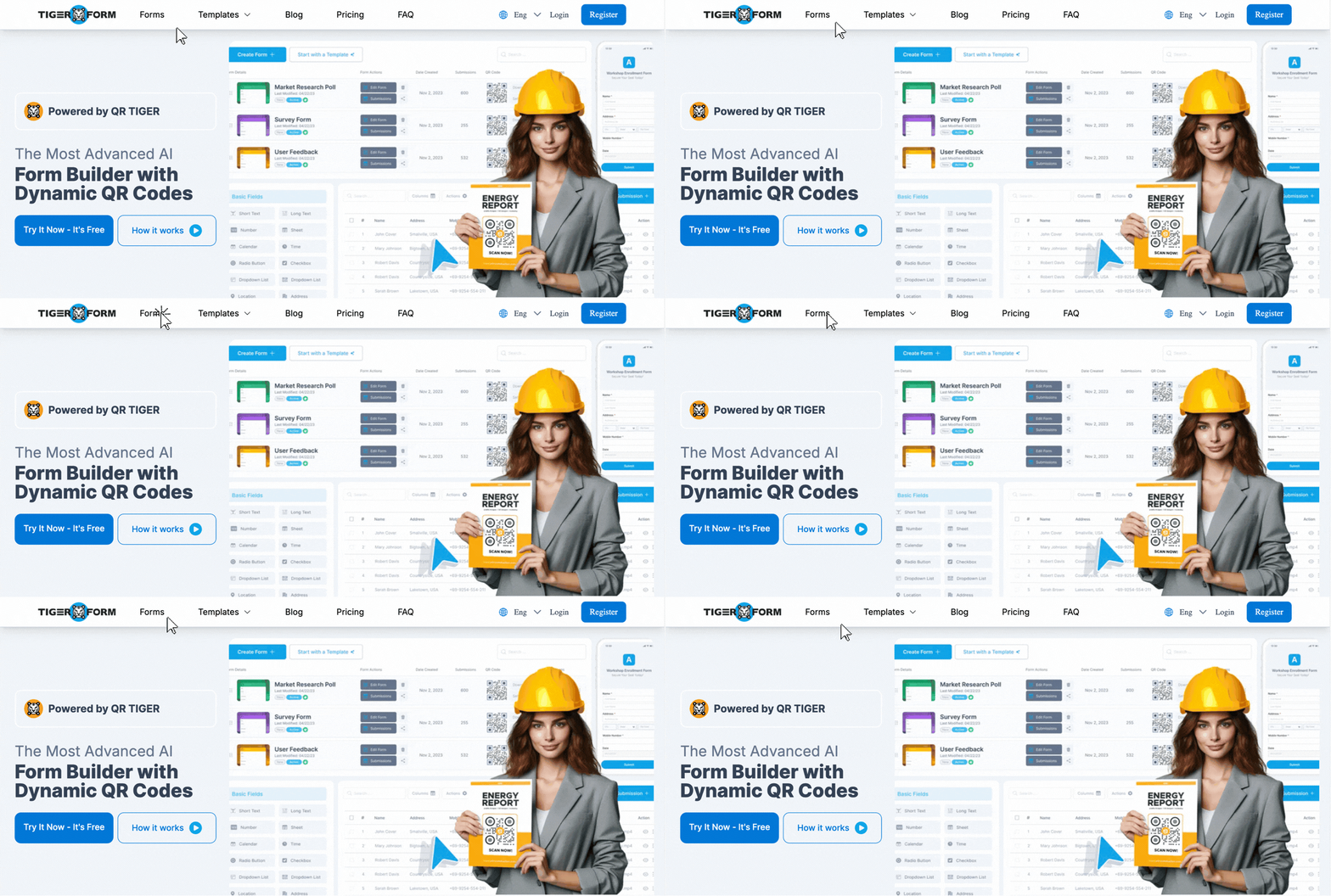
Log in to TIGER FORM, a beginner-friendly online form builder. Choose a form template or start from scratch depending on your needs, whether it’s a registration form, a QR feedback form, or a quick survey. TIGER FORM lets you customize fields, add mandatory questions, and design the form for mobile users, making it perfect for QR-based sharing.
Step 2: Generate a QR code
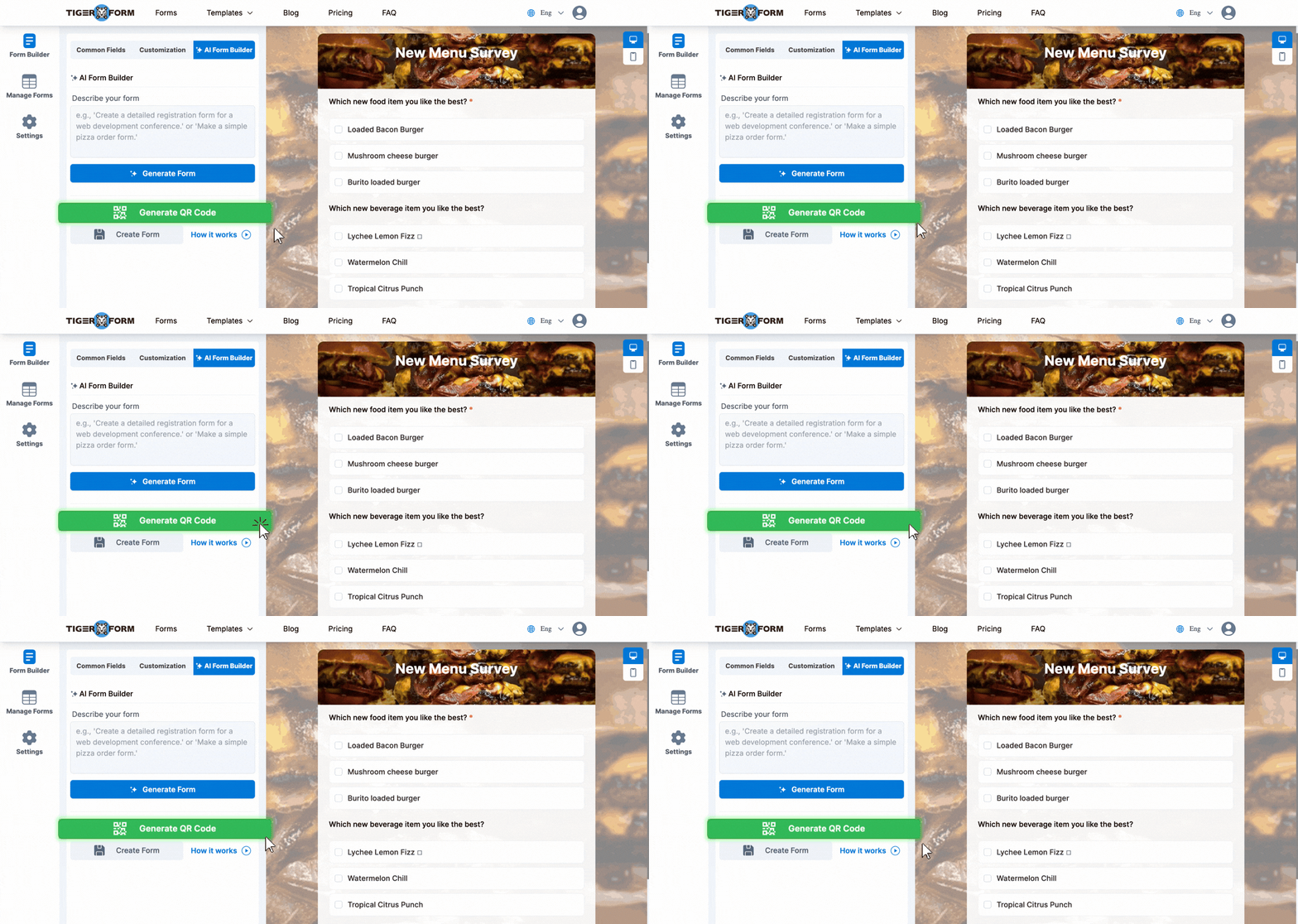
Once your form is ready, head to the share options in TIGER FORM. The platform has a built-in QR code form generator, so you don’t need any third-party tools. With one click, you can create a QR code form link that’s ready to download or embed instantly.
Step 3: Test your QR code
Before distributing, scan the QR code with your phone to make sure it opens the correct form. Check that it loads quickly and displays well on both iOS and Android. Testing prevents errors and ensures your QR survey form runs smoothly for everyone.
Step 4: Share the QR Code
Now distribute your QR code wherever your audience is. Print it on event banners, menus, receipts, posters, or business cards, or share it digitally on WhatsApp, email, or social media. Add a clear call to action, such as “Scan to register” or “Scan to share feedback,” so people know exactly what to expect.
Step 5: Collect and track responses in TIGER FORM
All responses appear instantly in your TIGER FORM dashboard, where you can view, download, or analyze them. Since TIGER FORM supports QR-based distribution, you can manage everything from form creation, sharing, and results within one platform, making it easier than juggling multiple tools.
How to make a QR code for a flyer linking to a survey

You can embed your surveys in a QR code and share them with your respondents via a flyer. Start by signing up with TIGER FORM; then choose a template or create one from scratch.
Add fields and questions; once your survey is ready, go to the share options and click “Generate QR.” TIGER FORM generates code within its form-building UI.
Once generation is done, download the code and drop it into your flyer design. Place it somewhere visible and pair it with a short call to action, so respondents know what to expect.
Print your flyers and distribute them at your event or venue. Every scan goes directly to your survey, and all responses appear in your TIGER FORM dashboard in real time.
Who should use form sharing with QR codes?
1. Businesses and retailers collecting customer feedback benefit immediately. Traditional survey methods like email average just 15–25% response rates, and paper forms barely reach 10–20%, while businesses that switch to QR code-based feedback see response rates jump to 40–60% (Supercode). Placing a QR code on a receipt or table card turns every transaction into a feedback opportunity.
2. Event organizers running conferences, workshops, or community events can replace long sign-up queues with a single scannable code on a banner or digital screen —attendees register in seconds without staff assistance.
3. Healthcare providers can use QR codes at reception desks to let patients complete intake and consent forms on their own phones before they sit down, reducing wait times and manual data entry.
4. Educators and trainers can display a QR code on a classroom screen for instant quiz access, attendance forms, or enrollment sign-ups — no link to dictate, no emails to send.
5. Non-profits and campaign organizers can print QR codes on flyers or event stalls to capture volunteer registrations and donor sign-ups from people who are engaged in the moment but won’t remember a URL later.
6. Small business owners and freelancers who want a professional, low-effort way to collect inquiries, bookings, or order details will find that embedding a QR code in a brochure or on a business card does the work of a full web form workflow — without needing a developer.

10 real-life use cases of sharing forms with QR codes
1. Event registration forms
QR codes make event sign-ups contactless and straightforward. Instead of asking guests to type in a long link, you can print a QR event registration form on banners, flyers, or digital invites. Attendees scan and register instantly, which helps reduce long queues and errors. This is especially useful for conferences, workshops, trade shows, and community events.
2. Feedback and survey forms
Restaurants, retail shops, and service providers often struggle to get customers to fill out feedback forms. Turning surveys into a QR feedback form allows you to place the code on receipts, tables, or posters, letting people share their thoughts in seconds. This quick method encourages higher participation compared to traditional links. Many businesses now rely on QR surveys to improve customer experience and track performance.
3. Healthcare and consent forms
Hospitals and clinics increasingly adopt QR codes to simplify patient check-ins and paperwork. Instead of filling out physical forms, patients can scan a QR code at the reception and complete their consent form or medical history online. This saves time, reduces contact, and helps maintain accurate digital records. It also ensures smoother operations for staff and patients alike.
4. Education forms
Schools, colleges, and training institutes use QR codes to make admissions, registrations, and quizzes more accessible. A teacher can conduct a QR code survey form or a quiz link on the classroom board, and students can respond instantly with their phones. Admission offices also use QR registration forms on posters and websites to make enrollment easier. This method boosts student engagement.
5. Business applications
Companies use QR codes for everything from job application forms to order forms. Instead of emailing bulky attachments, they embed a QR code form link on job postings, product packaging, or brochures. Applicants or customers scan, fill, and submit within minutes. For businesses, this saves effort and makes the process look modern and professional.
6. Hospitality and travel forms
Hotels and travel agencies use QR codes for guest check-ins, booking confirmations, and feedback. A QR survey in hotel rooms helps capture guest impressions before checkout, improving service quality. Travel companies also add QR codes to itineraries so travelers can quickly fill out preference or consent forms. It’s fast, paperless, and ideal for people on the move.
7. Government and public services
Government and local authorities use QR codes to collect citizen feedback on policies, events, or infrastructure. Instead of long queues and paperwork, citizens scan a QR code on notice boards or at government offices to complete a feedback form. It speeds up and makes public engagement more transparent. Some regions also use QR codes for registration forms in public health programs and vaccination drives.
8. E-commerce and retail orders
Retailers and e-commerce stores often add QR codes to product packaging for warranty registration or feedback. Instead of manual forms, customers scan a QR code form link to submit their details instantly. Stores can also use QR surveys at billing counters to track customer satisfaction. This builds stronger relationships and provides valuable insights for growth.
9. Non-profit and fundraising forms
NGOs and charities use QR codes to encourage quick sign-ups, volunteer registrations, and donations. A QR registration form on posters, event stalls, or newsletters makes it simple for people to join causes or pledge support. It eliminates hesitation because the process feels quick and transparent. Plus, it helps organizations collect accurate supporter data without manual paperwork.
10. Real estate applications
Agents and property managers use QR codes to collect client information, schedule visits, or gather tenant feedback. Prospective buyers scanning a QR survey form from a property brochure can instantly book viewings or ask questions. Landlords can also use QR feedback forms for tenant satisfaction surveys. This modernizes communication and makes real estate processes smoother.
Tips to get more responses with the QR code form
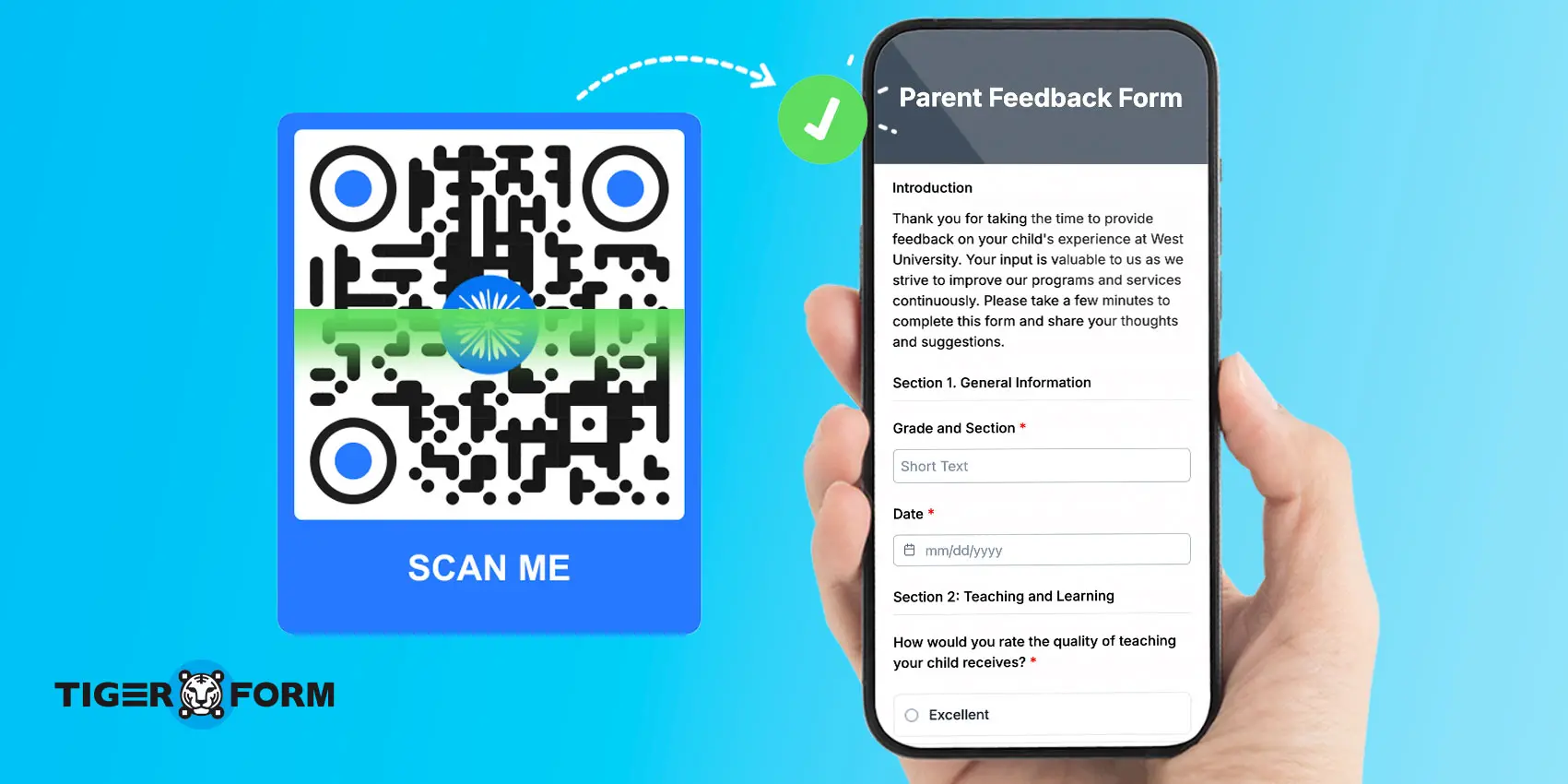
1. Place the QR code where people can see it
Visibility matters. Put your QR code form link on posters, menus, receipts, or event banners so it’s easy to spot. If you share online, post it in social media posts, stories, or email signatures.
2. Add a clear call-to-action (CTA)
Don’t just drop the QR code; tell people what to do with it. Use short CTAs like “Scan to Register”, “Scan to Share Feedback”, or “Scan for a Quick Survey”. This small step makes scanning more appealing and increases responses.
3. Keep the code large and scannable
If the QR code is too small or blurry, people won’t bother. Always test-print it to make sure it scans easily. For posters or flyers, ensure they are big enough to be scanned from a short distance.
4. Use dynamic QR codes for flexibility
A static QR code can’t be changed once it’s printed. With a dynamic QR code, you can update the linked form later without creating a new code. This is handy for ongoing QR surveys or feedback campaigns.
5. Test before you share form via QR code
Scan the code yourself on different devices to ensure it works smoothly. A quick check helps avoid broken links or a poor mobile experience.
6. Pair QR codes with incentives
If you want higher engagement, offer a small reward for filling out the form. For example, a restaurant can say, “Scan to complete our QR code feedback form and get 10% off your next visit.” Incentives drive quick action.
7. Track and optimize
If you use an online form generator like TIGER FORM or a QR code generator with analytics, review how many scans and responses you’re getting. Adjust placement or CTA wording to improve participation rates.

Upgrade your form sharing with QR codes today
Traditional ways of sharing, like long links in emails or printed URLs, often slow people down. They’re easy to miss, hard to type, and not always mobile-friendly.
QR code form sharing gives your audience a faster, cleaner, and more modern response method. All it takes is a quick scan with their phone camera, and they’re instantly on your form.
This upgrade doesn’t just make things easier for your users. It also improves your results. You’re removing every obstacle between your form and your audience. That’s the power of upgrading to QR code sharing.
Try creating your QR code form today and start collecting responses instantly.
FAQs
How do you share a form as a QR code?
Sharing a form as a QR code means generating a scannable image linked to your form’s URL and placing it wherever your audience will see it. When someone scans the QR code with their phone camera, they’re taken directly to the form, no typing required.
Can I create a QR code for a form?
Yes, anyone can create a QR code for a form using a QR code generator. To do this, you need to build your form in a builder that also includes a built-in, native QR code generator, like TIGER FORM. The result is a code you can print or share digitally, ideal for events, feedback surveys, and sign-ups.
Can Google Forms be shared via QR code?
Yes, Google Forms can be shared via QR code. Google Forms generates a shareable link for every form, which you can paste into any QR code generator to create a scannable code.
How do you convert a form link to a QR code?
To convert a form link into a QR code, copy the form’s shareable URL and paste it into a QR code generator. The tool will produce a scannable image linked directly to your form.
In TIGER FORM, this step is built in; simply click “Generate QR” after creating your form and download the code. The resulting QR code can be printed on banners, receipts, or business cards, or shared digitally for instant responses.
What is a dynamic QR code for forms, and should I use one?
A dynamic QR code for forms is a scannable code that lets you update the linked form URL after it has been printed or shared, without generating a new code.
Unlike a static QR code, which is permanently fixed to one URL, a dynamic code points to a redirect that you control. This means if your form changes, moves, or needs to be replaced, you can update the destination without reprinting materials.
How do I connect a QR code to a form?
In TIGER FORM, connecting a QR code to a form is built in. After building your form, click “Generate QR,” and the platform automatically links the code to your form’s URL. Download the code and place it on any print or digital material — every scan opens the form directly.
Can I make a QR code that leads directly to a form?
Yes. In TIGER FORM, any form URL can be converted into a QR code natively, no third-party tool needed. Once your form is live, click “Generate QR” to download a scannable code that takes respondents straight to your form.
How do I make a QR code for a flyer that links to a survey?
It’s a three-step process: build your survey in TIGER FORM, click “Generate QR” to download the code, then drop the image into your flyer design with a short call to action like “Scan to share your feedback.” Once printed, anyone who scans it is taken directly to your survey.