
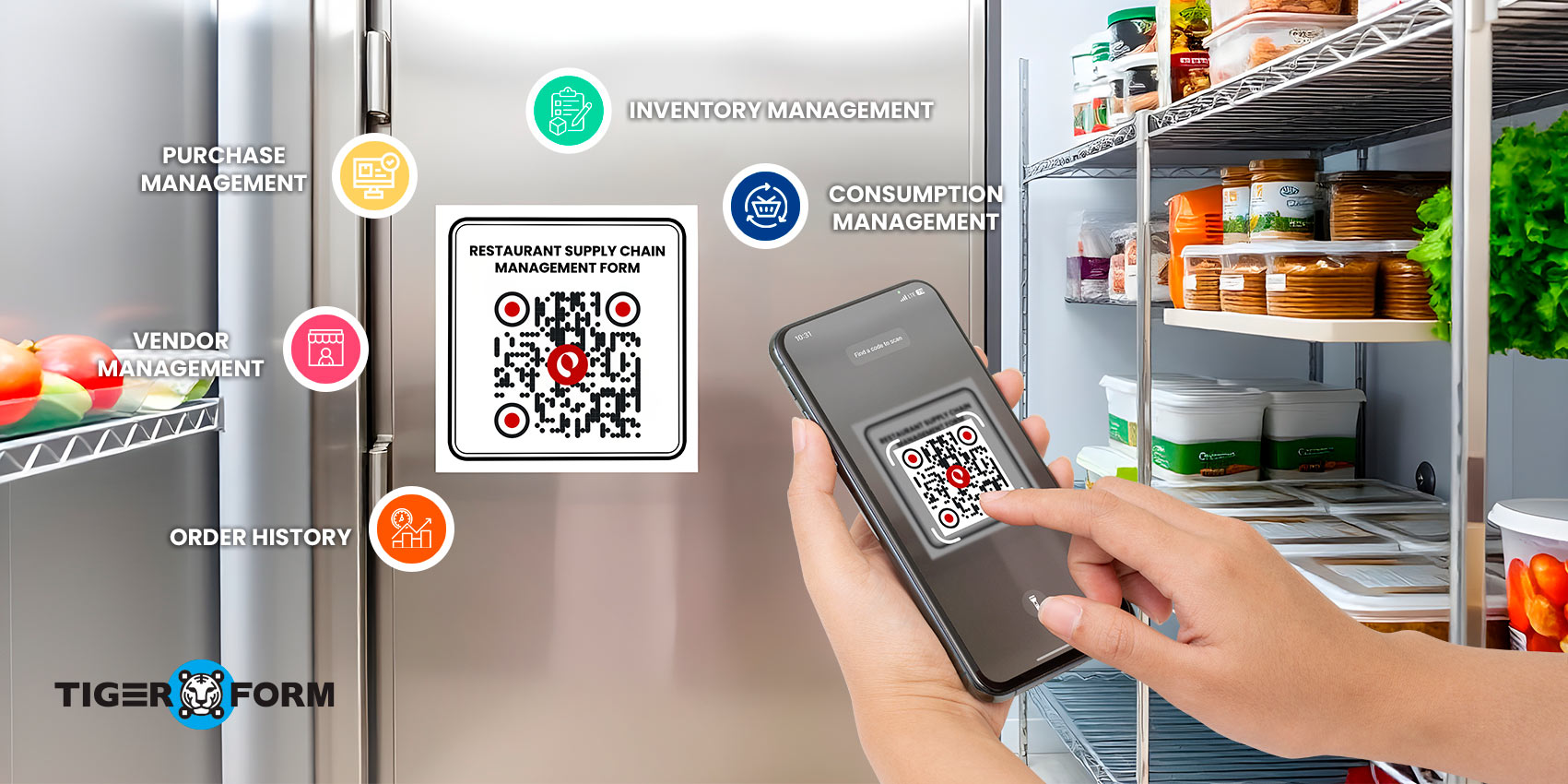
Restaurant supply chain management involves overseeing a multitude of moving parts, and a smooth supply chain is essential for running operations efficiently.
In fact, according to the National Restaurant Association, approximately 75% of restaurants struggle to make a profit due to issues with inventory and food cost management.
That’s why having a clear approach to supply chain management in restaurants matters. That’s why we’ll share 10+ smart tips to help restaurants manage their supply chains more effectively.
You’ll learn practical strategies, including how QR codes can simplify tracking and supplier coordination, saving time and keeping your kitchen efficient.
What is supply chain management (SCM) for restaurants?
SCM is how businesses make sure everything they need flows smoothly from suppliers to customers. Its goal is to make sure the right products arrive at the right place, at the right time, in the right condition, and at the lowest possible cost—without sacrificing quality.
For restaurants, effective SCM is essential because it helps keep food safe, controls costs and protects profit margins, and ensures menu items remain consistent for every customer.
It also prevents both stockouts and overstocking, so kitchens can operate efficiently without running out of key ingredients or wasting supplies. All of this comes together to improve the overall customer experience, making diners more satisfied with every meal.
How does a supply chain management form for restaurants work?
1. Sourcing
Sourcing is a core process in the supply chain, as it is necessary for consistent quality, fair pricing, and dependable delivery. Sourcing involves making informed choices about the origin of ingredients, their freshness, and whether suppliers offer cost-effective options.
2. Purchasing and ordering
Once sourcing is set, purchasing and ordering turn plans into action. This stage looks at demand and turns it into orders. Managing orders and purchases is crucial, as over-ordering can lead to food waste, while under-ordering can result in shortages.
This phase includes:
- Forecasting demand: How many customers today/this week?
- Ordering the right quantity: Are the ingredients not too much or too little?
- Managing supplier contracts: Keeping supplier terms, schedules, and records organized through your restaurant ordering system.
3. Transportation and delivery
After ordering, the ingredients need to arrive safely. Transportation and delivery focus on the timing and handling of food ingredients or packaging, because for restaurants, late or spoiled deliveries result in lost sales. For transportation evaluations, ingredients should be:
- Delivered on time
- Kept at correct temperatures (cold chain for meat & dairy)
- Protected from contamination
Transportation and delivery should be handled strictly, especially for restaurants that prepare food from meat, seafood, and dairy, which rely on proper cold storage.
4. Inventory
Inventory begins once ingredients are stored. This phase focuses on tracking what is available, how much stock remains, and when items are nearing their expiry dates.
Many restaurants follow the First In, First Out (FIFO) principle, so older stock is used before newer items. Inventory counts may be done daily or weekly, depending on kitchen operations.
5. Food preparation and production
When ingredients move from storage into the kitchen, food preparation and production begin. Staff prepare, cook, and serve meals based on set recipes and portion sizes. This stage directly affects food costs and menu pricing.
When portions are not controlled, costs can increase quickly. A production form will help avoid this.
6. Distribution to customers
For restaurants, distribution refers to the process by which meals reach customers. This can happen through dine-in service, takeout orders, or delivery apps. The supply chain reaches its final step when the customer receives the meal.
7. Waste and returns management
Even with careful planning, waste is unavoidable. Restaurants manage food waste, spoiled ingredients, and returns from suppliers due to damaged or incorrect items. A waste and returns form records what was wasted, why it occurred, and how frequently it happens.
10 Tips for Smarter Restaurant Supply Chain Management
1. Widen your supplier sourcing
Do not rely on a single vendor. Use at least two suppliers for key items. If one runs out or delays delivery, the other can step in to fill the gap. This keeps your restaurant kitchen running without last-minute stress.
2. Connect supply tracking with your POS
Use restaurant supply chain management software or inventory tools that integrate with your POS system. This shows what you should have versus what you truly have, and real-time data helps you spot shortages, overuse, or missing stock early.
3. Buy through group purchasing programs
Group purchasing lets restaurants buy together to get better prices. This lowers costs on food items and basic supplies like packaging and paper goods. It works well for small and mid-sized restaurants.
4. Use the same ingredients across menu items
Design your menu so ingredients appear in more than one dish. This cuts waste and makes ordering easier. Fewer items to track also means fewer mistakes.
5. Plan orders based on past sales
Look at previous sales and upcoming events. This helps you guess how busy you will be. Better planning means less food is thrown away and fewer emergency orders are issued.
6. Choose nearby suppliers when possible
Local suppliers shorten delivery time and reduce transport costs. Fresher items arrive faster and support nearby producers. Many customers also value this approach.
7. Deploy Just-In-Time (JIT) ordering
JIT ordering is an inventory management strategy where you only order and receive items when they are actually needed, rather than storing a large quantity in reserve for the sake of “just in case.” This helps you avoid storing large amounts of food for a long time and the risk of them spoiling.
8. Check deliveries right away
Train staff to inspect every delivery. Check item count, quality, and temperature before accepting it. Fixing issues on the spot saves time and money later.
9. Track food waste daily
Use simple digital logs to record wasted food. Note if waste comes from prep mistakes, large portions, or expired items. This data helps you adjust future orders.
10. Prepare backup delivery options
Have a second plan for suppliers and delivery routes. Weather issues or transport delays happen. A backup plan keeps your restaurant open when problems hit.
Bonus: QR codes for SCM forms
For restaurant SCM, QR code supply chain management makes data collection easier. With QR code forms, the supply team can scan a code and open the right SCM form right away, then fill it out in just a few minutes. This reduces manual steps, saves time, and makes the process easier for staff to follow.
Why you should use a QR form for the restaurant supply chain
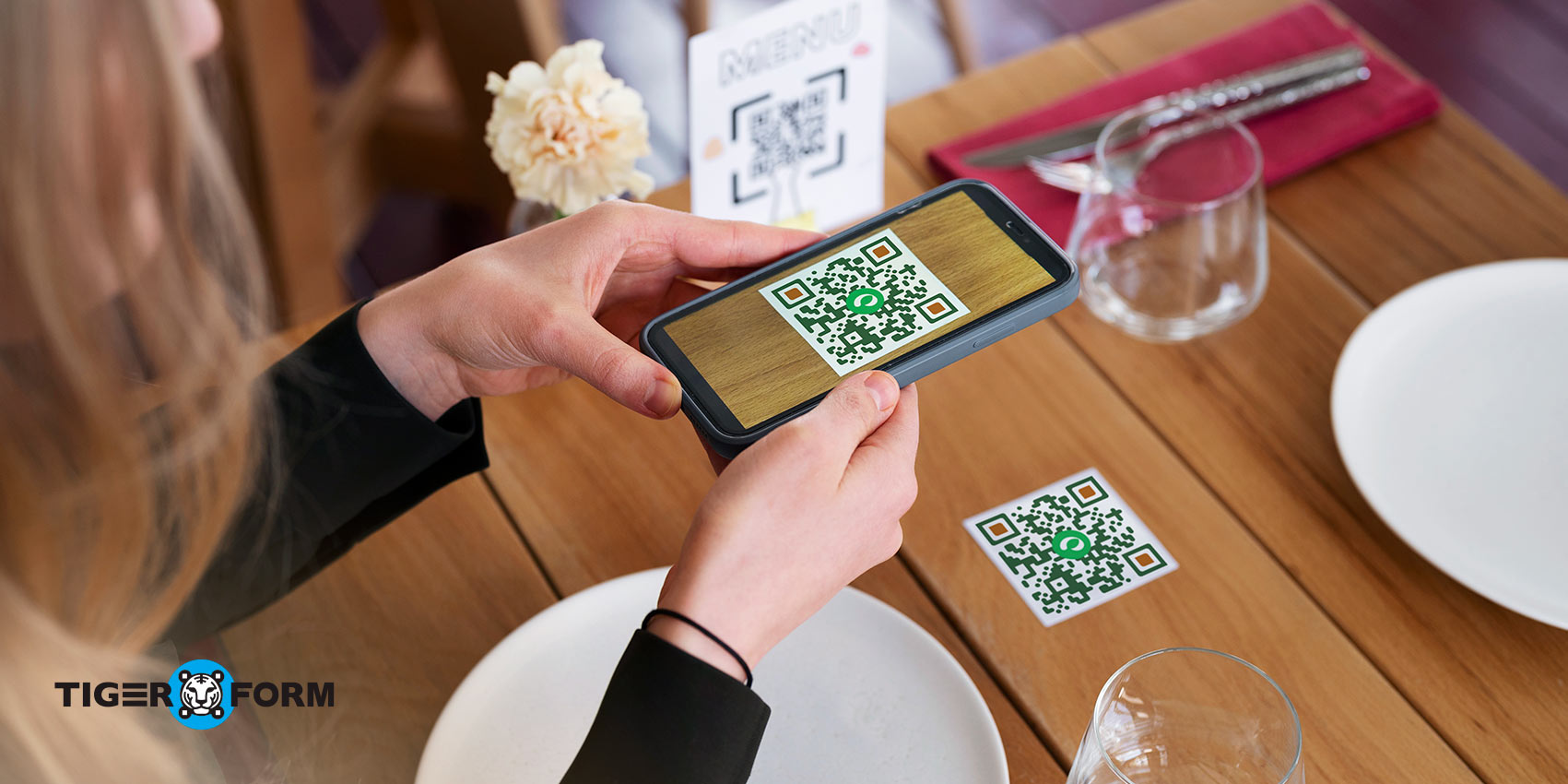
According to an estimate, the number of people using smartphones to scan QR codes for various purposes is expected to increase by 16 million between 2022 and 2025. From making payments to marketing campaigns and tracking attendance, QR codes are invaluable in numerous aspects.
Along with this high shift, here is how QR forms improve restaurant supply chain management:
1. Supplier Feedback
Apart from getting customer reviews and feedback, you can also get supplier feedback instantly by using a QR code for logistics and supply chain. Suppliers can provide in-the-moment input while interacting with your business. This allows you to gain valuable insights, enabling you to respond promptly and make improvements based on the feedback.
2. Data Collection and Analysis
Data collection has never been easier with QR codes. Due to their ease of use, QR code adoption is expected to increase by 323% between 2021 and 2023. Since these codes lead directly to the required forms, they help collect records of inventory levels and quality control checks. Integrating online forms with a QR code supply chain management system in the restaurant’s existing processes helps automatically aggregate and analyze performance.
While this tool is helpful for the supply chain, it can also assist staff with the restaurant ordering system through these digital forms. This can provide management with deeper insights into customers’ ordering behavior.
3. Better Engagement
If there’s something that actually bridges the gap between physical and digital things, it is a QR code. You can quickly lead the audience to the digital form using the QR code. Moreover, QR codes on menus or receipts link customers and staff to forms or surveys in restaurants. Since the process is easy and handy, you can expect higher engagement from the audience.
Aside from that, restaurateurs can boost engagement with a customer engagement form for marketing to promote their promos, newly launched dishes, and more.

4. Cost Reduction
Accurate inventory tracking through these forms helps prevent overstocking and understocking, reducing waste and expenses. The detailed records they provide can be used to negotiate better deals with suppliers, leading to cost savings. By analyzing purchasing patterns, restaurants can identify areas for optimization and further reduce costs.
5. Real-Time Supply Chain Data
Real-time order status updates are crucial for food logistics management. QR forms allow you to monitor the progress and delivery of your orders efficiently. With quick identification and communication of the supply chain issues, you can expect better management of restaurant operations.
How to create a management form QR code for a restaurant supply chain
You can use the QR form generator to create interactive and user-friendly surveys and forms. The best part is that both the form and QR code can be created in the same place. Here’s a step-by-step guide on creating a QR form.
- Visit the website: Go to the TIGER FORM builder.
- Design your form: Before starting with the form creator, you can view and choose available form templates or create one from scratch. Then, add fields like text boxes, multiple-choice questions, drop-down menus, and more. Give clear instructions and make the form user-friendly.
- Generate the QR code: Once it is ready, tap “Generate QR Code.” This will instantly generate a unique QR code linked to your form. You can print it or display it wherever needed.
- Test the code: Before displaying the QR code, test and review it to ensure it takes you to the correct form.
- Distribute the code: Print the QR code and place it in strategic locations for easy visibility and staff access.
Following this guide, you can create a quick form with a QR code in just a few minutes.
Ready-to-use form templates for restaurant SCM
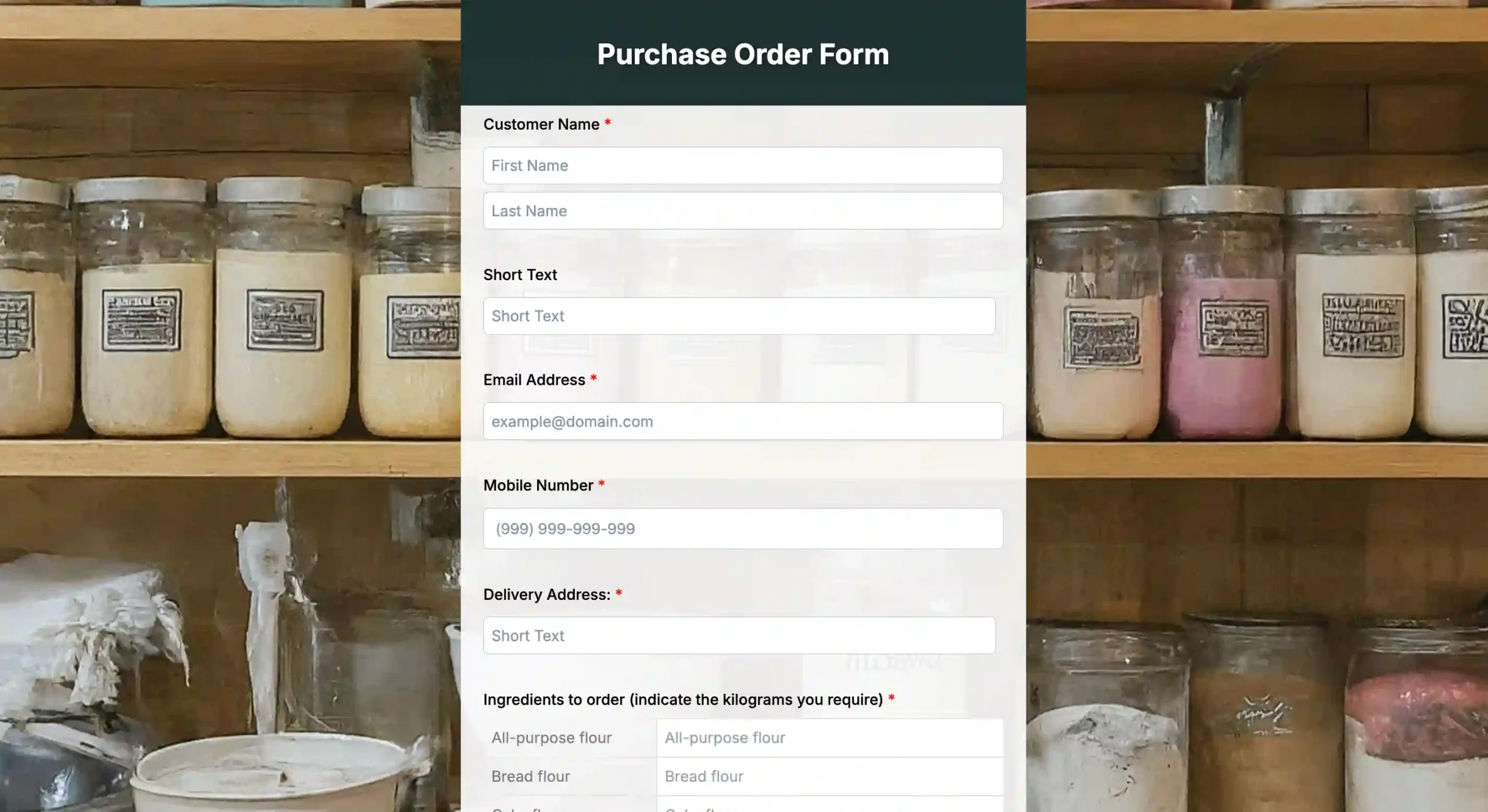
Purchase order request form
Our user-friendly online purchase order request form template can help enhance your small business operations. Track requests, manage approvals, and improve inventory control.
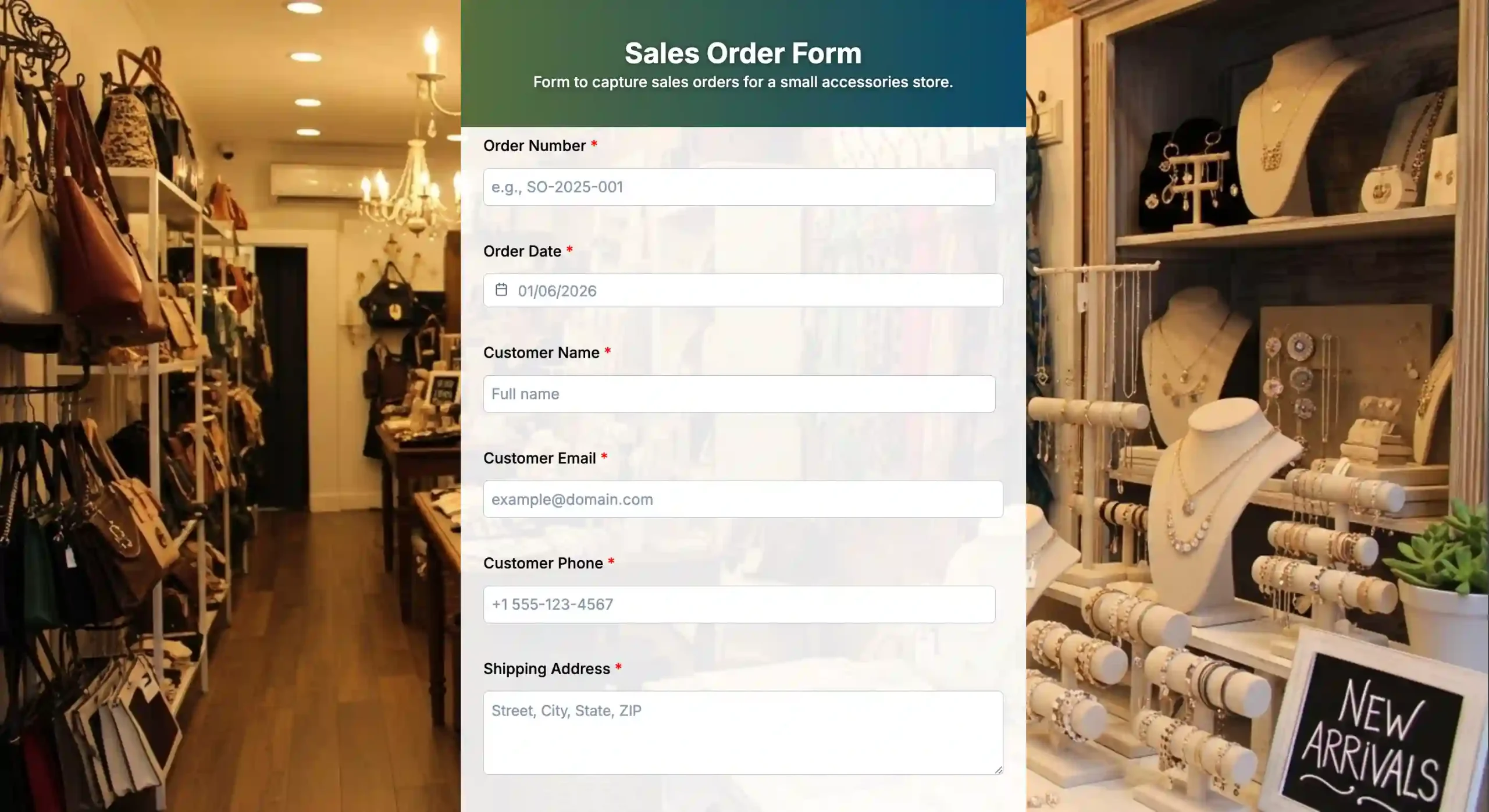
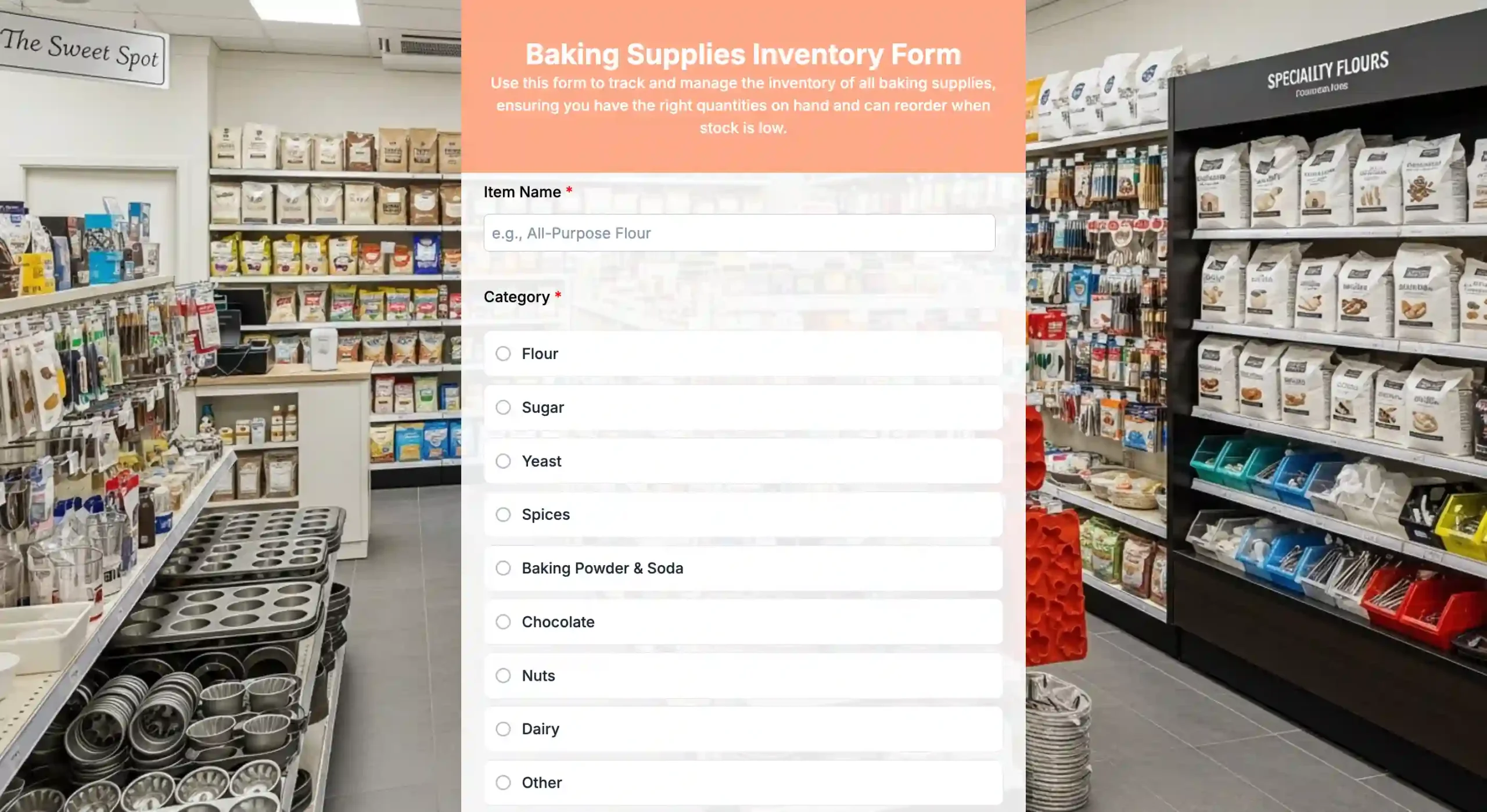
Baking supplies inventory form
Get precise data. Log all baking raw materials and supplies using the baking supplies inventory form on any device. Eliminate guesswork and stop stock errors.
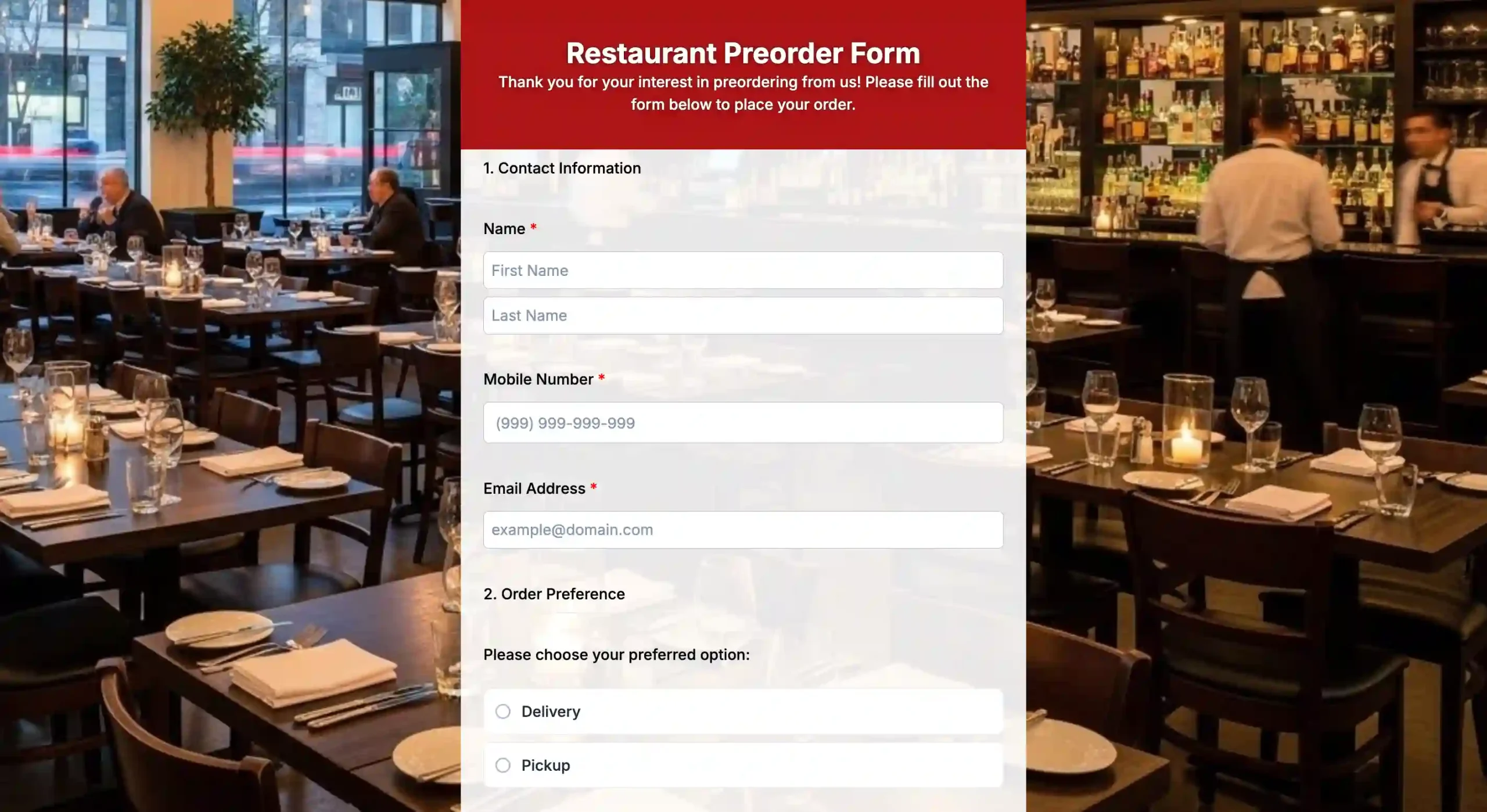
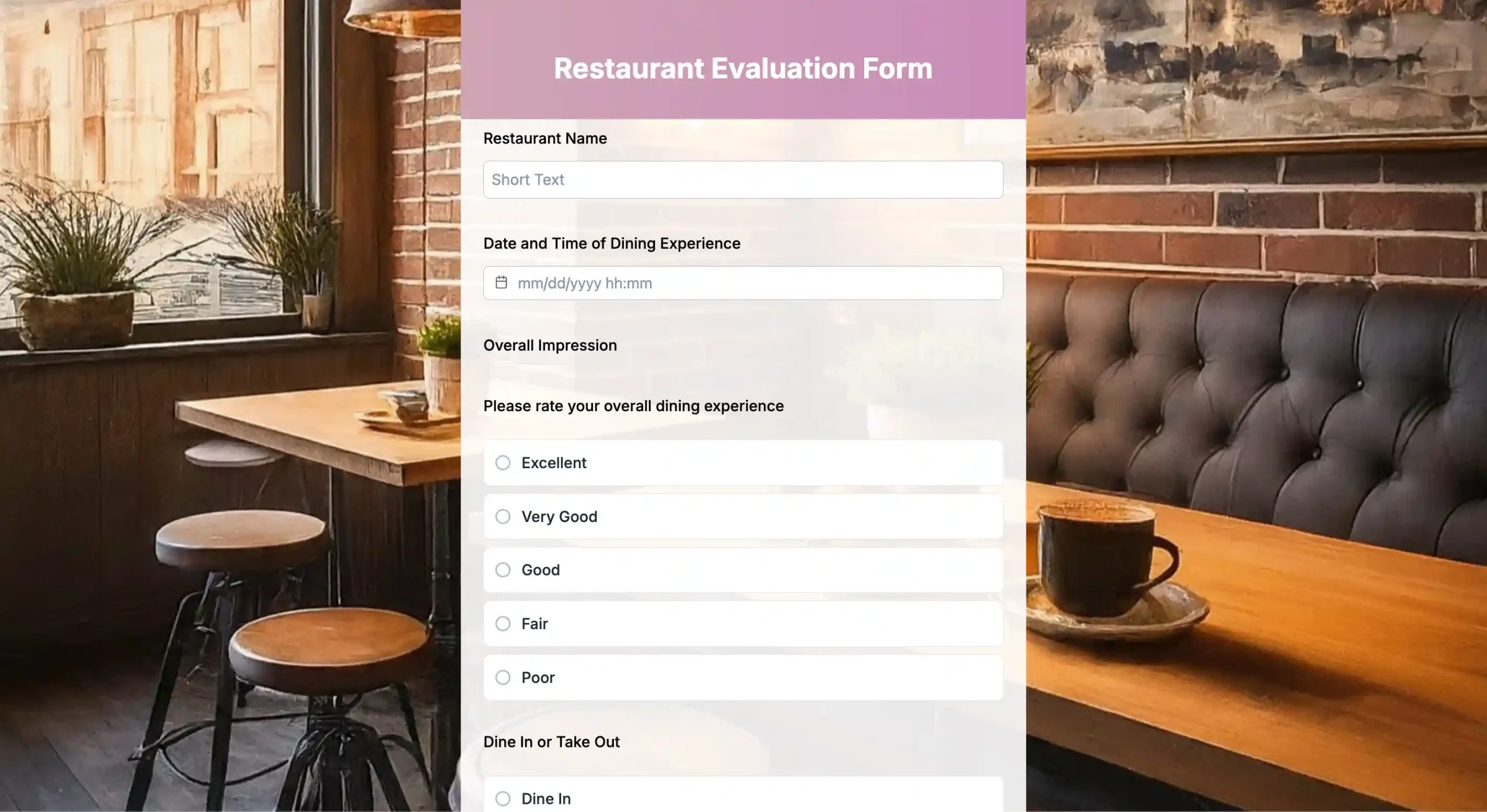
Restaurant Evaluation Form
Find out what your customers think about your restaurant through this online restaurant evaluation form template. Collect valuable feedback from your customers to improve satisfaction, boost your reputation, and make data-driven decisions.
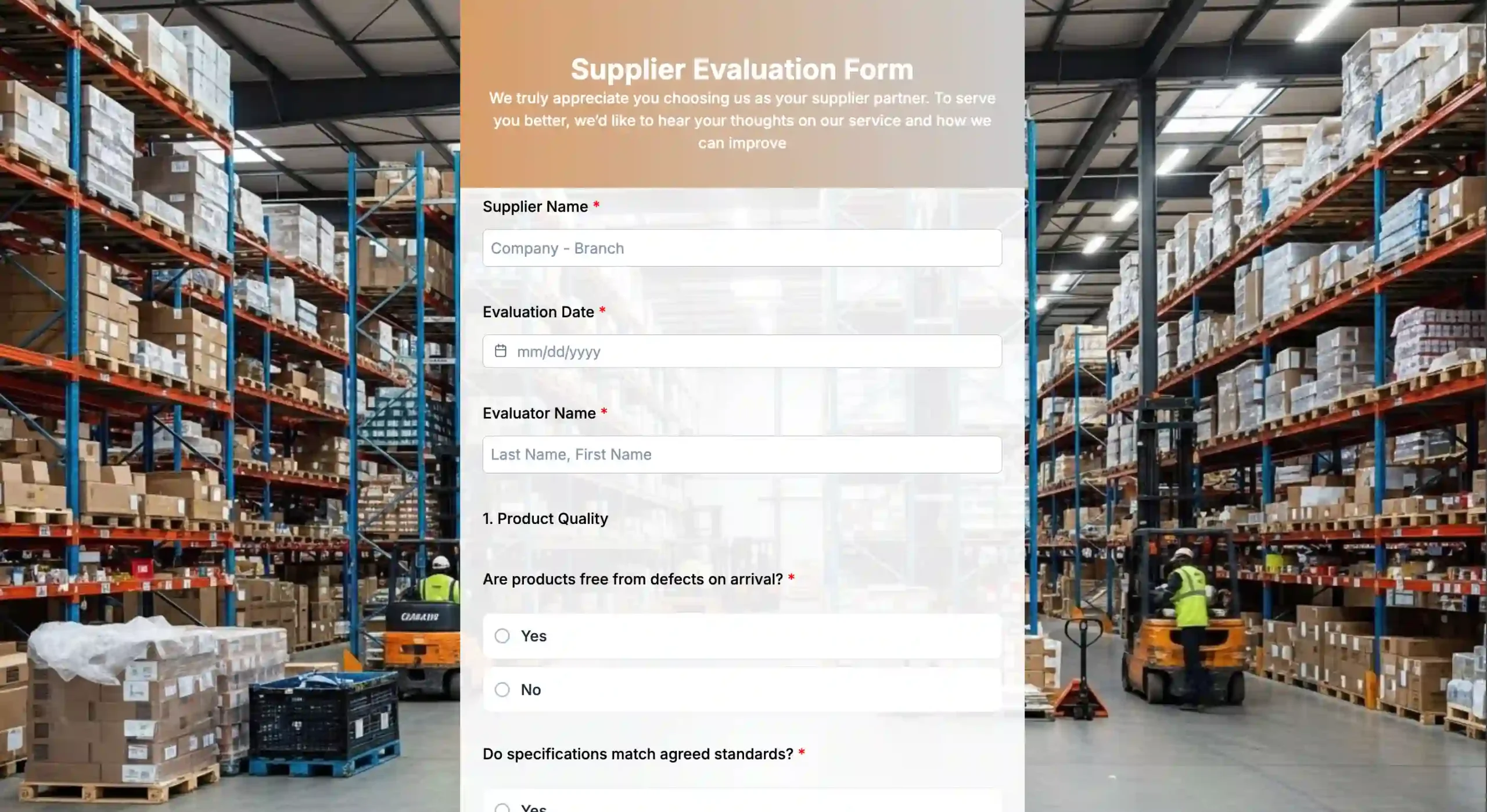
Best practices for creating QR forms to enhance supply chain management
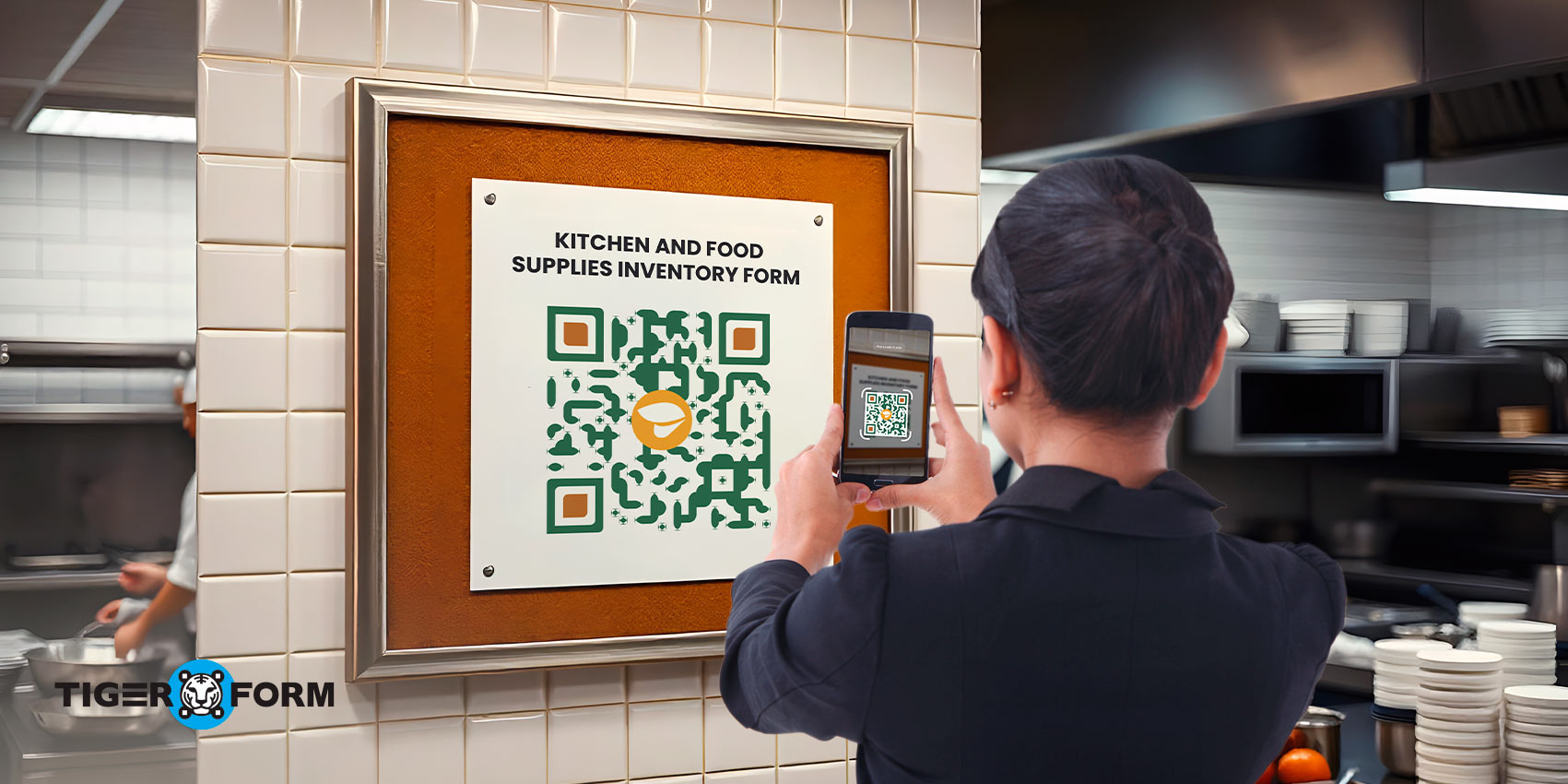
While QR form-making is quick and easy, you must follow some best practices to make the best out of it. Here’s what you can do:
1. Design user-friendly forms
A clean interface and clear instructions in a digital QR form minimize the chances of errors. This is because 67% of users abandon a form forever if they notice any complications. Since many restaurant staff members are on the go, having a straightforward form that works well on the phone makes it easier for staff to fill it out no matter where they are.
2. Integrate with existing systems
To make food supply chain management easier, you should integrate QR forms with your existing systems and supply chain software for restaurants. For example, when a QR form used to log stock levels connects directly to your inventory management system, data flows into your records automatically. This means that whenever a staff member scans a QR code and submits a quality check, the information is uploaded right away into the quality control system.
3. Test and review
What if you distribute your QR forms across all channels, only to find out the QR code redirects to an incorrect URL? This is why you must test and review the QR forms for food safety management before sending them out. Test the form for all the required features, such as conditional logic and workflows, and ensure they are easy to fill out and submit.
4. Regular updates
Things never remain the same in a restaurant. New inventory items are added, suppliers change, and quality control standards are updated. When this happens, forms can quickly become outdated. To avoid errors and keep data accurate, update forms often and make sure they stay aligned with your supply chain management solutions for restaurants. Menu changes also happen from time to time, and using a menu access form can make updates easier while supporting faster customer ordering.

Use QR forms to simplify food supply chain management
QR forms have a wide range of applications, particularly in supply chain management for restaurants. In addition to tracking and inventory management, they can be used in the food and beverage industries, where they enable real-time supply chain data and improve engagement.
So, if you are looking for an effective QR code generator, look no further than Form QR Code. You can create personalized forms to simplify data collection in your supply chain management for restaurants.
FAQs
How can I improve accuracy during receiving?
Include checkboxes for item condition, lot/batch/expiration, and photo or barcode capture. Require a receiving signature or digital approval.
How do I handle inventory balances?
Include an inventory balance field that updates automatically when items are received or issued. If possible, link it to supply chain management systems for restaurants that support real-time inventory tracking.
What KPIs can this form help measure?
On-time delivery rate, fill rate, supplier performance (quality, lead time), waste or spoilage, cost per dish, and inventory turnover.
How often should the form be reviewed and updated?
Review quarterly or after major supplier changes, menu changes, or process improvements. Update item master and pricing accordingly.
What sections should the form include?
Core sections include supplier information, order details (items, quantities, and units), delivery schedule, receiving notes, inventory balance, quality/condition, and approvals.
How should I handle unit measures and pricing?
Use standardized units (e.g., pounds, kilograms, cases) and a row for unit cost and extended cost. Include a currency field and a last-price date to track changes.