

A small event, a quick project, or even a simple collaboration can turn into a problem when details aren’t documented well. Sometimes, all it takes is one unclear or poorly recorded agreement for things to go wrong, and it is one of the most common causes of legal conflict. According to a study by SureThing Agreements, small businesses lose about $870 billion every year due to contract disputes.
So, how can businesses avoid these situations in the first place?
It’s simple: keep things clear from the get go. Instead of verbal agreements or assumptions, put everything in writing. That’s exactly what release forms do. They make sure everyone knows what to expect, the risks, and what they’re agreeing to.
It’s a simple step, but it can save you from a lot of confusion and trouble later. Here’s what you need to know about them.
What is a release form, and when do you need one?
A release form is a document that states what someone is agreeing to and, in many cases, protects you from being held responsible if something goes wrong.
It helps you avoid trouble later by putting things in writing up front. You usually need a release form anytime there’s some level of risk, permission, or shared understanding involved.
For example, if you’re hosting an event, running an activity, taking photos or videos, or working with clients, things can easily get confusing if expectations aren’t clear. A release form makes sure everyone is on the same page before anything starts.
In simple terms, if there’s even a small chance of misunderstanding or risk, it’s better to have a release form in place. It keeps things clear, avoids confusion, and helps you handle situations more professionally.
Release forms vs. consent forms: What’s the difference?
In simple terms, they do two slightly different things.
A consent form is about permission. It’s used before something happens, where a person agrees to take part or allow something. Let’s take an example: someone signs a consent form before a photoshoot or a medical procedure. It basically says, “I understand this, and I agree.”
A release form, on the other hand, is about protection. This form helps to reduce legal risk by making it clear that the person won’t hold you responsible if something goes wrong. It usually says, “I know the risks and won’t hold you liable.”
In real life, these two are often combined into one document. So you might see a form that both asks for permission and limits liability at the same time.
The easiest way to remember it is:
consent = permission, release = protection.
15 Types of release forms (with use cases and examples)
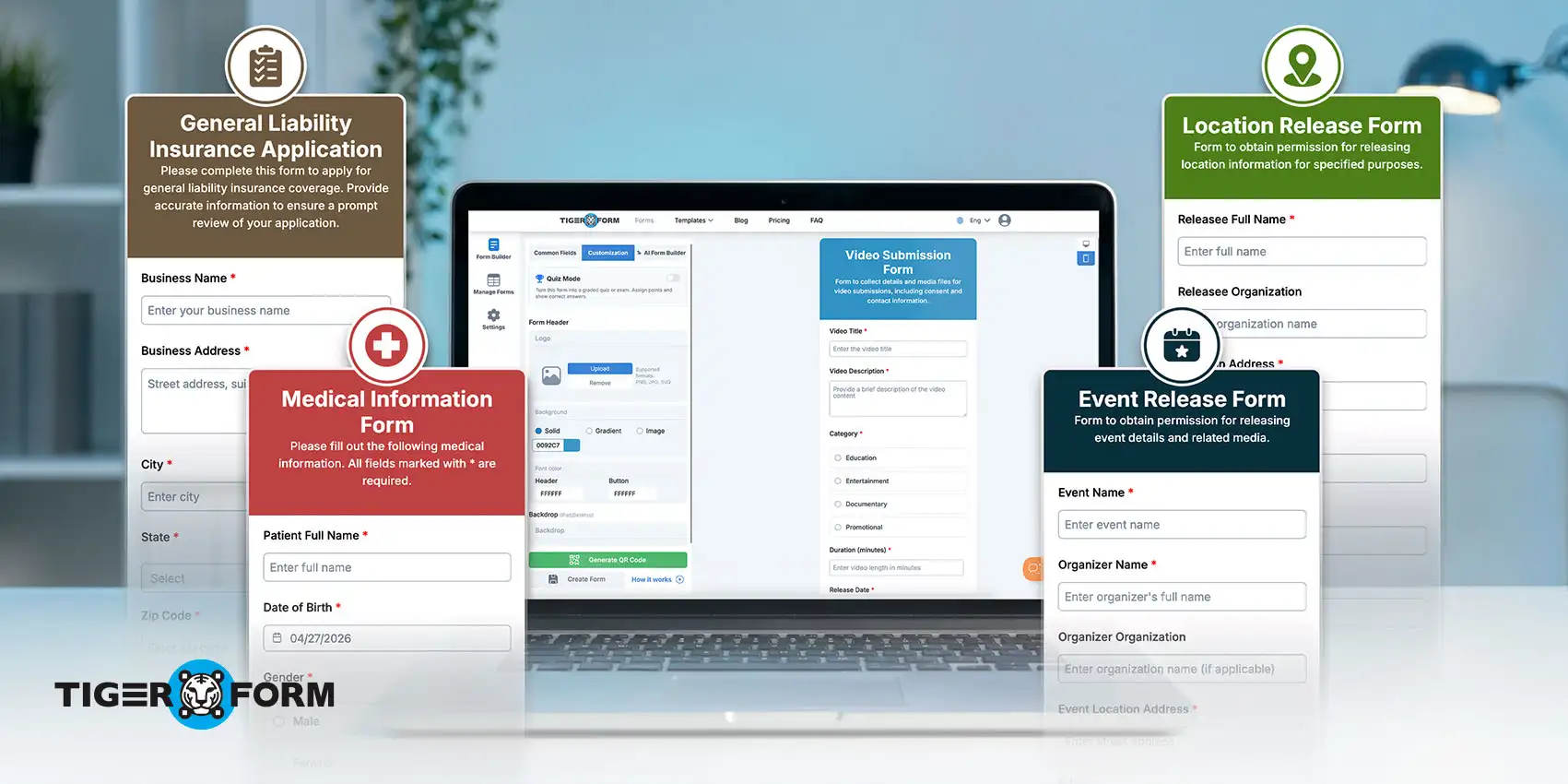
1. General liability form
A general liability release form helps protect you if someone gets hurt or faces a loss while taking part in your activity or service. It clearly states that the person understands the risks involved and agrees not to hold you responsible.
You should use this form anytime if there’s a good chance of physical risk or unexpected issues. This includes events, workshops, fitness sessions, tours, or any service where people are actively involved. It’s commonly used by event organizers, small business owners, fitness trainers, and service providers who always deal with participants or clients.
Example: If you’re organizing a local fitness bootcamp, you can ask participants to sign this form before they join. If someone gets injured during the session, the form helps protect you from being held legally responsible since they agreed to the risks beforehand.
2. Medical form
A medical release form allows someone to receive medical care if they’re unable to give permission at the time. It also confirms that they understand and accept any risks related to the treatment.
You should use this form in situations where medical attention might be needed, especially when dealing with groups, events, or minors. It’s commonly used in schools, camps, sports activities, travel programs, and healthcare settings.
Example: If you’re organizing a school trip or a sports camp, parents are usually asked to sign a medical release form for their children. This allows organizers or staff to arrange medical treatment quickly in case of an emergency, without delays or confusion.
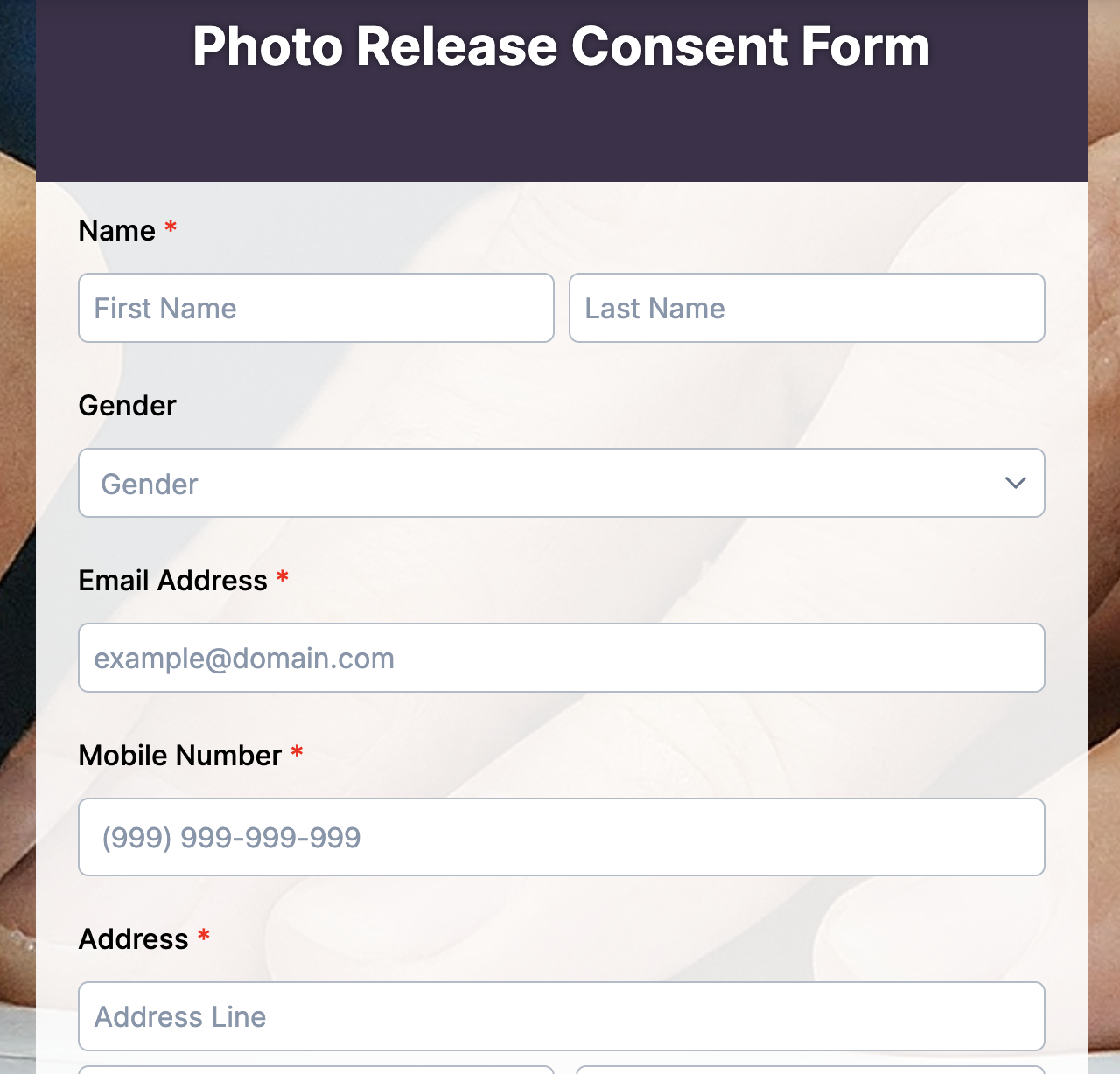
3. Photo form
A photo release form lets you take and use someone’s photos with their permission. It makes it clear how the images can be used, whether it’s for marketing, social media, websites, or other purposes.
You should use this form anytime you plan to capture and share photos of people. This includes events, photoshoots, business promotions, social media content, or even casual brand photography where individuals are clearly visible.
Example: If you’re hosting an event and plan to post photos on your website or social media, you can ask attendees to sign a photo release form beforehand. This way, you have clear permission to use their images without any issues later.
4. Video form
This form gives you permission to record and use someone’s video footage. It clearly states how the video can be used, whether it’s for marketing, social media, interviews, or other content.
Use this form anytime you’re filming people and plan to share or publish the content. This includes events, interviews, promotional videos, YouTube content, or any situation where individuals are clearly visible and identifiable.
Example: If you’re recording interviews at an event or creating a promotional video for your business, you can ask participants to sign a video release form before filming. This ensures you have their permission to use the footage without any issues later.
5. Minor release form (Parental consent and release)
A minor form is used when someone under 18 is involved. Since minors can’t legally sign on their own, this form is signed by a parent or guardian to give permission and accept any risks on their behalf. It’s common in schools, sports events, camps, workshops, and media projects involving minors.
Example: At a summer camp or school event, parents are asked to sign a minor release form before their child participates. This makes sure the child can take part safely while the parent understands the risks and gives proper permission.
6. Activity or event release form
An activity or event form is used to inform participants about the risks involved in a specific event or activity. It helps make sure everyone understands what they’re signing up for.
Use this form for any organized event or activity where there could be some level of risk. This includes workshops, sports events, tours, community gatherings, or even corporate events with physical activities.
Example: At a weekend adventure camp or a team-building event, participants are asked to sign this form before joining. This makes sure they are aware of the risks involved and agree to take part on those terms.
7. Property damage release form
A property damage form is used to settle issues when someone’s property gets damaged. It confirms that both sides agree on the situation and that once compensation is given or accepted, no further claims will be made. It’s common in minor accidents, service-related damages, rental situations, or business dealings involving physical assets.
Example: After a minor accident where a vehicle or property is damaged, both parties can sign a property damage release form once the cost is settled. This ensures that the issue is closed and neither side can raise further claims later.
8. Personal injury form
A personal injury form is used to settle a situation where someone has been injured. It confirms that the injured person accepts a payment or agreement and won’t take further legal action for that injury. It’s commonly used when both sides agree to settle the matter without going to court.
Example: After a minor accident where someone gets injured, both sides may agree on a compensation amount. Once the payment is made, the injured person signs a personal injury release form, confirming that the matter is settled and no further claims will be made.
9. Location form
This form gives you permission to use someone’s property for filming, photography, or events. It clearly states how the space will be used and confirms that the owner agrees to it.
Use this form anytime you plan to use a private property for shoots, recordings, or organized activities. It’s common in film production, photography, content creation, and event planning.
Example: A brand planning a photoshoot at a private home gets the owner to sign a location release form before the shoot. This ensures the team has clear permission to use the space and avoids any issues later.
10. Talent form
A talent form gives you permission to use someone’s performance in your content. This includes acting, speaking, singing, or any appearance in videos, films, ads, or online content. It’s common in film projects, YouTube videos, ads, interviews, and branded content.
Example scenario
A creator filming a promotional video with an actor or influencer asks them to sign a talent release form before shooting. This ensures the creator has the right to use and share the final video without any issues later.
11. Interview form
An interview release form gives you permission to record, use, and share someone’s words in interviews. This includes written quotes, audio recordings, or video content. It helps make sure the person is comfortable with how their responses will be used and shared.
Example: A blogger or podcaster interviewing a guest asks them to sign an interview release form before publishing the content. This ensures there’s clear permission to use their responses across platforms without any issues later.
12. Social media form
A social media form gives you permission to use someone’s content, images, or videos on your social media platforms. It makes it clear how their content will be shared, reused, or promoted.
Example: A brand running a campaign wants to repost customer photos on Instagram. Before sharing, they ask users to sign a social media release form. This ensures the brand has clear permission to use the content for marketing without any issues later.
13. Employee release form
This form is used when ending an employment relationship. It confirms that both the employer and employee agree on the terms of exit and that no further claims will be made after the settlement. You should use this form during employee offboarding, especially when there’s a final settlement, severance package, or any agreement that needs to be clearly documented. It helps avoid future disputes related to employment terms.
Example: During an employee’s exit process, the company provides a final settlement and asks the employee to sign a release form. This confirms that all dues are cleared and prevents any future legal claims related to their employment.
14. Settlement form
A settlement form is used to officially close a dispute between two parties. It confirms that both sides have agreed on a solution, usually involving a payment or specific terms, and that no further legal action will be taken after this.
Example: After a disagreement over a service or contract, both parties agree on a final payment to resolve the issue. Once the terms are accepted, they sign a settlement release form to confirm that the matter is closed and no further claims will be made.
15. Model form
A model release form gives you permission to use someone’s image for commercial or promotional purposes. It clearly states that the person agrees to their photos being used in ads, websites, or marketing materials. It’s common in photography, advertising, branding, and social media campaigns.
Example: During a brand photoshoot, the model signs a release form before the session begins. This allows the business to use the photos in ads, on their website, and across marketing channels without any issues later.
Why do businesses and individuals need release forms
1. Help avoid legal trouble
A release form helps you avoid that by putting everything documented from the start. This matters more than you think, according to Zipdo statistics, around 30% of small businesses face a lawsuit every year, and unclear agreements are a major reason why.
2. Protect you from liability
Things don’t always go as planned. If someone is injured at an event or a client is unhappy with how something turned out. A release form helps protect you by making it clear that the person understands the risks and agrees not to hold you responsible in such situations.
3. Set clear expectations
A lot of problems start with confusion, such as who is responsible for what, what’s included, and what’s not. A release form clearly explains what both sides are agreeing to, which makes everything smoother from the beginning.
4. More professional
When you use proper forms, it shows that you take your work seriously. If you’re dealing with clients, participants, or partners, a release form makes your process feel more organized and trustworthy.
4. Save time and money
Legal issues can get expensive very quickly. Lawsuit Statistics revealed that the average cost to defend a small business lawsuit is around $30,000, and some go much higher. A release form can help you avoid these kinds of costs.
5. Build trust
When everything is clear and agreed upon, people feel more comfortable. There are fewer surprises, better communication, and no room for confusion. That clarity builds trust and improves the overall customer experience, making it easier for people to work with you and come back again.
How to create a release form easily with an online form builder
It is not difficult to create an online release form nowadays, because an online form creator does most of the work for you, you just need to customize it based on your needs.
Just follow the simple steps below to create any release form according to your use case easily in just a few minutes:
Step 1: Start with AI or a form template
You can either use AI form generation or pick a ready-made form template. If you prefer AI, just describe what you need (for example, “event liability release form”), and it will create a form for you instantly.
Or choose from pre-built form templates to save time and get a structured starting point.
Step 2: Customize your form
Do the form design to match your needs. Add details like names, activity, or project info, and clearly mention any risks or permissions. You can also include checkboxes, consent sections, and a digital signature field.
Step 3: Add important fields
Make sure your form includes key elements like:
– Participant details
– Clear terms and conditions
– Consent or agreement checkboxes
– Signature and date
Step 4: Share the form
Once your form is ready, generate a form QR code, which helps for easy access during events or on-site activities.
Step 5: Collect and manage responses
All responses are stored in one place. You can review submissions, download data, and keep records. This makes your form a reliable data collection method, helping you keep records organized and easy to access whenever needed.
Things to keep in mind when creating a release form
- Keep the language simple and clear: Write the form in a way that anyone can understand. If people have to guess what something means, it defeats the purpose.
- Be specific about what’s involved: Clearly mention the activity, what will happen, and any possible risks. The clearer you are, the fewer chances of confusion later.
- Include all the important details: Add names, dates, and relevant information about the event, service, or project. Small missing details can cause big misunderstandings.
- Make the agreement obvious: Include a clear section where the person confirms they understand everything and agree to it. This should not be easy to miss.
- Don’t skip the signature: If it’s digital or handwritten, a signature is what makes the form valid. Without it, the form doesn’t hold much value.
- Keep a copy for your records: Always store signed forms safely. You may not need them immediately, but they’re important to have if any issues come up later.

Stay protected with the right release form
Release forms might seem like a small step, but they can make a big difference in how smoothly things run.
When nothing is written down, it’s easy for people to misunderstand what was agreed on. That’s where release forms help. It brings clarity, sets boundaries, and makes sure everyone is on the same page from the start.
You don’t have to worry about “what if something goes wrong,” because you’ve already taken steps to handle it.
And creating the release form is much easier now with online form creators, templates, and AI tools. You can set up a proper release form in minutes without overcomplicating things.
FAQs
Is a release form an NDA?
No, a release form is not the same as a Non-Disclosure Agreement (NDA); a release form limits liability, while an NDA protects confidential information.
What is the purpose of a release form?
A release form is used to protect individuals or organizations from legal claims by confirming that participants understand and accept certain risks.
What are common mistakes in release forms?
Common mistakes include using unclear language, missing key details like risks or participant consent, and not having the form properly signed or dated.
Why are release forms needed?
Release forms are needed to reduce legal risk and clearly document that a person has agreed not to hold you responsible for specific incidents or outcomes.