

When the rules change, and they always do, outdated forms suddenly become a liability. That’s why consent form templates are a practical choice for anyone who needs verified permission on record. They take complex agreements and translate them into straightforward language that people can actually understand. That clarity protects rights, supports transparency, and builds trust before anything moves forward.
The real advantage is control. You choose what information people need, what they’re agreeing to, and how their consent will be stored. Nothing essential gets missed, and you never have to redesign a form under pressure again. You start with a structure built around legal expectations and tailor it to match your situation perfectly.
Ahead, you’ll find the top consent form templates you can choose from form creators you can put to work right away, each designed for everyday situations where clear permission isn’t just helpful, it’s essential.
What is a consent form, and why can’t they be ignored?
A consent form is a written agreement that confirms someone clearly understands what they are saying yes to before any action is taken. It lays out the purpose, risks, rights, and responsibilities involved, so the decision is informed, not rushed or assumed. At its core, a consent form protects the freedom of choice while providing both parties with a shared understanding of what will happen next.
You’ll find consent forms everywhere. In hospitals, before treatment. In schools, before a field trip. In studios, when photos are taken. In businesses, collecting personal data. Any situation where permission matters deserves a record of that permission, clear, signed, and stored.
Consent forms build transparency. People see exactly how their image, data, or participation will be used, so there are no hidden surprises. Organizations also benefit, as accurate records support compliance with regulations such as GDPR for data privacy, HIPAA for healthcare, and other legal standards across various industries.
Digital consent forms created and managed through online form builders enable faster, more accessible, and easier approvals, all while ensuring secure storage. Here’s a simple example of what a basic consent form might include:
- What permission is being requested
- Relevant details the person must know
- The rights they maintain even after saying yes
- Name, date, and signature to confirm approval
Types of consent form templates for various use cases

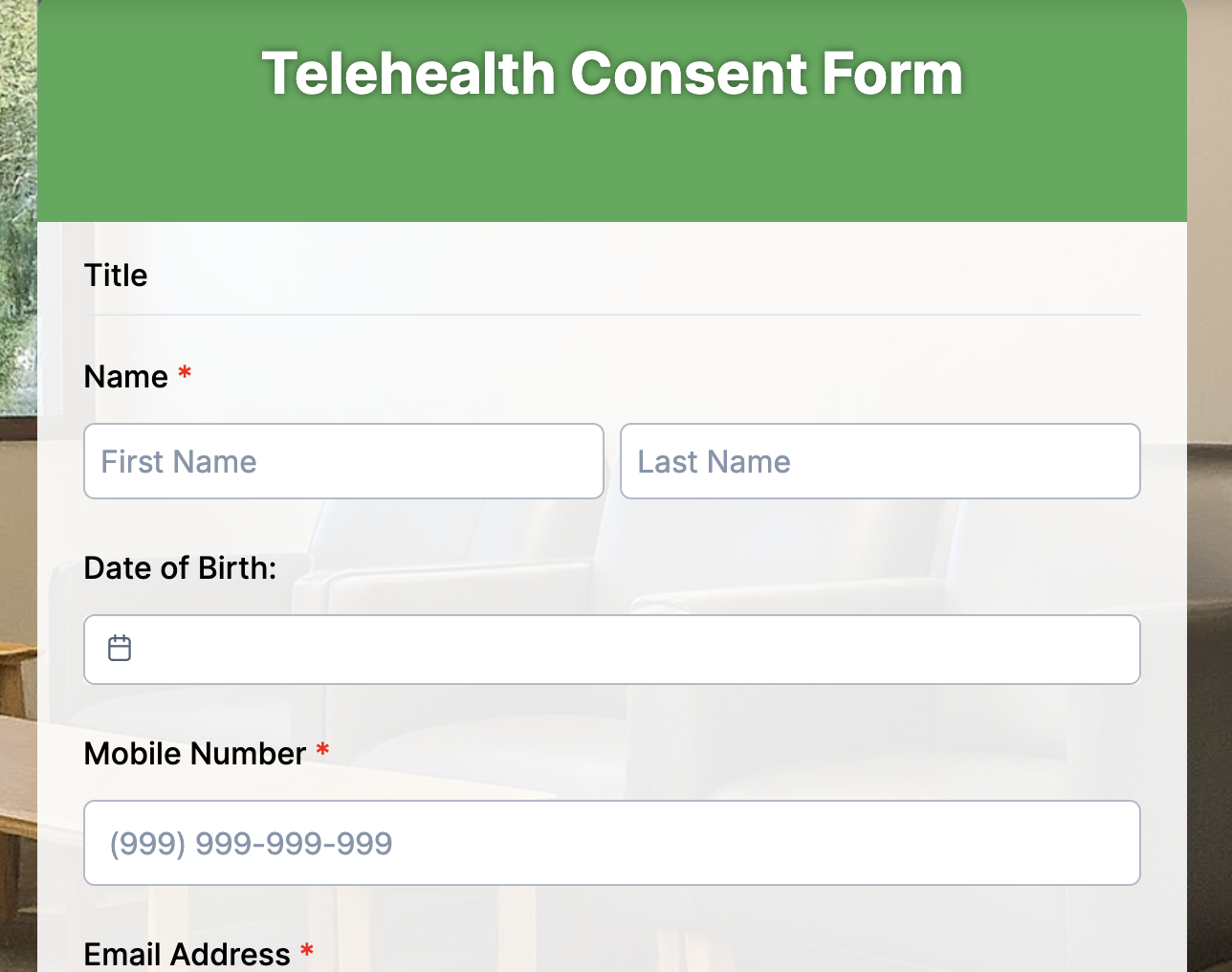
1. Telehealth consent form
Telehealth consent forms ensure patients understand how remote healthcare works before any virtual appointment. They outline how medical information is shared, the limitations of online diagnosis, and any technology requirements. Healthcare providers rely on them for legal compliance and to maintain patient trust.
Fields to include
- Patient Full Name
- Purpose of Telehealth Services
- Technology and Risks Agreement
- Medical History Confirmation
- Confidentiality and Data Privacy Consent
- Provider’s Information
- Signature and Timestamp
Why it helps
It reduces liability, sets clear expectations, and shows patients that their data and care are handled responsibly– even when they’re miles away.
2. Makeup consent form
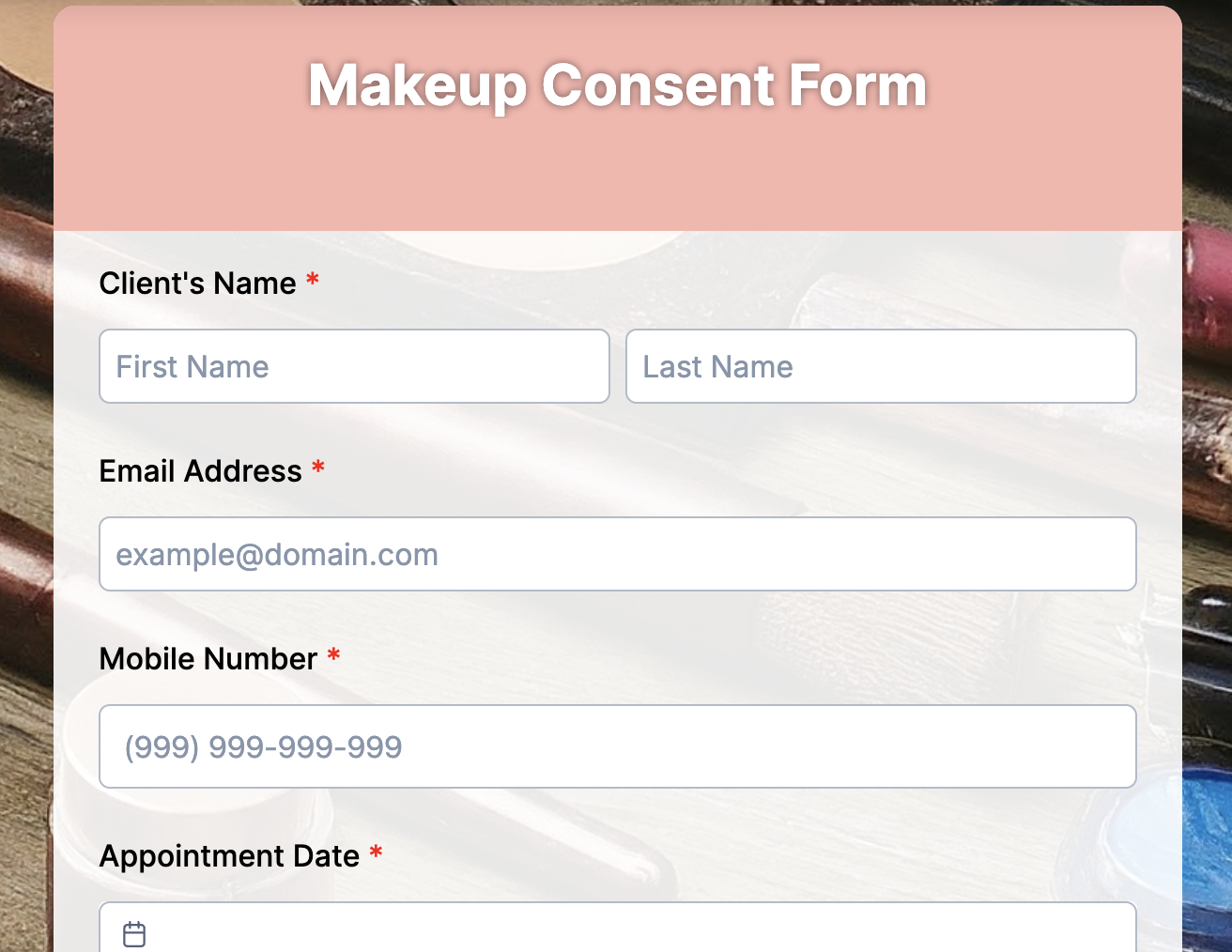
Makeup consent forms protect both artists and clients during cosmetic services. They confirm skin conditions, allergic reactions, and photo usage rights. It eliminates miscommunication about results and ensures everything is documented before brushes touch skin.
Fields to include
- Client Name
- Allergy and Sensitivity Disclosure
- Products to be Used
- Photo/Marketing Consent
- Risks and Aftercare Information
- • Signature
Why it helps
Makeup professionals can deliver the look confidently, knowing expectations and safety concerns are aligned from the start.
3. Medical consent form
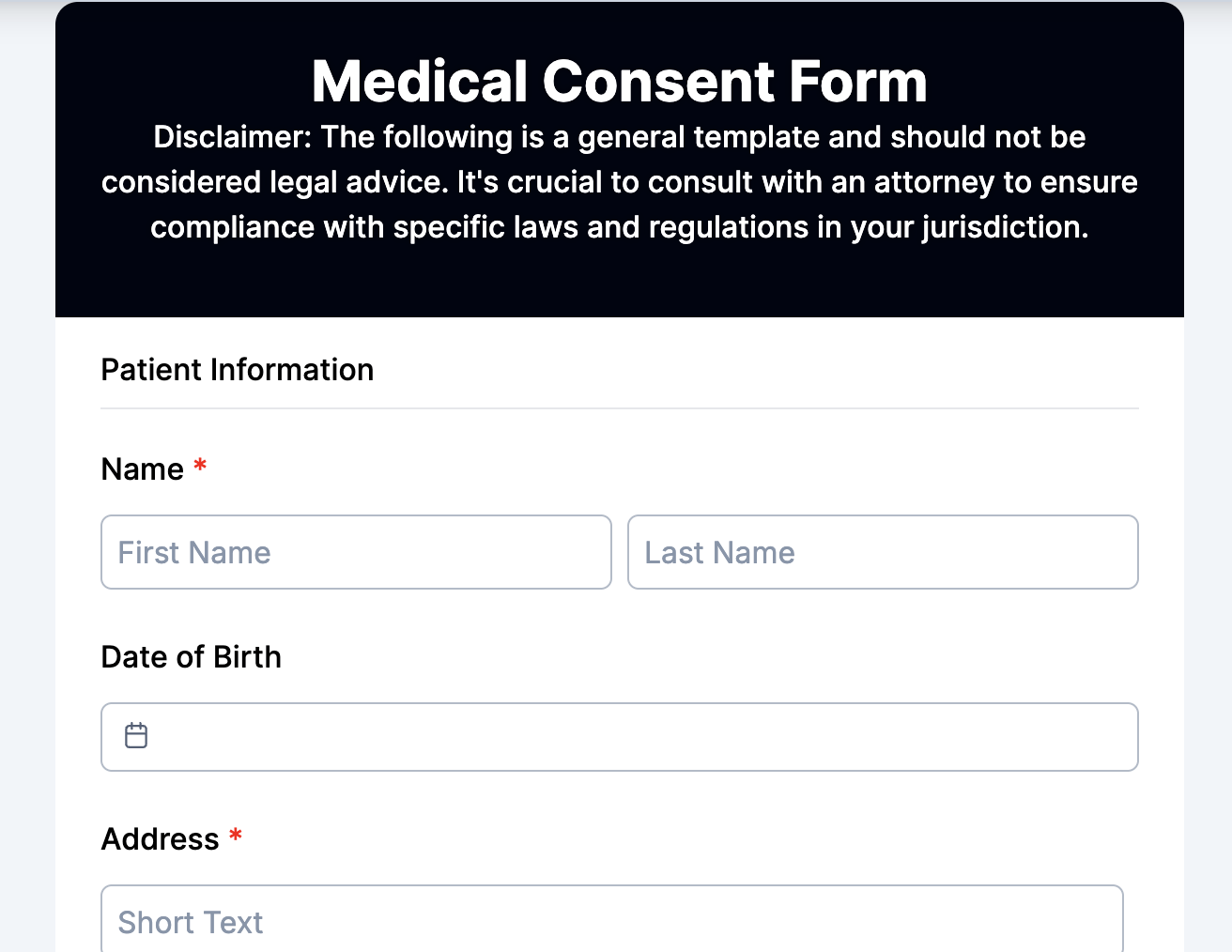
These forms confirm that a patient agrees to a procedure after understanding the purpose, potential risks, and alternatives. They’re essential for hospitals, clinics, and emergency care units.
Fields to include
- Patient Details
- Procedure Description
- Risks and Outcomes Acknowledgement
- Alternative Treatment Options
- Emergency Contact
- Healthcare Provider Details
- Signature
Why it helps
It ensures ethical, informed decisions while protecting practitioners from legal complications if outcomes differ from expectations.
4. Informed consent form
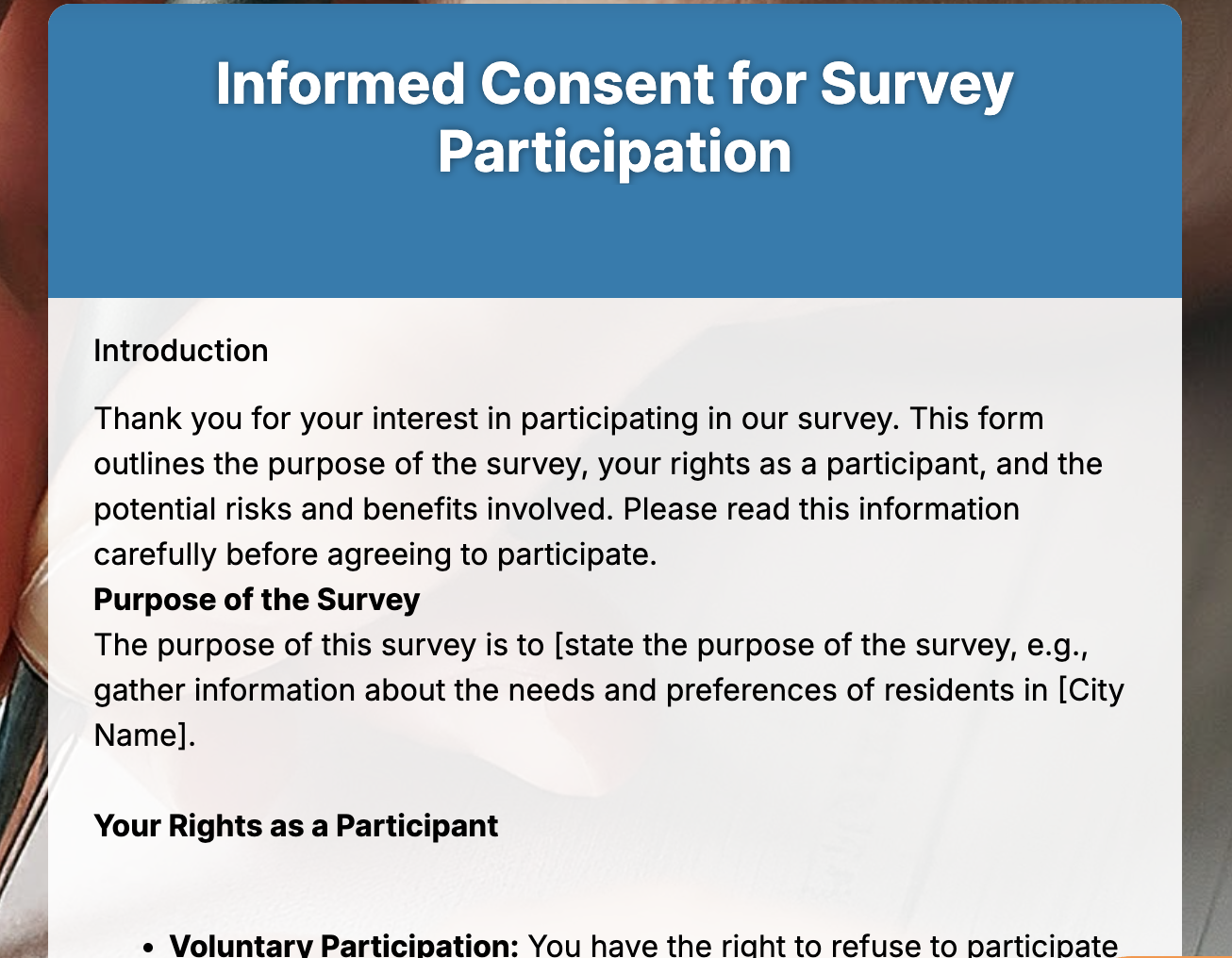
The informed consent form is used in medical research, therapy, and clinical studies. Informed consent gives participants a full picture before joining. It allows them to withdraw at any time and guarantees that participation is completely voluntary.
Fields to include
- Program or Study Details
- Purpose and Procedures Explained
- Potential Risks and Benefits
- Withdrawal Rights
- Confidentiality and Data Handling
- Participant Signature
Why it helps
Organizations stay compliant with research ethics, and participants feel empowered to make decisions that protect their well-being.
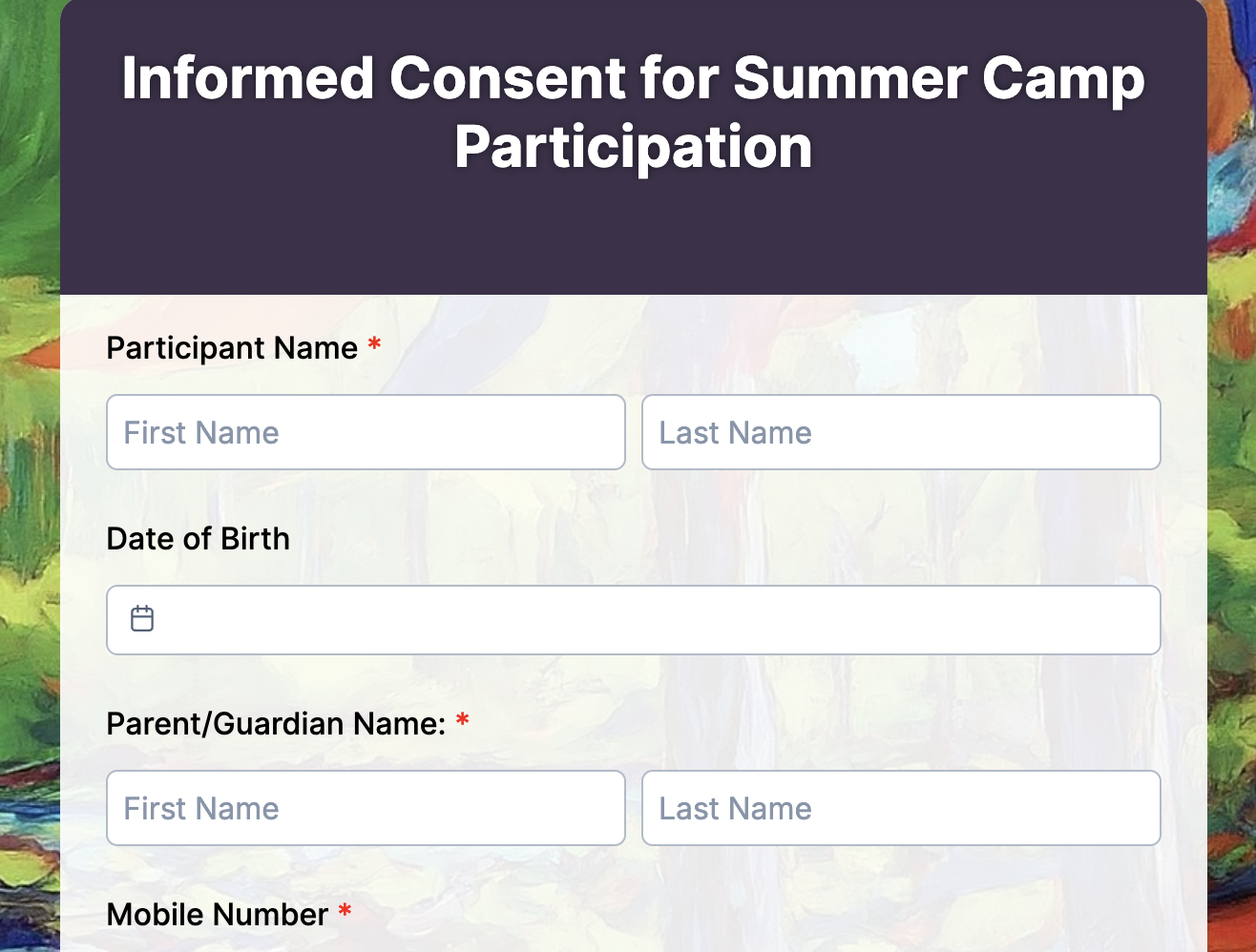
5. Summer camp consent form
Camps use these forms to gain permission for children to join activities, receive medical attention if needed, and be transported safely.
Fields to include
- Child’s Information
- Parent/Guardian Details
- Activity Permissions and Restrictions
- Emergency Treatment Authorization
- Allergy and Medication Notes
- Signature
Why it helps
Camp staff can act fast during adventures, and parents feel confident their kids are safe and accounted for every step of the way.
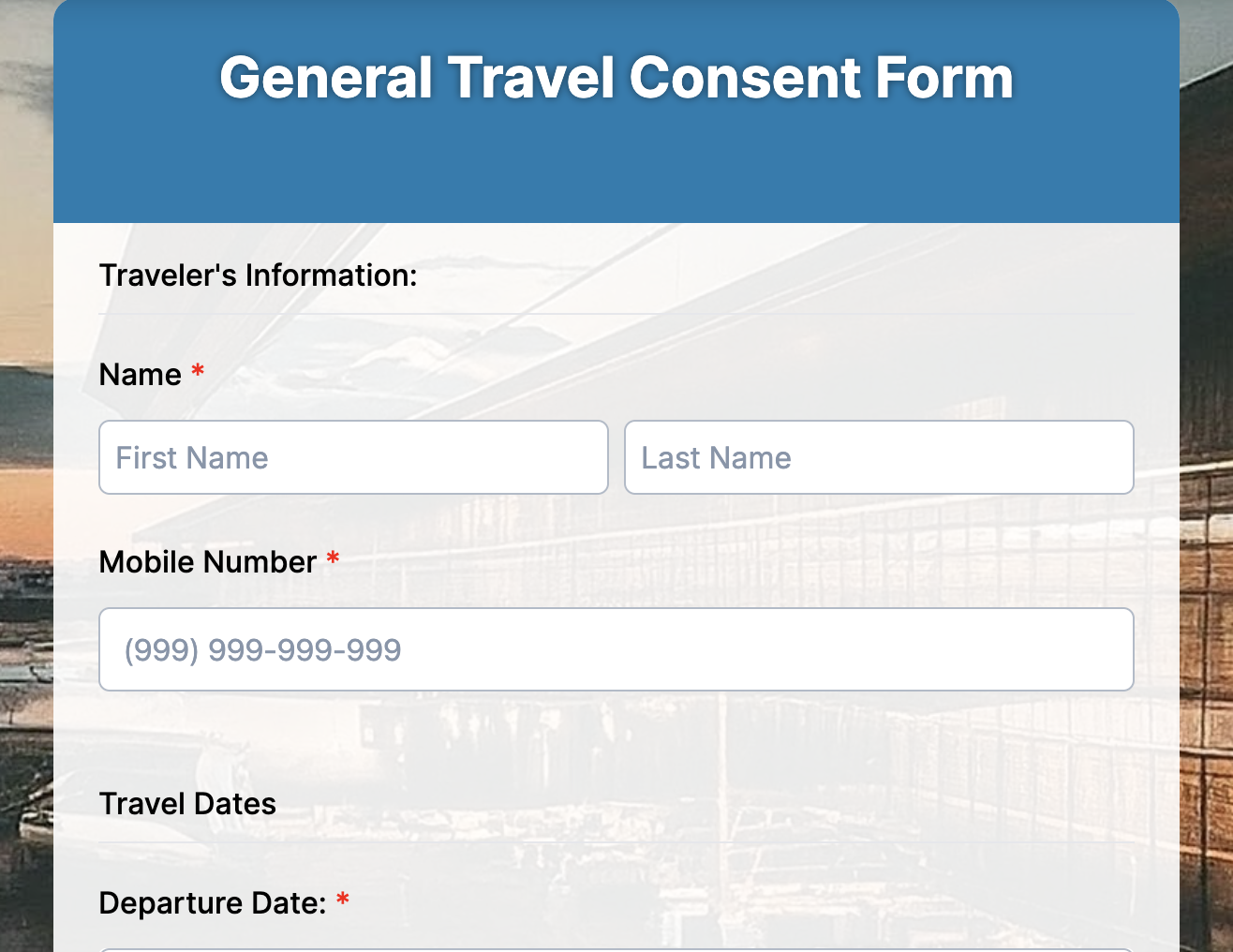
6. Travel consent form
When minors travel without one or both parents, this form proves legal permission for movement across cities, states, or borders. Airlines, immigration officers, and hotels frequently request it.
Fields to include
- Minor’s Information
- Parent/Guardian Authorization
- Travel Locations and Dates
- Emergency Contacts
- Accompanying Adult’s Details
- Signature
Why it helps
Trips stay stress-free because authorities have everything they need to validate the child’s travel rights instantly.
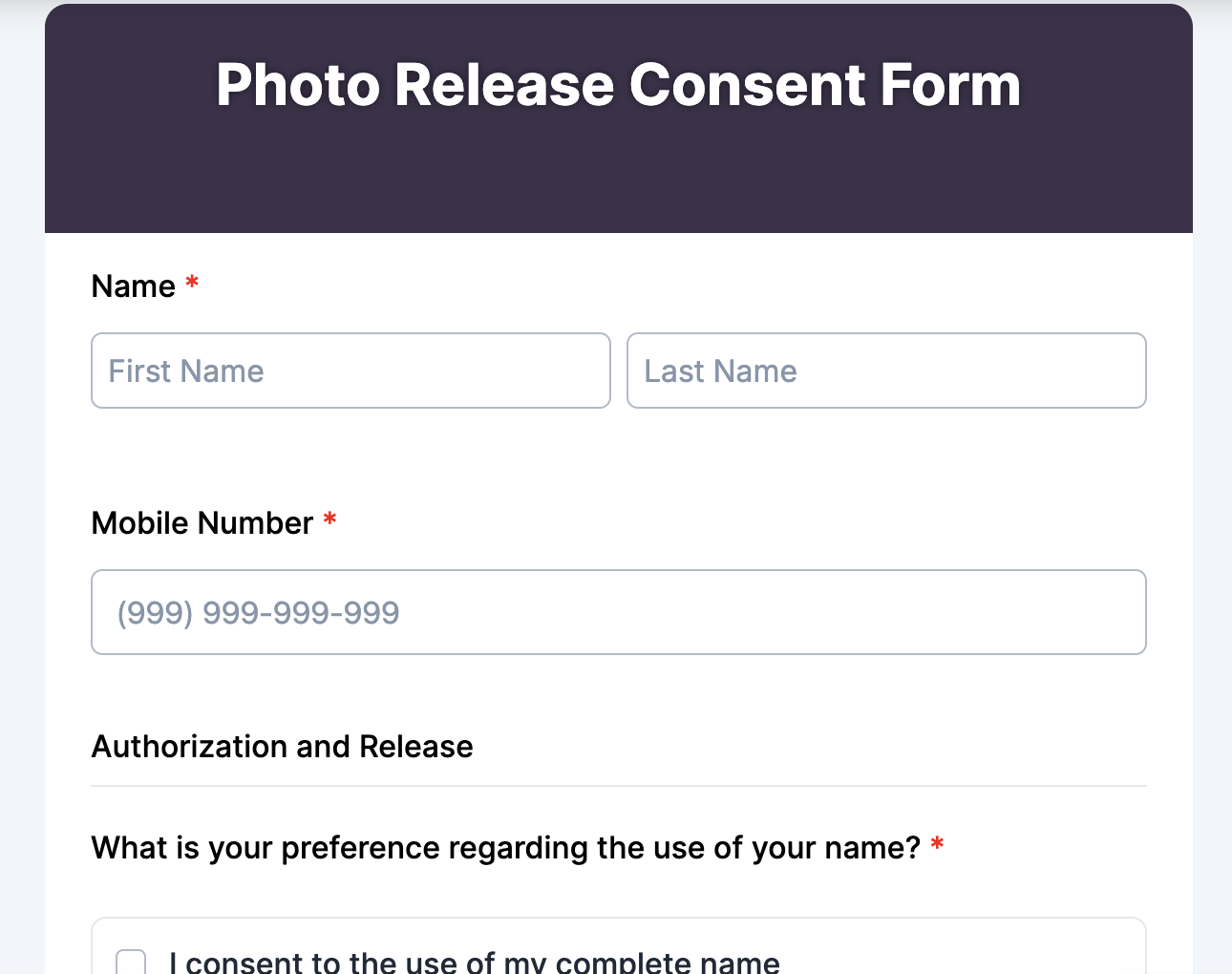
7. Photo release form
A photo release form permits the capture of someone’s image and its use in public or commercial media. Photographers, brands, schools, and studios all rely on this to stay legally covered.
Fields to include
- Subject/Participant Name
- Photo Usage Rights
- Specific Media Channels
- Duration of Consent
- Payment or Compensation (optional)
- Signature
Why it helps
It prevents disputes later by clarifying exactly how a person’s image will be used—from social posts to promotional materials.
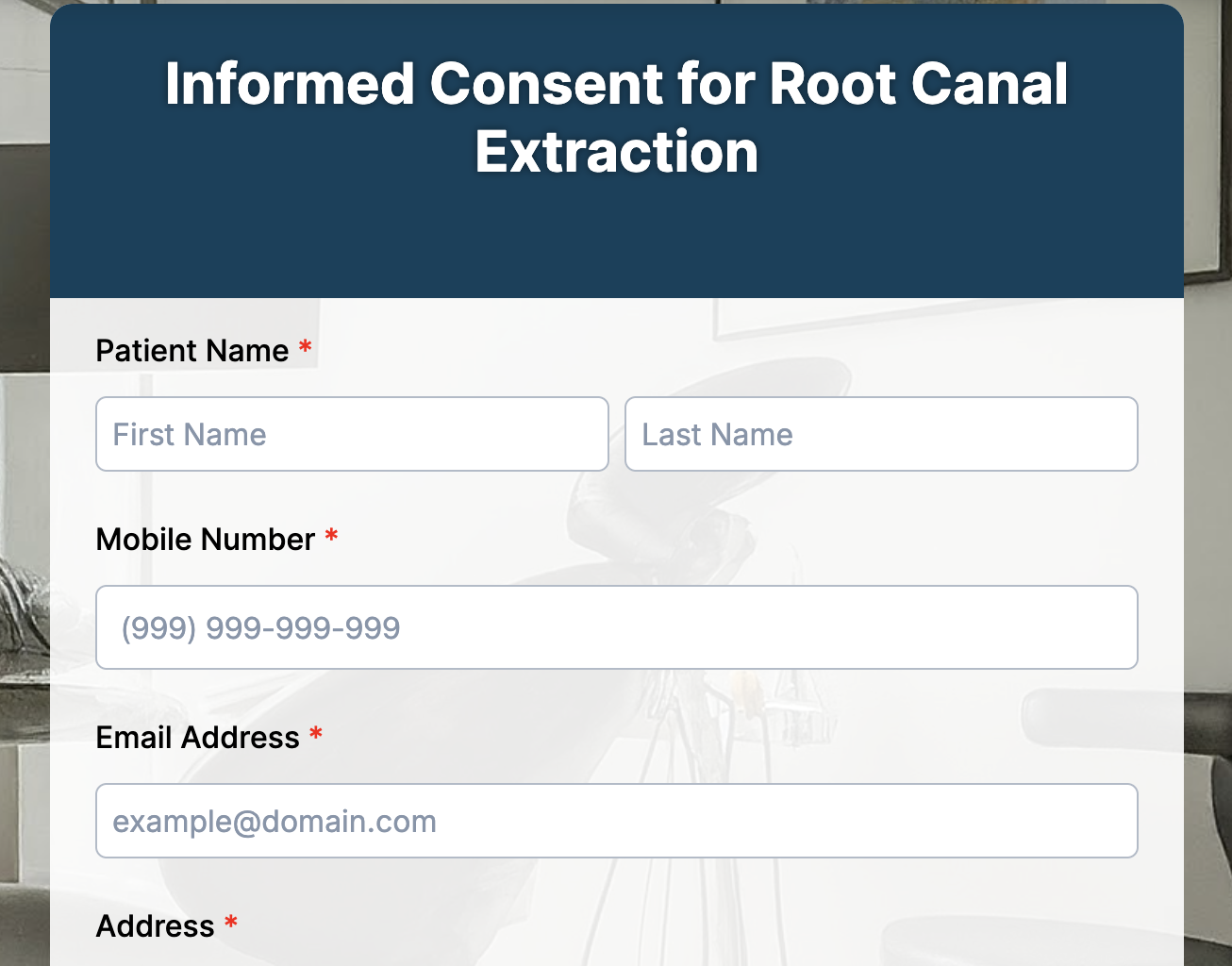
8. Dental consent form
Dental consent forms detail the dental treatment planned and any associated discomfort or aftercare. They also capture medical conditions that could affect anesthesia or healing.
Fields to include
- Patient Information
- Treatment Description
- Medical History and Allergies
- Pain, Risk, and Recovery Info
- Dentist Details
- Signature
Why it helps:
Dentists maintain legal safety while patients go in knowing exactly what to expect – no confusion during the procedure or recovery.
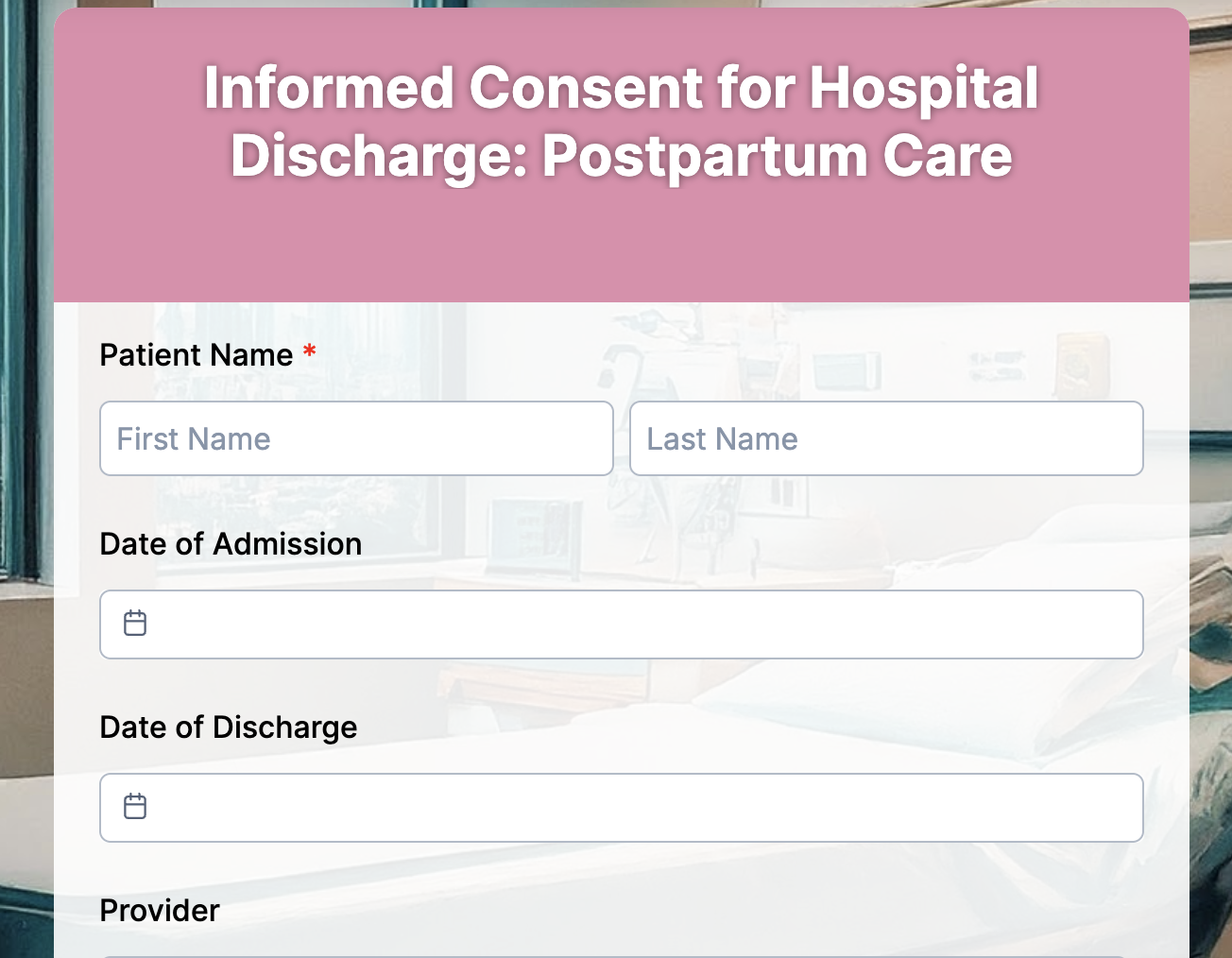
9. Hospital release form
A hospital release or discharge consent form confirms that a patient understands their condition and is choosing to leave the facility, either normally or against medical advice.
Fields to include
- Patient Name and ID
- Condition Summary
- Follow-up and Medication Instructions
- Acknowledgement of Discharge
- Physician/Staff Details
- Signature
Why it helps:
Hospitals reduce liability and ensure patients leave with clear next steps, which lowers the risk of complications after release.
How to customize your consent form online with a form creator
TIGER FORM gives you a customizable consent form templates which is already organized the way real teams work, so customizing it feels more like fine-tuning than rebuilding. You change only what you need, and the form adapts instantly without breaking the structure. Just start with a ready-made structure, then tweak the parts that matter to you.
Here’s how you can customize your template and form design through TIGER FORM
1. Choose the free consent form template that matches your use case
Log in to TIGER FORM and open the template gallery, select the form template of your use case: parental consent form, medical consent, photo release, parental consent, event waiver, anything. The base layout already includes the core elements you need, so you’re never starting from zero.
2. Edit the fields to match what you actually require
You can rename, remove, or add new fields with a click. When creating a photography consent form, consider adding fields for usage rights. If it’s for a school trip, you’d include emergency contacts and medical notes. Everything updates instantly. You can also choose the AI form-building feature from TIGER FORM, just input the prompt saying your requirements and your form will be ready in minutes.
3. Add conditional logic to keep the form short and relevant
What this really means is the form only shows questions based on previous answers. For example, if a parent says their child has allergies, new fields appear to capture details. If not, the form stays clean and simple.
4. Insert e-signature fields for fast, secure approval
Drop in a digital signature field so people can sign from any device. No printing, scanning, or chasing handwritten signatures later.
5. Customize the consent text for clarity and compliance
You can rewrite or expand your consent clause, attach disclaimers, or add links to your privacy policy. Teams handling medical or media forms often use this step to align the form with updated rules.
6. Add branding to make it look official
Upload your logo, use your colors, and adjust the header. Schools, clinics, studios, and event teams love this because it makes the form feel trustworthy and consistent.
7. Publish and share instantly
Generate a link, embed it on your website, or convert it into a form QR code that people can scan on the spot. A studio can display the QR code at the entrance, while a clinic can send the link through SMS before appointments.
8. Track and store every submitted consent in one dashboard
Once someone completes the form, the form generator logs it automatically. You can review responses, download the signed PDF, or filter them by date or category. No files lost. No confusion later.
The real advantages of using digital consent forms
Switching to digital consent forms removes the slow, messy parts of collecting permission and replaces them with a system that’s easier for everyone. Here’s how it actually helps in real situations.
1. You never lose important approvals again
Paper forms get misplaced, torn, or mixed up during busy days. Digital consent forms stay stored safely in one place, so a school can instantly pull up a parent’s field-trip approval or a clinic can quickly access a patient’s past consent before treatment.
2. People fill them out correctly the first time
Digital fields prevent skipped sections and unclear handwriting. For example, a photo studio can ensure every client signs the right release options without chasing missing details later.
3. Updates take seconds, not hours
When policies change, you don’t have to reprint new forms. A summer camp can simply add a new medical question or emergency contact rule, and every parent sees the updated version immediately.
4. E-signatures make the whole process faster
No one wants to scan or upload signed papers anymore. A hospital can collect pre-surgery consent online, or a sports academy can have parents sign waivers straight from their phones.
5. Compliance becomes easier to manage
Digital forms store data securely and track when and how someone gave permission. This helps teams meet requirements like GDPR or HIPAA without extra paperwork, especially for clinics, schools, and training centers.
6. Everyone gets the information instantly
Once a form is submitted, the right people see it right away. For example, a photography team can check usage rights before a shoot begins, or an event organizer can verify safety waivers at the entrance.
7. The experience feels smoother for users
People can read, sign, and submit forms from their phone. Whether it’s a parent approving a school trip or a client giving permission for a marketing video, the process feels clear and stress-free.
8. You reduce paper waste and lower your carbon footprint
Paper consent forms pile up quickly, especially in places like hospitals, schools, and event venues. Switching to digital forms means fewer printouts, fewer storage boxes, and far less waste. A clinic that used to print hundreds of consent sheets every week can now run entirely on digital approvals, saving both money and the environment at the same time.

Simplify your consent workflow from start to finish
Consent forms don’t have to feel overwhelming when you switch to a simple, guided form builder. It makes the entire process clearer, faster, and a lot less stressful for everyone involved. Consent form templates offer a clean layout, pre-filled fields, and the flexibility to customize the form precisely as your situation requires. And since everything is stored securely online, you can access and track submissions anytime.
Over time, this simple shift creates clarity and trust. People feel more confident filling out your forms, and you feel more secure knowing everything is recorded, organized, and easy to reference.
FAQs
1. What should a consent form include to be legally valid?
A legally valid consent form must clearly explain the purpose, risks, rights, and responsibilities involved. It should also include identification details, a clear consent statement, and a signature or digital acknowledgment. Clarity and transparency matter more than legal jargon.
2. Are digital consent forms legally accepted?
Yes. Digital consent forms with e-signatures are widely accepted across healthcare, education, events, and business settings as long as they follow privacy laws like GDPR or HIPAA. Many organizations now prefer digital formats because they create time-stamped, traceable proof of agreement.
3. How do I customize an online consent form for my use case?
Most online form platforms like TIGER FORM let you change fields, add custom sections, upload branding, adjust form design, and attach extra instructions. Whether you need a medical consent form, parental consent, or media release, customization helps you tailor the document to your exact scenario.
4. Do I need to store consent forms, and for how long?
Yes. Consent forms should be stored securely for record-keeping, compliance, and future reference. The retention period varies by industry: healthcare may require several years, schools often keep them for an academic year or more, and business consent related to data collection follows GDPR retention rules.
5. What’s the best way to collect consent online from multiple people?
The easiest method is sharing a single digital consent form through links or QR codes. People can open it on any device, sign electronically, and submit instantly. This reduces manual tracking and gives you organized records without dealing with paper forms.