
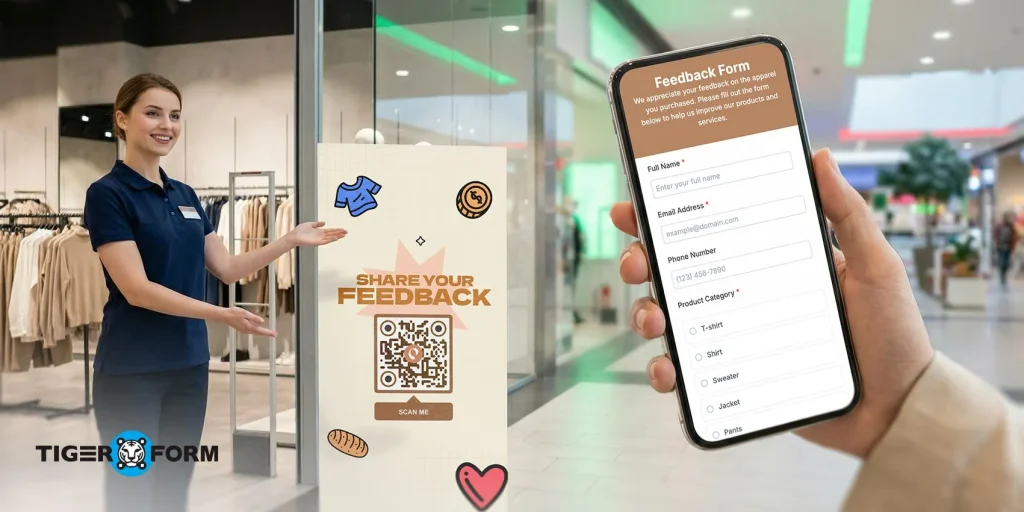
A QR code feedback form makes your surveys more accessible for users and your data easier to collect for your admin.
And this is important since customer feedback is one of the clearest signals of what a business is doing right or where it’s falling short. According to Zendesk, 77% of customers say they feel more loyal to companies that listen to and act on their feedback. That means every piece of feedback is an opportunity to improve, retain customers, and build long-term trust.
The challenge is getting that feedback in the first place. If it takes too long, feels confusing, or asks for too much, most people will simply skip it.
Simply, It’s not a lack of interest in your audience’s perspective but more about convenience. Here’s a closer look at how a QR code feedback form works and why it’s becoming one of the most effective ways to collect customer feedback today.
What is a QR code feedback form?
A QR code feedback form is a one-scan-access form that people can open instantly with their phone. The code is usually placed on things like receipts, tables, posters, or packaging. Once scanned, it takes the user directly to a mobile-friendly feedback form where they can share their experience.
Customers just scan and respond in seconds, which makes them more likely to complete it. For businesses, this means feedback is collected quickly and at the right moment, right after a purchase, visit, or service. Because of this, QR code feedback forms help gather more responses, better insights, and more honest opinions compared to traditional methods.
7 ways to use a QR code feedback form for customer surveys
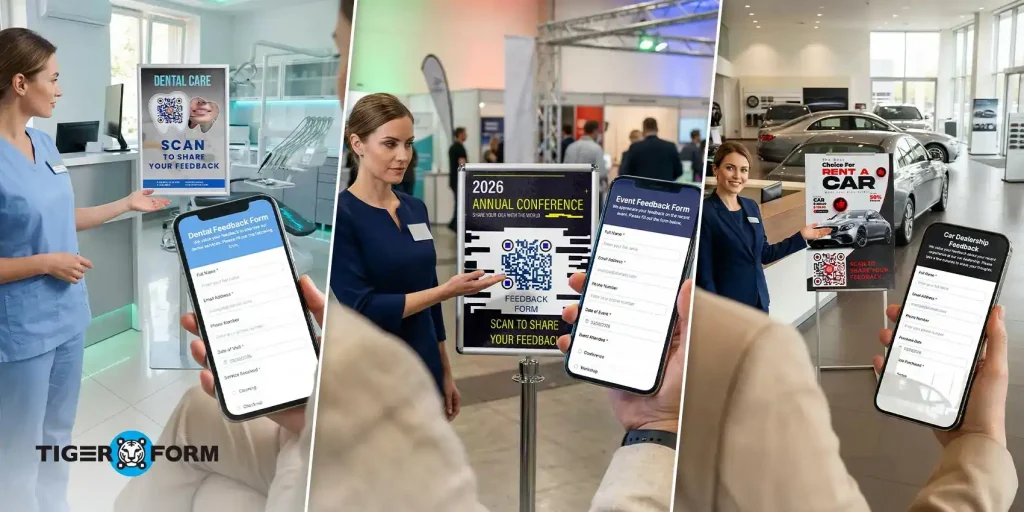
A QR code feedback form works best when it’s placed at the right moment. The closer it is to the actual experience, the more likely people are to respond and the more accurate their feedback will be. Here’s a breakdown the most effective ways to use it:
1. In-store feedback at checkout
The checkout area is one of the best places to collect feedback because every customer passes through it. Placing a QR code near the billing counter, payment screen, or exit gate gives customers a natural pause where they can quickly scan and respond.
At this point, their experience is still fresh, they remember how helpful the staff was, how easy it was to find products, or if they faced any issues. Even a short 3–5 question form here can give you valuable insights into store operations, staff behavior, and overall satisfaction. Over time, this helps you spot patterns and improve the in-store experience.
2. Restaurant table or receipt feedback
In restaurants, timing matters a lot. If you ask for feedback later through email, most people won’t respond. But placing a QR code directly on tables, menus, or printed bills makes it part of the dining experience.
Customers can scan while waiting for their order, after finishing their meal, or while paying the bill. This is when they’re most likely to share honest opinions about food quality, service speed, cleanliness, and ambiance. Because the interaction feels immediate and effortless, response rates tend to be much higher compared to traditional surveys.
3. Event feedback collection
Events are fast-paced, and once they’re over, it’s hard to get attendees to respond. That’s why QR codes work especially well here. You can display them on entry passes, banners, presentation slides, or even at exit points.
Attendees can scan during breaks or right after sessions, which means you capture feedback while the event is still top of mind. The attendee feedback form helps you understand what worked, what didn’t, and how different parts of the event were received. For organizers, this kind of real-time input is extremely useful for improving future events.
4. Product packaging feedback
Adding a QR code to product packaging extends feedback collection beyond the point of purchase. Instead of asking customers immediately, you give them the option to respond after they’ve actually used the product.
This leads to more meaningful feedback. Customers can comment on product quality, usability, durability, and overall satisfaction based on real experience. It also creates an ongoing feedback loop, where businesses continue to learn even after the sale is complete.
5. Service-based businesses (Salons, Clinics, Gyms)
For service-based businesses, feedback is most valuable right after the service is delivered. Placing a QR code at the reception desk, waiting area, or billing counter makes it easy for customers to respond before they leave.
At this stage, customers can clearly recall their interaction with staff, wait times, service quality, and overall experience. This kind of immediate feedback helps businesses quickly identify issues, recognize top-performing staff, and improve service consistency over time.
6. Email and digital receipts
While QR codes are often used offline, they can also be effective in digital communication. Adding a QR code to emails, invoices, or digital receipts gives customers a quick way to access the feedback form across devices.
For example, someone checking their receipt on a laptop can scan the QR code using their phone and complete the form instantly. This reduces friction compared to clicking links or navigating through multiple pages, making it easier for customers to respond.
7. Offline marketing and promotions
QR codes on posters, flyers, brochures, or advertisements can turn passive marketing into an interactive experience. Instead of just promoting a product or service, you can invite customers to share their opinions or rate their experience.
This works especially well in high-traffic areas where people have a few seconds to engage. Even a simple prompt like “Scan to share your feedback” can encourage participation.
Why QR code feedback forms make surveys faster and smarter
1. Instant access increases response rate
The easier it is to access a survey, the more likely people are to complete it. Customers can open the form instantly just by scanning. That small difference removes the biggest barrier to participation.
In most cases, people won’t go out of their way to give feedback later. But if it’s right in front of them and takes just a few seconds, they’re much more likely to do it. That’s why instant access works. You catch people in the moment, when their experience is still fresh, and that naturally leads to more responses.
2. Real-time feedback collection
Delayed feedback often loses context. People forget small details or don’t explain things clearly. But when feedback is collected in real time, you get more honest and useful insights.
For businesses, this means you’re not just collecting feedback, you’re getting the right feedback at the right time, making it easier to spot issues and improve quickly.
3. Better user experience
A QR code feedback form fits naturally into the customer journey instead of interrupting it. People can give feedback in the same moment and place where they had the experience, without needing to switch devices or come back later.
It also feels more modern and intuitive. Scanning a QR code is something most people are already used to, so there’s no learning curve or confusion. This familiarity makes the process feel comfortable and quick.
Another key difference is control. Customers can choose when to respond, while waiting, right after checkout, or even on the go. That flexibility makes the experience feel less forced and more user-friendly, which often leads to more genuine feedback.
4. No app or login required
A QR code feedback form removes extra steps. Customers don’t need to download an app, create an account, or sign in. They can simply scan the code and start giving feedback right away.
This makes a big difference in completion rates. The more steps you add, the more likely people are to drop off. But when the process is direct and hassle-free, more users follow through. It also builds trust. People are more comfortable sharing feedback when they don’t feel like they’re being asked for too much information upfront.
5. Works anywhere, anytime
Customers can scan and respond wherever it’s convenient, at the store, at home, or even later from a receipt or product package.
This flexibility makes it easier for people to share feedback on their own time. They’re not forced to respond immediately, but the option is always there when they’re ready.
6. Contactless and convenient
A QR code feedback form makes sharing feedback completely contactless. Customers don’t have to handle paper forms, use shared devices, or wait for staff assistance, they can simply scan and respond on their own phone.
This feels more comfortable and natural, especially for people who prefer minimal interaction or are always on the move. That convenience is what makes it work. When feedback fits easily into someone’s routine, they are more likely to take a moment and respond.
How to create a QR code feedback survey with an online form creator
Creating a QR code feedback form is much easier when you use one of the best feedback form generators like TIGER FORM. The platform handles everything from form creation to sharing, so you can focus on collecting useful feedback without any hassle. What makes this approach powerful is how quickly you can go from idea to live form.
Follow these simple steps to create your feedback form in minutes:
Step 1: Create your feedback form
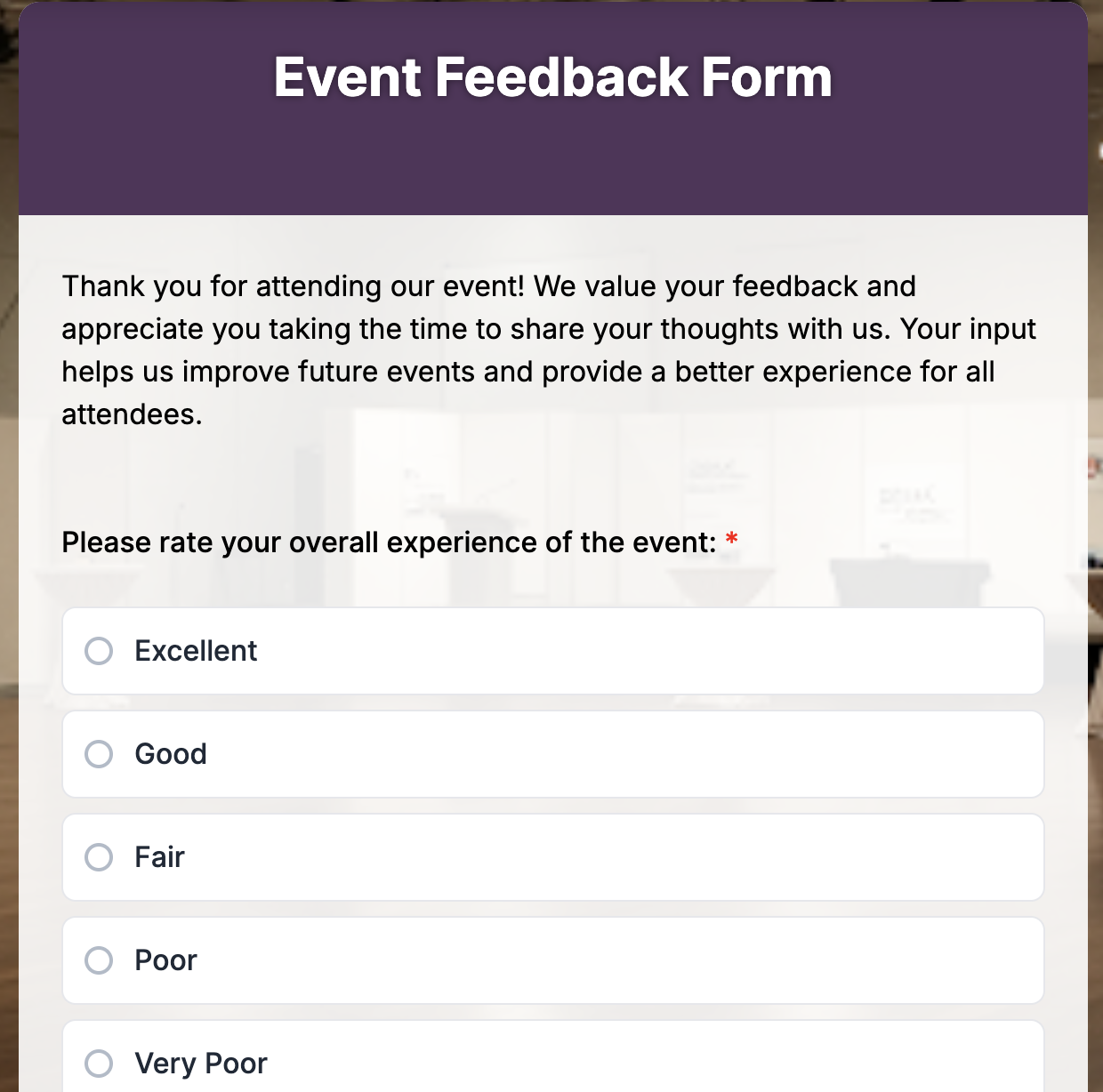
Start by building your form using a form builder like TIGER FORM. You can either choose from pre-designed templates for your use case, for example: if you want to create a feedback survey for an event you can choose the event feedback form template or you can use AI form generation form the form generator to create a complete feedback form in seconds.
Step 2: Generate a QR code
Once your form is ready, copy the form link and use a QR code generator to turn it into a scannable code. Many platforms, including TIGER FORM, offer built-in QR code generation, so you don’t need a separate tool.
Step 3: Customize and brand it
Customize your QR code and form to match your brand. Add your logo, choose colors, and include a clear call-to-action like “Scan to Share Feedback.”
With form builders like TIGER FORM, you can also style your form using templates, so it looks clean, professional, and consistent with your brand identity.
Step 4: Share and place the form strategically
Place your QR code where customers are most likely to notice and use it checkout counters, tables, receipts, packaging, or service areas.
The key is visibility and timing. When people see the code right after their experience, they’re more likely to scan and respond.
Step 5: Track and optimize
After sharing your QR code feedback form, monitor the responses using your form builder dashboard. Platforms like TIGER FORM let you view submissions, analyze trends, and identify areas for improvement.
Best practices to make your QR code feedback survey effective
Keep the form short and focused
A feedback form should never feel like a task. Stick to a few important questions that directly relate to the customer’s experience. When people see a short form, they’re more likely to complete it without hesitation. The goal is to collect meaningful insights, not overwhelm users with too many questions.
Ask clear and specific questions
Avoid vague or broad questions. Instead of asking something general, focus on specific aspects like service, product quality, or overall satisfaction. Clear questions make it easier for customers to respond quickly and give you feedback that’s actually useful.
Use simple answer formats
Make the form easy to complete by using rating scales, multiple-choice options, or yes/no questions. These formats take less time and effort compared to long written answers. You can include one optional open-ended question at the end for detailed feedback, but keep the rest quick and structured.
Make it mobile-friendly
Since users will open the form on their phones, it should load quickly and be easy to navigate on a small screen. Avoid long text blocks, unnecessary fields, or anything that requires too much scrolling. A clean and simple layout improves completion rates.
Add a clear purpose
Let users know why you’re asking for feedback. A short line at the top like “Help us improve your experience” gives context and encourages honest responses. When people understand the purpose, they’re more likely to engage.
Avoid asking for too much personal information
Only ask for personal details if they are truly necessary. Many users prefer quick and anonymous feedback. Keeping the form simple and respectful of privacy builds trust and increases participation.
Keep it consistent with your brand
Use simple branding elements like your logo or colors to make the form feel familiar. This reassures users that they are interacting with the right business and not a random survey link.

Upgrade your feedback and survey system with QR codes
A QR code feedback form prioritizes what matters. When you start seeing repeated responses, like the same complaint or suggestion, you can quickly identify patterns and focus on fixing the right issues instead of guessing. This turns feedback into a clear direction rather than random opinions.
Most importantly, it closes the gap between feedback and action. Instead of feedback sitting unused, you can regularly review responses, make small improvements, and track what changes are working. Over time, this creates a system where feedback directly supports better decisions and continuous improvement.
FAQs
1. How do I create a QR code for a survey?
Create your survey using a form builder, copy the form link, and convert it into a QR code using a QR code generator.
2. Are QR code feedback forms effective?
Yes, they make it easier for customers to respond instantly, which often leads to higher response rates and more timely feedback.
3. Where should I place a QR code for feedback?
Place it where customers naturally pause, like checkout counters, tables, receipts, or packaging right after their experience.
4. Can I track responses from a QR code form?
Yes, most form builders allow you to track submissions, view responses, and analyze feedback in real time.