
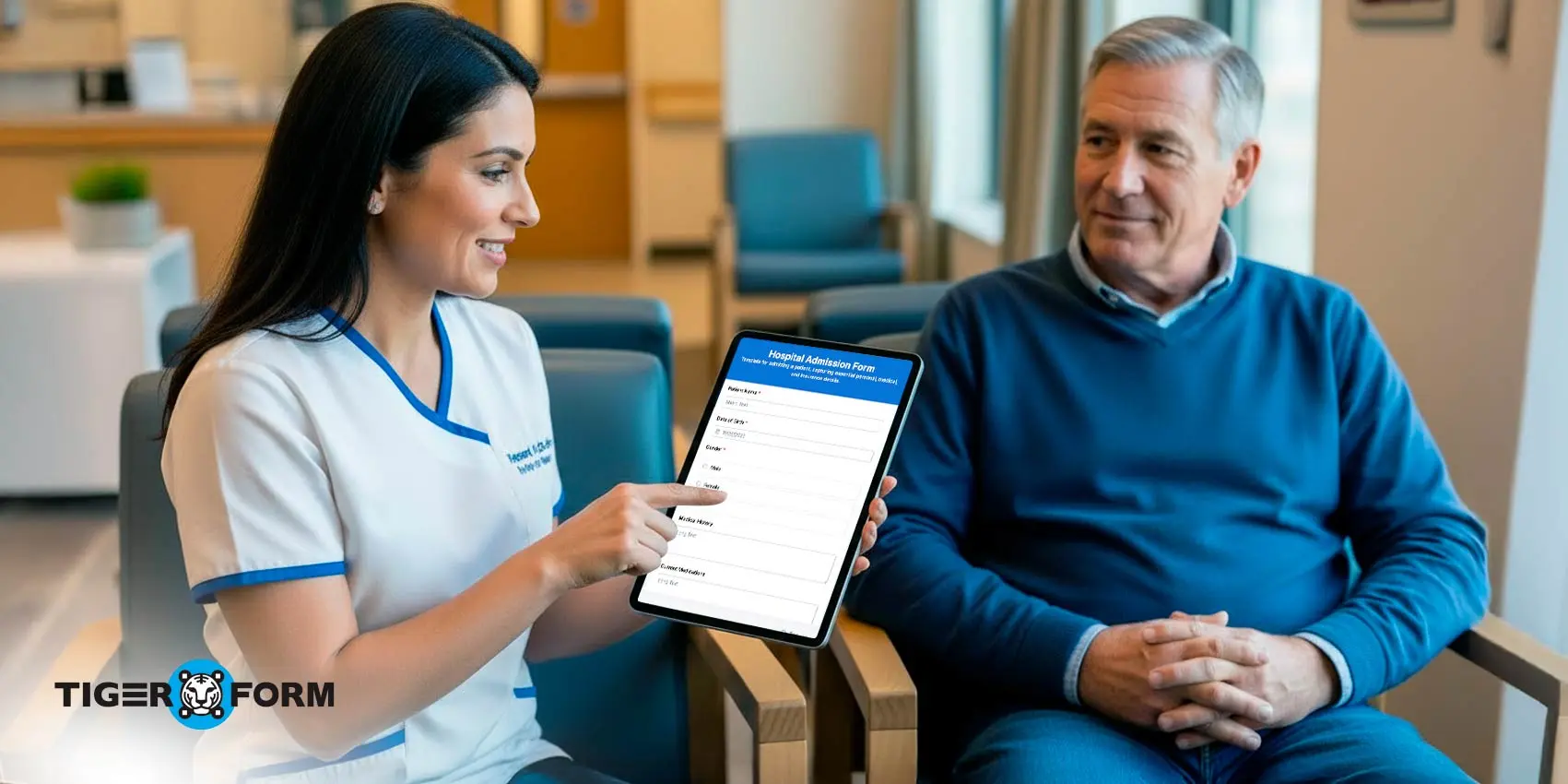
When hospitals run smoothly at the intake stage, everything that happens next becomes easier. A reliable hospital admission form template is essential for fast, accurate, patient-centered care.
The truth is it’s not the big emergencies that drain hospital efficiency, it’s the small, everyday inefficiencies. Filling forms, copying data, rechecking entries. These small tasks pile up until hours of valuable time are lost each week. What this really means is that the intake process becomes the first point where hospitals either gain time or start losing it.
Here’s where TIGER FORM helps hospitals reclaim control. Read on to find out how a digital admission form works, why it makes such a big difference, and how healthcare teams are already using it to save time, reduce errors, and focus more on patients.
Why healthcare providers struggle with traditional paper admission forms
Paper forms look simple on the surface, but they create a chain of problems. Handwritten entries become hard to read, especially during peak hours when staff are rushing from one patient to the next. Even small handwriting inconsistencies can cause misinterpretations that lead to delays, follow-up questions, or incorrect entries. Pages tear, smudge, or disappear in the middle of a busy shift, forcing nurses to track down missing information instead of focusing on patient care.
The burden grows when every piece of data has to be typed manually into electronic systems later. What feels like a quick task at first turns into hours of repetitive re-entry that drains time from clinical priorities. And the cycle doesn’t end there, patients feel the frustration too. They end up repeating the same details at multiple touchpoints because earlier forms were incomplete, unclear, or misplaced. It slows their experience and makes the hospital feel disorganized, even when the clinical care is strong.
That’s why traditional paper admission forms often become the hidden source of delays.
Top reasons to choose TIGER FORM hospital admission form template
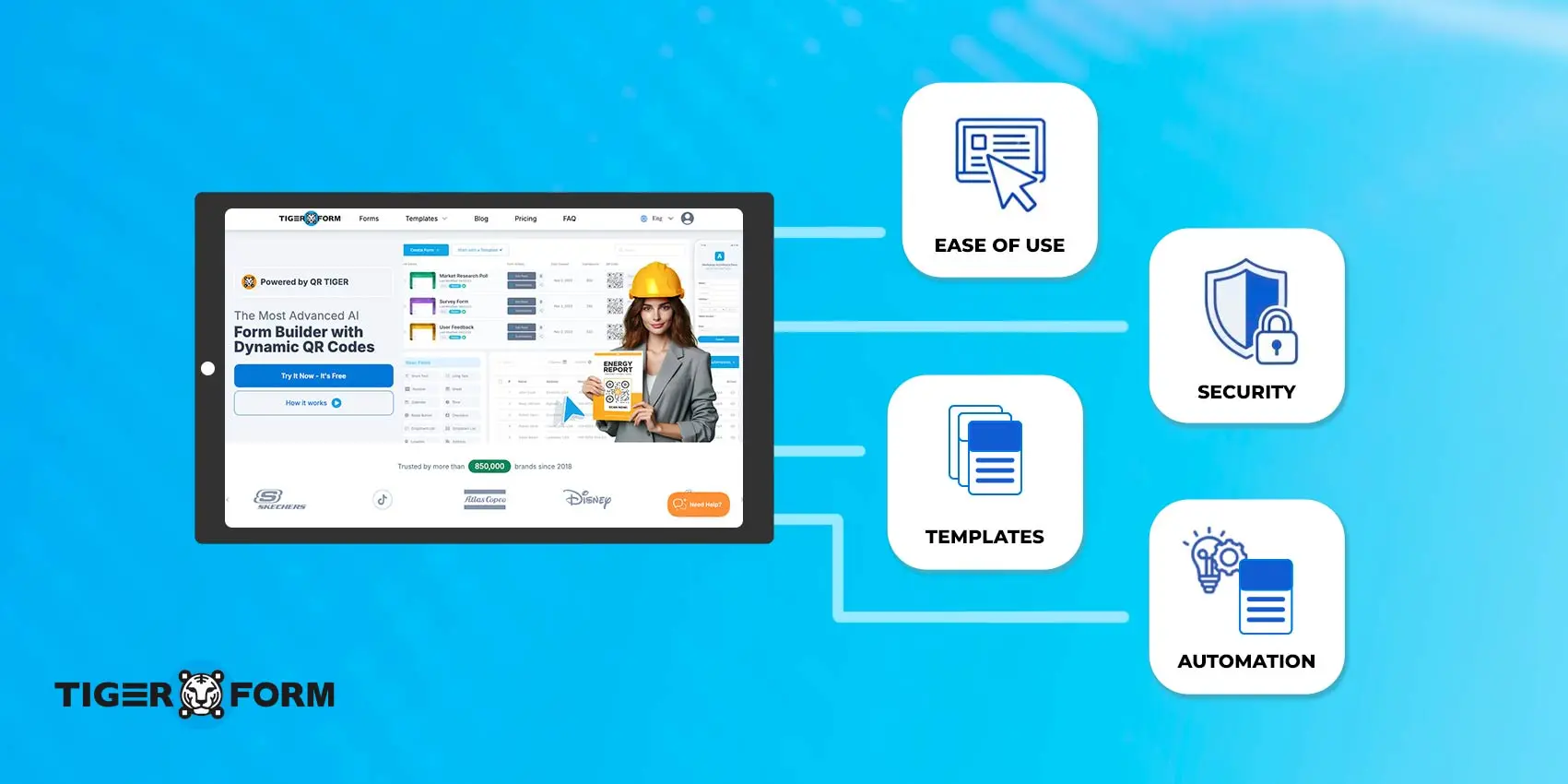
Hospitals don’t just need forms that look neat on a screen, they need admission tools that move with real hospital pace. Online form creators like TIGER FORM delivers exactly that. It gives a complete set of free templates of various medical forms, hence cutting unnecessary steps, and keeps the entire intake process running smoothly.
1. Ready-to-use structure that matches real hospital workflows
The form template is already designed with essential fields for patient details, medical history, allergies, insurance, and consent. Staff don’t waste time building forms from scratch or checking what’s missing. Everything is organized from the start, so intake stays consistent across departments.
2. Clean, accurate data with zero handwriting issues
Because everything is typed and validated, the common problems of unreadable handwriting, spelling mistakes, and missing fields disappear. The digital admission form guides patients step-by-step, which means staff receive complete data every single time.
3. Conditional logic for faster, more relevant intake
Different patients need different questions. TIGER FORM uses smart conditional fields to show only what matters. A pediatric patient, a cardiac patient, and a trauma patient won’t see the same fields. This keeps the form shorter, faster, and more relevant.
4. Real-time data sharing with every department
Once a patient submits the form, all departments, reception, nursing, billing, diagnostics, get the information instantly. There’s no waiting for papers to be passed around or for someone to type everything again. Everyone sees the same accurate data immediately.
5. QR code admissions for lightning-fast check-in
This is where TIGER FORM gives hospitals a real advantage. You can place a QR code at the entrance, reception desk, ambulance bay, or waiting room. Patients simply scan the code on their phone and fill out the admission form for hospital right away. It speeds up lines, reduces close contact, and lets multiple patients check in simultaneously without needing more staff.
6. E-signature support for smoother consent collection
Patients sign directly on their phone or a hospital tablet. Consent forms no longer need to be printed, handed around, or scanned later. Everything stays digital, traceable, and stored safely with the admission record.
7. Automatic validation that prevents incomplete forms
Fields marked as mandatory can’t be skipped. This means nurses never have to chase missing allergies, insurance details, or emergency contacts later. The system catches gaps before the form is submitted.
8. Mobile-first experience that patients actually prefer
Most patients find it easier to type on their phone than fill a paper form on their lap. TIGER FORM is optimized for mobile, tablets, and desktops, making the entire intake experience feel smooth and familiar.
9. Easier updates whenever hospital requirements change
If you need to add a new screening question, update a consent clause, or introduce a new insurance field, edits take seconds. No reprinting or outdated forms floating around.
10. Secure, encrypted storage designed for healthcare data
Every entry is protected with strong encryption, controlled access, and audit tracking. It keeps patient information safe and ensures hospitals maintain compliance without extra effort.
How to use online form builder to set up your patient admission form
1. Sign in to TIGER FORM
Start by logging into your TIGER FORM dashboard. Everything you need is right there in a clean, organized workspace.
2. Choose the hospital admission form template
Select the hospital admission form template. It gives you a ready-made structure with essential fields already included, so you’re not starting from scratch.
3. Add or edit fields based on your hospital’s needs
You can customize every part, patient details, insurance information, allergies, consent fields, emergency contacts, healthcare department-specific questions. Make it as simple or detailed as you want.
4. Apply conditional logic for different scenarios
This is where things get smarter. Add conditions so pediatric patients, trauma cases, maternity admissions, or routine check-ins each get the questions relevant to them.
5. Set up automated notifications for new admissions
You can send instant alerts to nurses, admins, or specific departments the moment a form is submitted. It keeps everyone in sync without manual updates.
6. Publish the form and share it instantly
You can share the form through:
– A QR code that patients can scan at the reception
– A direct link sent by SMS or WhatsApp
– A tablet or kiosk placed at the entrance
QR code forms are especially handy because patients can scan them the moment they walk in.
7. Track all admissions in your the form builder dashboard
Every submission appears in real-time. You can view, filter, export, or hand off data without entering anything manually.
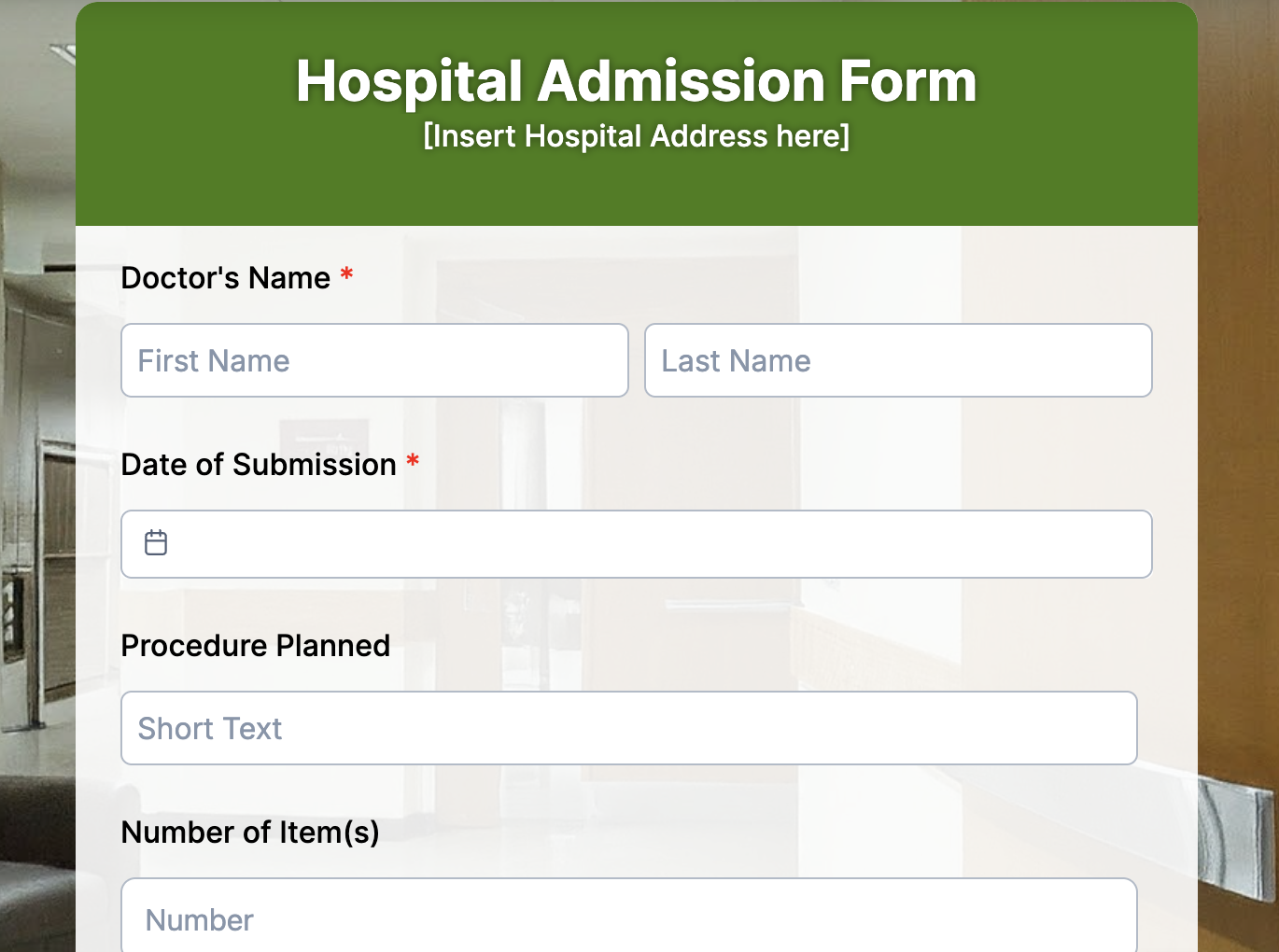
How can different healthcare units use the TIGER FORM patient admission form
As hospital technology keeps growing, every healthcare unit is looking for faster, cleaner ways to collect patient information. A digital admission form makes that shift easy because it adapts to the flow of each department.
Here are the key ways different healthcare units benefit:
1. Emergency departments
Speed is everything in an emergency room. Digital admission forms let staff collect the most critical details while care is already underway. For example, a nurse can quickly confirm allergies, past conditions, or medications on a tablet without waiting for a patient or family member to hand over written forms. This keeps treatment moving without delays.
2. Small clinics
Many small clinics lack a large administrative team, so even a small queue can significantly slow down the entire day. Hospital appoinment forms help patients fill out their details before arrival or at the clinic entrance, cutting down waiting time. A simple example is a dental clinic where patients submit their info online, so the dentist sees a full profile before the appointment even starts.
3. Multi-specialty hospitals
Different departments need different information, and digital forms make that easy. An orthopedic department may need details about past injuries, while cardiology may focus on blood pressure history. Instead of using one generic paper form for everyone, digital forms adjust to the patient’s needs. This makes data more relevant and reduces confusion.
4. Home healthcare providers
Nurses and caregivers working in patients’ homes can record details directly on a tablet during the visit. There’s no risk of losing paperwork, and the information stays organized. For example, a home care nurse can update notes about vitals or medications during the appointment, and the record is complete without extra typing later.
5. Outpatient departments
OPDs see high footfall, and paper forms slow the line quickly. Digital intake lets patients fill out their information right from their phone while waiting. A simple example: someone visiting dermatology can complete a quick form on their phone, so the doctor already knows the symptoms before they walk in.
6. Diagnostic centers
Labs and diagnostic units often ask for repeat info like contact details, medical history, current tests. Digital forms capture everything in one go. For instance, a patient arriving for an MRI can submit their health questionnaire online, so the technician knows any contraindications beforehand.
7. Telehealth and virtual consultations
Remote consultations still require intake, and digital forms make it seamless. Before the video call starts, patients fill out their symptoms and history online. A therapist or general physician can review the information and begin the session fully prepared.
8. Pre-surgery assessments
Surgical teams need detailed medical information to plan safely. Digital admission forms help collect anesthesia risks, medication lists, and consent details upfront. For example, a patient scheduled for knee surgery can complete their pre-op assessment at home, saving time on the day of surgery.
9. Maternity and prenatal care
Maternity units must track ongoing details like previous pregnancies, due dates, allergies, and more. Digital forms make this easier by organizing everything in one place. A pregnant woman visiting for her routine check-up can update her information smoothly without filling the same details every time.
10. Rehabilitation and physiotherapy centers
Patients often return multiple times for therapy sessions. Forms help track progress and update changes in condition. For example, a physiotherapy patient can submit daily pain levels or movement updates, giving therapists a clear picture of improvement.
11. Mental health clinics
Privacy matters deeply in mental healthcare. Digital hospital admission forms allow patients to share sensitive information securely and comfortably. Someone starting therapy can answer intake questions online at home, where they feel more at ease.
12. Vaccination and immunization drives
Large-scale vaccination drives require fast and organized data collection. Admission forms help gather basic details quickly and make sure no one is missed. For example, a school vaccination camp can have parents fill out the form online so the staff already knows which child needs which vaccine.
13. Community health camps
Pop-up medical camps work with high volumes and limited resources. Digital forms keep registrations organized and prevent long lines. In a rural health camp, volunteers can use mobile forms to register patients quickly on-site.
Bring clarity and speed to hospital admissions through digitization
When the admission process works, everything else follows. You cut unnecessary steps, reduce staff burnout, and set a more confident tone for each patient’s visit. It’s one upgrade that pays off in ways you feel daily.
If you want your hospital to run with fewer delays and a lot more clarity, starting with a smarter hospital admission form template is one of the easiest and most impactful steps you can take.
Form creators like TIGER FORM make a real difference. It gives hospitals a ready-to-use system that cuts the noise out of intake and replaces it with clean, structured information you can trust. The work feels lighter, the flow feels quicker, and teams spend more time helping patients.
Visit our website to get started with your free hospital admission form template today.
FAQs
1. What is a hospital admission form for patients?
It’s a document hospitals use to gather essential information before a patient receives care. This includes personal details, medical history, current symptoms, insurance information, and emergency contacts. It helps the healthcare team understand who the patient is and what support they need right away.
2. What is the purpose of the patient intake form?
A patient intake form focuses on the medical side, previous conditions, allergies, ongoing treatments, and current concerns. By collecting this upfront, doctors can make informed decisions, personalize care, and keep the patient safe throughout their stay.
3. What is an admission registration form?
It’s the first form patients fill out when they arrive at a hospital or healthcare facility. This form records key details like name, age, contact information, insurance coverage, and the reason for the visit. By collecting this information upfront, the hospital can create a patient profile, verify eligibility, and ensure that the entire admission process is smooth and well-organized.