
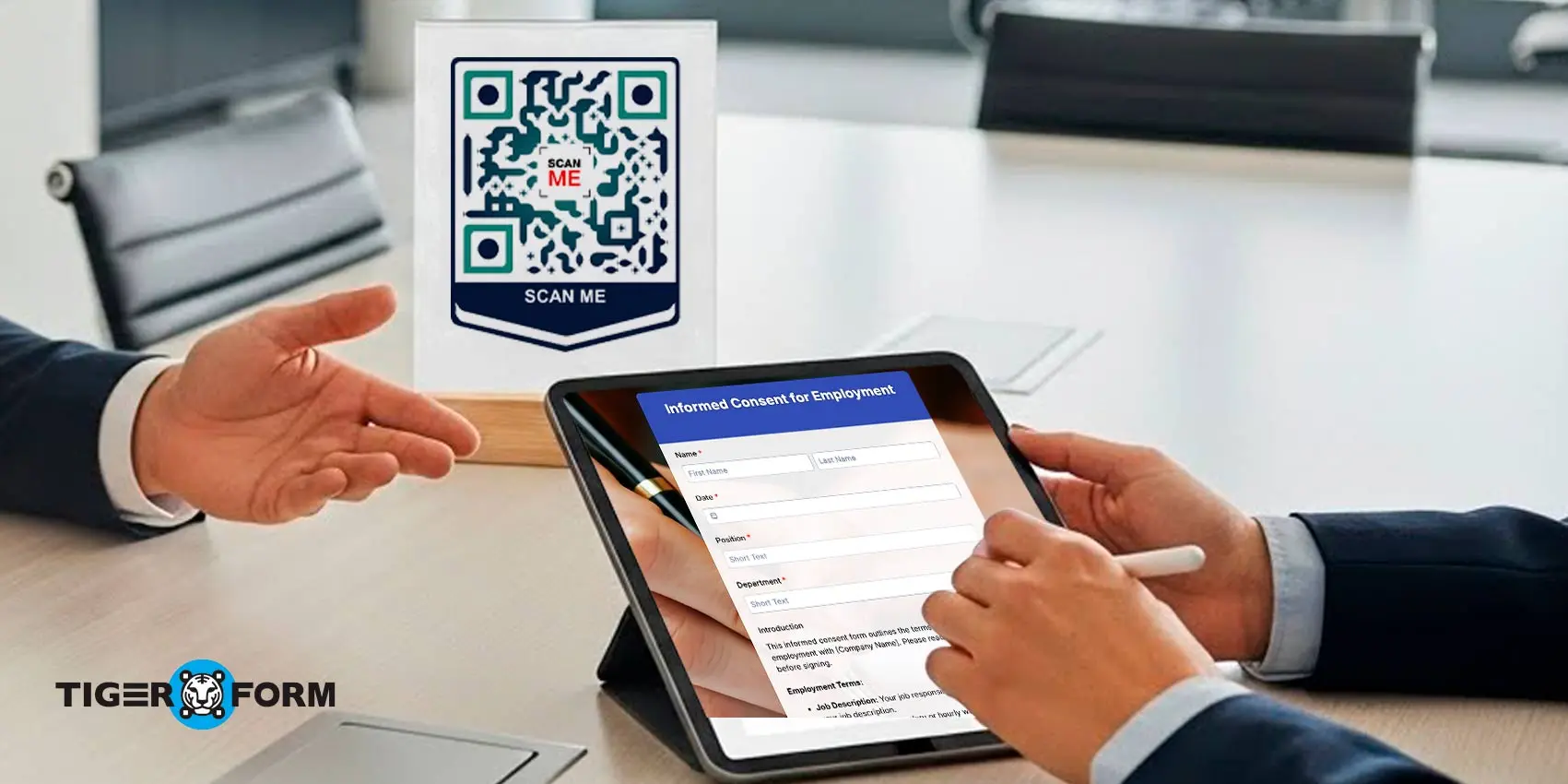
A digital consent form with QR code helps protect brand trust from the very first interaction, as customers expect safety and clarity. They want to know what data you collect and why. When consent forms are hard to find, confusing, or left unsecured, confidence drops. These gaps often go unnoticed internally, but users immediately become aware of them.
These experiences shape how people judge your business. A messy consent process reflects poorly on your team and your standards. It affects how often customers return and what they say about your brand.
QR-powered consent forms offer a cleaner approach. One scan gives instant access to a clear, secure form that is easy to complete. This article explains how QR-based consent forms strengthen brand trust, why they work, and some digital consent form templates you can use.
What is brand trust, and how they shape business success
Brand trust is the confidence customers have in your business. It is earned when people feel safe with their information and comfortable with your procedures.
People build their trust in your brand with:
- How high-quality is your product or service
- How clearly you explain what information you need from them and how strongly you protect that data
- How positively you deliver the client experience
- How transparent you are with business processes
Brand trust takes shape with every small customer interaction, and one medium that solidifies customers’ confidence in your product or services is the reliability of your consent forms.
What are consent forms for brand trust?
Consent forms are either paper or online forms used to obtain prior permission before collecting, using, or storing someone’s information.
It usually presents a yes-no answer choice, such as “Would you allow us to use and analyze your data for a better experience?” Some consent form types also ask for personal or contact details, which typically happen during onboarding or sign-ups.
A consent form explains what data you collect, why you need it, and how you will use it. It may also contain an agreement section where parties concur whether to retain or withdraw permission later.
Consent forms build brand trust. They show respect for people’s choices and privacy. When you handle consent forms well, you communicate honesty and set a standard for what customers can expect from you every time. This reduces confusion and fear of misuse. And when people firmly trust, loyalty follows.
Why create your digital consent form with QR codes
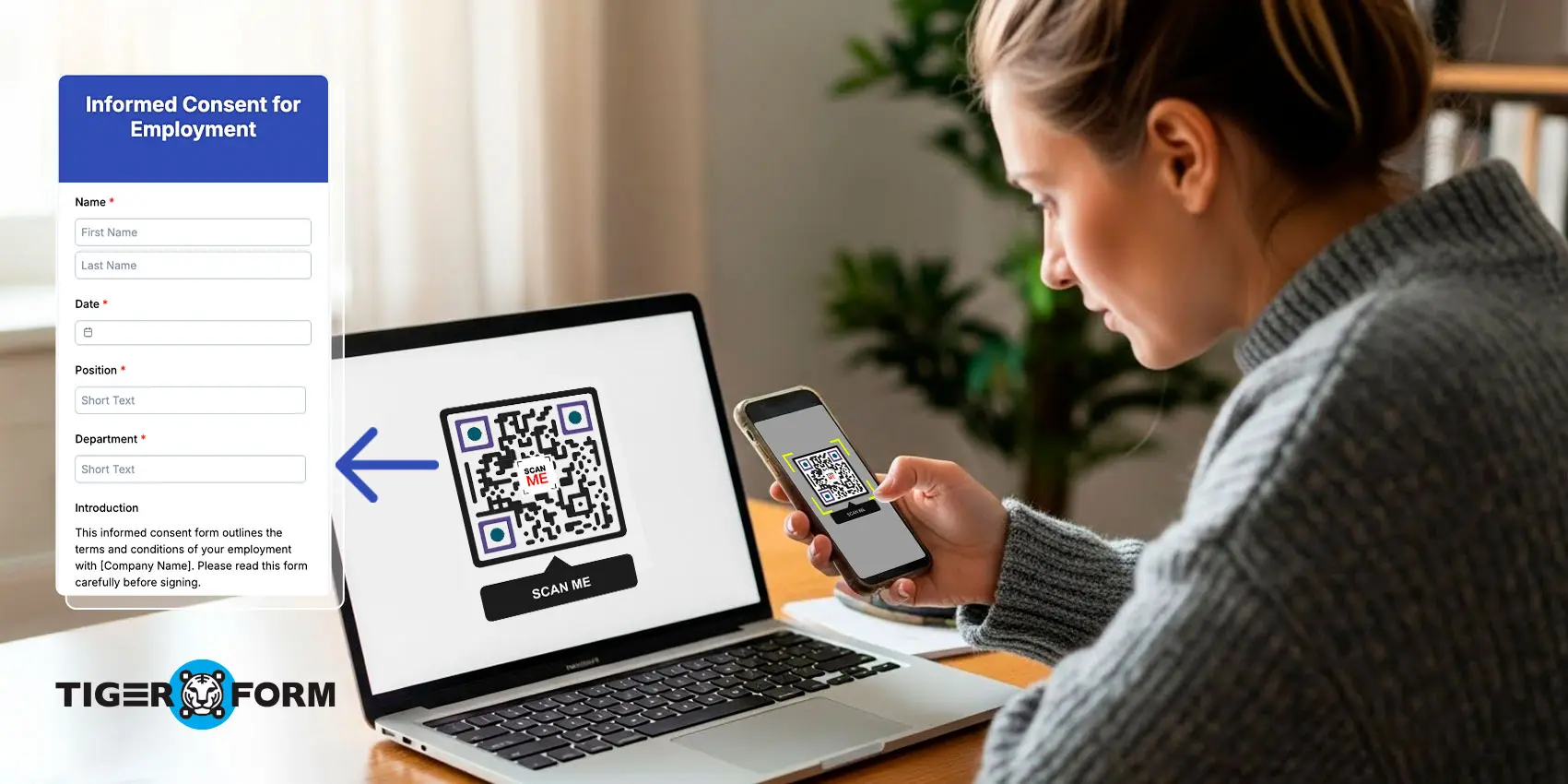
You may be too familiar with paper forms; they have been the preferred form tool for a long time. But how about making consent forms digitally efficient and accessible anytime, anywhere with QR codes?
Forms accessed with quick scans, filled out and signed using phones, are now the default process. QR code forms remove the friction of traditional paper forms. People no longer look for printed sheets. They do not wait for email attachments. They do not get lost in long instructions and queues.
QR codes also help your team. You can place them on product packaging, event booths, or check-in desks. You remove the need for manual distribution. You create a workflow that feels modern and reliable. Digital consent forms with QR codes convey two clear messages to customers. One, their data will be protected. Two, their time matters.
10 benefits of QR code consent forms for your business
1. Helps you be compliant with clear digital records
Compliance depends on proof. Therefore, you must record and document every consent agreement you process, including the date the customer gave their consent and the terms they agreed to.
An online consent form with QR makes recording automatic. A quick scan takes customers to a form that captures every detail. It stamps the exact time and syncs saves. You can access the information quickly whenever you need it, which strengthens your credibility with customers.
2. Makes consent steps easy to follow
A QR form guides the user. Directions are quick: “Scan to access consent forms!” Also, without so many technical editing skills, a QR form generator allows you to organize your form sections in a user-friendly and simple structure. This clarity improves the customer experience. Less confusion builds trust. Customers feel respected and informed.
3. Simplifies reviewing and signing forms
Paper forms slow people down. Long queues at desks take time because staff need to walk every customer through the small details of the form.
A digital scan-to-fill consent form removes these delays. People can read and sign from their own device, anytime and from any place they are currently at. They can double-check the details without pressure and even save a copy for themselves. Control and trust come from simplicity.
4. Secures data from submission to storage
Security is a basic expectation. Manual paperwork exposes private information to risk at every approval point or stop point a paper form passes through, from duplicate printing to delivery in customer mailboxes for copies.
With a GDPR-compliant consent form, you lower that risk. The data is entered into a protected system immediately after the user submits it. Access is limited to authorized staff. Files are stored within the secure consent form generator. This privacy will give your customers reliable assurance.
5. Reduces errors with digital features
Errors happen a lot with paper forms. Handwriting can get messy, and sometimes people skip fields by accident. This leads to the staff having to fix mistakes later, which wastes time.
A digital consent form with a QR code fixes this. Required fields make sure nothing’s missed, and live checks catch errors right away as you type. You get complete and accurate information every time.
6. Reduce processing time and costs
Paper forms cost a lot. They take up storage space. Staff spend hours printing, sorting, and replacing lost ones. It all adds up to extra expenses.
Digital consent forms cut those costs big time. No printing needed, your team processes faster without the hassle. Storage is cost-friendly and simple. Customers notice the smooth flow—they know you respect their time and run a smart operation.
7. Brings data straight to your system
Digital forms send information straight to your chosen system. You do not need to retype the details. You do not need to scan pages. Everything moves from the form to your workflow without extra steps. This creates organized data that your team can use right away. Customers notice when a business handles their information well. It builds confidence in every interaction.
8. Supports off-site signups
People can submit consent even when they are not in your location. QR forms are accessible anywhere. This helps remote staff, field teams, clinics, events, outdoor activities, and mobile services. Everyone stays aligned. Everyone gets the right information without waiting for printed sheets.
9. Instant form onboarding and access
Paper means digging through files or long lines. New customers wait while staff hunt for forms. It feels clunky and unwelcoming.
QR codes open forms in seconds. Onboarding is a breeze. No searching for staff, no queues for visitors. First-timers experience a quick and respectful process that makes them feel valued from the start.
10. Keeps all signed forms organized
Digital systems keep your files sorted. You can find old submissions fast. You can respond to requests with accuracy. You avoid the chaos of folders and paper piles.
This level of organization signals strong internal practices. Customers and partners appreciate businesses that handle documents with care and order.
Consent forms for industries and their templates
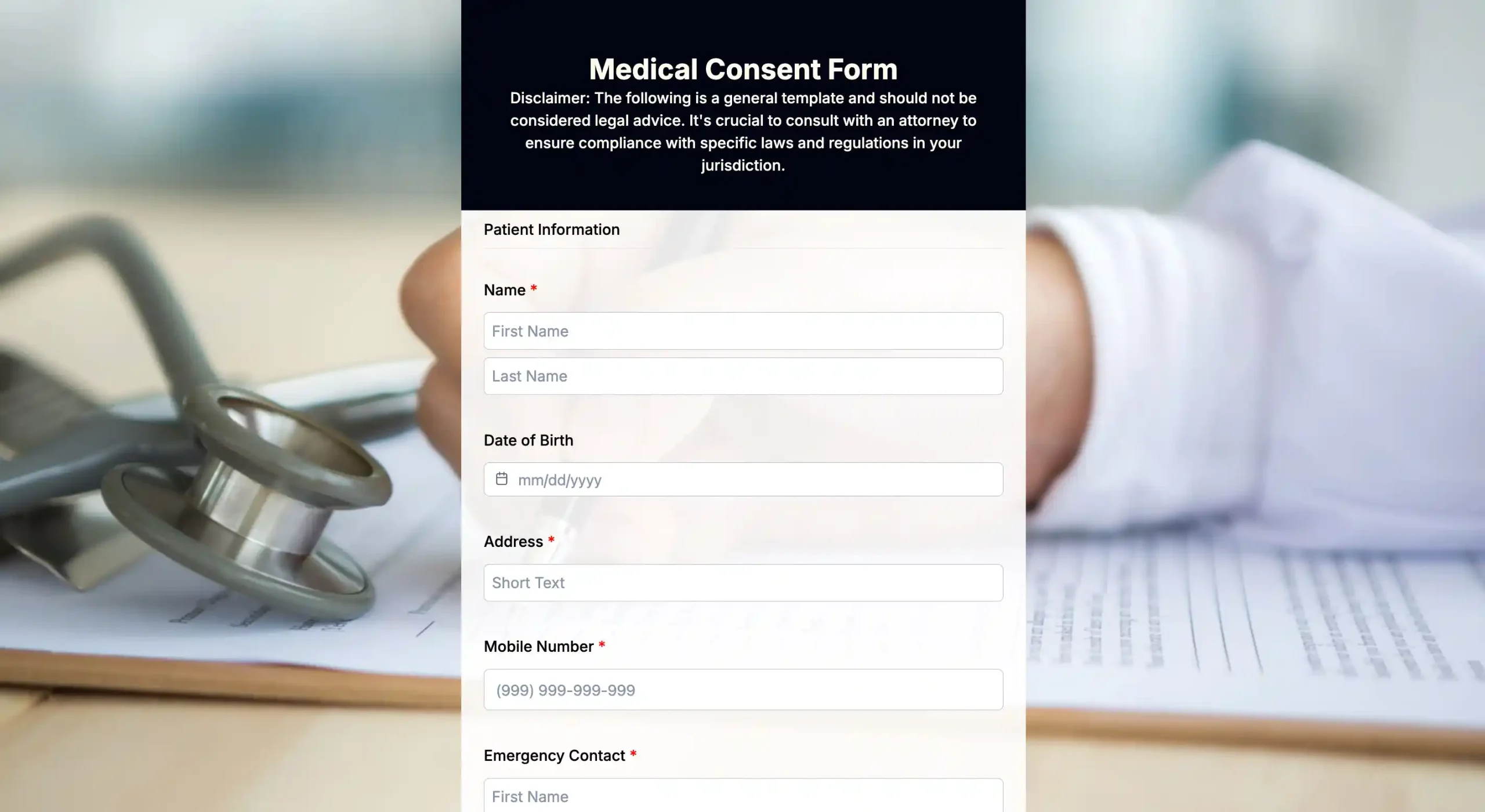
Medical consent form template
Medical consent forms explain the treatment or procedure a patient will receive. They list the risks, benefits, and reasons for it. The form makes sure the patient understands everything. QR-based medical consent forms cut waiting time at clinics.
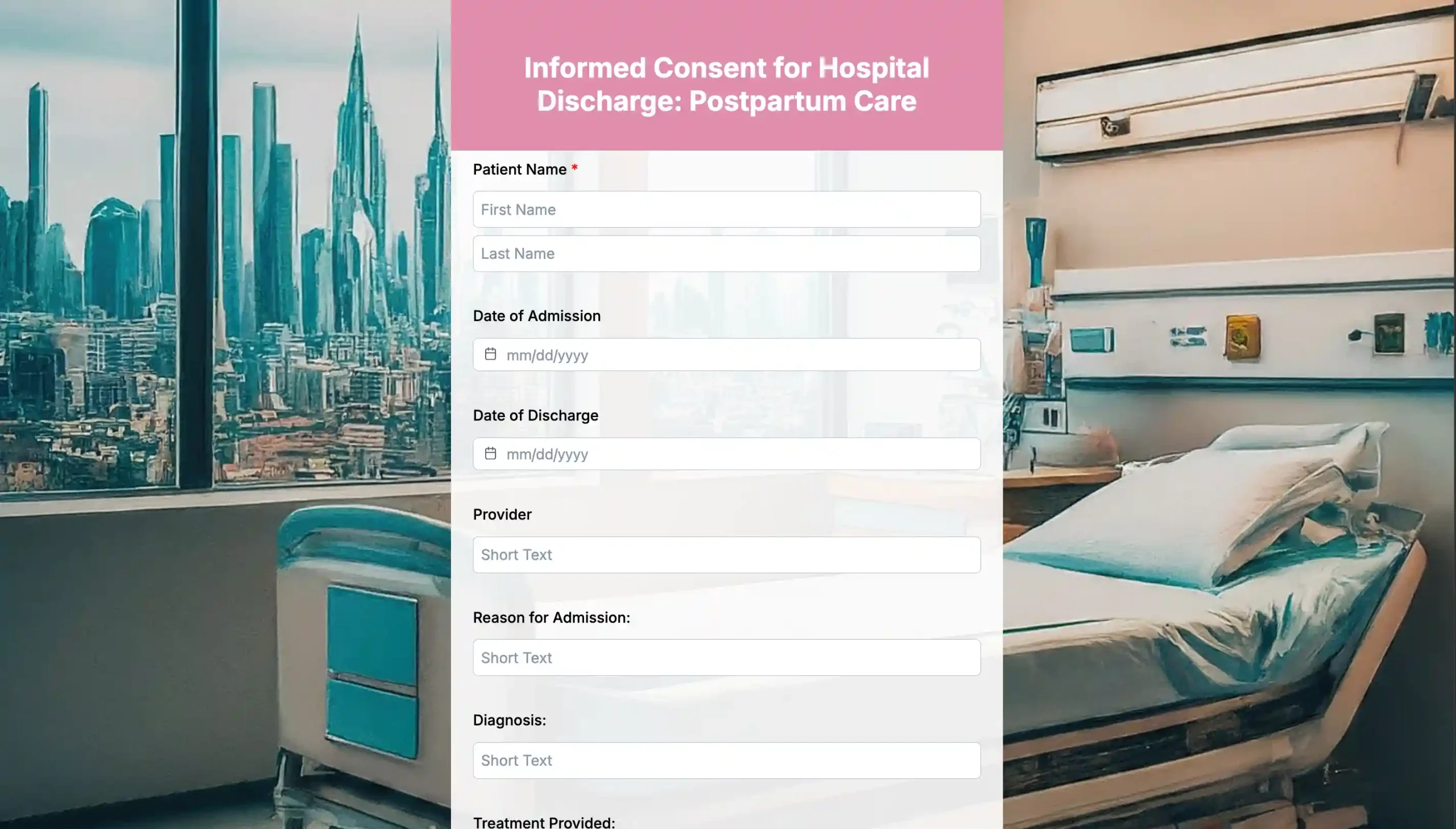
Camp consent form template
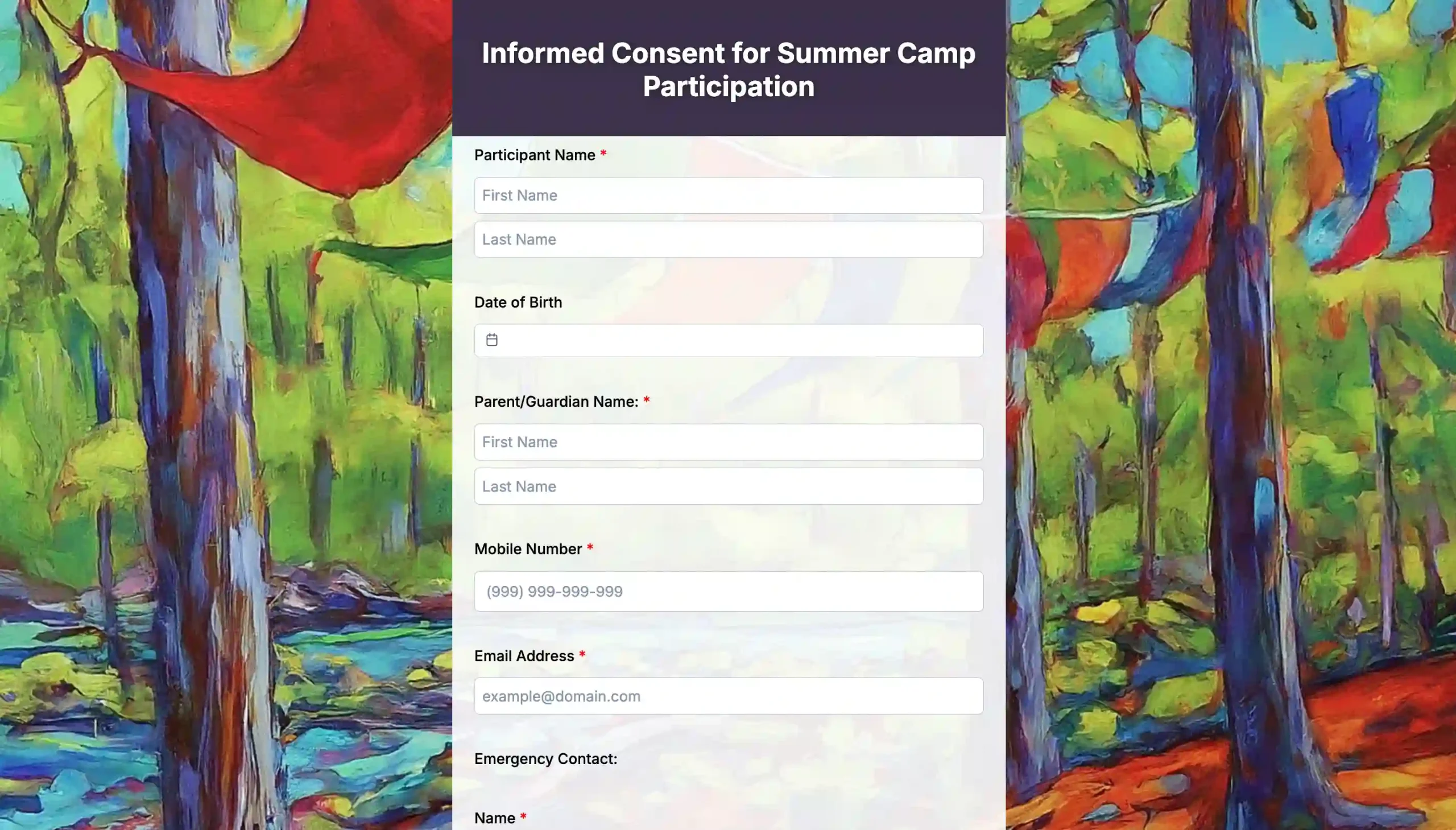
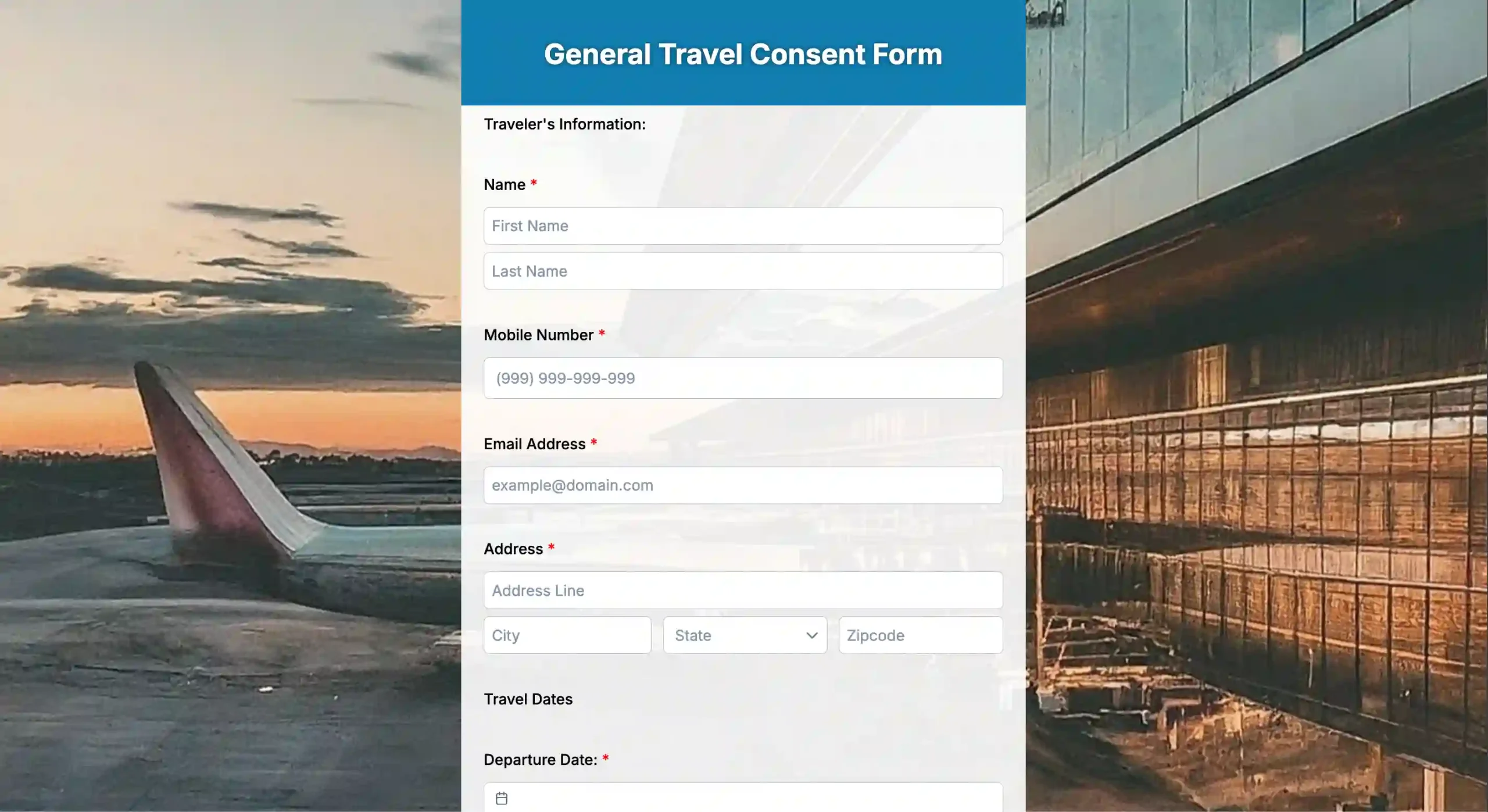
Camps need consent for activities, health info, emergency contacts, and safety rules. Parents fill out these forms through QR links right at registration. This way, organizers get details early. It keeps kids safe during the whole event.
Dental consent form template
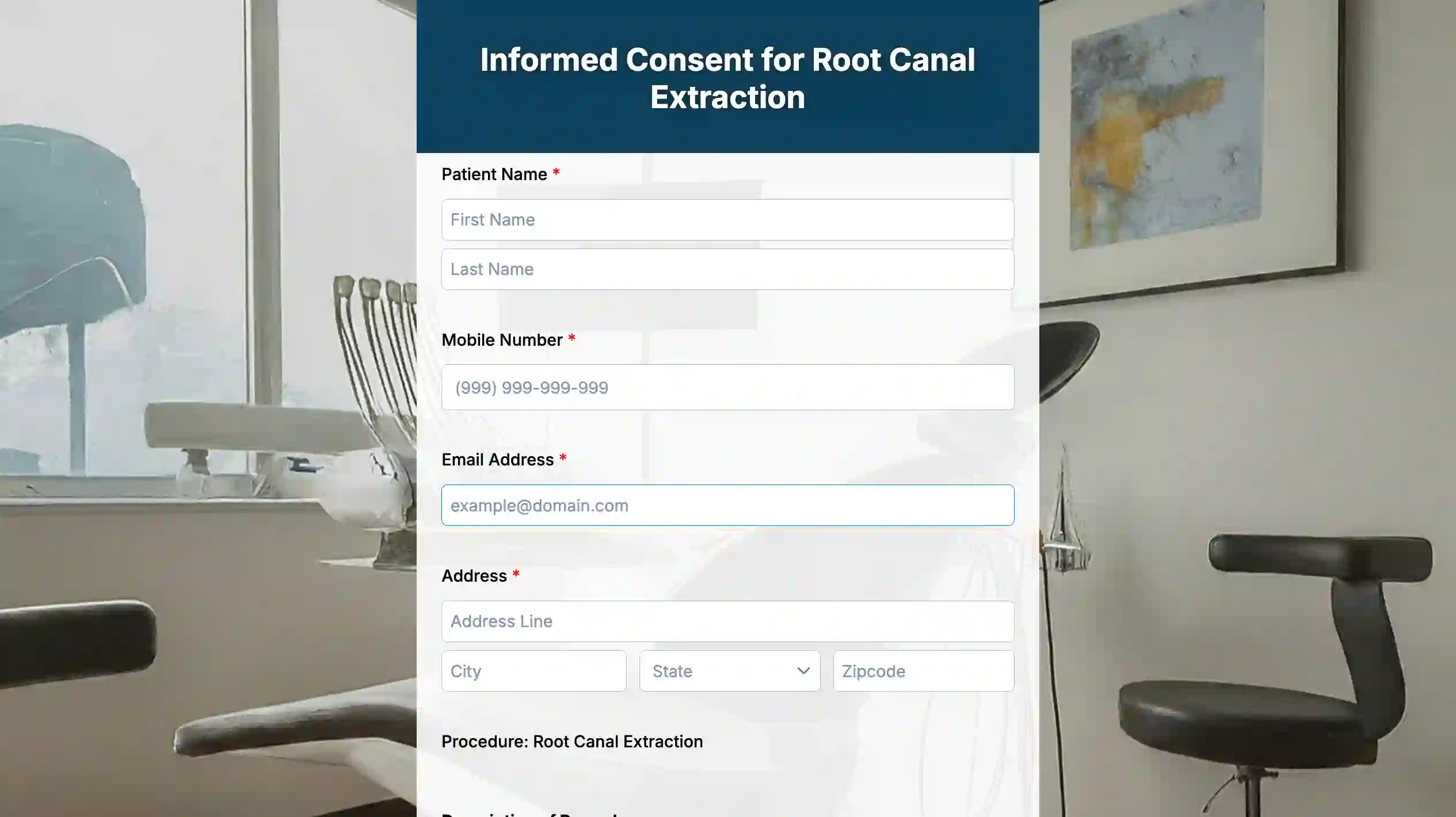
Dental consent forms cover cleanings, extractions, fillings, or surgeries. They explain exactly what happens and what patients can expect. This form speeds up check-in at dental clinics. It also reduces paperwork mistakes.
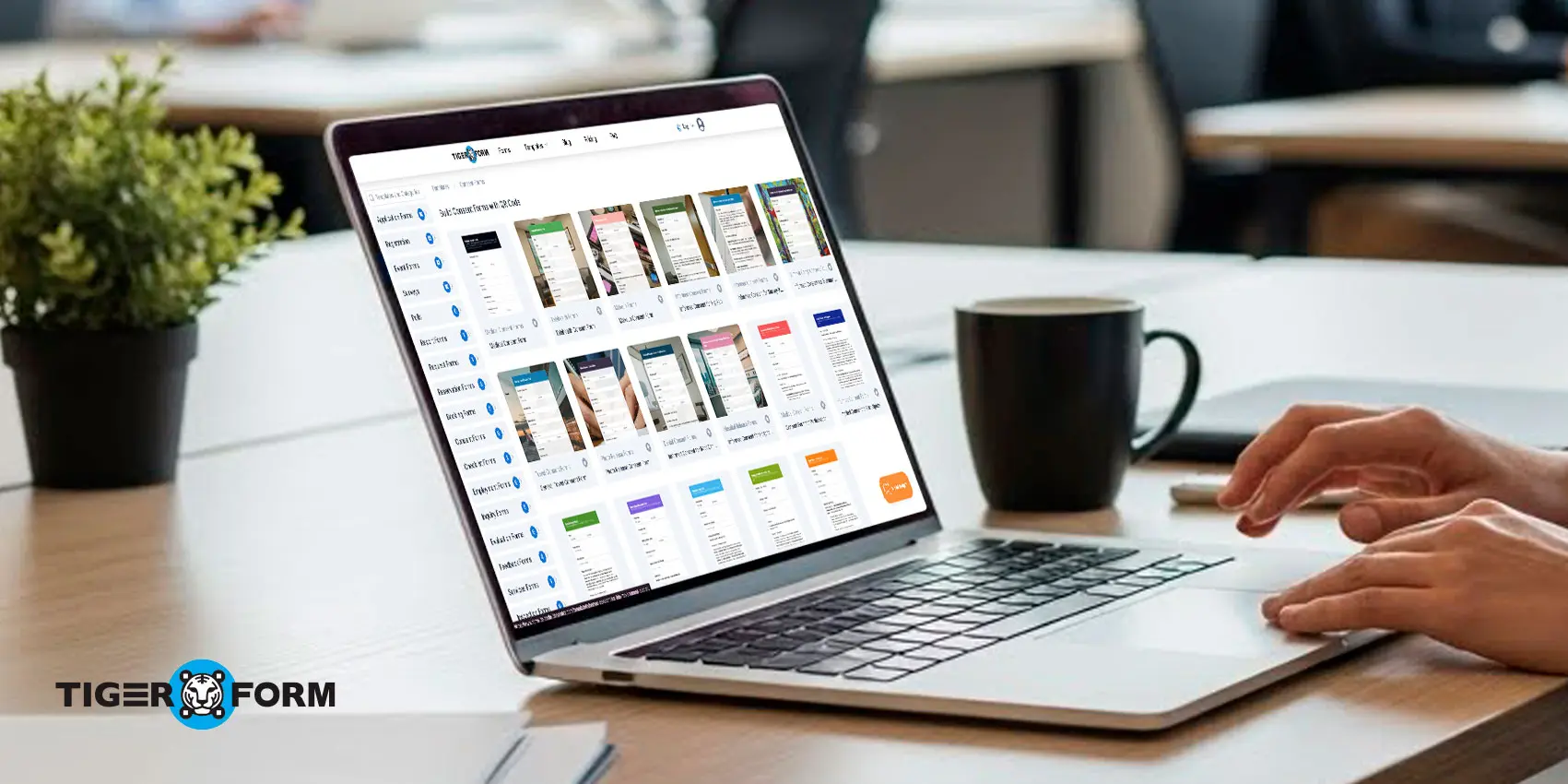
How to set up a mobile-friendly consent form with templates
A mobile-friendly consent form works on any screen and allows users to complete the process quickly. You can set one up with these steps.
1. Sign up for a QR form tool
Sign up for a form creator and open the templates library.
2. Choose a template or use the AI form builder
In the template library, search for a consent form template that fits your needs.
2a. If you use the AI form generator
To create a form with the AI form generator, enter a short prompt describing your consent form use case. After the form is generated, adjust the fields if needed.
2b. If you use a template
Most ready-made templates are almost ready to use. Edit or remove fields based on what you need.
Insider tip: Add a signature field that supports touch signing. People can sign using a finger on a phone or tablet.
3. Preview your form
Test the form on phones, tablets, and laptops. Check text spacing and button sizes to avoid cramped layouts.
4. Generate the QR code
Once the form is finalized, generate the QR code linked to it. You can customize the design, pattern, colors, and logo to match your brand.
5. Share or print the QR code
Place the QR code on printed materials, digital screens, or onboarding areas. Users can scan and start filling out the form right away.
6. Track submissions and responses
View submissions in the dashboard. You can see data such as scan count, device type, and location by region.

Support honest communication with QR consent forms
Trust is fragile, and traditional consent processes can create confusion that hurts the brand trust you have built. They expose private information, making customers question the safety of their data. These issues affect how people see your brand.
But a digital consent form with QR codes offers a simple and clear solution. They help you protect data, keep records clean, speed up onboarding, support mobile use, and organize your entire process. Trust grows when users know what they are signing and feel safe doing it.
Build stronger brand trust with QR consent forms today!
FAQs
Can a business rebuild trust if its consent practices were previously weak?
Yes. When you update your consent process, explain what changed and why. People respond well to honesty. Taking steps to improve shows maturity and responsibility.
Does the design of a consent form affect trust?
Yes. A clean layout, readable text, and well-organized sections help users understand the agreement faster. A cluttered form creates hesitation. A polished form builds confidence in your process.
Do QR code consent forms work without an internet connection?
A QR code needs an internet connection to load the form. Once the form loads, users can fill it out and submit it through their mobile data or available WiFi. For events with weak connectivity, hot spots or offline-ready devices help support submissions.
How long does it take to set up a QR consent form?
The setup time depends on the number of fields and sections you need. Simple consent forms can be ready in minutes. More detailed forms take longer, but still save time compared to building paper packets or sending forms manually.
Can customers get a copy of their signed form?
Yes. Many platforms let users download or receive a copy through email after they submit the form. This helps them keep their own record and supports transparent communication.