

Creating a school registration form online simplifies the entire enrollment process for both schools and parents. Online forms eliminate lost documents, unreadable handwriting, and repeated follow-ups. Parents can complete registration anytime from any device, while schools receive accurate, organized data instantly. This makes admissions faster, reduces manual work, and creates a more reliable, stress-free registration experience compared to traditional physical forms.
This blog explains how to create a school registration form online with the assistance of a form creator. You’ll discover why online enrollment keeps growing, what features make your form more effective.
Why digital student enrollment is becoming the new normal for schools
Schools didn’t switch to online student registration just because it looks modern, the broader education system in the U.S. is already moving toward digital processes that improve access, convenience, and efficiency. A large portion of K-12 students engage with online learning tools on a daily basis, showing how familiar families and administrators have become with digital interaction in education. This shift toward technology isn’t limited to classroom tools, it influences how parents expect administrative tasks like registration to work as well.
Digital student enrollment flips that entire experience. Parents can fill out the form from home, the office, or their phone during a quick break. Every detail is securely stored in a database, so the school doesn’t need to chase missing documents or struggle with unreadable handwriting. Thus, schools get cleaner data, faster admissions, and fewer bottlenecks during the busiest time of the year. Everything is stored in one place, changes can be tracked instantly, and staff can access records without digging through files or asking parents to resubmit information.
How to create a school registration form online with an online form creator
TIGER FORM is one of the best tools for school registration. It helps the whole setup feel effortless, especially when you’re aiming for truly parent-friendly enrolment. You’re never stuck staring at a blank screen. Thus, parents get a clean, quick form they can complete in minutes while your team receives accurate, well-organized data from day one.
Follow steps below to create a school registration form online with TIGER FORM:
1. Sign in to TIGER FORM
Start by logging into your TIGER FORM dashboard. Everything you need sits in one clean workspace, so you can jump straight into building your school registration form.
2. Choose a pre-built school registration form template
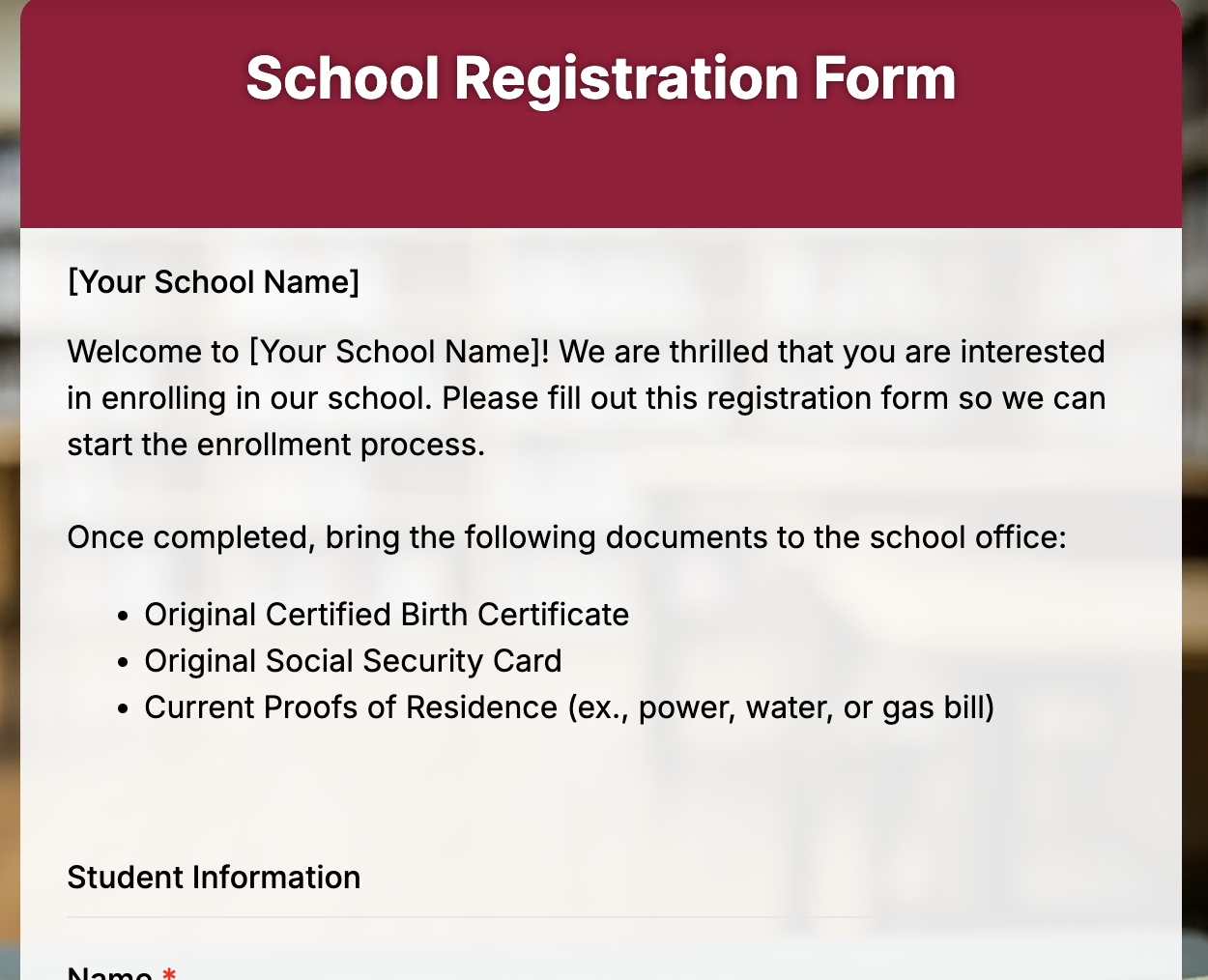
You can choose from a set of pre-built templates designed specifically for school admissions. These templates already include fields like student details, parent information, emergency contact numbers, and medical notes. You can use them as-is or tweak them to match your school’s process.
3. Use AI form builder
If you want something even faster, build the form using the AI form builder from TIGER FORM. Just type a short prompt, something like “Create a school registration form with student info, parent details, and medical history,” and the AI instantly builds a complete form layout for you. It’s a quick way to get a polished structure without any manual setup.
4. Customize the fields
Once your base form is ready, edit or add fields based on your school’s requirements. You can include dropdowns for grade levels, text fields for personal details, document upload sections for ID proofs, and signature fields for approvals.
5. Add important instructions and policies
Enhance your form’s clarity by adding sections for school policies, admission instructions, and consent statements. Parents appreciate knowing what to expect before submitting.
6. Share the form everywhere
When you’re ready, publish the form and share it through a link, embed it on your school website, or generate a QR code for form sharing for walk-in parents. TIGER FORM keeps everything accessible and easy to track.
7. Track submissions in real time
As parents fill out the form, you’ll see every entry in your dashboard instantly. You can export data, filter applications, or follow up on specific cases without sifting through paper files.
Features to look for in a form builder for hassle-free form building

- Pre-built school templates
Templates provide a strong starting point without requiring you to build everything from scratch. They already include the common fields schools need, which saves time and keeps your form structured from the beginning. You can simply edit what you need and publish faster.
- AI form generation
This feature helps you skip the setup process entirely. Simply type the type of form you want, and the system generates the layout for you in seconds. It’s a huge time-saver when you’re handling tight admission timelines.
- Drag-and-drop editing
It makes customization easy, even for non-technical staff. You can rearrange fields, add new sections, or remove questions with simple clicks. It keeps the process flexible while still looking clean and professional.
- Mobile-friendly design
Mobile friendliness ensures parents can complete the form from their phone, tablet, or laptop without any hassle. Since most families prefer filling out forms on mobile, this accessibility can significantly improve completion rates. A good form builder adjusts layouts automatically for any screen size.
- Secure student data collection
It is essential because admissions involve sensitive information. A reliable form builder stores all information securely with data security, prevents unauthorized access, and keeps records organized. This gives both parents and the school peace of mind.
- Conditional logic
It helps you shorten long forms by showing questions only when they’re relevant. For example, if a parent selects “Yes” for transport, only then does the system show bus route options. This keeps the form cleaner and easier to complete.
- File upload support
Allows parents to attach essential documents directly through the form. Documents such as ID proofs, photos, medical certificates, or transfer records can be submitted all at once. It saves schools from handling paper files and avoids missing documents later.
- Automated email confirmations
Instantly notify parents that their submission has been received. It reduces follow-up calls and gives families a sense of clarity and trust. Schools can also use these emails to share next steps or important dates.
- Multi-language support
It makes the registration process accessible to families who prefer filling out forms in their native language. It’s beneficial for schools with diverse communities. This small feature can create a more inclusive and comfortable experience.
- Easy data export
Easy data export lets your team download all applications in spreadsheets or reports. It becomes simpler to sort, filter, and manage admissions without manual entry. This alone can save hours of admin work during peak enrollment season.
Upgrade your admissions workflow – start building your form today
When your school uses a simple online form, parents finish the process faster, your team gets cleaner data, and the whole workflow starts to feel easier for everyone. It’s a small switch that creates a big difference.
TIGER FORM helps you create a school registration form online. Parents get a smooth enrollment experience, and you get fewer mistakes, fewer calls, and far less paperwork.
If you want a calmer, faster, and more organized admission season, start building your form today. It only takes a few minutes to set up, and you’ll feel the difference right away.
FAQs
1. Why should schools create a school registration form online instead of using paper forms?
Online school registration forms save time, reduce errors, and prevent lost paperwork. Parents can submit details anytime from any device, while schools receive clean, organized data instantly. Compared to paper-based registration, online forms make admissions faster, more accurate, and easier to manage.
2. Is online school registration safe for collecting student information?
Yes, when schools use a reliable form builder with secure student data collection. Online registration systems store data in protected databases, limit unauthorized access, and reduce the risk of physical documents being misplaced. This makes online registration safer than traditional paper forms in most cases.
3. Can parents easily complete an online school registration form?
Absolutely. Modern online form creators are built for parent-friendly enrollment. Forms are mobile-friendly, easy to understand, and often include clear instructions, dropdowns, and file uploads, allowing parents to complete registration in just a few minutes without visiting the school office.