
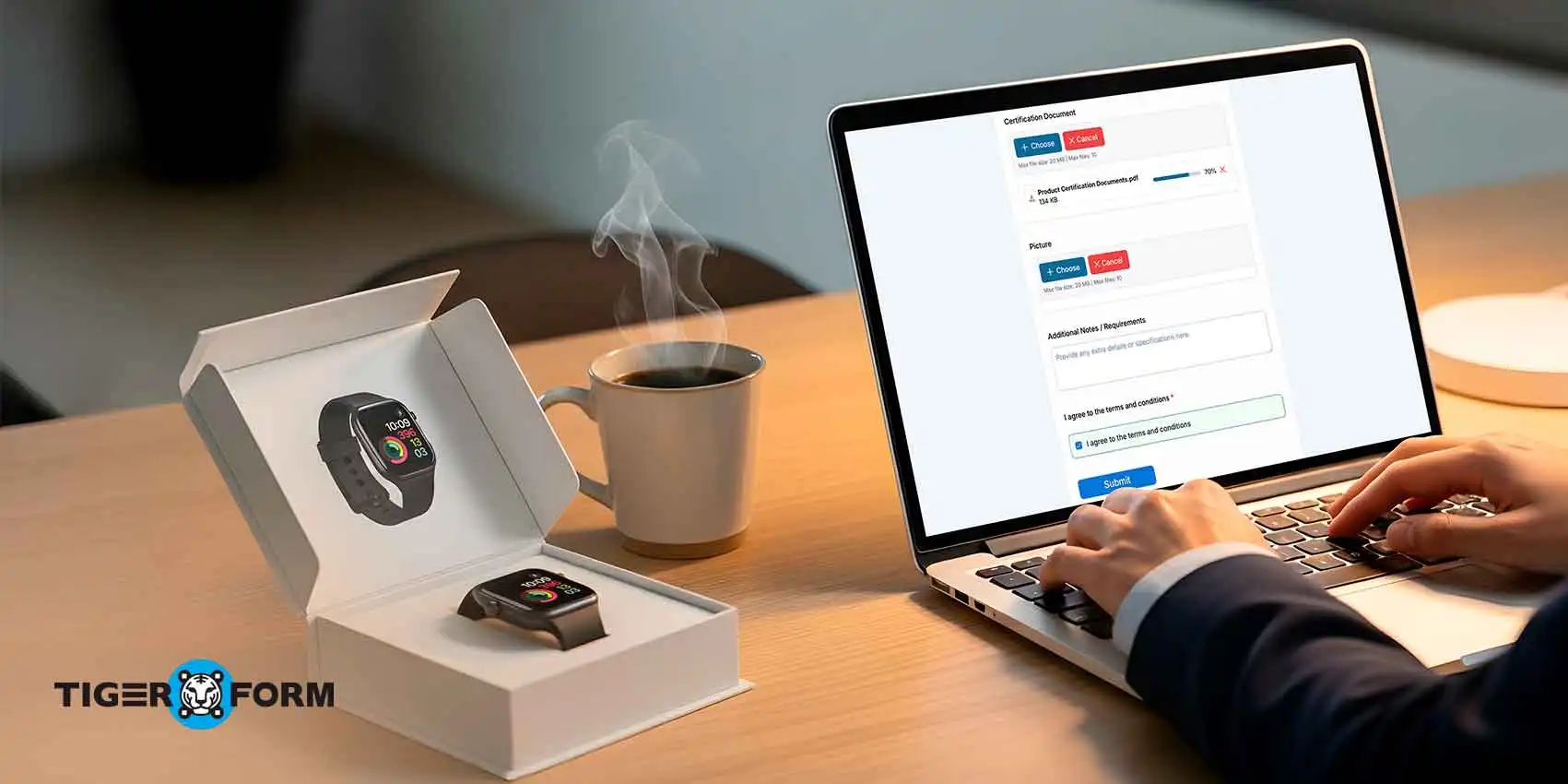
Your soon-to-be vendors create an opinion about your business before they ever sign a contract. And that opinion is shaped as early as when they first accessed your application form. When you create a vendor application form online that feels disorganized or outdated, it signals weak internal processes, even if that’s not true. Vendors hesitate. Questions pile up. Trust erodes before work even begins.
A clean, structured form does the opposite. It sets expectations and establishes credibility instantly. It guides vendors through every required detail, ensures nothing is missed, and saves your team hours of follow-ups. It turns a potentially frustrating experience into a smooth, professional first interaction, giving your vendors confidence in your process and giving your team reliable, complete data to work with.
Read the full blog to learn how to build a vendor form online with a form builder that streamlines onboarding, boosts approvals, and strengthens vendor relationships.
Why every business needs an online vendor application form
Managing vendor applications through emails, PDFs, or scattered spreadsheets wastes time and creates errors. Every missing document or incomplete submission slows approvals and adds unnecessary work for your team.
A digital vendor application form eases onboarding, reduces mistakes, and improves compliance. By guiding vendors step by step, businesses get accurate information, complete documentation, and a smooth procurement workflow. That’s why businesses need to create a vendor application form online, a single, structured solution that keeps everything organized and ensures vendors provide the right information from the start.
Key benefits include:
- Faster approvals: Vendors submit complete information upfront, cutting down back-and-forth and speeding review.
- Organized documentation: All submissions are stored in one place, making retrieval and audits simple.
- Accurate data collection: Required fields and validations prevent errors and incomplete entries.
- Compliance support: Mandatory uploads for licenses, certifications, and tax documents help meet regulatory requirements.
- Smoother procurement workflows: Standardized data makes vendor comparisons and approvals quicker and more reliable.
Step-by-step guide: Create a vendor application form online with a form creator
Creating an online application form doesn’t have to be complicated or take hours of back-and-forth. With online form builders like TIGER FORM, you can use AI-powered form generation and ready-made vendor application form templates to get a professional, fully functional form easily. Here’s how to create a vendor application form online in minutes:
1. Choose a template or start fresh
TIGER FORM offers a library of customizable vendor form templates. If you’re onboarding suppliers, contractors, or service providers, you can start with a template and tweak it to fit your exact requirements. If you prefer, AI form generation can automatically suggest the fields you need based on your industry, saving you significant time.
2. Define your required fields
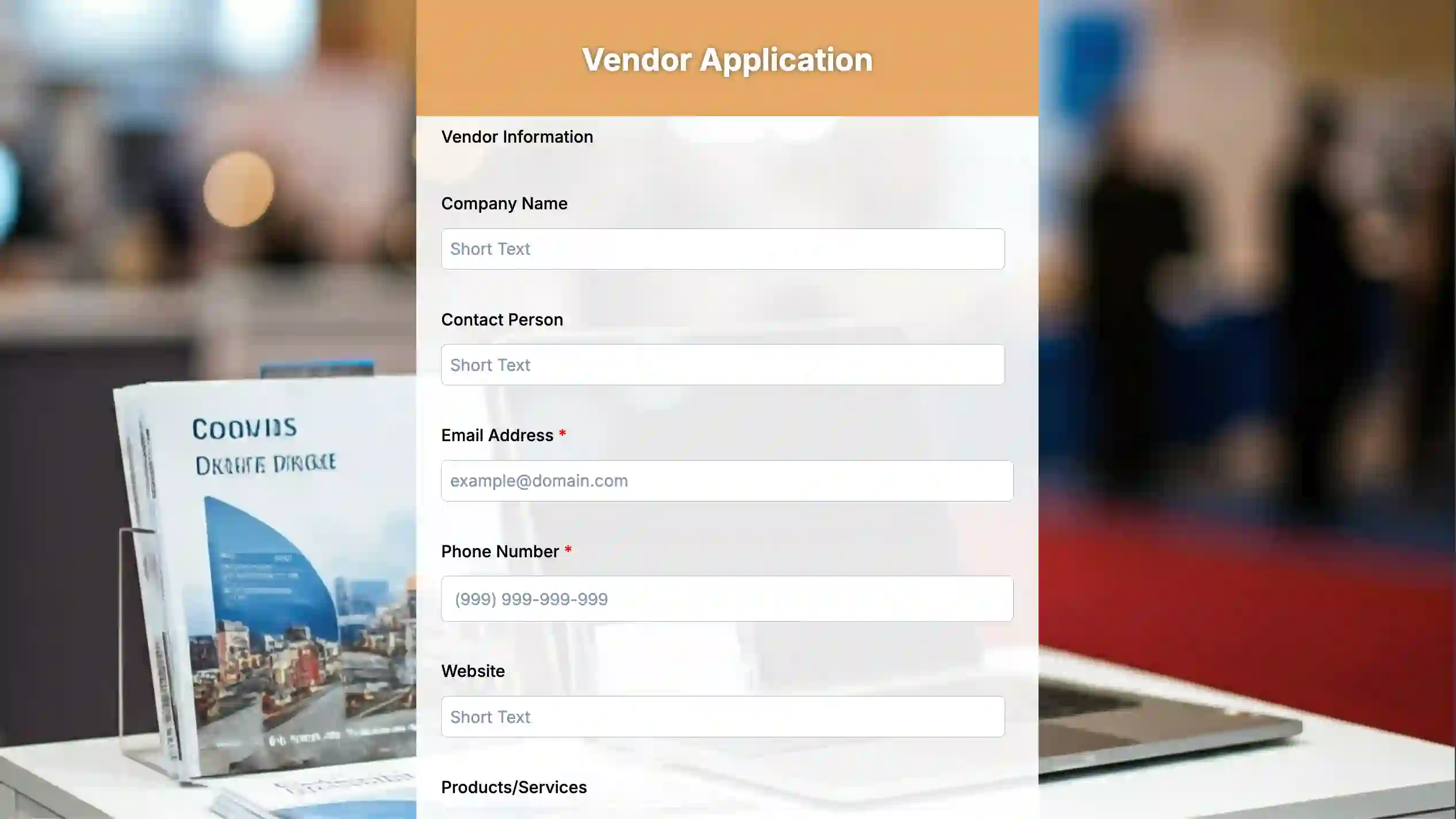
Consider the information your team requires. Form generator helps you mark fields as mandatory, add dropdowns, checkboxes, or file uploads, and set validations to ensure vendors submit accurate data the first time.
Key fields include:
Company information: Legal name, address, and contact details to know exactly who you’re working with.
Business credentials and documents: Tax ID, licenses, and certifications. These help businesses avoid risky or incomplete vendor partnerships.
Banking and payment details: Ensures smooth transactions and on-time payments.
References or past work: Helps evaluate experience and reliability.
Services or products offered: Makes comparing vendors easier and ensures the right fit.
Operational contact person: Streamlines communication and approvals.
Optional notes: Captures extra details or special capabilities.
3. Customize the form flow
Some vendor applications need conditional logic, like asking for extra documents only if a vendor is providing certain services. AI-assisted form builder in TIGER FORM makes this simple, guiding vendors step by step while keeping your form clean and user-friendly.
4. Add branding and instructions
A professional vendor application form should feel aligned with your business. TIGER FORM allows you to add your logo, brand colors, and instructions for each section, so vendors know exactly what’s expected. Clear guidance reduces mistakes and speeds up approvals.
5. Generate and share a QR code
Once your form is ready, TIGER FORM lets you generate a QR code form or a shareable link. Vendors can access the latest version instantly from any device.
6. Collect, track, and export data
Submissions are automatically organized in TIGER FORM’s dashboard. You can track completed applications, flag missing documents, and export data to your preferred system for procurement or compliance checks. Everything is centralized, searchable, and ready for review.
How to make your vendor form easy and user-friendly
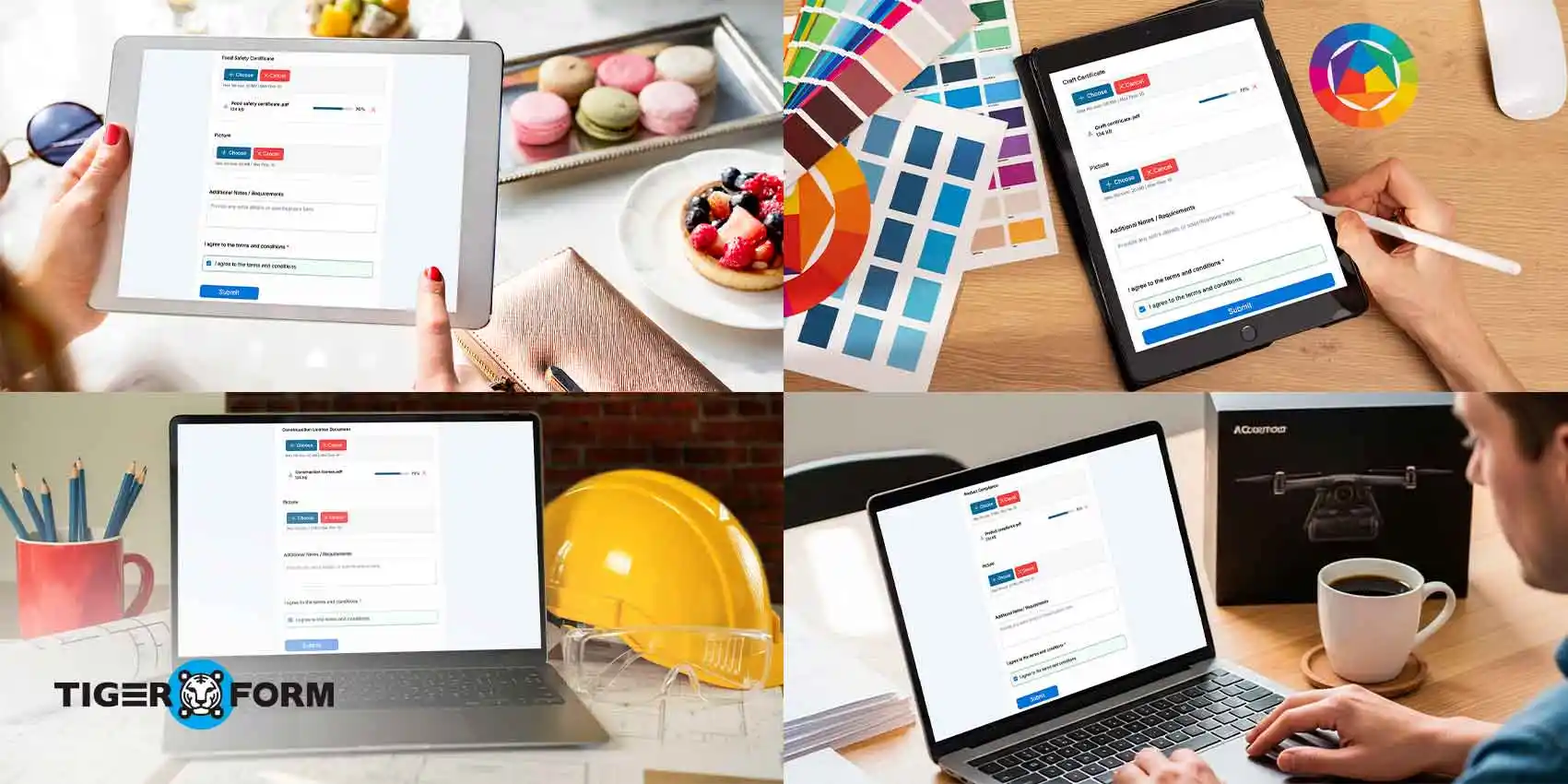
A vendor registration form is often the first formal interaction a business has with its suppliers, contractors, or service providers. If the form is confusing, overly long, or poorly structured, it can frustrate vendors, lead to incomplete submissions, or even cause delays in approvals. Making your form easy to complete and vendor-friendly sets a professional tone for the relationship from the start.
Here’s how to ensure your vendor form works for both your team and the vendors:
1. Use clear, simple language
Avoid industry jargon, abbreviations, or technical terms that vendors might not understand. Each field should have a straightforward label, and if necessary, include short instructions or examples. For instance, instead of “Provide financial instrument details,” say “Bank account number and payment details.” Clear language reduces confusion and increases accuracy.
2. Organize fields logically
Group related questions together into sections such as Company Information, Credentials, Banking Details, and Products/Services Offered. Breaking the form into clearly defined sections helps vendors focus on one area at a time, preventing the form from feeling overwhelming. A well-structured form also makes it easier for your team to review submissions quickly.
3. Highlight mandatory fields
Make it obvious which fields are required. Use visual cues, such as asterisks (*) or colored labels, and provide error messages for missing information. This ensures vendors provide all critical details upfront, saving time and reducing back-and-forth communication.
4. Enable file uploads and digital signatures
Many vendor applications require documents like licenses, certifications, or insurance proof. Allowing vendors to upload files directly into the form and sign digitally removes the need for emails or physical documents. This keeps submissions organized and speeds up the review process.
5. Make use of AI-assisted forms and templates
With platforms like TIGER FORM, you can use AI-powered form generation to suggest fields based on your industry or the type of vendor you’re onboarding. Form templates for businesses can provide a ready-made structure with best-practice fields and validations. AI guidance ensures you capture all necessary information while keeping the form simple for vendors.
6. Optimize for mobile and multiple devices
Vendors often complete forms on phones or tablets. Ensure your form is responsive, easy to navigate on small screens, and doesn’t require unnecessary scrolling or zooming. A mobile-friendly form reduces frustration and increases the likelihood of complete submissions.
7. Keep the form short and focused
Only ask for essential information during the initial application. Avoid long questionnaires that can be filled later in the onboarding process if needed. A focused form is quicker to complete and increases the response rate.
8. Provide guidance and support
Include short explanations, tooltips, or examples for complex fields. If possible, provide a contact point for questions. Vendors appreciate guidance, and it ensures your team receives accurate and complete data.
9. Test the form before launch
Before sending it out widely, test the form internally or with a few vendors. Check for clarity, usability, and any technical issues. Feedback from real users helps you fine-tune the form for the best experience.
10. Keep it professional and branded
Add your company logo, brand colors, and consistent fonts. Branding is important for businesses; a well-branded form not only looks professional but also builds trust with vendors and reinforces your company’s credibility.
Get started with easy, vendor-friendly forms
First impressions matter, and your vendor application form sets the tone for every partnership. Investing a little time upfront to create a vendor application form online pays off in smoother workflows, fewer errors, and stronger vendor relationships. Online form creators like TIGER FORM help you create your form in minutes with AI-assisted fields and ready-made templates. You can make the form intuitive, professional, and easy to complete, thereby reducing follow-ups and improving approval rates.
Invest in a smart, vendor-friendly online form today, and take the first step toward faster approvals, smoother workflows, stronger vendor relationships, and a professional onboarding process that reflects the quality and reliability of your business.
FAQs
1. How can I create an online application form?
You can create an online application form using platforms like TIGER FORM. Start with a template or AI-generated form, customize the fields for your needs, add mandatory uploads or validations, and share it via a link or QR code. Submissions are automatically collected and organized for easy review.
2. What is a vendor application?
A vendor application is a form that businesses use to collect essential information from potential suppliers or service providers. It helps verify credentials, gather documentation, and ensure vendors meet your compliance and operational requirements before onboarding.
3. Why should I use an online vendor application form instead of paper forms?
Online forms save time, reduce errors, and keep all submissions organized in one place. Vendors can submit information quickly from any device, and your team can review, track, and export data without dealing with lost or incomplete paperwork.
4. What information should be included in a vendor application form?
Essential fields include company information, business credentials (licenses, tax IDs), banking details, references, services or products offered, and an operational contact person. Each field ensures accurate and complete data, protecting your business from risky or incomplete partnerships.