

Patients walk out of appointments with a lot on their minds—sometimes relief, sometimes frustration—but rarely do they stop to share it. Without an easy way to give feedback, these thoughts fade, and healthcare teams never know what really happened. Clinics may assume long wait times are acceptable, staff communication is clear, or processes are working smoothly, simply because no one complains. In reality, patients often adjust their expectations or choose a different provider next time.
When you create a patient feedback form online, you give patients a simple, stress-free way to reflect and respond on their own time. The insights they share paint a clear picture of what’s working, what’s confusing, and what needs improvement, giving actionable steps for better care.
Read this blog to learn how to create a patient feedback form online using a form builder. You’ll see how it helps patients share honest feedback easily and allows healthcare teams to get meaningful improvements.
Why healthcare providers are moving to online patient feedback forms
Healthcare providers are moving to online patient feedback forms because patient experiences don’t end at the clinic door. Most patients need time to process how a visit actually felt, whether instructions were clear, or if something could have been better. Paper forms and quick desk questions rarely capture this. According to a study by The Permanente Journal, digital patient satisfaction surveys achieve around 36% response rates, significantly higher than the roughly 22% response rate seen with traditional paper surveys. This means healthcare teams can gather more feedback from real patients without the need for manual collection and processing.
Online feedback forms meet patients where they already are, on their phones or computers, and allow them to respond when they feel comfortable being honest. This results in more accurate, complete, and thoughtful feedback instead of rushed or filtered responses.
At the same time, a digital feedback form for patients makes life easier for healthcare teams. Responses are automatically organized, searchable, and easier to review, which helps providers identify patterns and recurring issues quickly. Instead of reacting to isolated complaints, teams can make informed improvements based on real trends. Over time, this leads to better communication, smoother processes, and stronger patient trust.
What makes a patient feedback form effective in healthcare settings
An effective patient feedback form helps to understand patient experiences, identify gaps in care, and improve healthcare services. Several key factors make a form truly effective:
1. Clear and simple language
Patients come from all backgrounds, and healthcare jargon can be confusing. Questions should be easy to read and understand, avoiding technical terms. Clear wording ensures patients answer accurately and complete the form without frustration. For example, instead of asking, “Was the provider’s communication satisfactory?” ask, “Did the physician explain your condition clearly?”
2. Focus on what matters most
Effective forms focus on the most important aspects of the patient experience, such as staff interaction, wait times, clarity of instructions, and overall satisfaction. Overloading a form with unnecessary questions can overwhelm patients and lower response rates. Prioritizing key areas ensures that the data collected is meaningful and actionable.
3. Mix of question types
Using the right types of questions for feedback is key to a balanced patient survey form. Combining multiple-choice or rating scale questions with open-ended questions creates a balanced form. Rating scales help quantify satisfaction and spot trends, while open-ended questions allow patients to share details that numbers alone cannot capture, giving a fuller picture of the experience.
4. Timing and accessibility
The best feedback comes when the experience is fresh in a patient’s mind. Sending the form shortly after the visit via email, SMS, or QR code encourages timely responses. Mobile-friendly forms also increase convenience, making it easier for patients to provide feedback on the go.
5. Build trust and ensure privacy
Patients are more likely to respond honestly when they know their answers are confidential. Clearly stating how feedback will be used and protecting personal information builds trust, which improves both response rates and the quality of the insights collected.
6. Action-oriented design
A feedback form is only valuable if it leads to improvements. Each question should be tied to an area where healthcare teams can take action. For example, asking about clarity of instructions allows staff to identify communication gaps and make concrete changes.
7. Integration with follow-up processes
Collecting feedback is only the first step. Effective forms are linked to workflows that alert staff to urgent concerns and allow healthcare providers to respond promptly. This makes sure that feedback leads to tangible improvements in patient care.
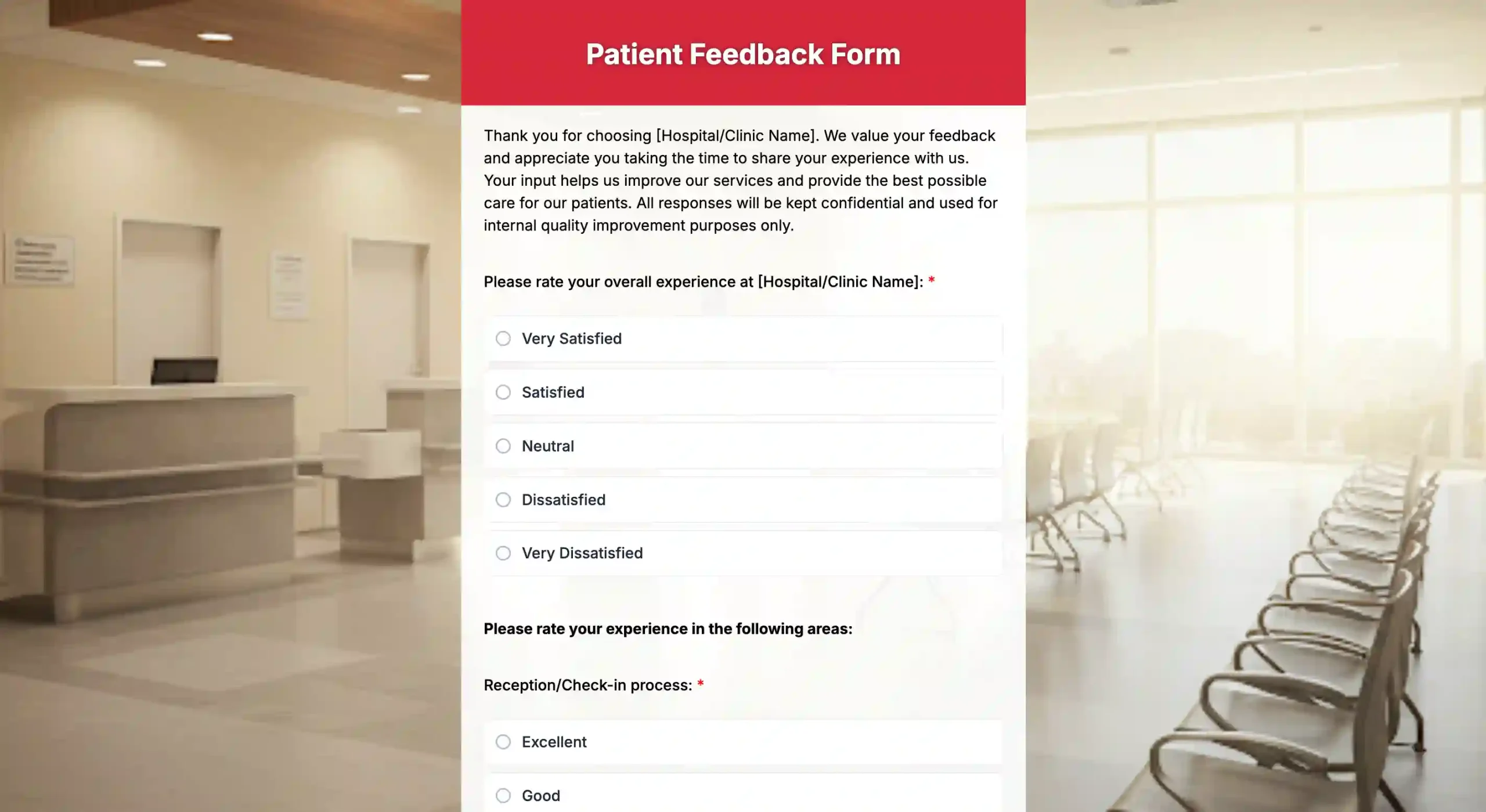
Easy steps to create a patient feedback form with an online form builder
Creating a patient feedback form doesn’t need to be complicated or time-consuming. An online form creator like TIGER FORM helps you go from idea to a live patient feedback form in minutes using ready-made, free feedback form templates designed for healthcare use cases. The platform is built to simplify the entire process, from form creation to sharing and response tracking.
Let’s walk through the steps to create a patient feedback form and see how it works.
Step 1: Choose a patient feedback form template
Start with a ready-made patient feedback form template in TIGER FORM. Templates give you the right structure from the beginning and save time.
Step 2: Generate the form using AI
Use TIGER FORM AI form generation to instantly create a patient feedback form by describing your use case. This helps you get started even if you’re unsure what questions to ask.
Step 3: Adjust question types
Customize the types of questions using rating scales, multiple-choice options, and open-ended question fields to collect both scores and detailed feedback.
Step 4: Keep the form short and clear
Edit and reorder questions using the drag-and-drop builder to keep the form quick and easy for patients to complete.
Step 5: Add privacy and consent
Include a short consent or privacy note so patients feel safe sharing honest feedback.
Step 6: Share the form online
Publish the form and share it via QR code. Patients can respond from any device.
Step 7: Review feedback and take action
View responses in one place and use the insights to improve patient experience and care quality.
Common mistakes that reduce patient feedback response rates
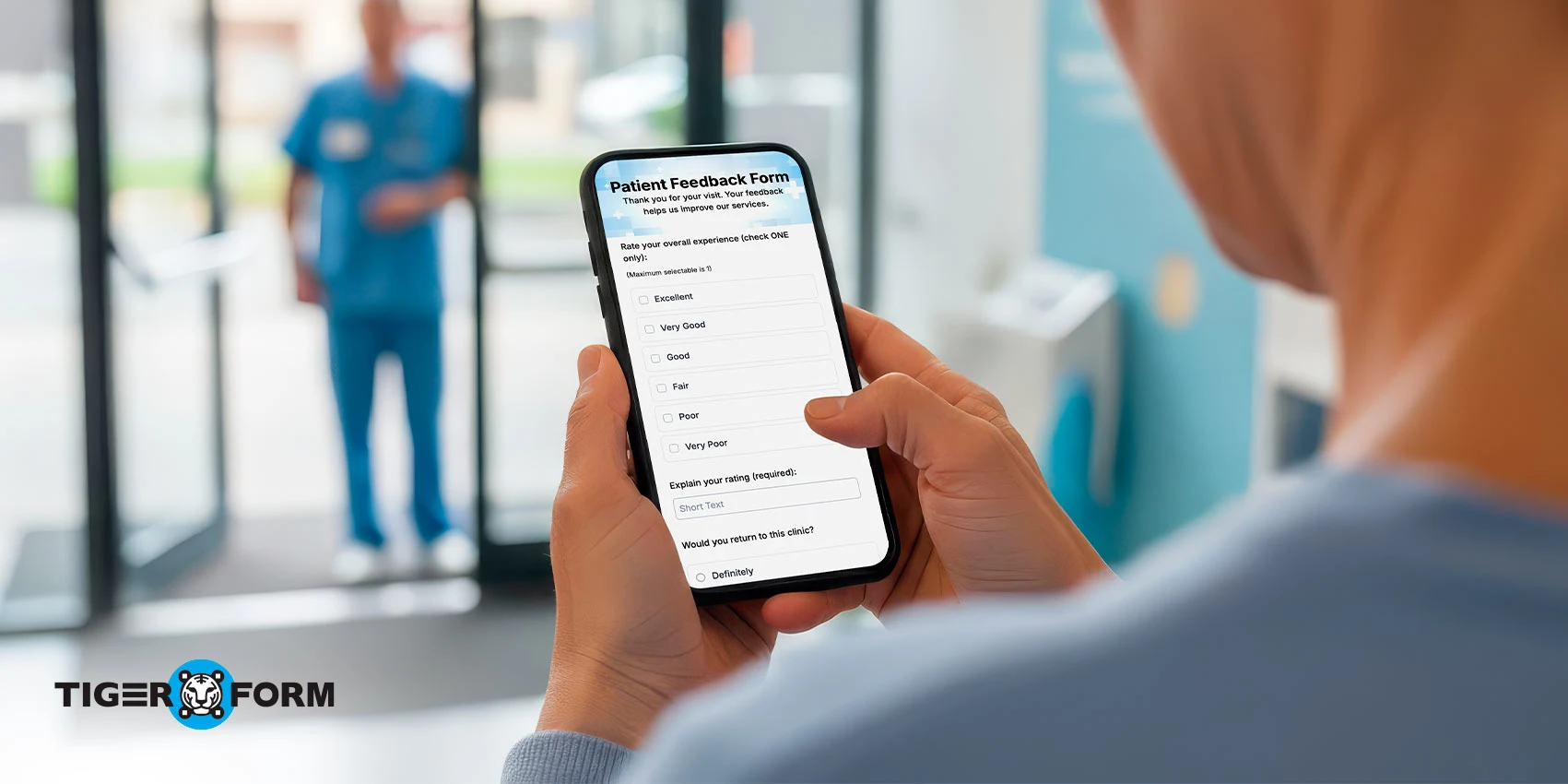
Most healthcare teams don’t struggle because patients refuse to give feedback. They struggle because small form decisions quietly push patients away. These mistakes don’t look serious on the surface, but together, they drain response rates and leave clinics guessing.
1. Asking for too much, too soon
When a feedback form feels long or demanding, patients postpone it. And postponed forms rarely get completed. Patients are willing to share their experience, but only if it fits easily into their day.
2. Writing questions that feel clinical, not human
Feedback questions that sound like internal surveys create distance. Patients hesitate when wording feels stiff, technical, or hard to interpret. If the question doesn’t feel natural, the answer usually won’t be either.
3. Turning feedback into an interrogation
Requesting unnecessary personal details introduces friction. Patients begin to wonder why certain information is needed, and that hesitation often stops the form from being completed at all.
4. Catching patients at the wrong moment
Timing matters more than most teams realize. When feedback requests arrive days or weeks after a visit, patients disengage. The experience fades, and so does their motivation to respond.
5. Overlooking the mobile experience
Most patients open feedback links on their phones. Forms that load slowly, feel cramped, or require too much scrolling are abandoned without a second thought.
6. Not telling patients why their feedback matters
When patients don’t see the purpose, feedback feels like a chore. A simple explanation about improving care or service quality can significantly increase participation.
7. Collecting feedback without closing the loop
If patients feel their input disappears into a system, future responses drop. Even small signs that feedback is reviewed and acted upon build trust and encourage continued engagement.

Turn patient feedback into actionable healthcare insights with effective digital forms
Most patients won’t complain at the reception desk. They’ll just leave with their thoughts and decide whether to return. When you create a patient feedback form online, you open a simple channel for patients to speak honestly, without discomfort or time pressure. The right form feels easy, respectful, and quick to complete.
The feedback you collect becomes a clear signal of what’s working and what needs attention, and when acted upon, it helps improve care, build trust, and create better experiences for every patient. Create a patient feedback form today with an online form generator and see the difference it can make in your care delivery.
FAQs
1. How do I create a patient questionnaire?
Keep questions short, clear, and goal-focused. Use rating scales, multiple-choice, and open-ended questions.
2. What are seven ways to improve patient satisfaction?
Communicate clearly, reduce wait times, create a welcoming environment, follow up, act on feedback, train staff, and simplify processes.
3. What are the 4 C’s of feedback?
Clear, Concise, Constructive, Considerate.
4. How often should I send patient feedback forms?
Send forms shortly after the visit while the experience is fresh, usually within 24–48 hours.
5. How can I increase patient response rates?
Keep forms short, mobile-friendly, and easy to complete, and send reminders politely.