
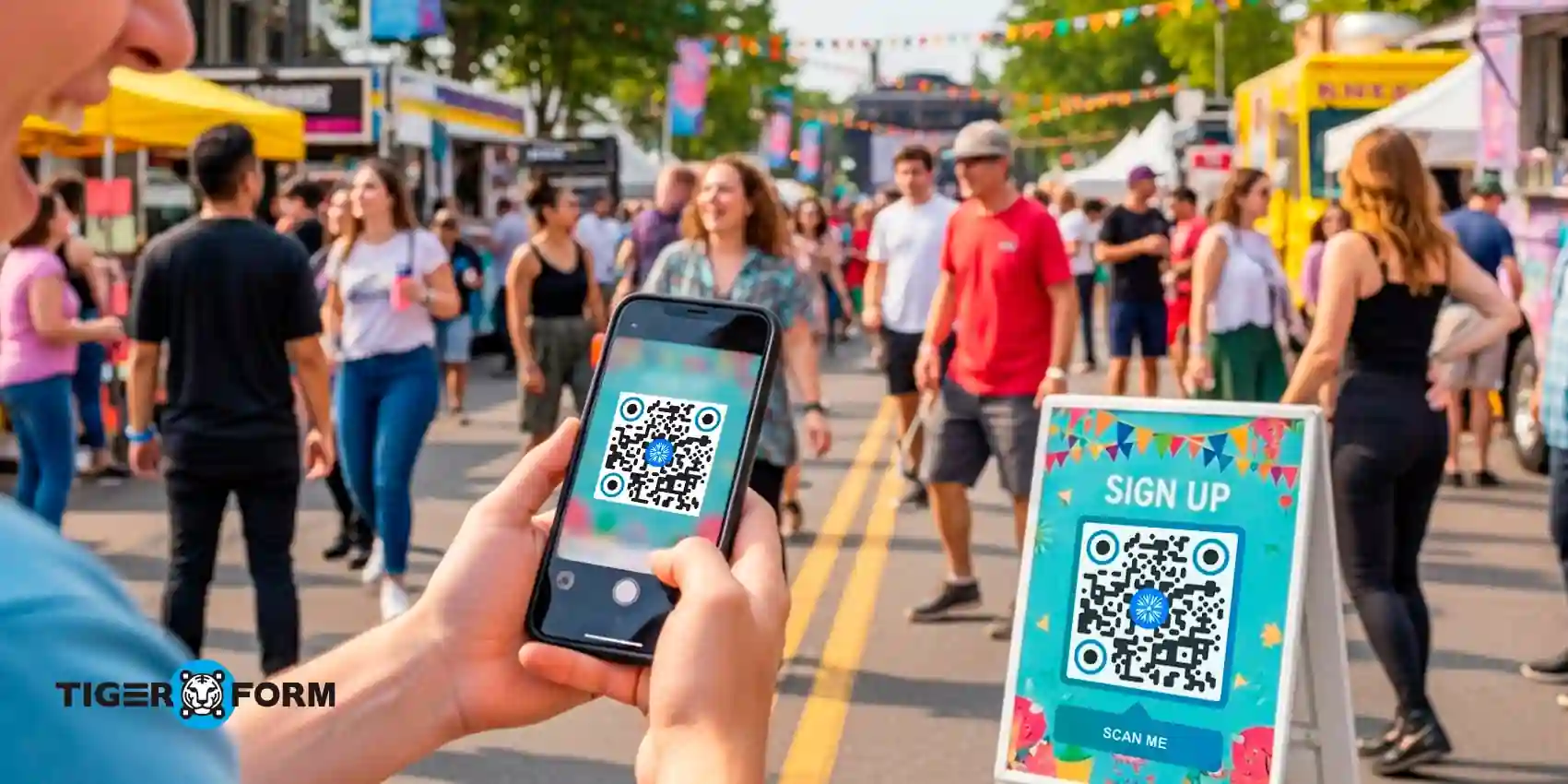
Someone walks past your poster. They notice it. They even stop for a second.
But then comes the confusion: Where do I sign up? Do I need to type a long URL later?
Most sign-up posters fail right there, not because the offer is bad, but because the action feels like work.
Signing up feels like something that requires extra effort, something to come back to later. And later almost never happens. The poster did its job by getting attention, but it failed at the most important step, turning interest into action.
This is exactly where a QR code on a poster for sign-up makes the difference. Instead of asking people to remember a link or take a photo and deal with it later, a simple scan opens a sign-up form instantly on their phone. The decision happens in the moment, when curiosity is highest.
In this guide, you’ll learn how to use QR codes on posters the right way, steps to create one with an online form creator, and more.
Why use a QR code on a poster for sign-up?
Posters are great at getting attention, but attention alone doesn’t guarantee action. In physical spaces, people make decisions quickly. If signing up feels slow or inconvenient, interest fades just as fast.
A QR code changes how posters work by turning them into instant sign-up points. Instead of asking people to remember details or take action later, it lets them respond in the moment when curiosity is highest, and hesitation is lowest.
Faster sign-ups in physical spaces
Posters live in places where attention is brief, such as hallways, entrances, cafes, campuses, and event venues. People don’t stop for long, and they rarely want to take extra steps later.
A QR code removes the delay from the process. Instead of asking someone to remember a website or type anything manually, a single scan opens the sign-up form instantly on their phone. The action occurs at the same moment as interest, when people are most likely to say yes.
Higher conversion rates compared to manual entry
Manual sign-ups create friction at every step. Form sharing with QR codes shortens that path dramatically. When a poster lets users sign up with a single scan, fewer decisions are required, and fewer mistakes occur. The result is simple: more completed registrations from the same amount of foot traffic, especially in high-visibility areas.
Works for both offline and online campaigns
You might be running digital ads, social media campaigns, or email promotions, but posters catch people where screens aren’t already in front of them. The QR code connects those worlds.
Someone discovers your event, offer, or program offline, then completes the sign-up online within seconds. This makes QR posters useful not just for physical locations, but as part of a larger, multi-channel campaign.
Easy to track scans and responses
You can track how many people scanned the code, when they scanned it, and how many completed the sign-up form. This insight helps you understand which locations, designs, or messages are driving the most responses.
Over time, you can refine your posters using real data to improve lead generation, event registrations, and walk-in conversions without reprinting everything. According to G2 Learning Hub, brands using QR codes for smooth, interactive experiences see 3–4× higher engagement than those relying on traditional digital ads.

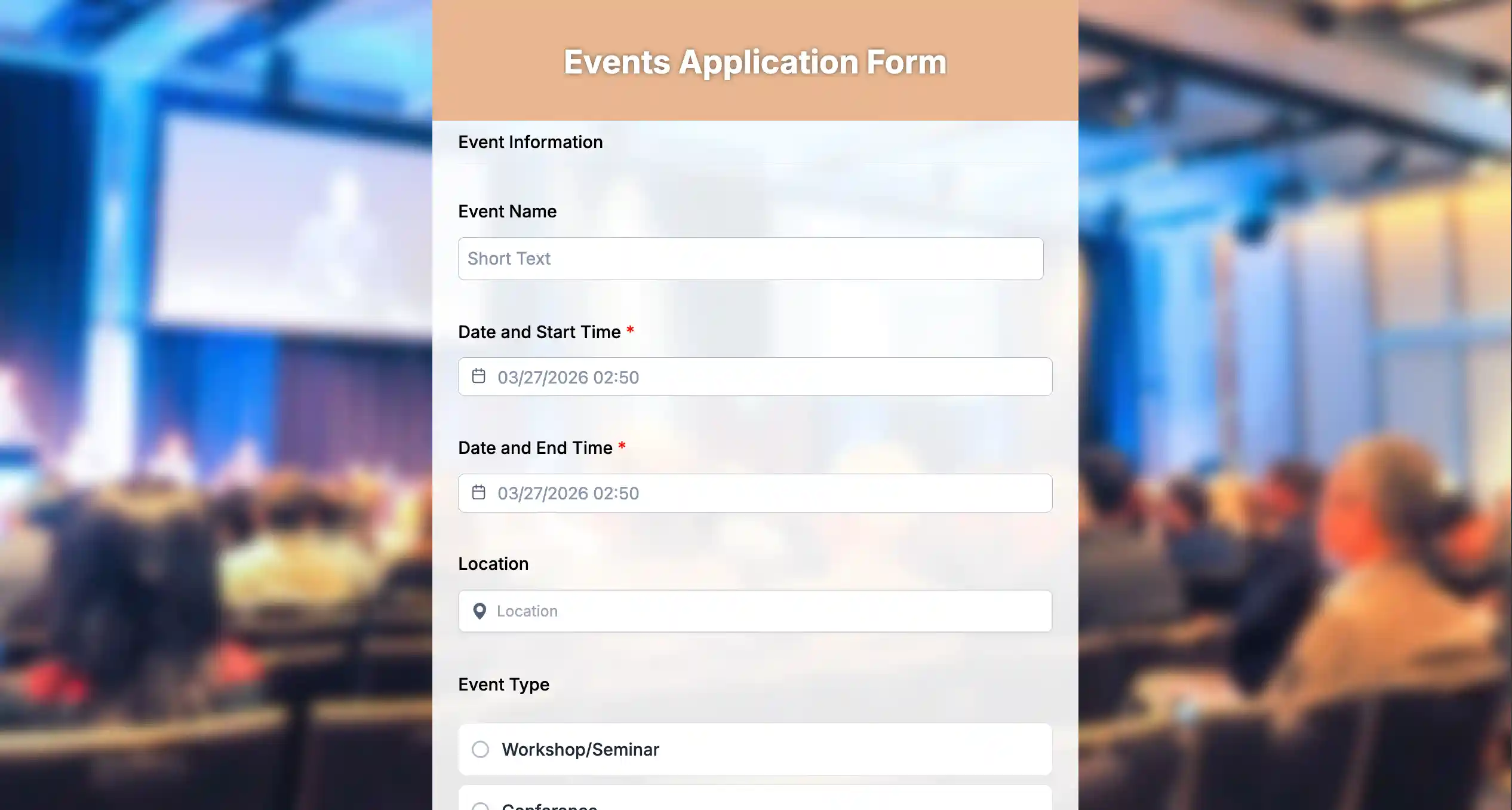
Easy steps to create a sign-up form with a QR code form builder
Step 1: Create an account or sign up
Start by creating an account or signing in to the online form creator so you can build and manage your sign-up form in one place.
Step 2: Choose a form template
Select a ready-made event registration form template designed for registrations or sign-ups. Templates help you get started quickly and follow proven layouts.
Step 3: Use the AI form generator if needed
If you prefer speed, use the AI form generator. Describe your requirement, and it creates a complete sign-up form you can edit instantly.
Step 4: Keep the form short
Limit the form to only essential fields. Short forms work best for poster-based sign-ups where people are scanning on the go.
Step 5: Preview the form on mobile
Check how the form looks and works on a phone. A smooth mobile experience directly impacts completion rates.
Step 6: Generate a dynamic QR code
Create a QR code that links directly to your form. Dynamic QR codes let you update the form later without reprinting posters.
Step 7: Test the QR code
Scan the QR code from different distances and lighting conditions to ensure it opens quickly and correctly.
Step 8: Place the QR code and track results
Add the QR code to your poster with a clear call to action and track scans and submissions to improve performance over time.
Common use cases for QR code sign-up posters
Event sign-up posters
Events thrive on quick decisions. If it’s a concert, workshop, webinar, or college event, people often discover these opportunities while walking by, not while actively searching online. A QR code on the poster lets them register instantly, before distractions take over. This is especially effective for free events, limited seats, or time-sensitive registrations where urgency matters.
Store and in-person promotions
Retail spaces are full of micro-moments. Customers waiting at checkout or browsing aisles are more likely to sign up if the process is effortless. QR codes on posters for sign-up can lead to loyalty program sign-ups, discount alerts, membership registrations, or early access offers. Instead of asking customers to fill out forms at the counter, the QR code keeps the customer experience quick and non-intrusive.
Office and workplace posters
In offices, posters are often used for internal communication, but sign-ups still get missed. Poster QR code makes it easier for employees to register for training sessions, internal events, policy acknowledgments, or HR forms. Because employees can scan and submit on their own devices, it reduces back-and-forth emails and improves participation rates.
Schools, clinics, and public spaces
Educational institutions and healthcare settings rely heavily on posters for information sharing. QR codes make these posters actionable instead of informational. Schools can collect admissions inquiries, newsletter sign-ups, or parent feedback with a quick scan. Hospitals and clinics can speed up patient intake by selecting a hospital admission form template and linking it to a QR code, creating the form in just a few steps and allowing visitors to start filling in details on their phones, reducing delays at reception.
Gyms, fitness centers, and wellness studios
Fitness spaces are ideal for QR-based sign-ups because visitors are already motivated. Posters near entrances, lockers, or reception desks can link to class registrations, free trial sign-ups, or membership inquiries. A quick scan removes the pressure of committing on the spot while still capturing interest.
Conferences, expos, and trade shows
At busy venues, no one wants to wait in line or exchange business cards. QR code posters placed at booths or common areas can collect lead information, session registrations, or demo requests. This helps brands capture qualified leads while attendees move freely through the space.
Restaurants, cafes, and hospitality spaces
Hospitality venues use posters for more than menus. QR codes can drive newsletter sign-ups, reservation requests, feedback forms, or special offers. Since customers already have their phones out, scanning a poster feels natural and friction-free.
Residential communities and shared spaces
Apartment complexes, coworking spaces, and community centers often rely on notice boards. QR code posters can collect RSVPs for events, maintenance requests, resident feedback, or community announcements. This keeps engagement centralized and easy to manage.
Nonprofits and community organizations
Posters at donation drives, community events, or public notice boards can use QR codes to collect volunteer registrations, event RSVPs, or cause updates. This simplifies outreach and builds a reliable supporter list.
Best placement areas to display QR code posters for sign-ups
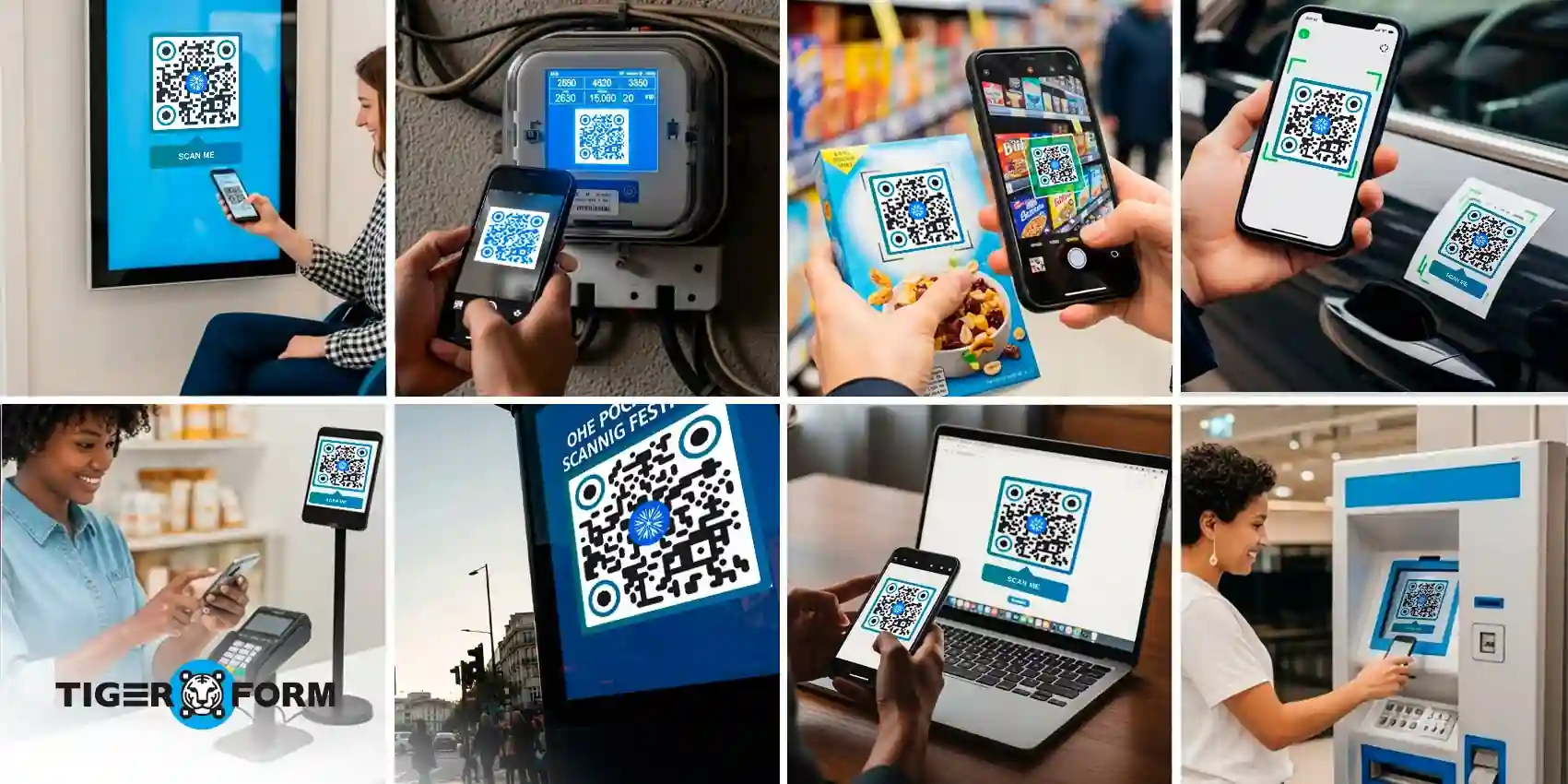
Where you place a QR code poster matters just as much as the design. Even the best sign-up form won’t convert if people don’t have the time or space to scan it. The goal is to place posters where people naturally pause, wait, or make decisions.
1. Entrances and exits
Entry and exit points get the highest foot traffic. People often slow down here, making it a natural moment to scan. Posters placed near doors work especially well for event registrations, memberships, and newsletters.
2. Waiting areas and queues
Lobbies, reception areas, checkout lines, and waiting rooms are ideal because people already have time to spare. A QR code sign-up poster here feels like something to do, not a task. This placement consistently drives higher completion rates.
3. Checkout counters and service desks
When customers are already interacting with a brand, they’re more open to signing up. Posters near billing counters, help desks, or information kiosks work well for loyalty programs, feedback forms, and follow-ups.
4. Near product displays or promotional areas
If a poster supports a specific offer or event, place it right next to the relevant display. Context matters. People are more likely to scan when the sign-up is directly tied to what they’re looking at.
5. Elevators, stairwells, and corridors
These are overlooked but powerful spots. People pause, wait, or move slowly, giving them enough time to notice and scan a QR code without feeling rushed.
6. Break rooms and common spaces
Shared spaces like cafeterias, lounges, and staff rooms encourage casual engagement. QR code posters here work well for internal sign-ups, announcements, and optional registrations.
7. Near seating areas
Benches, cafe tables, waiting chairs, and lounges naturally invite scanning. When people are seated, they’re more likely to complete the full sign-up rather than abandon it midway.
8. Event check-in points
Placing a QR code scanner near registration desks or entrance gates helps capture last-minute sign-ups. It also reduces crowding by letting people register on their own devices.
Turn every poster into an instant sign-up point
When the action is instant, more people follow through. A clear poster, a short mobile-friendly form, and a well-placed QR code are often all it takes to turn passing interest into real registrations. If you’re promoting an event, collecting leads, or driving in-store engagement, QR code sign-up posters help you capture responses when people are ready to act.
Start simple. Choose the right form template or use an AI form generator, connect it to a dynamic QR code, and place the poster with your QR code at a sign-up spot where people naturally pause. From there, track what works, refine your approach, and keep improving results without reprinting anything.

FAQs
1. What size should a QR code be on a poster for sign-ups?
For posters, make the QR code large enough to scan from a distance, generally bigger than smaller print materials, so it’s easy to read and use.
2. Can I change the link after printing the QR code on a poster?
Yes, if you use a dynamic QR code, you can update where it leads without reprinting your poster.
3. Do QR codes on posters actually increase sign-ups?
Yes, QR codes turn passive posters into interactive tools, letting people scan and register instantly, which drives higher engagement than asking them to type a link.
4. Where should a QR code be positioned on a sign-up poster?
Place it at eye level with clear call-to-action text and enough contrast and white space so it’s obvious and easy to scan.